15 Advanced Procreate Projects for Pros
Take your digital art further with advanced Procreate projects that sharpen your skills, speed up your workflow, and spark fresh creative ideas.
Table of Contents
- Procreate Palette Builder: Create Your Signature Color System
- The Procreate Playbook: Create a Vibrant Graphic Illustration With Confidence
- Make it Pop! Elevate Your Lettering & Illustration in Procreate
- Create an Art Nouveau Poster in Procreate: Lettering & Illustration
- Travel Journaling: Urban Watercolor Sketching in Procreate
- Draw a 4-Panel Comic Strip for Social Media Using Procreate
- Drawing Ideas: Create Conceptual Illustrations for Editorial and Beyond
- Portrait Painting in Procreate: How to Start on a Solid Foundation
- Create a Repeat Pattern on the iPad Using Only Procreate
- Design a Travel-Inspired Mini Pattern Collection in Procreate and Adobe Illustrator
- Children's Book Illustration: Drawing Kids of Different Ages in Procreate
- Realistic Paper Cut Illustrations in Procreate
- Postcards in Procreate: Vintage-Inspired Text Effects
- From a Realistic Sketch to a Stylized Illustration in Procreate
- Create and Install Patterned Wallpaper with Procreate and Adobe Illustrator
- Keep Growing Your Procreate Skills



If you’re ready to go beyond the basics in Procreate, these fifteen advanced Procreate art projects will help you challenge your current digital drawing techniques, spark new ideas and improve your iPad art. You’ll discover how to speed up your workflow in Procreate while completing projects like a vintage postcard and hand-drawn, ready-to-print wallpaper.
As you learn how to make a painterly portrait, build your own color palette and create an Art Nouveau poster, you’ll add new skills to your creative toolbelt, like adding drop shadows and creating translucent effects. Each expert teacher will also walk you through new tools and techniques, including clipping masks and blending in Procreate.
1. Procreate Palette Builder: Create Your Signature Color System
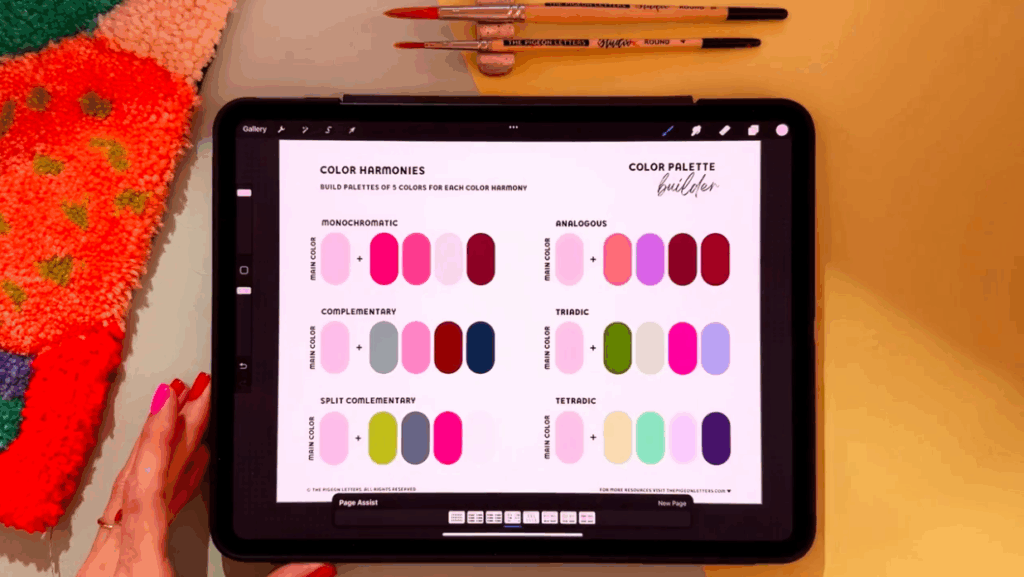
Bring cohesion and personality to your digital art by crafting your own signature color system in Procreate. In this project with illustrator Peggy Dean, you’ll learn about color harmonies and how to balance light and dark tones, all while building artist-level color palettes you can use for years to come.
Teacher Tip: Find Your Artistic Voice
“As an artist, I actually didn't find my artistic voice until I committed to developing my own signature color palette,” shares Peggy Dean.
2. The Procreate Playbook: Create a Vibrant Graphic Illustration With Confidence

Design a bold and bright graphic illustration using vibrant colors, textures, shading and experimental shapes. As you illustrate your orange super-planets and boat, you’ll explore more advanced Procreate techniques like masking, shading with halftones and emphasizing drop shadows. Illustrator and lettering artist Ulrike also teaches you how to paint a translucent water effect and draw a graphic sunburst.
3. Make it Pop! Elevate Your Lettering & Illustration in Procreate
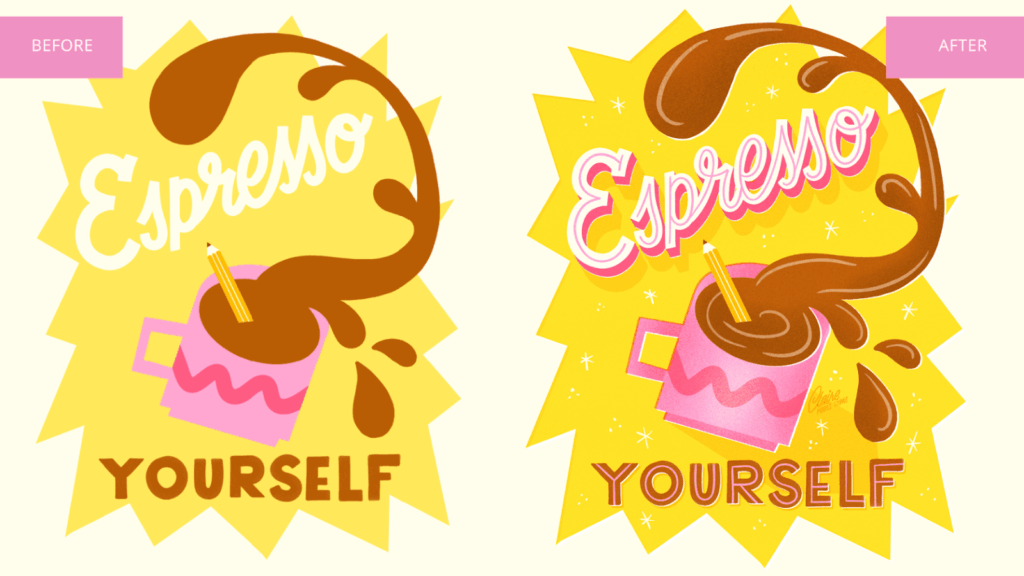
Take your existing illustrations and transform them into an eye-catching work of art with illustrator and muralist Claire van Kuijck. Learn eight simple design techniques and discover how to make your digital art stand out—without needing to start from scratch. Each method helps you add polish, clarity and visual interest to your piece.
Teacher Tip: Pushing Past Creative Block
“Anytime that I'm stuck or have art block or I don't know if an illustration piece or a lettering piece is actually finished, I follow these steps,” says Claire Makes Things. “And it always transforms my art. It's like adding a touch of magic.”
4. Create an Art Nouveau Poster in Procreate: Lettering & Illustration
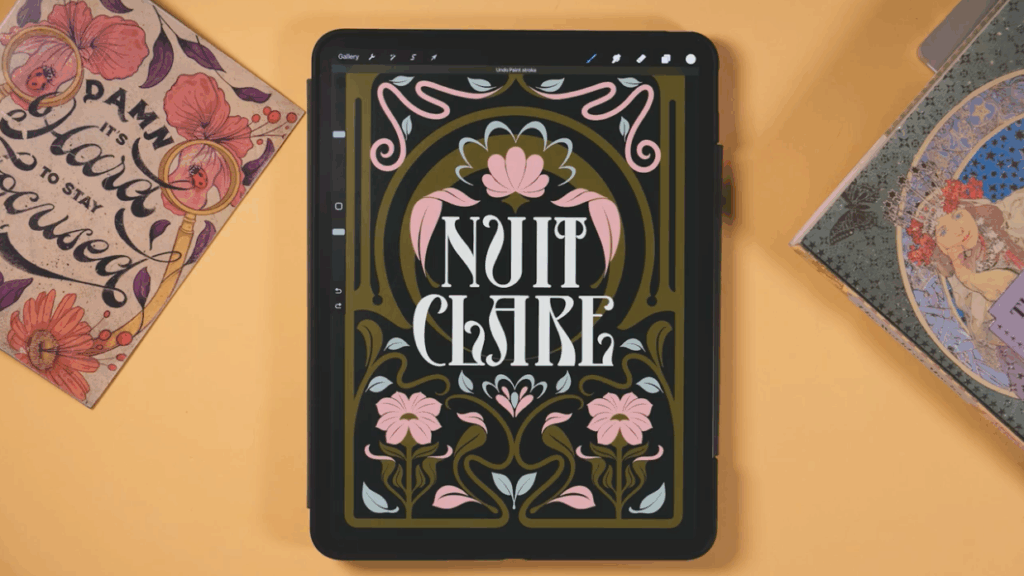
Design a poster in Procreate inspired by the Art Nouveau style. With lettering artist and graphic designer Jimbo Bernaus by your side, you’ll explore the style known for its flowing lines, intricate patterns and timeless elegance. This project includes both lettering and illustration, plus how to add decorative details like floral motifs and create a classy, hand-lettered look.
5. Travel Journaling: Urban Watercolor Sketching in Procreate
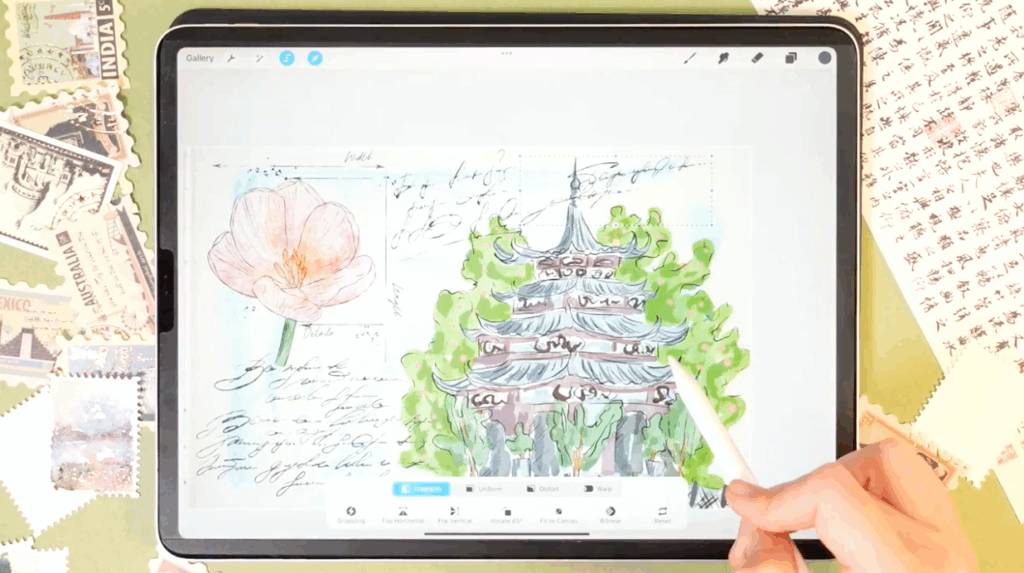
Illustrate and compose your own travel journaling piece inspired by a recent trip with artist and digital illustrator Inga Yoon. Learn how to use layers, clipping masks, alpha lock, Procreate shortcuts and the selection tool to add texture, volume and color variation to your illustration. From creating textured paper to adding various stamps and texts, you’ll leave the project with a detailed and decorative travel sketch.
6. Draw a 4-Panel Comic Strip for Social Media Using Procreate
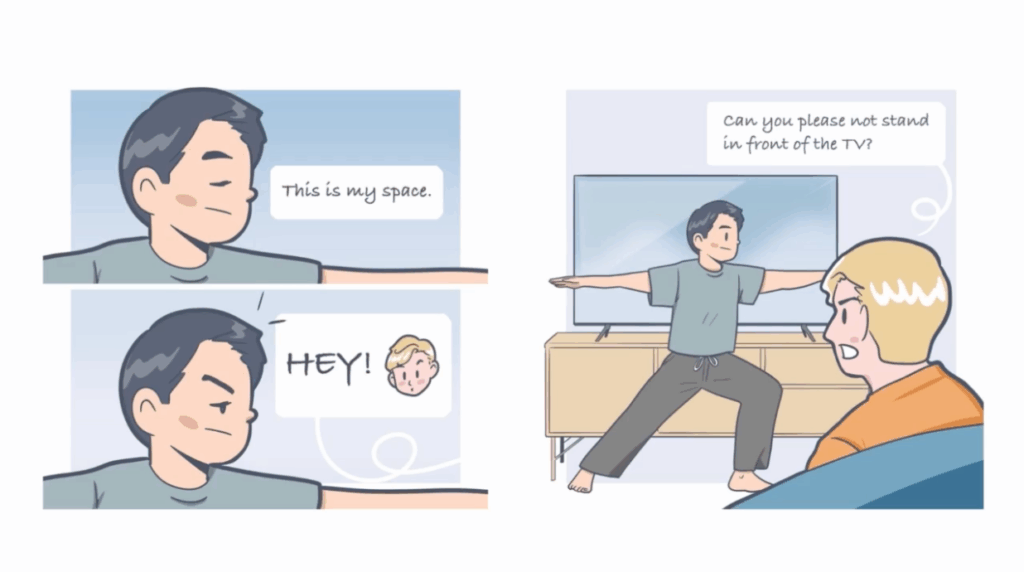
Design and draw your comic strip made to be shared on social media or texted between friends. During the project, you’ll harness creative skills, including planning your story visually by sketching your storyboard, as well as creating different visual shots within your strip. You can also dive into more advanced and technical Procreate skills like saving your color swatches and adding speech bubbles and text.
Teacher Tip: Find Creative Inspiration
“If you don't know what to draw, look for inspiration in your everyday life,” says Simon Ip. “You can do so by taking pictures throughout the day and writing down any potential ideas that come to your mind.”
7. Drawing Ideas: Create Conceptual Illustrations for Editorial and Beyond
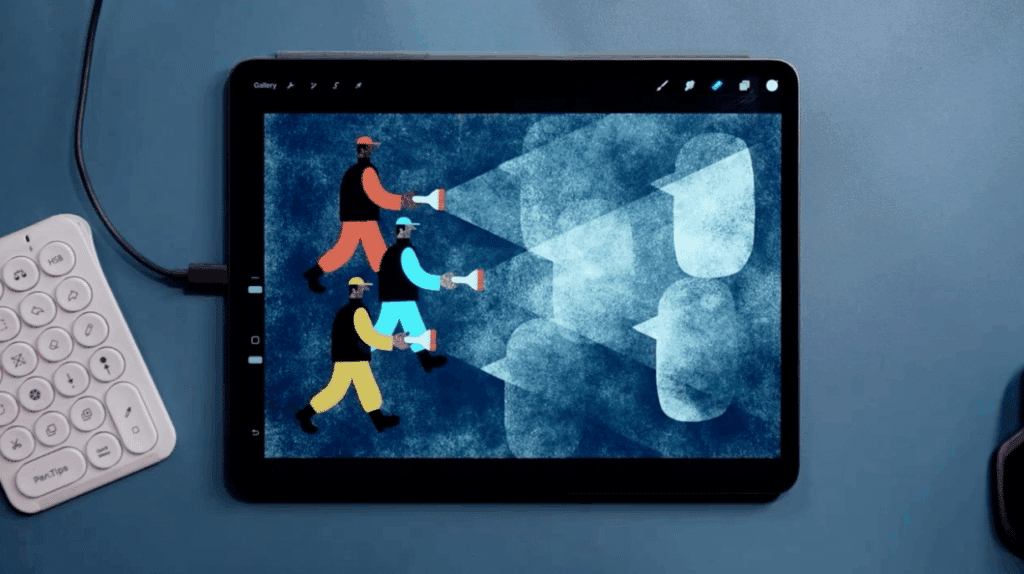
If you’ve ever wanted to illustrate for magazines, news publications, advertising or other commercial media, knowing how to communicate a big idea into one image is a must. Award-winning illustrator Tom Froese walks you through how to design a conceptual illustration. You won’t just discover how to create a communicative, editorial-style illustration using Procreate, but you’ll also leave knowing how to use symbols, idioms and illustration tropes within your drawing.
Teacher Tip: The Power of Unoriginality
“The best ideas are actually not that original. In fact, they're based on pretty unoriginal ideas. The trick here is that the best illustrators know which ones to start with and how to add just the right twist to make their point,” shares Tom Froese.
8. Portrait Painting in Procreate: How to Start on a Solid Foundation
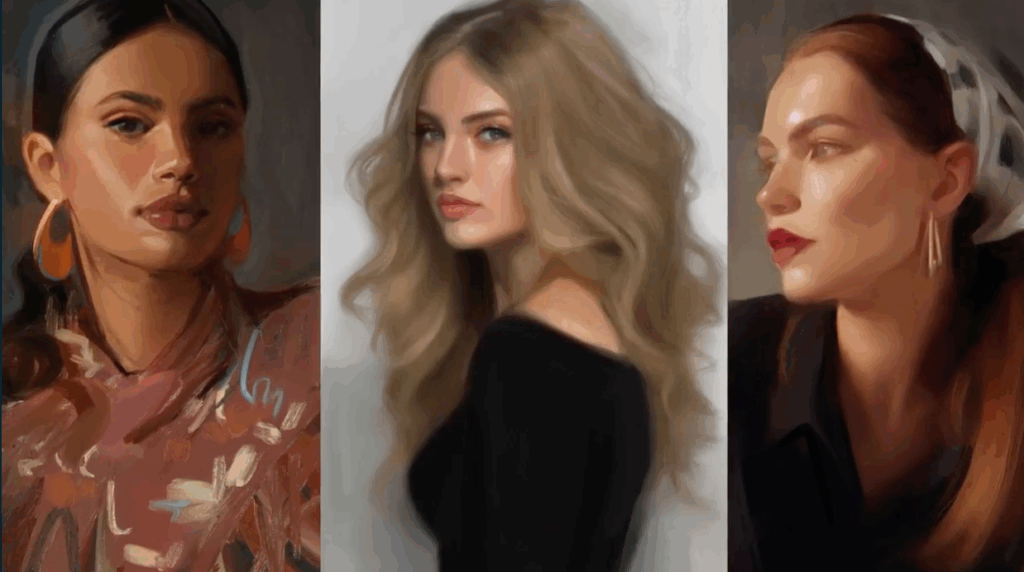
Discover the exact steps to creating a portrait painting in Procreate. With portrait artist Gabrielle Brickey by your side, you’ll learn all the techniques needed to add expressiveness and life to any portrait. Start by finding strong reference images, then set up a high-quality Procreate canvas, and finish by adding details and experimenting with edges, color and texture using some of Procreate’s best brushes.
9. Create a Repeat Pattern on the iPad Using Only Procreate
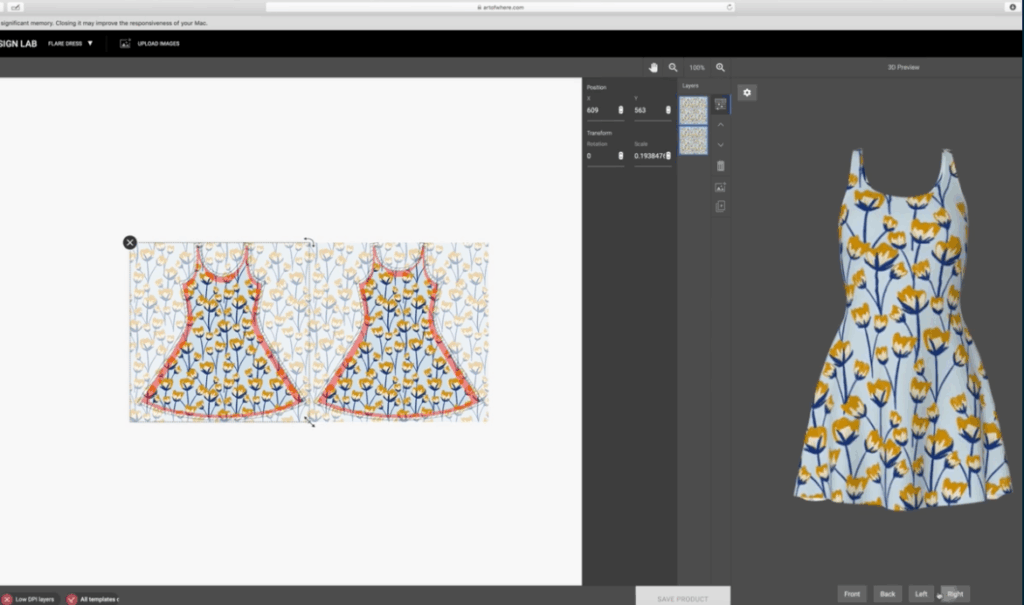
If you’ve ever dreamed of making your own repeat patterns to use on greeting cards, throw pillows or a cozy pair of pajamas, this project is for you. Join Peggy Dean as you create a pattern in Procreate, test it, and see what it looks like on a 3D mockup.
You’ll also create a color palette, add texture, work with color balance and utilize clipping masks, all while designing a simple repeat pattern.
10. Design a Travel-Inspired Mini Pattern Collection in Procreate and Adobe Illustrator
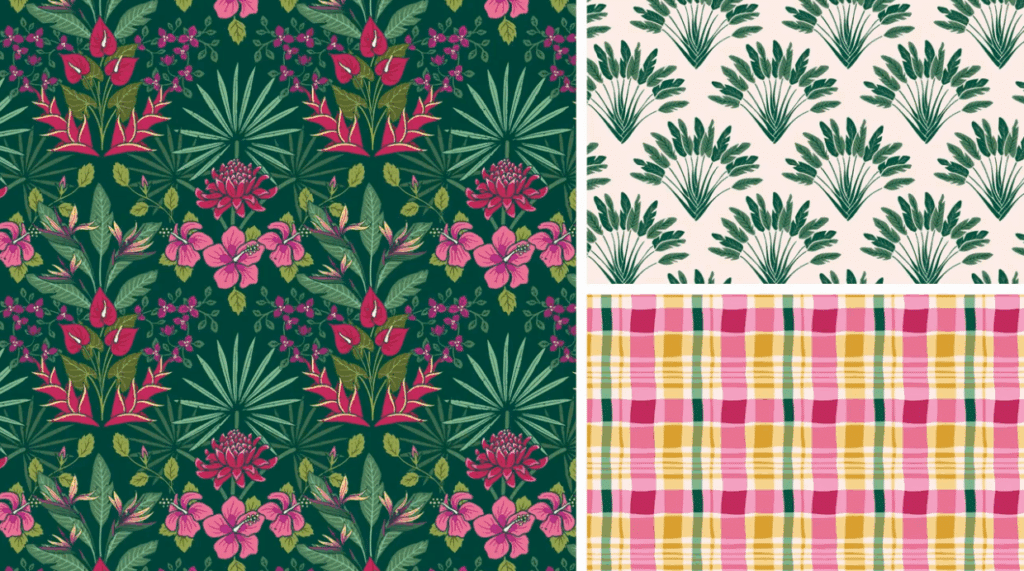
Turn your favorite travel memories into a mini pattern collection with surface designer and illustrator Jamie Alexander. Capture the essence of your favorite destination, build the components of a pattern collection and illustrate your motifs in Procreate. By designing a collection of three patterns, you’ll learn how to pitch your designs to a company, sell on print-on-demand sites or simply use them in your own personal projects.
Teacher Tip: Get Inspired by Your Travel
“Basing your collection on a place that is meaningful to you adds depth and narrative to your artwork and makes it more engaging to your audience. Locations are a rich source of visual and cultural inspiration that will add authenticity to your work and set your collection apart,” shares Jamie Alexander.
11. Children's Book Illustration: Drawing Kids of Different Ages in Procreate
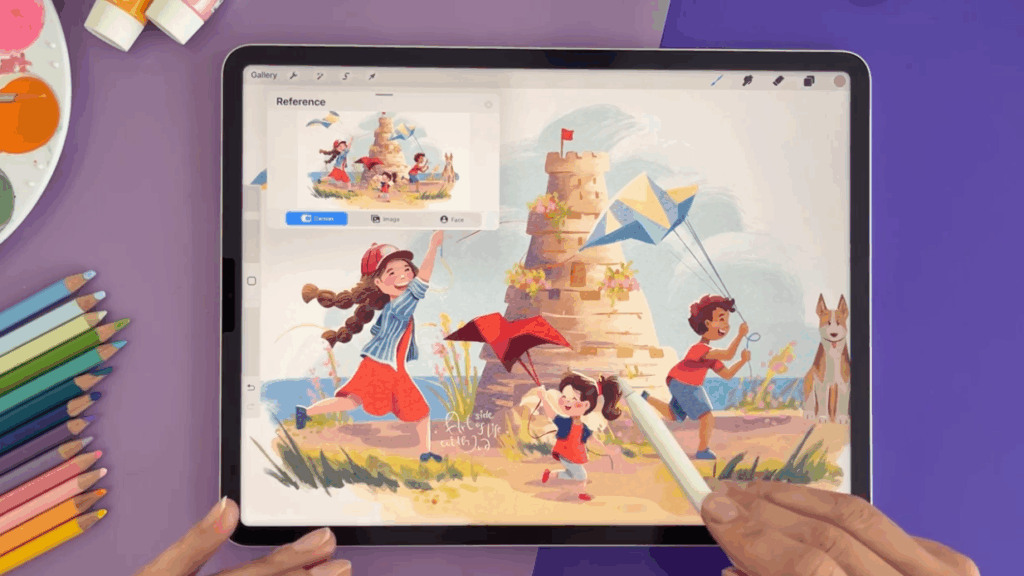
Learning to draw kids at different ages is an advanced drawing skill that you can use when illustrating a children’s book or designing a fifth birthday card for your nephew. Illustrator Iva Mikles will teach you how to draw toddlers, young kids and older children using a stylized, easy-to-use method. Break down basic child proportions, identify simple, relatable forms to draw kids at any age and finish with a clear final composition.
No matter if you’re looking to dive further into character design, storytelling or just improve your drawing fundamentals, you’ll leave this class with the skills you need to draw kids again and again.
12. Realistic Paper Cut Illustrations in Procreate
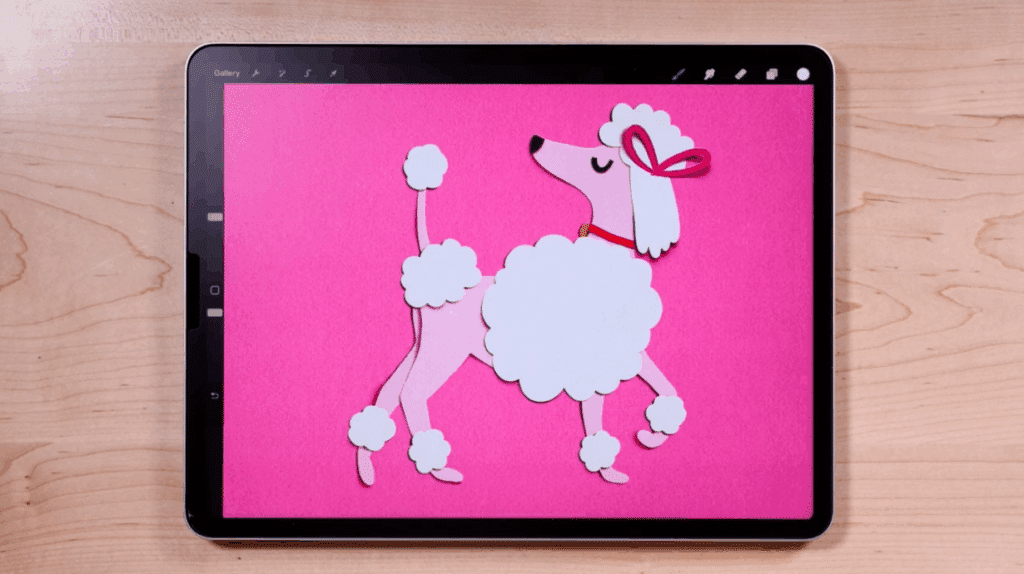
If you’re a digital artist who misses the tactile look and feel of working with scissors and paper, get ready to make realistic paper cut illustrations in Procreate—without the mess. With illustration artist Lisa Bardot, learn the qualities of paper cut art, how to digitally cut shapes from real paper, how to create realistic lighting effects and how to manipulate shadows so your paper bends, folds and curls.
You’ll leave with a jaw-dropping paper cut illustration so convincing that people might not believe you made it on your iPad.
13. Postcards in Procreate: Vintage-Inspired Text Effects
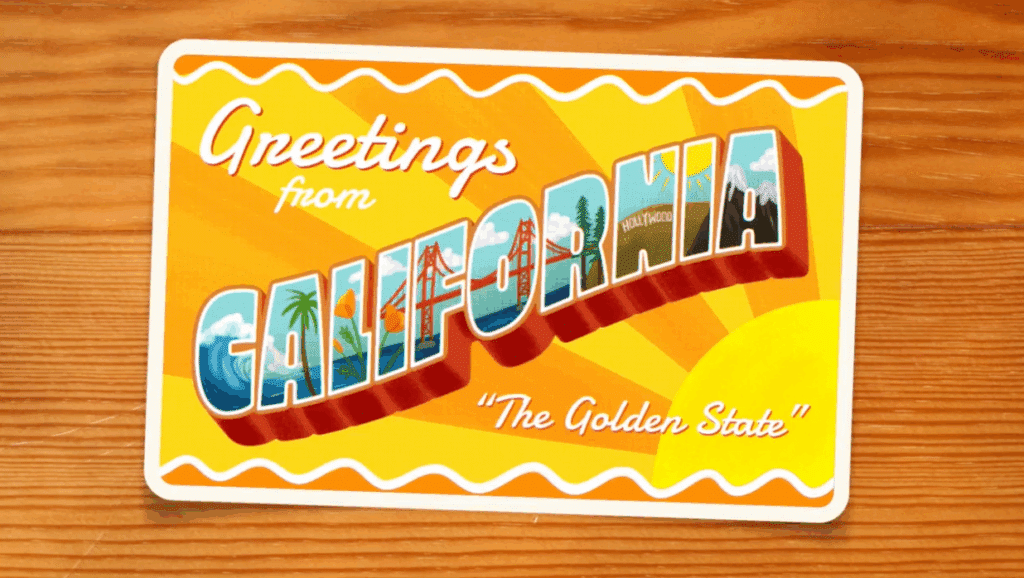
This postcard design project is for creatives who enjoy travel and illustrating with a vintage twist. Illustration artist Lisa Bardot is back to show you how you can transform a place you love into a one-of-a-kind illustrated postcard that features bold 3D lettering and a vintage print effect. You can get inspired by your hometown, a place you’ve always wanted to visit or a fictional location from your favorite book or movie.
Plus, you’ll learn advanced Procreate skills like distorting and warping text, adding rounded corners and outlines and uploading fonts to the Procreate app.
14. From a Realistic Sketch to a Stylized Illustration in Procreate
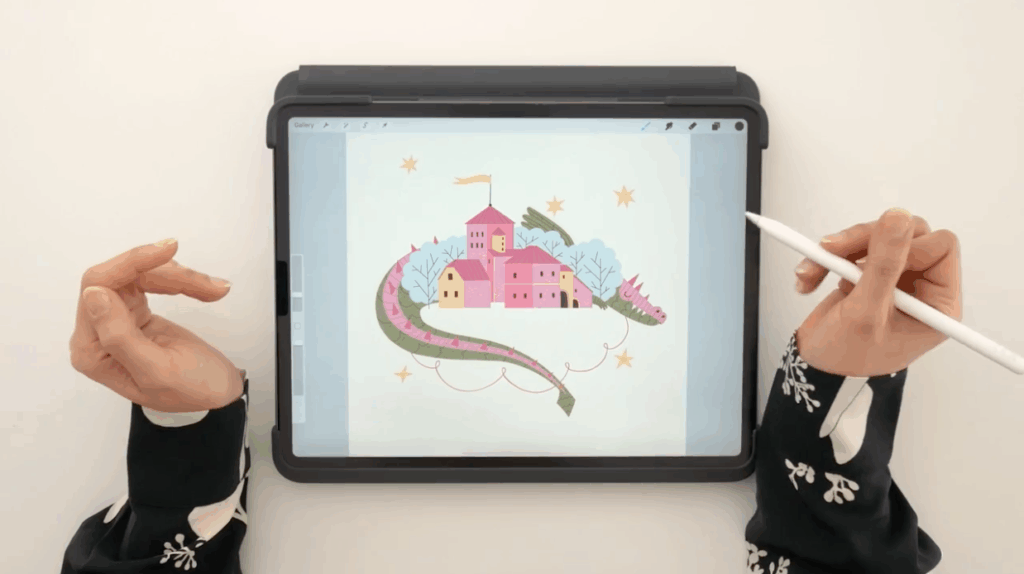
If you’re facing creative block or find yourself tired of scrolling on Pinterest for ideas, this class will show you how to create a stylized illustration in Procreate from a reference photo. With illustrator and surface pattern designer Di Ujdi as your guide, you can design an illustration based on any story you like. You’ll start by finding a reference photo related to your story of choice and then transform it into a finished, stylized illustration using new drawing techniques and advanced Procreate tools.
Teacher Tip: Reimagine Reality
“What I love about illustration is that I can reimagine reality,” says Di Ujdi. “But sometimes when I'm faced with a deadline or lack of ideas, the best way to begin is to start from what I actually see and then reshape it, change it, and stylize it to fit with the project concept I'm working on.”
15. Create and Install Patterned Wallpaper with Procreate and Adobe Illustrator
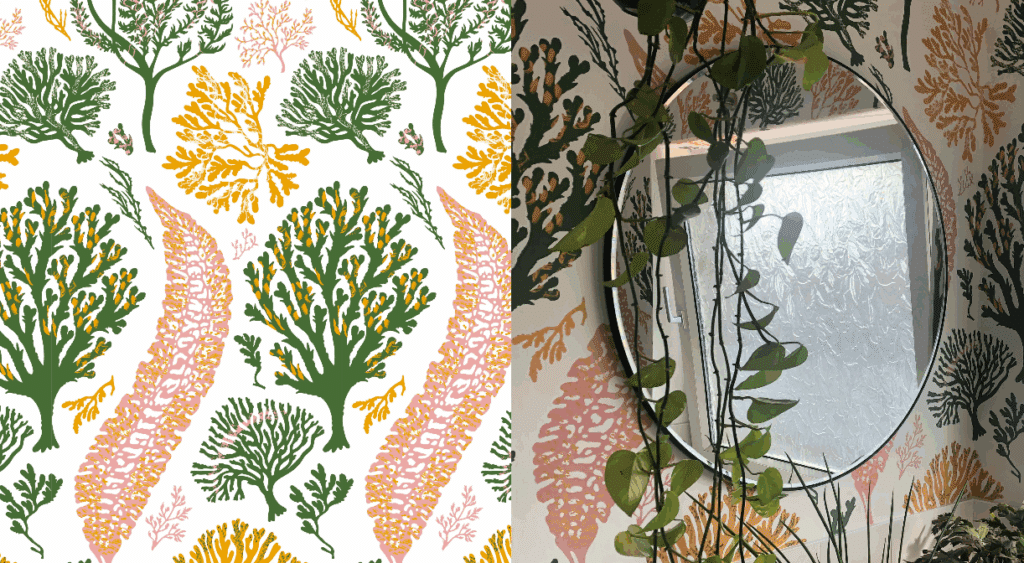
This wallpaper design project is for you if you’ve been wanting to revamp your powder bath or add an accent wall to your bedroom, but can’t find the perfect print. Illustrator and artist Ellie Shipman shows you how you can design your wallpaper inspired by nature by digitally drawing motifs in Procreate.
You’ll build a repeating pattern and then use a print-on-demand company to print your wallpaper. Ellie will even show how to hang your wallpaper so that you can go from your digital design to a complete room makeover.
Keep Growing Your Procreate Skills
Whether you want to design bold posters, craft seamless patterns, or paint lifelike portraits, these advanced Procreate projects give you the tools and techniques to bring your ideas to life. Keep experimenting, keep refining, and let your iPad become the canvas for your next creative breakthrough.
Related Reading
Calli Zarpas
Producer & Writer by occupation. Ceramicist & Newsletter Editor by avocation.
Try Skillshare for free! Sign up for a 7 day free trial today!
Get Started- Unlimited access to every class
- Supportive online creative community
- Learn offline with Skillshare's app