Sketch Session: Lemons | Gia Graham | Skillshare

Playback Speed


1.0x


  • 0.5x
  • 0.75x
  • 1x (Normal)
  • 1.25x
  • 1.5x
  • 1.75x
  • 2x

Watch this class and thousands more

Get unlimited access to every class
Taught by industry leaders & working professionals
Topics include illustration, design, photography, and more

Watch this class and thousands more

Get unlimited access to every class
Taught by industry leaders & working professionals
Topics include illustration, design, photography, and more

Lessons in This Class

    • 1.

      Intro

      0:30

    • 2.

      Quick Sketch

      6:43

    • 3.

      Drawing Review

      0:39

  • --
  • Beginner level
  • Intermediate level
  • Advanced level
  • All levels

Community Generated

The level is determined by a majority opinion of students who have reviewed this class. The teacher's recommendation is shown until at least 5 student responses are collected.

47

Students

11

Projects

About This Class

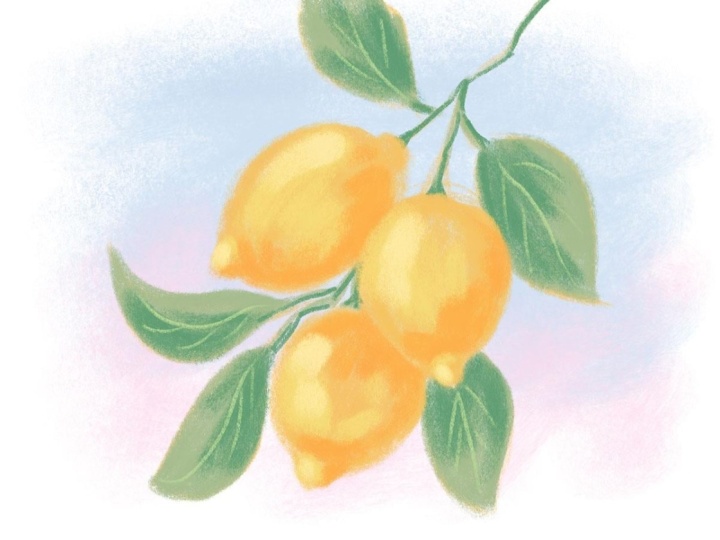
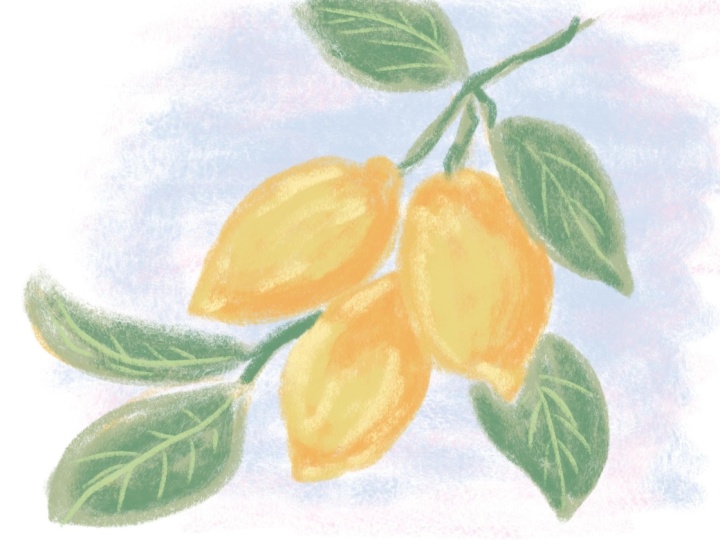
In this short class, we’re going to continue with the sketching sessions we started in my Loose Digital Drawing class. We’re going to loosen up with a quick color sketch which we’ll aim to complete in 10 minutes or less. 

The goal is NOT perfection here - quite the opposite. The goal of this exercise is to get used to making quick, confident marks, to embrace our mistakes and to push past perfection.

Meet Your Teacher

Teacher Profile Image

Gia Graham

Illustrator & Lettering Artist

Top Teacher

Hello and welcome - I'm so glad you're here!

My name is Gia and I'm a designer, hand lettering artist and illustrator. I was born and raised in Barbados but I live and work out of my sunny home studio in the southern city of Atlanta, Georgia.

My creative experience ranges from corporate design and branding to art direction, photo styling and stationery design but my current focus is licensing my artwork to product based companies.

I've picked up several handy skills, tricks and techniques along my creative journey and I'm excited to share them with you!

. . .

I can't wait to see what you create so please be sure to post your class projects and if you share them on Instagram, be sure to tag me!

Speaking of Instagram, let's conn... See full profile

Level: Intermediate

Class Ratings

Expectations Met?
    Exceeded!
  • 0%
  • Yes
  • 0%
  • Somewhat
  • 0%
  • Not really
  • 0%

Why Join Skillshare?

Take award-winning Skillshare Original Classes

Each class has short lessons, hands-on projects

Your membership supports Skillshare teachers

Learn From Anywhere

Take classes on the go with the Skillshare app. Stream or download to watch on the plane, the subway, or wherever you learn best.

Transcripts

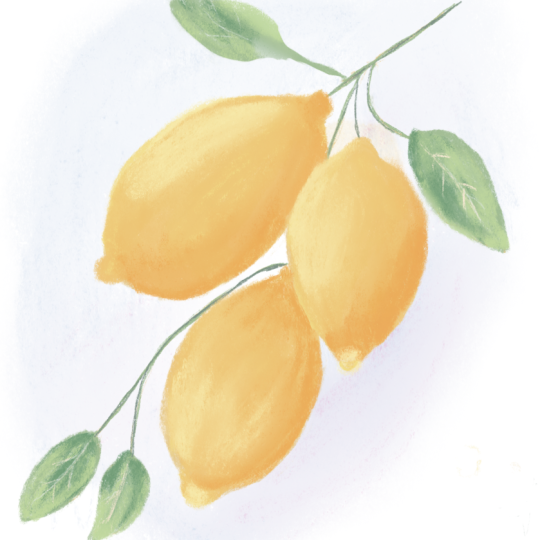
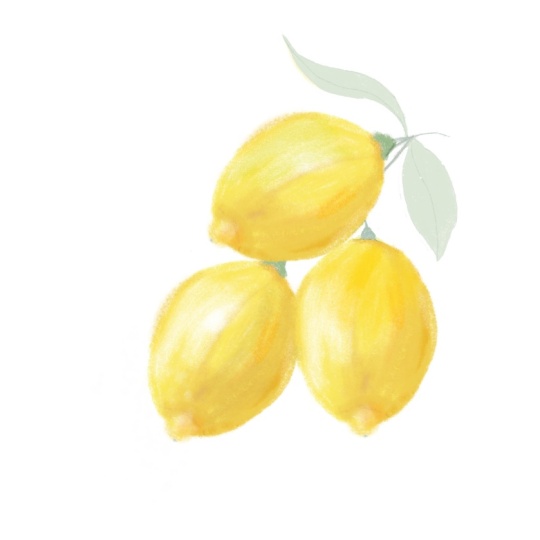
1. Intro: Hi, friends. Welcome to another sketch session. In this collection of short classes, we're going to continue with the sketching sessions we started in my loose digital drawing class, and we're going to loosen up with a quick color sketch which we'll aim to complete in 10 minutes or less. The goal of this exercise is to get used to making quick, confident marks to embrace our mistakes and to push past perfection. In this sketch session, we're going to be drawing lemons. Let's dive right in. 2. Quick Sketch: Is a reference photo we'll be using, which you can download in the resources section. Let's choose a brush. Open the Procreate library, go to the pastel set, and we're going to be using Medo Bank. And we're going to start with the third yellow from the palette. Grab your timer, set it to 10 minutes, and let's get started. Okay, the first thing we're going to do is draw three ovals to map out where the lemons will go. As you can see on the reference, there are a couple leaves to the right and left, as well as leaves in a stem towards the top. So start somewhere in the middle of the canvas, so there's enough space to fit those details. Now we can define those shapes a little more by adding a triangular shape to the bottom of each lemon and a more rectangular shape at the top. Now for the stems, I'm just taking a moment to look at the reference to get an idea of placement. We're on a time limit, but, of course, it's still important to look at the reference carefully to at least get the essence of what we're trying to draw. So there's a leaf somewhere around here, and keep in mind that we don't need to draw every single leaf from the reference. This is just a quick study. So try to distill everything down to the most important elements. Now, switch to the medium green. Then add the base color to the leaves. I'm still working on the same layer, by the way. We won't be removing the sketchy lines. They'll most likely get covered up by the time we're done adding all the color and details, but any sketchy marks that remain visible, they'll just add to the energy and expressiveness of the drawing, which is exactly what we want. Oops. I realized I was a bit zoomed in there, so let me just fill that area. All right. Add that same green to the stems, as well. Then switch to the dark green and add this color to each of the leaves. I'm using the brush at a fairly large size here, and I'm just adding a few wide strokes of color to each leaf. I also have my pencil tilted slightly, so I'm using more of the side of the pencil than the top of the pencil tip. Then let's drop the brush size down to darken the color on the stems as well. Now, here I am using the tip of the pencils so I can get more defined lines. Now switch to the light green and make the brush size even smaller to add the veiny details on each leaf. Now, create a new layer and switch back to the golden yellow we were using before. Let's go ahead and fill those lemons with this color. Actually, let me bump up the brush size so I can do this more quickly. Normally, I would outline the shape with the brush at a smaller size just so I get more control, but we're not going for a precision here, so I'm just going to stick with the larger size. As you can see, I'm being pretty loose with the fill, not worrying too much if there's some white showing through because that will eventually get covered when we add more color. Now, switch to the darkest yellow, that kind of marigold color. And we'll use this to add value contrast. So all the areas that we want in shadow will be in this color. So here where the lemons overlap, there'll be shadow on the one in the background along the curve at the bottom, and that pointy bit on the end of the lemon. All of this helps define the shapes and make them look a bit more dimensional. Now, switch to the second yellow, which is a bit brighter and we'll use this to brighten things up overall. So I'm adding it kind of to the center of each lemon. Maybe a little here as well. Then choose the lightest yellow, and we'll use that for a few highlights. And finally, let's add some color to the background. So switch to the light blue, create a new layer and drag it to the bottom of the layer stack. Increase the brush size and add that color to the background. I'm using really light strokes, and I'm not filling the entire canvas. Adding the color right behind the lemons to create kind of a little vignette. The sky in the reference photo has a lovely gradient of colors, so we can add a little pink in the background, as well. Alright, I think that's it. 3. Drawing Review: Encourage you to try this exercise a couple times either with the same reference photo or you can use a different photo with a similar subject matter. Here are a couple more of my lemon sketches, and I've included both of the reference photos in the resources section, in case you'd like to give these a try, as well. As always, remember this exercise isn't about creating something perfect. It's about creating something expressive. I really look forward to seeing your expressive drawings in the project gallery. By the way, if you enjoyed working with the Meadowbank brush and you want to try a more polished drawing with this brush, check out this drawing tutorial, which I shared on YouTube. Stay creative and I'll see you in the next sketch session.