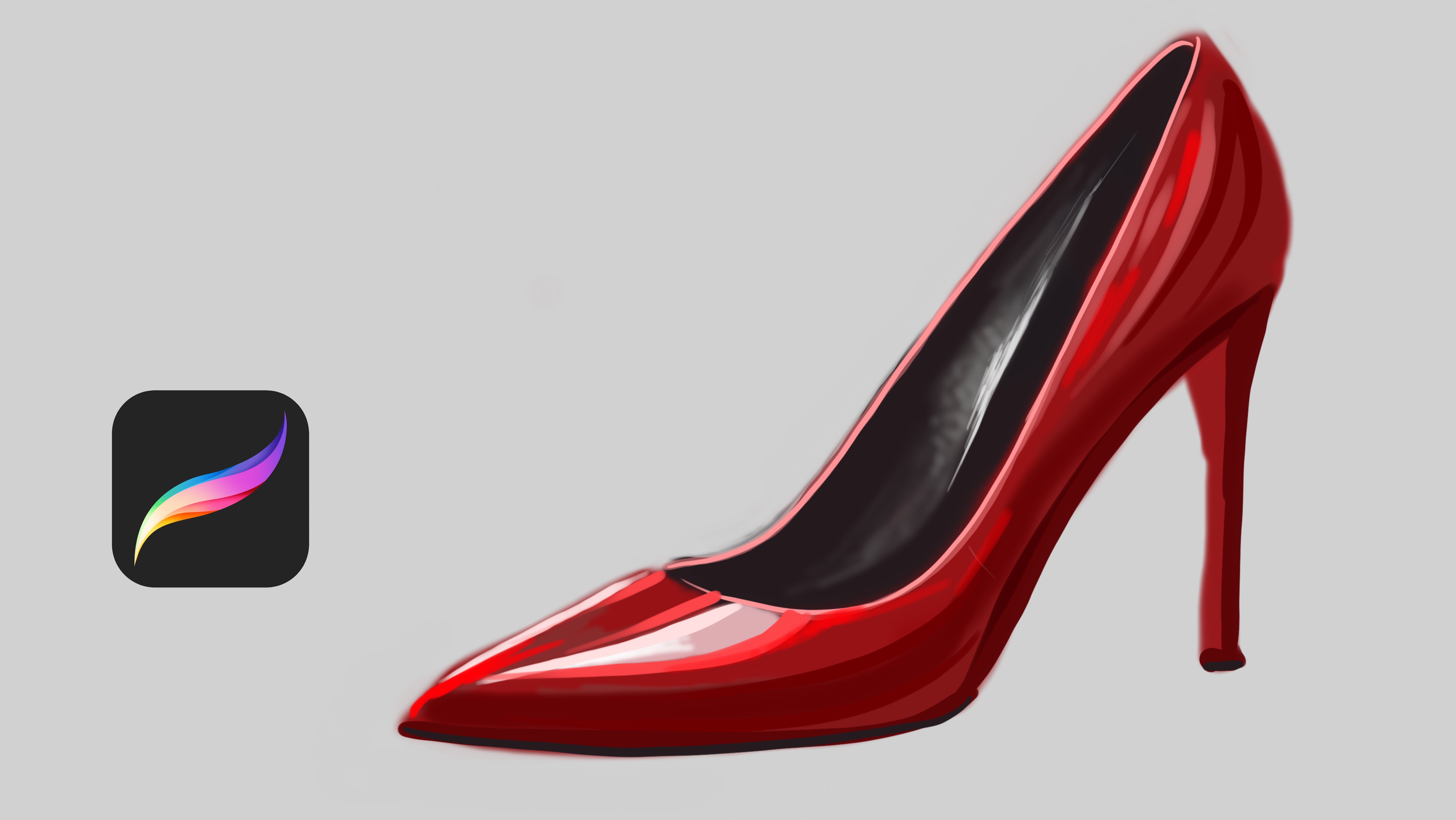
Painting Dress in Procreate | Yasar VURDEM | Skillshare

Playback Speed


1.0x


  • 0.5x
  • 0.75x
  • 1x (Normal)
  • 1.25x
  • 1.5x
  • 1.75x
  • 2x

Painting Dress in Procreate

teacher avatar Yasar VURDEM, Creative Art Director

Watch this class and thousands more

Get unlimited access to every class
Taught by industry leaders & working professionals
Topics include illustration, design, photography, and more

Watch this class and thousands more

Get unlimited access to every class
Taught by industry leaders & working professionals
Topics include illustration, design, photography, and more

Lessons in This Class

    • 1.

      Introduction

      1:03

    • 2.

      Draw Outlines

      2:28

    • 3.

      Complete Outlines

      1:35

    • 4.

      Paint Base Colors

      1:46

    • 5.

      Adding Base Shadows

      3:14

    • 6.

      Adding Final Details

      4:28

  • --
  • Beginner level
  • Intermediate level
  • Advanced level
  • All levels

Community Generated

The level is determined by a majority opinion of students who have reviewed this class. The teacher's recommendation is shown until at least 5 student responses are collected.

2

Students

1

Project

About This Class

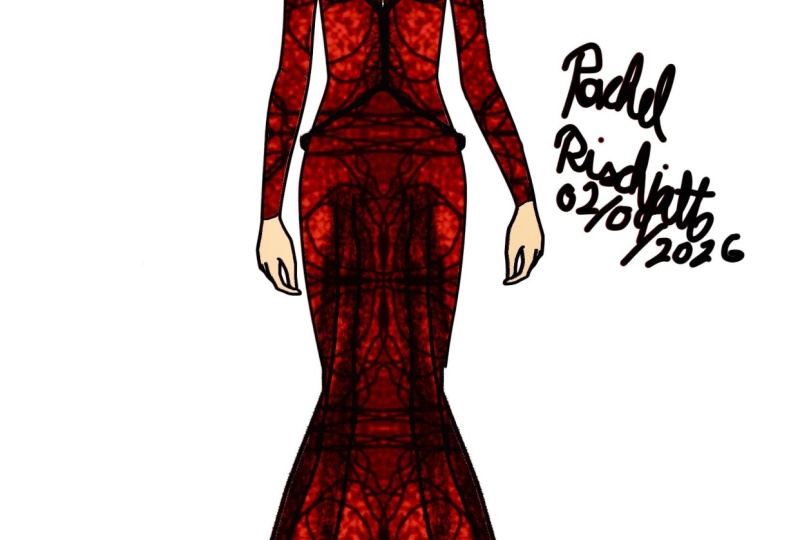
In this class, we’ll paint a basic red dress illustration using Procreate.


This lesson is designed for beginners and early-intermediate artists who want to feel more confident with digital painting and fabric rendering.

We’ll focus on:

  • Simple brush control

  • Basic light and shadow on fabric

  • Painting folds without overcomplicating

  • Creating depth using minimal colors

  • Keeping the process clean and beginner-friendly

You don’t need advanced anatomy or rendering skills.
This class is all about understanding the painting logic of a dress, not perfection.

By the end of the lesson, you’ll have a clean red dress painting and a solid foundation you can apply to other outfits and characters.

Perfect for illustrators, fashion lovers, and anyone starting with Procreate

Meet Your Teacher

Teacher Profile Image

Yasar VURDEM

Creative Art Director

Teacher

Check my Etsy Shop

Welcome! I'm Yasar Vurdem a digital artist, illustrator, and passionate instructor.

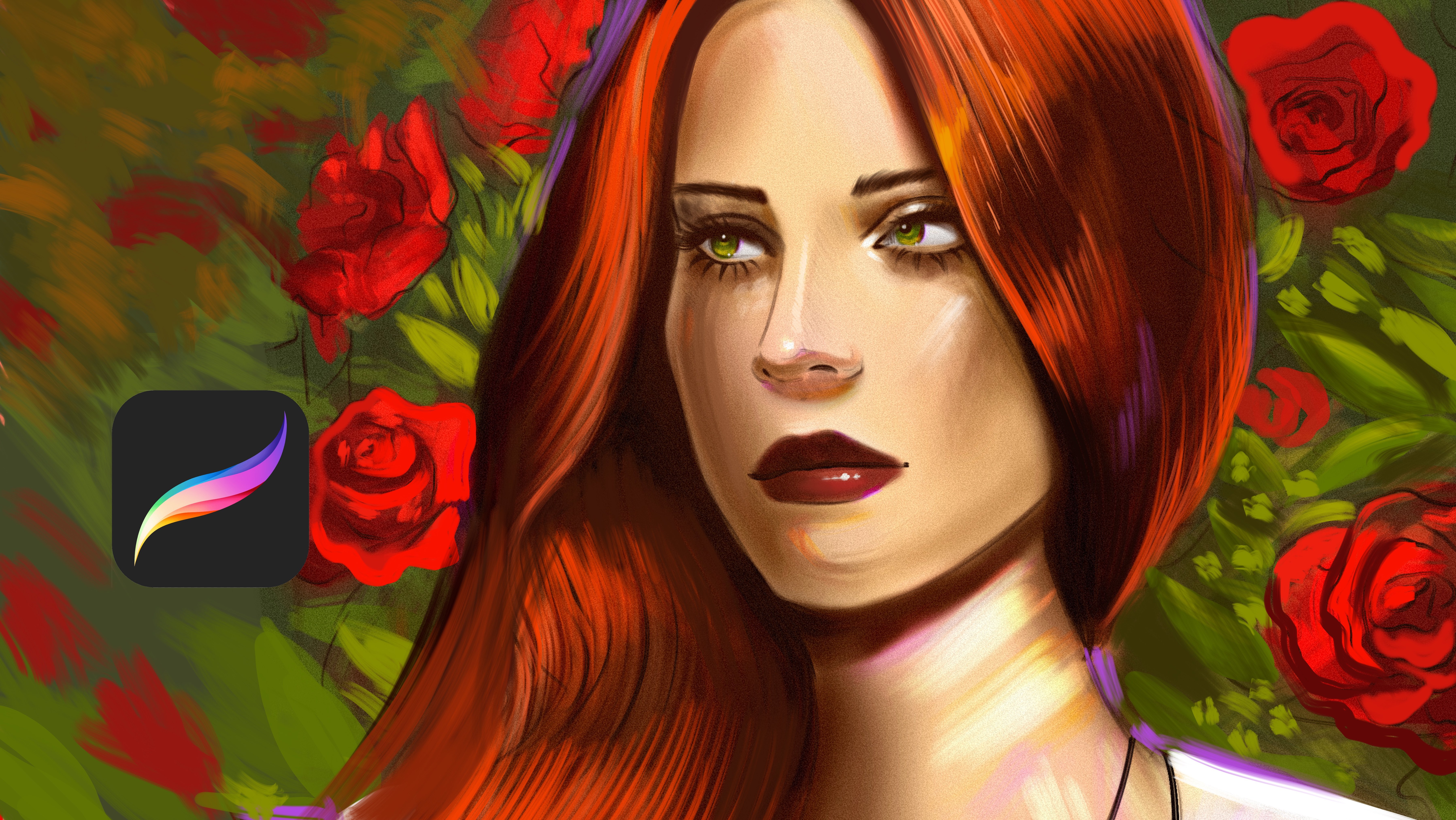
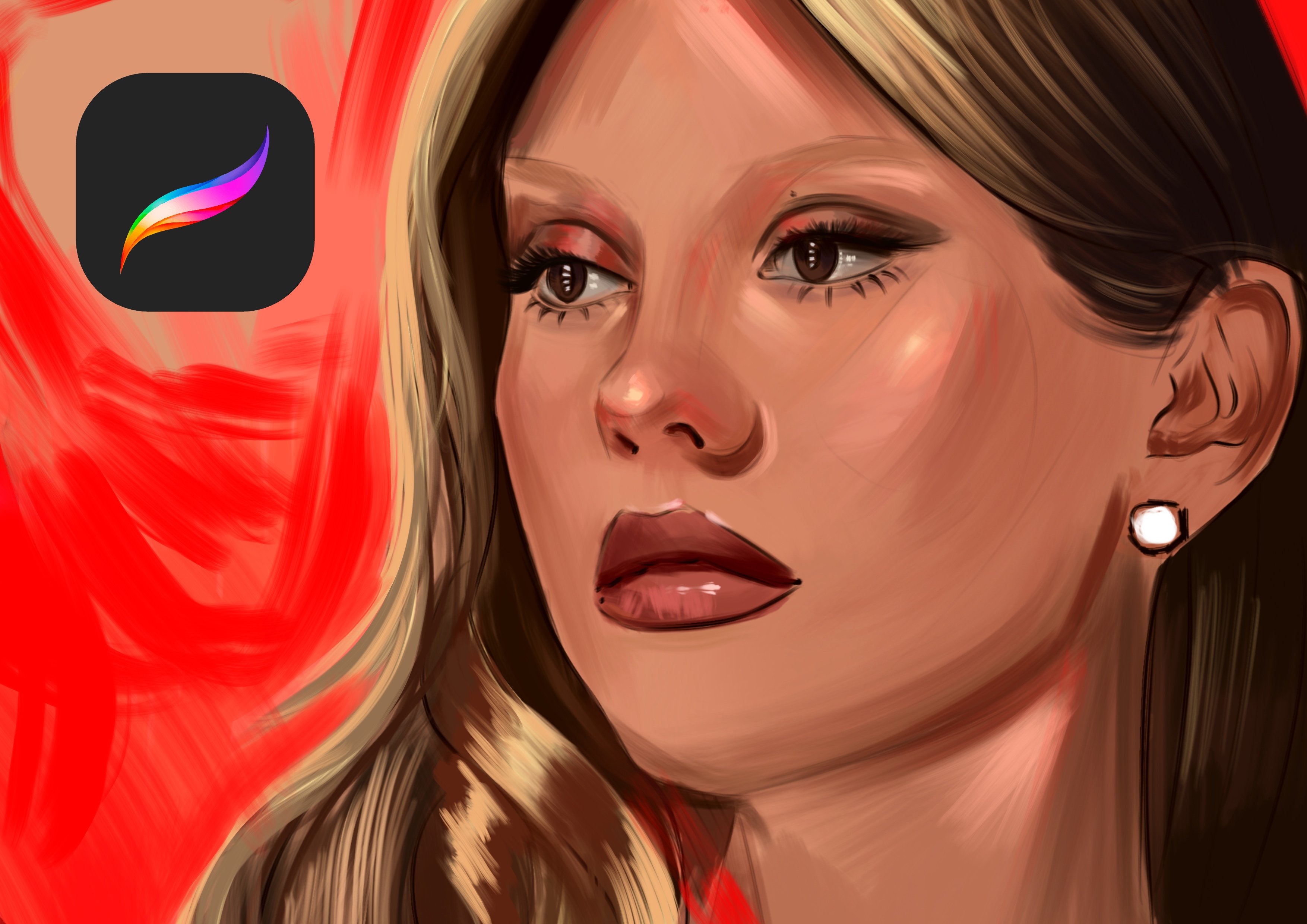
I've spent years developing a vibrant, expressive portrait style that blends realism with bold, painterly energy. Over the years, my artwork has been featured in collaborations with global names such as Billie Eilish, Adobe, Prime Video (The Lord of the Rings: The Rings of Power, The Wheel of Time, Citadel), Wacom, Logitech, XPPen, and many more.

As a professional designer and illustrator, I work across digital painting, character art, concept design, and stylized portraiture. My goal as a teacher is simple: to share the exact techniques, workflows, and artistic mindset that I use in my professional projects in a clear, practical, and inspiring way.

Every ... See full profile

Level: All Levels

Class Ratings

Expectations Met?
    Exceeded!
  • 0%
  • Yes
  • 0%
  • Somewhat
  • 0%
  • Not really
  • 0%

Why Join Skillshare?

Take award-winning Skillshare Original Classes

Each class has short lessons, hands-on projects

Your membership supports Skillshare teachers

Learn From Anywhere

Take classes on the go with the Skillshare app. Stream or download to watch on the plane, the subway, or wherever you learn best.

Transcripts

1. Introduction: Hi, I'm Miya harvarda digital artist and illustrator. We worked with AdopElshPrime videos Lord of the Rings strings of power series, Develop Time, Tadal and Wacom Logitenk and many more. In this class, you will learn how to paint dress from start to finish using procreate. We will begin with a clean sketch that build strong base colors to establish the fabric. You will see light, shadow, and folds, give the dress volume and movement. I will share my approach to color harmony, salt blending, and paint early textures without overworking the illustration. By the end of this class, you will understand how to make clotting feel elegant, dynamic, and alive. This class is perfect for illustration. This class is perfect for illustrators who want to improve their fashion painting skills and create more expressive digital artwork. Let's die in. 2. Draw Outlines: Welcome. In this course class, I will paint this dress. But at first, I sketched it rocky like not detail so much. Lower the opacity and open new layer. This time, I will zoom in and I will select red color, and I will continue to create details much more with confident lines and it will be detailed. So I start from these parts. I'm using some line brush. You can use inking brush if you wish. At Linear part, you need to create really strong lines like it is not sketch. It is line art. Line art means not like this. It means you need to create detailed outlines of the illustration. That's why I'm trying to add many details as possible I can. And at this part, I want to create floral things like this, for example. You can use many things you can create with your own imagination. I'm painting it just like this. So maybe old laced textures here. And at this part, it is much more irregular lines and with the old lace textures. 3. Complete Outlines: Yeah, just like this. And I can do same thing for this part. I'm making these lines much more spontaneous, and you can do it also spontaneous like this. And at this part. I will divide it like this and continue from this part. And this part and this part. Yeah, just like this. And some textures over here. And here. Yeah, just like this. And after this, I will open another new layer under the sketch layer. 4. Paint Base Colors: And close to other layer. Now what I will going to do is paint all areas with it like this. And I will use eraser and I will delate the extra parts because I'm blocking the colors in the dress. Yeah. And I will delete this part. And at this point, we need to make it much more clean out lines, not loosy like this. Okay, at other part, we will continue to rendering it. 5. Adding Base Shadows: Welcome again. In this part, we will continue to add shading. I selected a bit darker color, like the same color to do outlines, and I'm building the texture of the fabric. Okay. Just like this, and I will dilate the extra parts of it. Yeah, and continue to add shadows. Yeah. And this part. Now, I will select lighter brush for create the textures of lights. Like soft silk. I want to make it like soft silk. Okay, it's looking great right now. I will continue. Also, you can use this brush at some parts of the illustration. Like maybe the middle of this dress like highlights. Yeah, and continue to adding to the details. Okay. And now, what I'll do is collect these two layers with pinching my fingers and make the illustration much more bigger. 6. Adding Final Details: Just like this and open another new layer, and this time, I will select much more red to make highlights. These parts in a bit backwards, so I make these areas much more darker. And what I'm gonna do is open another new layer, and I will use much more stronger brush, and will apply over it. Oh. And I'm giving textures with again, red color. Yeah, just like this. And a I will select like spray brush and open another new layer with overlay mode and apply over your painting. It will give a really rich texture to your painting. If you don't have this brush, you can use any spray brush or dust brush. You just need some texture brush like this. Okay. I'm adding textures here. At this part, it will be darker than Let's continue to adding details. And hope you enjoy this process, and I will end this tutorial. After I add some detail here, it will be like this. And I will use maybe black. Yeah, just like this. Thank you again and see you in the next classes.