Paint with Me: Digital Portrait Coloring in Procreate | Yasar VURDEM | Skillshare

Playback Speed


1.0x


  • 0.5x
  • 0.75x
  • 1x (Normal)
  • 1.25x
  • 1.5x
  • 1.75x
  • 2x

Paint with Me: Digital Portrait Coloring in Procreate

teacher avatar Yasar VURDEM, Creative Art Director

Watch this class and thousands more

Get unlimited access to every class
Taught by industry leaders & working professionals
Topics include illustration, design, photography, and more

Watch this class and thousands more

Get unlimited access to every class
Taught by industry leaders & working professionals
Topics include illustration, design, photography, and more

Lessons in This Class

    • 1.

      Introduction

      1:16

    • 2.

      Paint Base Colors

      3:28

    • 3.

      Paint Shadows

      2:51

    • 4.

      Add Color Layer Mode

      3:17

    • 5.

      Increase Micro Details

      3:31

    • 6.

      Add Highlights and Brush Strokes

      2:17

    • 7.

      Complete Illustration

      1:34

  • --
  • Beginner level
  • Intermediate level
  • Advanced level
  • All levels

Community Generated

The level is determined by a majority opinion of students who have reviewed this class. The teacher's recommendation is shown until at least 5 student responses are collected.

4

Students

--

Projects

About This Class

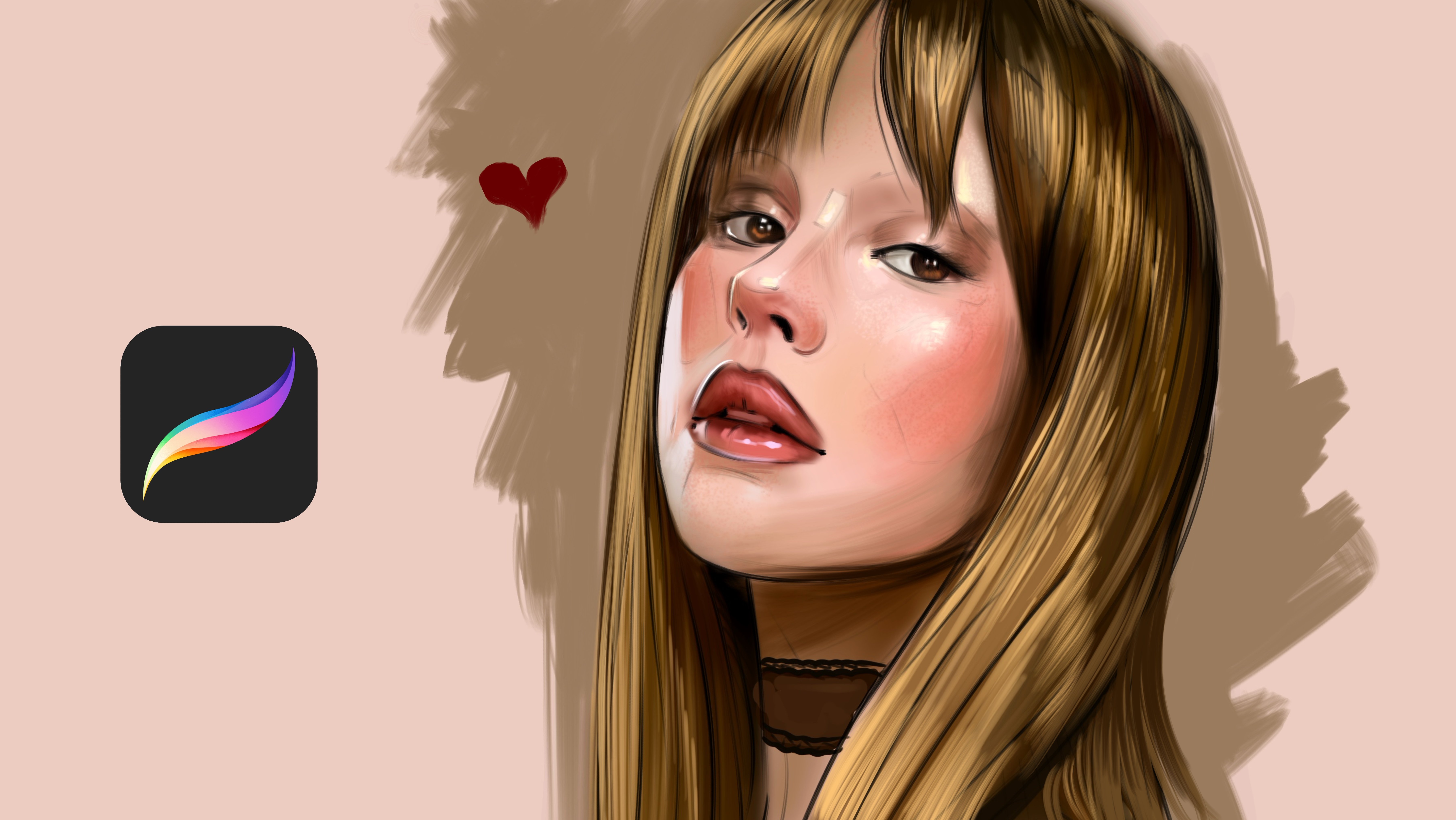
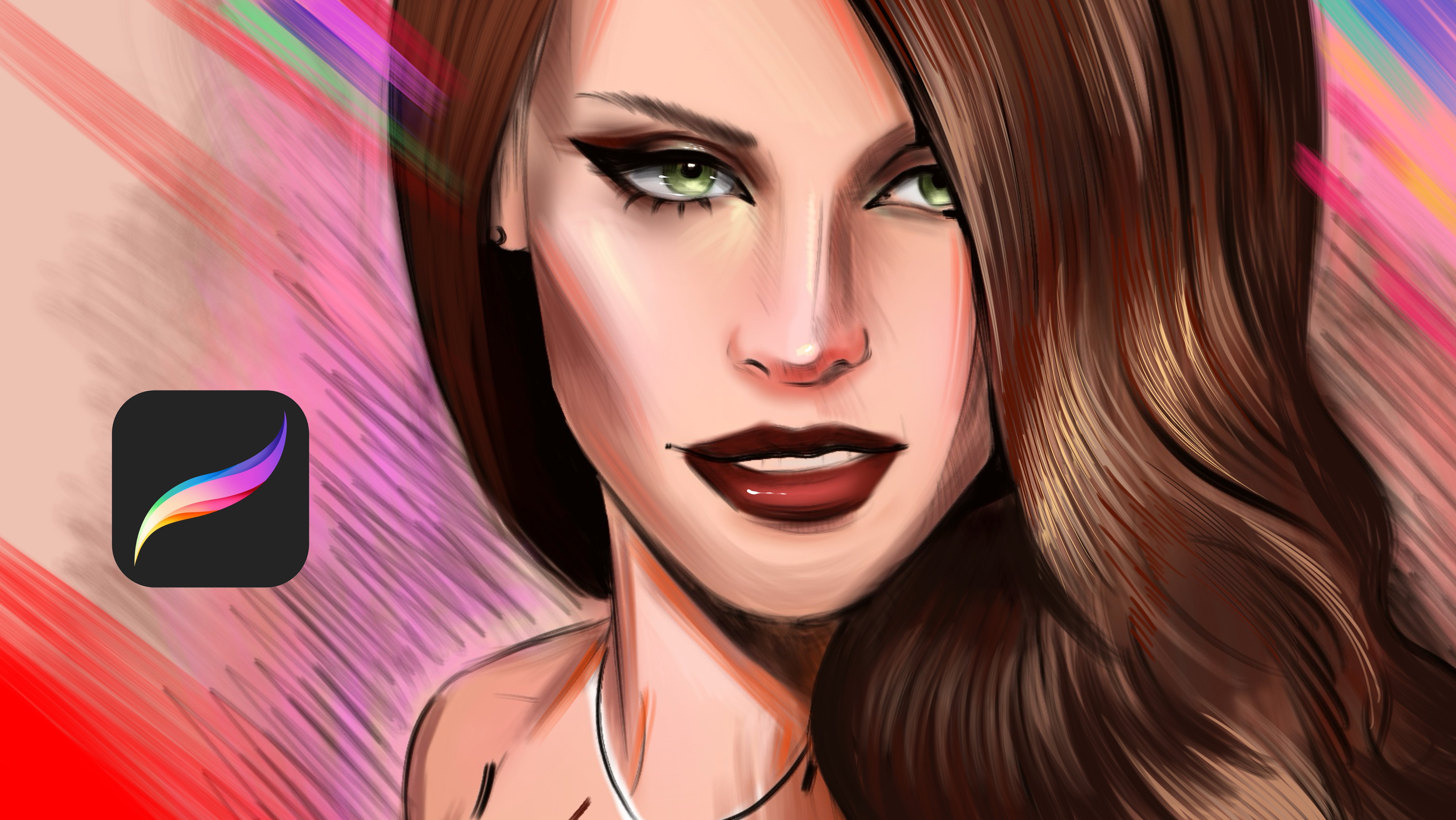
Discover how to transform simple portrait sketches into vibrant, expressive artwork in this Procreate class led by illustrator Yaşar Vurdem.

Renowned for his energetic and emotionally rich portrait work, Yaşar has collaborated with global icons like Billie Eilish, Adobe, and Prime Video, contributing to major productions such as The Lord of the Rings: The Rings of Power, The Wheel of Time, and Citadel. In this course, he opens up his professional process, showing you the exact coloring approach he uses in client projectsbroken down into easy, follow-along steps.

Designed for beginners and anyone who enjoys learning by doing, this paint-along class guides you through every stage of digitally coloring a portrait. You’ll explore how to prepare your sketch, choose foundational tones, build believable lighting, and add the painterly textures that give your work depth and character.

Why Take This Class?

This course offers both practical techniques and valuable insight into the workflow of an illustrator trusted by major entertainment studios and brands. Yaşar teaches with clarity and warmth, helping you understand not just how to color, but why certain artistic choices create impact without overwhelming you with technical jargon.

By the end of the class, you’ll have:

  • A fully colored portrait created step by step

  • A clearer understanding of how color and light interact

  • Reusable techniques for digital painting in any style

  • More confidence with Procreate’s brushes, layers, and tools

What You’ll Learn

  • Selecting base colors for a clean start

  • Building smooth, realistic skin tones

  • Shaping form through shadows and highlights

  • Adding lively, painterly textures

  • Polishing your artwork using adjustments and finishing passes

Who Should Join?

This class is perfect for:

  • Beginners curious about digital portrait coloring

  • Intermediate artists aiming to improve their color and texture workflow

  • Digital painters who want a structured, enjoyable process

  • Anyone who enjoys painting alongside the instructor

You don’t need advanced drawing skills just an iPad, Procreate, and the inspiration to create.

Meet Your Teacher
Teacher Profile Image

Yasar VURDEM

Creative Art Director

Teacher

Check my Etsy Shop

Welcome! I'm Yasar Vurdem a digital artist, illustrator, and passionate instructor.

I've spent years developing a vibrant, expressive portrait style that blends realism with bold, painterly energy. Over the years, my artwork has been featured in collaborations with global names such as Billie Eilish, Adobe, Prime Video (The Lord of the Rings: The Rings of Power, The Wheel of Time, Citadel), Wacom, Logitech, XPPen, and many more.

As a professional designer and illustrator, I work across digital painting, character art, concept design, and stylized portraiture. My goal as a teacher is simple: to share the exact techniques, workflows, and artistic mindset that I use in my professional projects in a clear, practical, and inspiring way.

Every ... See full profile

Level: All Levels

Class Ratings

Expectations Met?
    Exceeded!
  • 0%
  • Yes
  • 0%
  • Somewhat
  • 0%
  • Not really
  • 0%

Why Join Skillshare?

Take award-winning Skillshare Original Classes

Each class has short lessons, hands-on projects

Your membership supports Skillshare teachers

Learn From Anywhere

Take classes on the go with the Skillshare app. Stream or download to watch on the plane, the subway, or wherever you learn best.

Transcripts

1. Introduction: Hi, I'm Isha Wurda. I'm professional artist and illustrator. Wood work with Adopt Elish prime video, Lord of Rings, strings of Power. Style the value of time, Wacom, Logitech, and many more. If you want to level up your digital art fest, this is the class that will transform your coloring skills. In this course, I'm sharing the exact techniques I use to create polis shut. We brand professional illustrations in Procreate. You will learn how to choose powerful color palettes, how to shade with confidence, and how to create deep glow and detail that instantly makes your artwork stand out. By the end of this class, you will have a finished artwork ready to share plus a repeatable coloring system you can use for any feature piece. If you have been waiting to improve your procreate coloring, but didn't know where to start, this class will give you everything you need. So grab your iPad, open Procreate, and let's begin. 2. Paint Base Colors: Welcome. In this class, I will show you how to color portrait with paint early brushes. At first, we need to open new layers under our sketch layer because if we paint over sketch, it will cover it. So we need to stay here. At first, just try to paint the base colors for define how the details is placed. And the other details is visible. And this part also Let's zoom here. Okay. And after that, we need to continue to putting details. Just try to put to base colors, not detailed colors, define how the details are within. Okay, let's continue. Okay. And at some parts, we need to increase the details of this part Okay. And about this, I want to make it like this, close. Just I'm defining the base colors at this point, not focusing any detail or adding detail. Just focus on the general shapes. Okay. Okay. 3. Paint Shadows: And after this, define this shape again back. Okay, now I will paint the lip and eye color. Maybe brown color for eye like this. Okay. Now, what we will going to do is adding shadows and open new layer and select layer motsmuliplay. And you can down opacity to health. And now we defining the shapes like shadows for our portrait. Okay. And maybe this part. So parts can be much more darker because they are in the shadow, and shadows should be darker. And this part also this part and this part. And for face, again, at first at shadows, these parts and this part and upper lip can be much more darker. Okay. Maybe at this part, much more darker. 4. Add Color Layer Mode: You put these details, open nave layers and select airbrush and with some pink color, apply over some specific parts for create extra value. For example, this can be much more blue here, a bit much blue. And, okay, collect layers right now, all of them, except the sketch layer and go to the adjustments and hue at a bit hue, then go to curs and play with curves a bit. Then go to chromatic abrogation and give a bit extra details. And now, open nive layer and continue to adding details. From now, I will open another new layer over the sketch layer and we'll continue to detail. Now I will select paint i brush and zoom into I and we'll continue to add and increase the detail levels. Maybe much more lighter color on the eye. Okay. And I will start from the cheeks. Okay. And maybe this part can be less visible, like this. 5. Increase Micro Details: Open layer, like highlights for the specific parts of the portrait, I will select these extra details here, here and here. And we apply here and here. Okay. And let's continue adding much more shadows over this point maybe much more darks. And at this place, also continue to adding details over hair. Like I'm increasing the detail level. And you can select much more lighter color and apply over portraits. And this part also Okay. And this part And I can increase the light source here. Hmm. Yeah, it is looking much more better right now with the lights and shadows. And I will increase the lights here and put the much more light colors on scarf or something. I don't know. And background will be much more like extra colors around this face because it's like she's in train or something. And for this dress, just try to add highlights and maybe shadows over the dress with black shadows. Okay. And zooming to nos. 6. Add Highlights and Brush Strokes: And continue to add shadows over here. And maybe some parts you can use much more darker colors and add some hues here, like extra colors and zoom to here and select much more lighter colors for apply for it. And maybe I can add extra lights on this curve. Okay, it's looking much much better right now. And the other part can be visible here. And here. Also, this will be metallic look like comes from this angle like this, and shadows will comes from here and here. And for this hand, what can we do is adding the shadows because it is so sketchy and we need some shadows or make it much more in a scene. And, of course, we need some light sources here. Like, here, here, here and here, like glowing high and showing the place deepness. And this place will be darker like this. And let's zoom into face and select 7. Complete Illustration: Red color and apply over it. I'm increasing the detail level of portrate with these small adjustments. And maybe this detail can be much more visible. And for here, I will use highlights like this. And it is done. Hope you enjoy the process and hope you enjoy and maybe some shadows here. And thank you again for joining me in this class and see you in the next class. M.