Transcripts
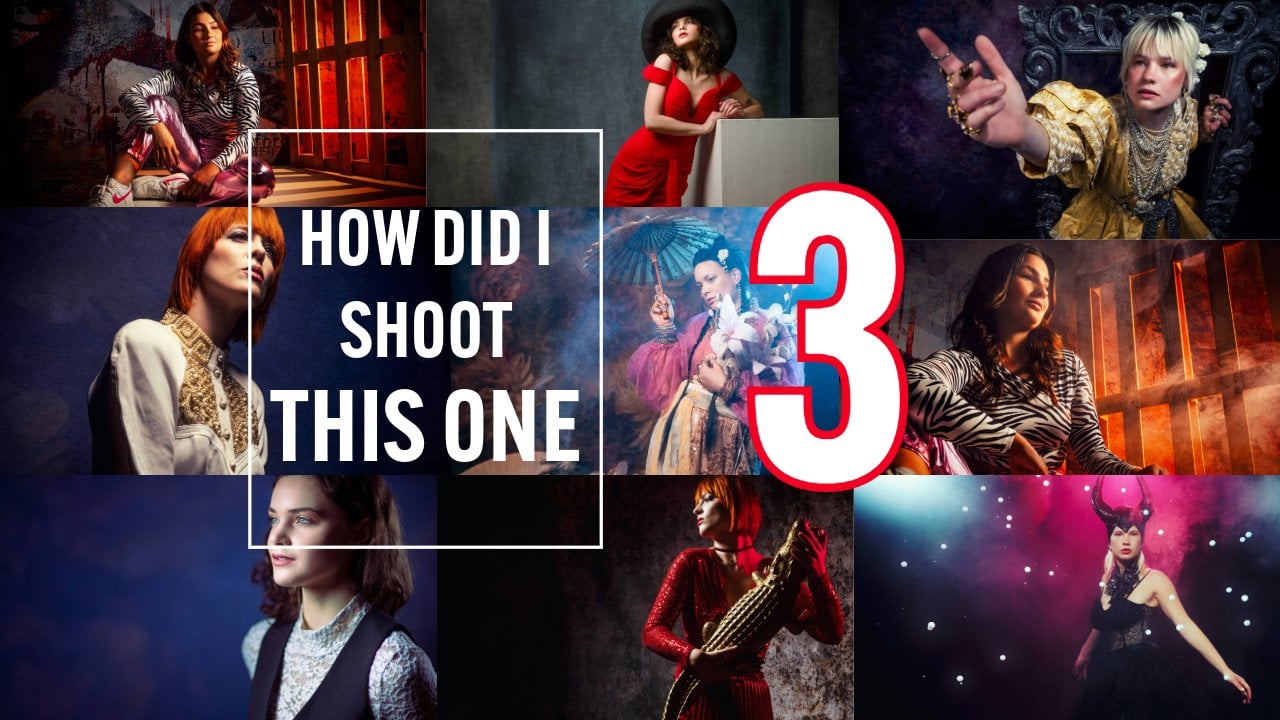
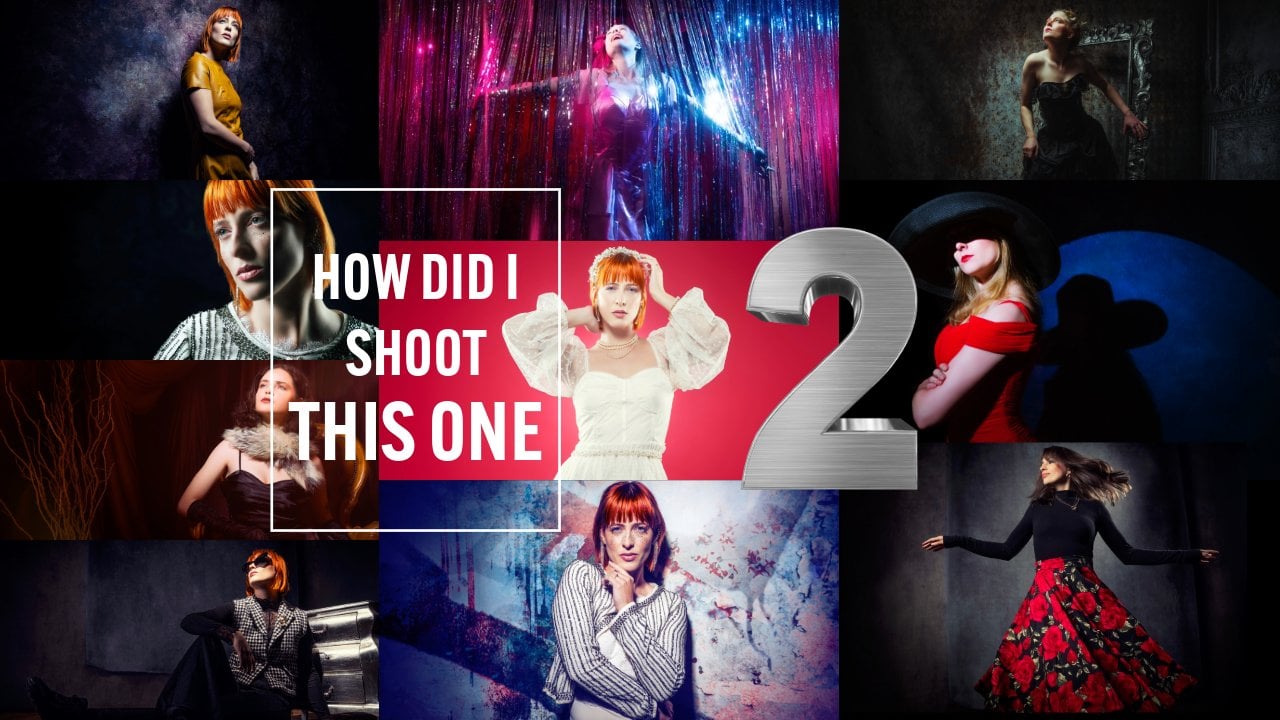
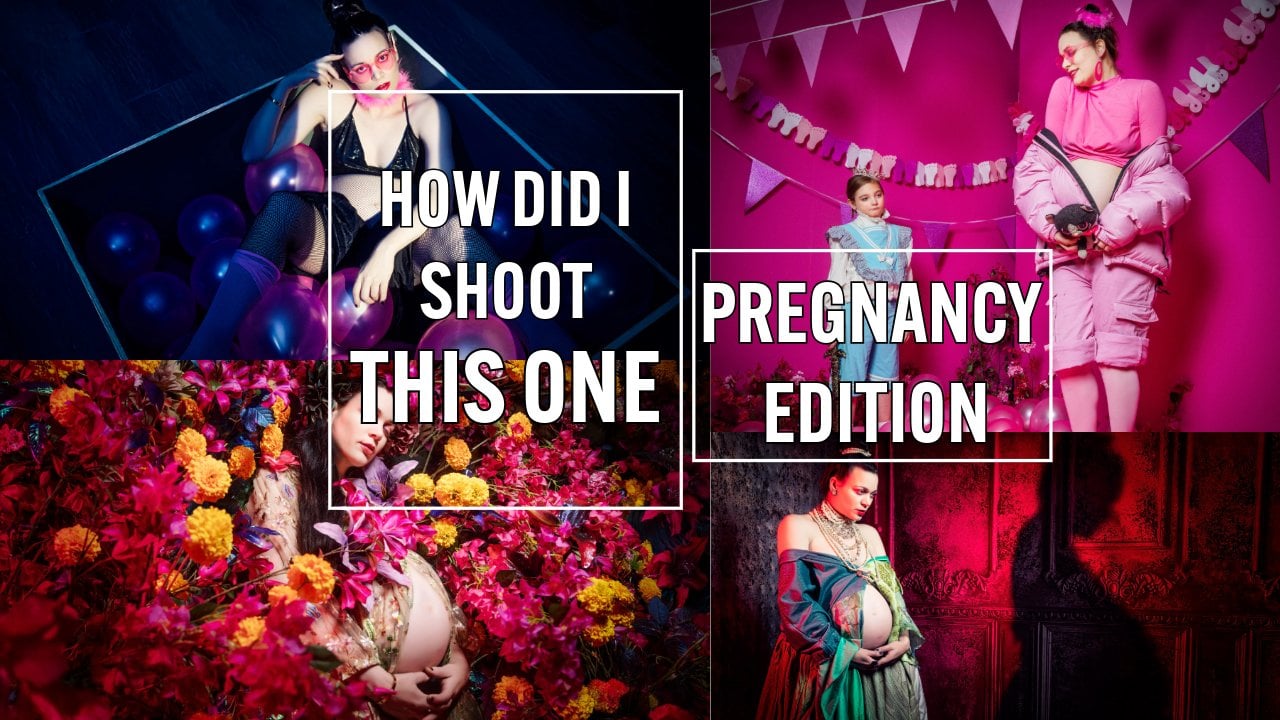
1. Introduction How Did I Shoot This One: Hey, guys, my name
is Frank Dorof and welcome in our
studio in Emalorth. As you can see, we
love old lenses. We love converters. We love weird light
sources like Frenels. But if you know my
work, you know that I also teach a lot of workshops, and we thought it would
be awesome to show you guys behind the scenes
during the workshops. Now, normally for
these workshops, you have to come to our studio. But during the
workshops, we also film all our lighting setups. And in this series,
I'm going to tell you exactly how did I
shoot this one? We're going to give you
tips, lighting setups. Explaining the techniques, but also a lot of tips about
working with your models, finding the right angles, leading lines, using old gear, using gobo projectors, I'm
getting really enthusiastic. I hope you guys
are ready for it. I don't want to
spend any more time. Let's start with
the first episode of How did I shoot this
one on Skill Share.
2. 1 Making a Portrait: Ys, and welcome to
another episode. And in this series, I show you images we shot
during the workshops, and how did I shoot this one? And today, we're going
to take a look at this portrait from Jenica. Now, I love old
fashioned photography. I don't know what it
is, but new lenses are, of course, perfect,
but sometimes they miss a little
bit of character. You might wonder, What's
character? I don't know. If you put it next
to each other, I may or may not pick
out the old lens, but when you shoot
with those lenses, I don't know, something
magical happens. So that's why I love
collecting those old lenses. Now, of course, we didn't
shoot it with a Jessica. Don't you just love
these kinds of cameras? Oh, by the way, if
you take the lens cap off, it works much better. Now, this one is
awesome because it has a light meter
inside and it has, of course, a twin reflex. The problem with these kinds
of lenses, by the way, is that you look
through one lens, and you take the picture
with another one. So there's always
a little bit of a difference between what
you see and what you get. But that's so cool about
these kinds of cameras. Still use them. They're awesome. Of course, we also have
the 35 mil ca R cameras, great cameras, but most of all, great lenses, if you can't
afford the M lenses. But if we go even further
back in time, we of course, have our older Pentax cameras or minota cameras
with great lenses. Now, you might wonder, Frank, where are you going with this? Well, let me tell you. As you can see here, this is a so called Zebra lens. And
here we have another one. If you see silver with black, it's often called Zebra lens. Now, those lenses
are very special, and that's also because
they have a certain name. You might wonder
what that name is. Did you ever hear the name Yena? Probably not, but did you
ever hear the name Zeis yeah, you probably did hear the
name Zeis, right? Zeis Jenna. Those older lenses, I kid you not, are
absolutely awesome. Now, the most lenses
I'm using are, of course, the 42 mount. Now, the 42 mount, let's
make it very simple. In the past, you, of course, Nikon, Cannon, and they
all have different mounts. And one of the
screw mounts is 42. Now, how do you fit something like this on a modern camera? Well, there are
several converters on the market,
like, for example, Photo Dox or tech art, and they make actually
converters that you can use these lenses on your camera
and you have auto focus. Believe it or not, it
works like a charm. But for this setup, I'm not using one of these older lenses. I'm actually using a
minota 8,051.8 lens, and it's an awesome lens, and it has a very,
very high quality. I think it's maybe even
better than some of the modern lenses because
it has more character. So how do I use a
lens like that, including out of focus on my
modern Sony A seven R five? Well, that's where you
need the so called LAI converters from Sony. Now, in this setup, I'm using the LA
and I hope I can pronounce it correctly,
the version five. Now, be careful when you use the minota lenses on
your A seven R five, that the four and the three
will give you some issues because they don't translate
well with an older lens. The weird thing
is on the A seven R three, everything worked fine. On the A seven R five, I really need the
converter five. So if you're into old lenses, make sure you buy version five. Now, for this setup, I'm using the lens wide open. Now, wide open gives you a very shallow depth of field, but you have
to be careful. If you want a shallow
depth of field, it can also help to shoot
from a slightly lower angle because then you get this really nice, smoothly silk focus. It's just awesome, as you can
see in the final results in a moment and already in the
image I saw you in the start. There are a few things
you have to be very careful when shooting wide open. And that's, of course, make
sure that your focus is on the closest eye and make
sure you focus correctly, because one slight difference, especially when you shoot
from a lower or higher angle will be dramatical
in your images. It will be totally unusable. So this is also one
of the things why I highly recommend
shooting tattered, because if you shoot tattered, you see the images coming in, and you can immediately check
if the focus is on the eye. But hey, how do we use our
lighting setup for this? Because I want to
shoot wide open. Now, wide open with strokes can be a problem for
the very simple reason, a strope has a lot of output. And in the studio,
we have to shoot on 125th of a second
because of the sync. So we need strokes that can go down to a very,
very low setting. Luckily, we are using our Gigoto stropes and they have something that
is, of course, well, a heritage from the
speed light era, they can go all the way
down to 128th of an output, and that gives me very,
very low light output. And that means
they're perfect to combine with wide open lenses. My main light setup
is the Jicoto quickie softbox to make sure that I
focus my light on my model. But of course, we also want to open up the shadows
on the other side, give a nice accent light. And that's why I'm using an accent light on
the other side. Now, in this case, I'm
using a strip light, and I'm using a strip
light for a reason. I don't want to use the
strip light only to open up the shadows on that side
and give a nice accent, but I also want to use
the strip light to give a little bit of
light on the backdrop. And this is where the
strip light is awesome. I always tell people
the strip light you can see as three different
light sources. In the middle, you
have a very bright, harder light source,
and on the sides, it just fares away. So in this case, I'm using the sights to give the
accent on my model. I'm using the sight to
light the backdrop, and the middle part,
it just disappears a little bit between the
model and the backdrop. So it doesn't really
bother me in the shot. Also call this a sandwich
technique where you're using the outsides of the stroke
and the middle side. Of course, it will
infect the image, but it doesn't
have a big impact. And the cool thing about this
setup is you can just angle your strip light to get
more light on the backdrop and a little bit
less on your model or aim it the other way, get more light on your
model, less on the backdrop. It's an awesome way to shoot. But we can talk about
it for hours and I feel like I already did
with all these nice lenses. Let's take a look at the
behind the scenes video. As you can see, shooting wide open gives you a
totally different look. Now, it's not something I
would advise to do all the time because it can
get old very quickly, but sometimes and especially
with shots like this, it just really adds some
atmosphere to the shots.
3. 2 Using the Lantern as your main light: Hey, guys, Frank,
here, and welcome to another episode
in our series. How did I shoot this one? And today we're going to
take a look at this shot, and it's actually much
easier than you might think. Now, sometimes during
the workshops, we do have some time left, and I always love
to do an extra set, even if it's just 15
minutes or 20 minutes, I just love to do extra sets. And one of the sets that's
very easy to set up, but is always very cool to shoot is with the Gekoto lantern. Now, every single light shaper, if you look at the design
of the light shaper, you can predict what
it's going to do. For example, if
you compare the S 26 from Dakoto with the quickie, you can see that the S 26 spreads out the light more and the quickie focuses
the light more. But if you look at
all the soft boxes, you can see that
they're all black on the side and
white on the front. And that means they don't
emit light from the sides, but just from the front,
may mean you don't have any spi light. And
that's awesome, right? Because if you don't have
any spi light, well, you don't have to
flack everything, and we can really focus
your light on your model. But what if you do
newborn photography or product photography
or a fashion shot where you want the
whole set to be lit, but you can't move
all the way back to create that effect
or you can't bounce off the ceiling
or maybe you want those shadows to run there,
but you need more light. Now, of course, you
can use an umbrella, but an umbrella it's
a great light source, but it's a little bit
limiting, of course. One of the light sources that I love to use for these kinds of setups is our brand new
Lantern from Gigoto. Now, the Lantern from
Gigoto has a great design. You still have that flat front so you can focus your
light on your model, but the sites are totally open. This is something else
than a normal lantern, where you have that round front. This is a straight front. Now, I'm using the lantern
mostly to use, for example, side lighting in a
Rembrandt setup, where you don't need any lighting on your
backdrop anymore, you place the light
slightly behind your model, and because it's
open on the side, it also spreads out
over your backdrop, creating a much nicer
setup than with previous setups where you use a softbox and excellent
lighting from that side. Now, in this case, we wanted to mimic something that well, a little bit of a wink to
the old folk commercials. So a great red dress,
a big hat, and, of course, well, a little bit of an old
fashioned backdrop. I just love that backdrop from click backdrop so you can see
the three dimensionality. Lighting wise, just a
lantern only from the side, creating a little bit of shadow, but a very soft shadow, and that shadow
actually creates depth. Now, to let our
model pose against, we're using a big box that
we have in our studio, and that's actually
the whole setup, meter it and shoot it. So let's take a look at the
behind the scenes video of this very simple but very
cool lighting setup. So as you can see, lighting setups don't
have to be very complicated or
difficult or expensive. One light source
can go a long way. Now, of course, normally, I love the more high contrast stuff
and the more darker stuff. But in this case, well, sometimes it's just fun to
do something like this. And, of course, sometimes clients need an image like this. You can, of course,
create everything high contrast and dark
and reembrant like. But if your client doesn't
see anything bright and he looks for anything
bright, he won't call you. So make sure in your portfolio, you always have different
kinds of images.
4. 3 Using the FlashBender Pro XL as your mainlight: Hey, guys, Frank, here. And today, we're going to take
a look at this shot that I shot during the workshop in
Belgium with our model Flora. Now, during the workshops,
I always try to, well, push myself a little
bit to do different things. But there's always, of course,
a part that comes back, and that's creating contrast
with one light source. Now, you might wonder,
why is that important? Yeah, well, it is important
for the very simple reason. Sometimes you're
on a location with a client and your client
wants something else. Like, you can't get away
with always just shooting the headshots with
straight flat lighting, and there we go. There are a lot of clients that just love to do
something different. They want to well, be different
than the competition. And that's where high contrast
images can be awesome. It doesn't work for everybody, but when it works, you get some really high impact images. And well, the tool that I
use for this the most is actually my own frame Dorhof
a flash bender from Rogue. Now, the flash bender is a
really interesting article because you can use
it as a strip light, as you can see here, but
you can also take this off. And of course, it
makes a nice sound. You can use it as a bounce card, but you can also do this, and now it doesn't lose
any light to the ceiling. And the fun thing is, you also get a softbox
attachment with it, and if you are a little bit
creative, and of course, as photographers, we are,
you can even fold it, and this one is a
little bit stiff still, but you can also
fold it as a snoot. So there we go. Now
we have a snoot. Now you might wonder, how do
you use a snoot like this? Well, it's actually
pretty simple. If you think about
it, think about this. You have a wedding, and there's not a lot
of great lighting, but you do have three
strokes with you. Of course, three Cicoto strokes, right? Now, how about this? Using our rogue magnetic system with a blue and red
gel on one side. Do on both sides,
one red, one blue. And then giving your assistant
the snoot and just put your camera on ETTL put it on flash
exposure compensation, zero or plus two, depending on your camera, and, of course, your exposure
conversation on minus two. Now, why did I tell you the
flash exposure conversation in two settings? Very simple. Some cameras connected to
your exposure compensation, and then when you
go down two stops in your exposure compensation, you have to go up two stops in your flash exposure
compensation to make sure that the flash looks right,
and some cameras don't. They just disconnect them,
and then you can say, Okay, my ambient light
has to be two stops down. My flash has to be normal, so you just leave it on zero,
depending on your camera. And now you get great shots with your bride and groom dancing
around in full light, and the rest is a
little bit dark, and you get these beautiful blue and red lights
from the side. Totally different venue. But
hey, it's not about that. The thing that I love to use the flash Banda for
is creating contrast. Now, the cool thing about something like the
hybrid strokes from Gekoto is
that you can place them in very, very
nice locations. So you can place them
in a location where a normal big stroke is a little bit more
difficult to place, plus, you can very easily use them in horizontal
and vertical setting. If you look at the video now, you can see that I'm
using the flash bender in the horizontal setting, and I'm aiming it slightly down. So it's actually above
my model aiming down. The nice thing about
the flash bender is that the light spread
is pretty white. We didn't make it very
small but pretty white. And that means that when I
shoot straight into my model, as you can see in this image, you have a really nice flat
looking contrast image. So it's still high contrast, but it's literally a little
bit flat on the face, which gives you a
beautiful portrait. But as soon as I start
to walk around my model, that's where I get my contrast. So, for example, when I
shoot into the light, you get this beautiful, almost silhouette like model shot. And when you shoot it straight
from the front, well, at a blue gel, add a little bit of motion,
and look at that. Now you got some
really cool shots. Hey, as usual, let's take a look at the
behind the scenes. The video of this setup. As you can see,
very simple setup, only one stroke, and of course, because of the flesh bender, we can turn it around on our stroke because it
doesn't fit fixed. You can literally
just move it around. And of course, you can use
it vertical and horizontal. And in this case,
as you can see, I'm lighting both my
backdrop and my model with the same light source to create
some really nice images.
5. 4 (Wide) Angles: Today, we're going to
take a look at this shot, and how did I shoot this one? During the workshops,
it's always nice to work, of course, with lighting, with models, but also with sets. But one of the
things that I really find interesting is to
explain what angles do. Now, you might
wonder, like, Hey, Frank, what do you
mean with angles? Well, when we start
with photography, we all know that
we probably start from an eyes perspective. In other words, we
just place the camera straight in front of our eyes
and we take the picture. And in all honesty,
that looks great if you just capture
something for prosperity. But what if you want to
do something different? What if you want to tell
a story with your images, if you want to draw
the few or more in? That's when the angle becomes
very, very interesting. For example, a lower angle, I often call the
hero post because the model just looks
larger than life. But when you shoot
from the top down, yeah, that just looks
a little bit funky. But what happens if
you don't just take into account the angle but
also the length of your lens? You have to realize
that every time you use a different
lens on your camera, the rendering will be different. For example, a longer lens, like a 200 mil will
compress everything. That means that
everything will be put together a little bit
more in the picture. It also gives you the
big advantage, of cours, with a longer lens that it will throw the backdrop out of focus. We all love that. Actually,
we don't love that anymore, right, that funky backdrop
that you can't recognize. It's great when you start
out with your 1.2 lens, but in the end, you just
want a great image, right? So yeah, that part, I don't find that
interesting anymore. But as soon as you start
using wider angles, then you lose that backdrop
that's out of focus, but you get something
back that's much more interesting,
distortion. Now, you might think
distortion is a bad thing, and most of the times
we actually think that distortion is a bad thing. We don't want it in there. But if you use it creatively,
it can be awesome. Like, for example, if you use a 70 mill lens and you sit on the floor and you
shoot up to your model, you shoot from a lower
angle, and it looks great. But if you do the same
shot on a 24 mill, this is a totally
different image. And that's what actually
in this set happens. I'm using one of my guitars, a great epiphone and I placed my model on a chair
on our podium. Now, as you can see in the
final images after the video, we are using a wider
angle from a lower angle. And that means that
I use my distortion, but I also use the
legs of my model and the guitar as a
strong leading line. Now, by the distortion
of the wide angle, the feet will look a little
bit bigger than normal, and it already gives
you a nice funky image. The thing with wide angles that you really have to
take into account, don't put anything that's
really important on the edges of your frame because that,
that doesn't look right. I will look really funky. But when you use a white
angle from a low angle on your model and you use the feet as your
main leading line, that can give you great images. Now, of course, you also want to know the lighting setup, right? So as our main light source, I'm using a Gikoto GT 400 with the Gikoto
quickie softbox. Now, this is a
really nice soffbox. It's a smaller sof box, but it really angles the light. It gives you that,
how do you say, a little bit of a spot
effect with the softbox and you don't have to place it really close to your model. I really love it for
these kind of shots. As my accent light, I'm using a Gikoto GT 200 with
the Rogue magnetic system, and, of course, a red gel to
give that nice moving image. But hey, enough talk. Let's go to the behind
the scenes video and, of course, the final results. As you can see,
using your own props in a workshop is always fun. But when you add angles
and a wide angle, well, it becomes a lot more fun. So, for your next photoshoot, drag that wide angle
out of your closet, put it on your camera, and maybe you will never
switch back to that 7,200, which was the perfect lens for portraiture in
the past, right? I think it's the 24 to 70 because now you have a wide
angle and a compression.
6. 5 Freezing Motion with a Jumping Model: Did I shoot this one? And today it's actually not
about this shot. I just want to give you a
tip about freezing motion. But I just love this
shot, don't you? Now, this shot was shot during
a workshop with Felisa, and we're using our gray
backdrop from click backdrops. And I really like this
one. It's not really gray. It's a little bit
like a pattern, but it's a great
backdrop for Well, if you don't know what kind
of backdrop you want to use, this one always works. Light source, very simple, a big softbox on our model. And in this case, I'm
using the lantern because that just an awesome
softbox from Gigoto. Now, what is this video about? We get so many questions
about freezing motion. I thought, let's give you
a quick tip about how you can know in which setting
your stroke is the fastest. Now, of course, you
can buy this beautiful psychonic 858 light meter. It's awesome because
with this light meter, you can literally meter your flash duration,
believe it or not, it's really simple, as you
can see in this video, it just gives you a graph. Now, if you don't have an
expensive light meter, there's a very simple trick, how you can do the same thing. Now, first, let me explain
why this is necessary. Now, you might think that your stroke always
performs the same. You just turn it on
and you turn it down and it just emits
more and less light. In essence, that's true. But there's also something
else that changes. Of course, you're
recycling time, but don't talk about it now. We talk about the so
called flash duration, the cutoff and the
raise of your strope. Now, the flash duration is very important when you
start to freeze motion. You want the fastest
possible flash duration. Now, when you look
at the stropes, they will change
the flash duration over the power output. On full power, on most stropes you won't have the
fastest flash duration. On the lowest setting
on hybrid strokes, you often have a very,
very high flash duration. But as soon as you
start adding power, you will see that
that flash duration actually drops down and a lot. So, for example, on
a hybrid strope, it's very usual to get
flash durations of 40,000 to one on
the lower setting. But as soon as you go
to the highest setting, they can go down as low
as 700th of a second. So what do you need
to freeze motion or, for example, a jumping model? Well, if you really want
to freeze everything, I always advise to go for about 2020 500th of a second
for your flash duration. Again, with a light meter
like this, it's very easy. I just set it up, I meter, and it will give me the
value of my flash duration. But what if you just want to know which setting on my
strop is the fastest? Well, here comes the tip.
Get a very, very simple fan. For example, like we have in
our studio when it's hot, what you do is you place
your camera on a tripod. You place the fan on full power, so it spins really fast. And the only thing you
do is you start with your stroke on the lowest
power, take a picture. Then at one stop,
take a picture, add another stop,
take a picture, just repeat it until
it's on full power. Now, when you go into Lightroom, you look at all those
different shots, and you know what
you're going to see that in every single shot, the fan will be frozen just
a little bit different. Now, it's very easy to see in which of those settings well, the fin is the sharpest, and that's where the fastest flash duration of
your stroke is. So just note that down. And now every time that
you need to freeze motion, you know, I place my stroke, for example, on 70%. You just move it closer and further away from
your model or you change light modifiers to get
the perfect exposure and, of course, the perfect
freezing power on your model. Let's take a look at the behind the scenes video
from this setup, and let's have some fun
with Felisa and motion. Okay. As you can see, it's very easy to
determine where your sweet spot is for your flash duration
on your strokes. Go out today, test
it because it can really save your photo shoot if you need to freeze motion. But the cool thing is, if you don't want to freeze
motion perfectly, you want a little
bit of a fade out, you just chooe one of
the settings where it has a lower flash duration.
It's that easy, right?
 Frank Doorhof, Learning with Frank