Fashion Illustration in Procreate: Draw a Beautiful Dress in 10 Minutes | Yasar VURDEM | Skillshare

Playback Speed


1.0x


  • 0.5x
  • 0.75x
  • 1x (Normal)
  • 1.25x
  • 1.5x
  • 1.75x
  • 2x

Fashion Illustration in Procreate: Draw a Beautiful Dress in 10 Minutes

teacher avatar Yasar VURDEM, Creative Art Director

Watch this class and thousands more

Get unlimited access to every class
Taught by industry leaders & working professionals
Topics include illustration, design, photography, and more

Watch this class and thousands more

Get unlimited access to every class
Taught by industry leaders & working professionals
Topics include illustration, design, photography, and more

Lessons in This Class

    • 1.

      Introduction

      0:43

    • 2.

      Sketch Quick Lines

      1:30

    • 3.

      Sketch Hard Round

      0:50

    • 4.

      Color Drop

      0:09

    • 5.

      Adding Middle Tones

      3:31

    • 6.

      Adding Highlights

      2:51

    • 7.

      Complete Dress

      2:02

  • --
  • Beginner level
  • Intermediate level
  • Advanced level
  • All levels

Community Generated

The level is determined by a majority opinion of students who have reviewed this class. The teacher's recommendation is shown until at least 5 student responses are collected.

15

Students

2

Projects

About This Class

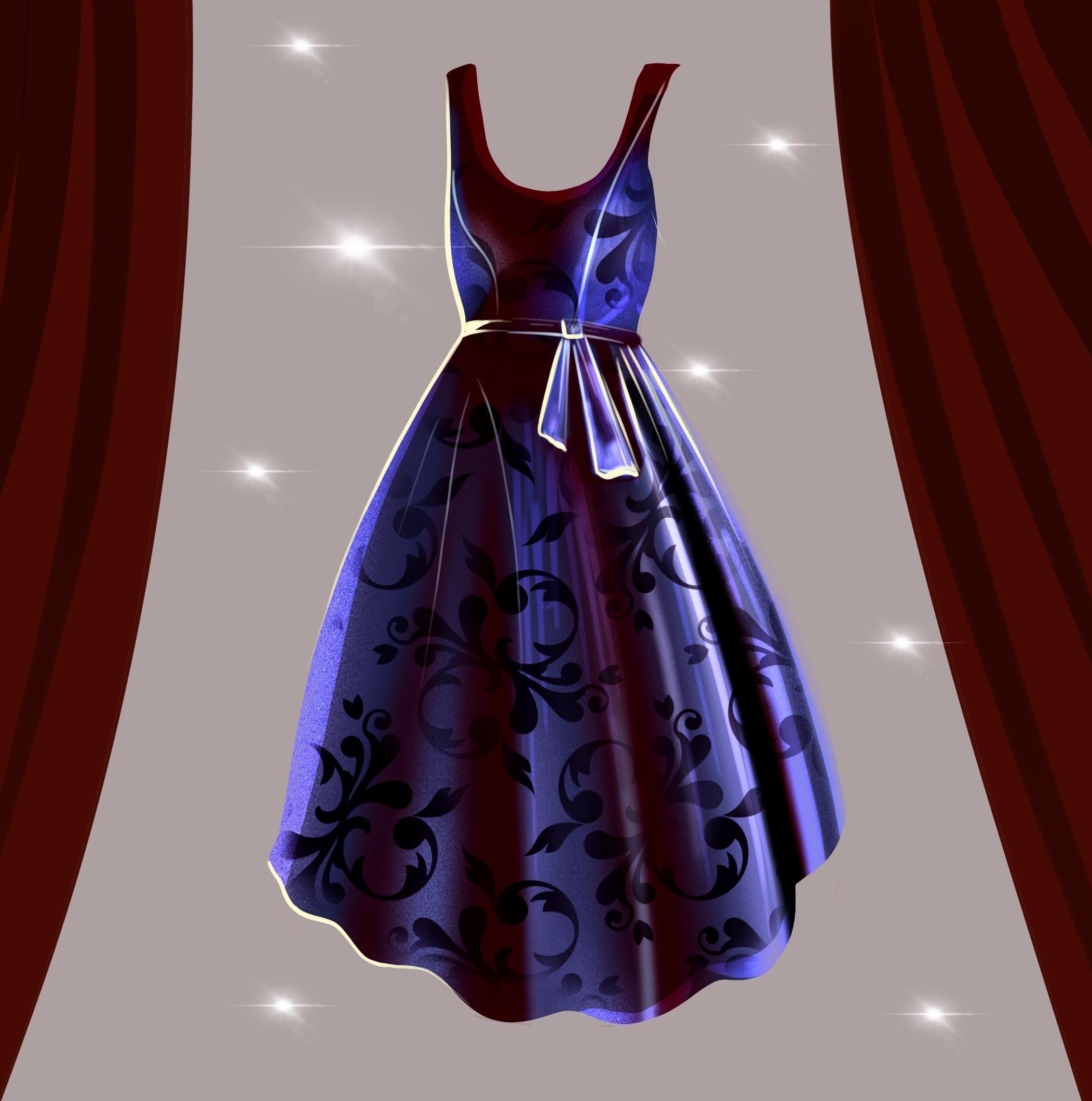
Fashion Illustration in Procreate: Draw a Beautiful Dress

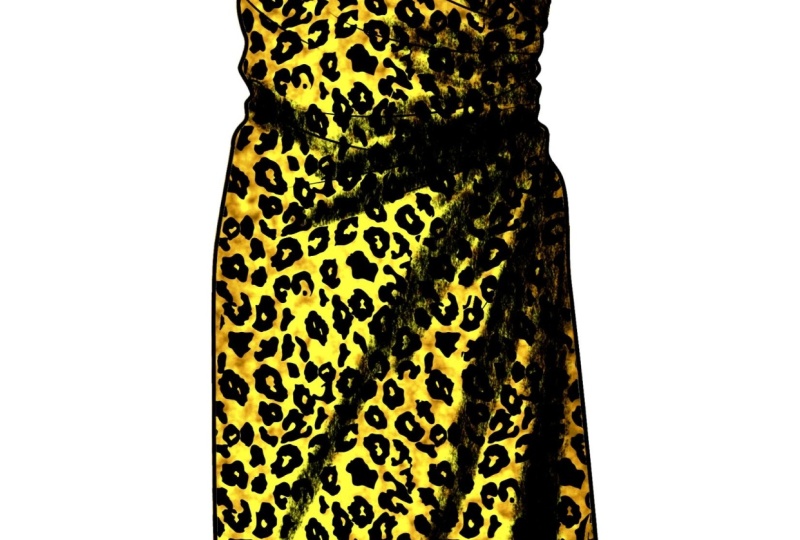
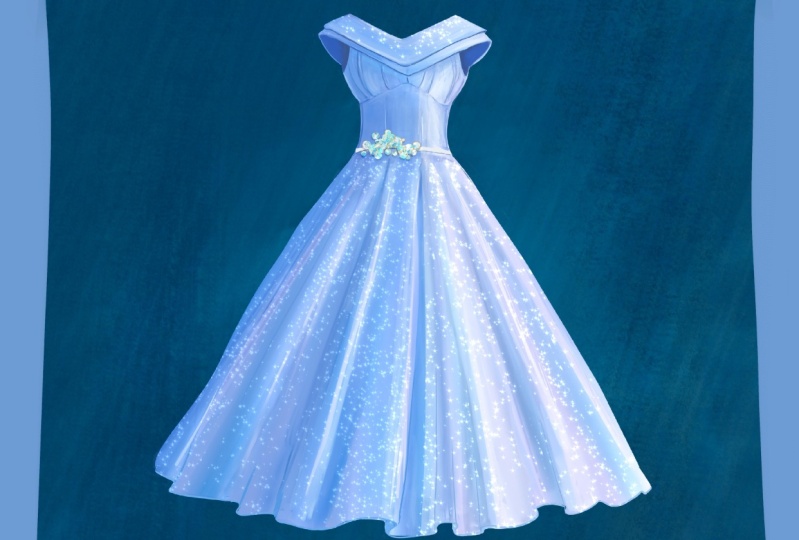
Learn how to create a beautiful digital fashion illustration in Procreate! In this class, you’ll draw an elegant woman’s dress step by step, while learning the basics of fashion sketching, digital painting, and color choices. Perfect for beginners and creatives who want to explore fashion design with Procreate.

You’ll discover how to sketch, shade, and color a stylish dress illustration using quick techniques that make your artwork look polished and professional. Whether you’re a beginner or an experienced artist, this class will help you bring fashion design ideas to life with confidence.

🎯 What You Will Learn

  • How to draw a stylish woman’s dress step by step in Procreate

  • The basics of fashion sketching and digital illustration

  • Shading, highlights, and coloring techniques for elegant results

  • Quick methods to create polished digital artwork in less than 10 minutes

  • How to apply fashion design concepts in your own creative projects

🌟 Why Learn From Me

I’m Yaşar Vurdem, a professional digital artist who has collaborated with global brands like Adobe, Prime Video, Wacom, Logitech, and Ubisoft. With years of experience in digital painting, character design, and fashion illustration, I’ve taught thousands of students worldwide. My step-by-step teaching style makes it easy for beginners and inspiring for advanced artists. By learning with me, you’ll gain not only practical Procreate techniques, but also insights from a professional who works at the highest level of the creative industry.
Meet Your Teacher

Teacher Profile Image

Yasar VURDEM

Creative Art Director

Teacher

Check my Etsy Shop

Welcome! I'm Yasar Vurdem a digital artist, illustrator, and passionate instructor.

I've spent years developing a vibrant, expressive portrait style that blends realism with bold, painterly energy. Over the years, my artwork has been featured in collaborations with global names such as Billie Eilish, Adobe, Prime Video (The Lord of the Rings: The Rings of Power, The Wheel of Time, Citadel), Wacom, Logitech, XPPen, and many more.

As a professional designer and illustrator, I work across digital painting, character art, concept design, and stylized portraiture. My goal as a teacher is simple: to share the exact techniques, workflows, and artistic mindset that I use in my professional projects in a clear, practical, and inspiring way.

Every ... See full profile

Level: All Levels

Class Ratings

Expectations Met?
    Exceeded!
  • 0%
  • Yes
  • 0%
  • Somewhat
  • 0%
  • Not really
  • 0%

Why Join Skillshare?

Take award-winning Skillshare Original Classes

Each class has short lessons, hands-on projects

Your membership supports Skillshare teachers

Learn From Anywhere

Take classes on the go with the Skillshare app. Stream or download to watch on the plane, the subway, or wherever you learn best.

Transcripts

1. Introduction: Hi, I'm Masha uda, a professional digital artist who has worked with brands like adopt primemedia.com and Ubisoft. In this class, I will show you how to create beautiful fashion Illustration dress in Procreate. By drawing an elegant woman's dress step by step, you will learn sketching, shading, and coloring techniques that makes your artwork look more polished and stylish, even if you are beginner. By the end of this class, you will have your very own digital dress illustration ready to share in your project gallery. So grab your iPad and let's start drawing together. 2. Sketch Quick Lines: Hello, I'm Misha. And in this video torial for Skillshare, I will teach you how to paint a realistic fabric look like cloth for maybe one wedding dress or something special. At first, you need to select some hard drown brush like this. And what you need to do is painting the outline of the dress. At first step, do not rush and just try to build what it looks like. In body. If you're facial illustrator, your goal is how to make it look realistic and effective. So at first, start with simple lines like this. After you describe all thetails make the layer much less visible. And again, 3. Sketch Hard Round: Over the corners and continue to paint corners of it. And paint the corners of the dress. And after you do this, 4. Color Drop: Select your colors and color drop at every part of it. 5. Adding Middle Tones: After you finish it, go to layers and click on the layer and click the Alpha log and select smooth shading brush and select some lighter color and apply over your dress. With this option, you will only paint the selected area. I mean, painted area, and other places will not affect it. Okay. And light comes from this part. So the other parts, this part should be lighter. Especially the part will be lighter. We are putting the basic lights on the painting. And what we can do is selecting the much more vibrant color and increase the highlights. You need some soft round brush for this tap. And you can use any air brush to create this tap. Okay. And maybe I will put some lights here, and I want also increase the core shadows of the portray dress like this. Okay. And the fabric has some noisy textures. So if you want to make your dress pop up, you can paint with noisy brushes. But at first, I will open another new layer and make some detail to here. Okay. Okay, maybe like this. After this, you can combine the layers and go to the adjustments and who saturation and give a bit much more saturation. After this tap, select a materials and noise brush and select a bit much more vibrant color and paint with it. It will add really good amount of detail and fabric texture on your painting, but not overuse it just at the light 6. Adding Highlights: It will be visible. And these parts also will be visible like this. It is looking good right now and maybe we can increase the highlights over here and here, maybe we can make it much more details here. And here, these parts will be visible. Okay. After now, what we will do is adding much more certain lines like open another new layer with the overlay mode. With overlay mode, if you paint, your lines will be much more vibrant, but you will not lose any detail you paint under it. So I'm using this option for create maybe a bit much more crazies for our dress. And because fabric and clothes are not solid things. They are brand and they has crazes like fluid. So we need to paint these parts to make it pop up. And maybe you can even put some great details here with this texture. Okay, and go to the vintage or try to find some different shapes I will select this layer and maybe textures and Victorian textures and open new layer over it with multiply mode. And after that, 7. Complete Dress : I will select the darker color and will apply over it like this. It will create textures. You can use any texture in it depending on your choice, but make sure you select overlay or multiply. Okay. It looks good right now. And for the final step, I will collect all layers again. But after this, I will open new layers with some hard round brush, and I will select the lighter color and we identify the corners and borders of the details. For example, the belt have some details like this, and it can have the lights here, maybe visible lights and some borders and lines like this to identify the shape of the main base. And the dress flows, you can show it with the lines and hope you enjoy and I can't wait to see your artworks at Projects page for Skillshare. Thank you again for joining me in this class and see you at next class.