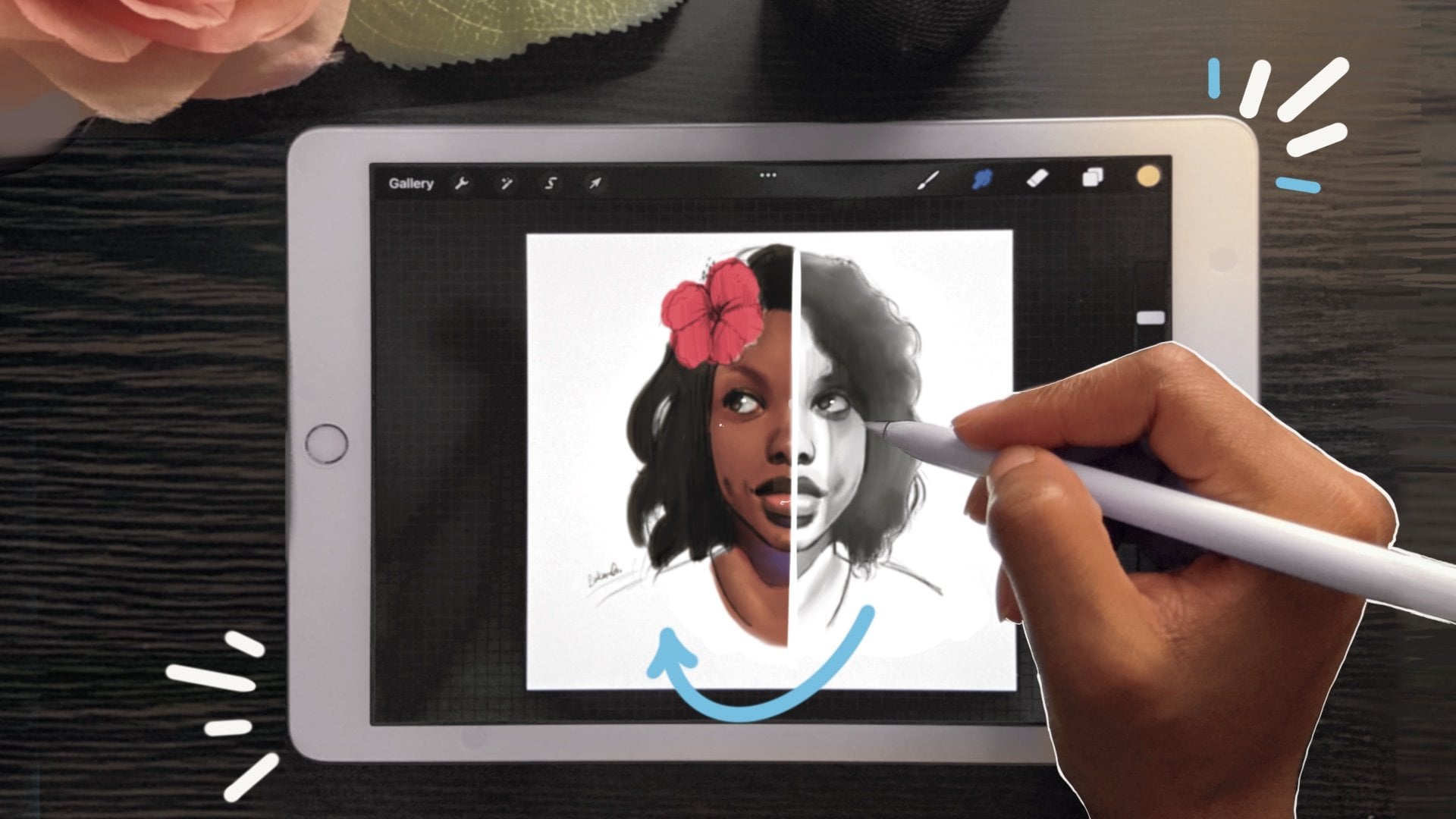
Digital Sketch: How to Draw a Messy Bun Hairstyle in Procreate | Lakena G. | Skillshare

Playback Speed


1.0x


  • 0.5x
  • 0.75x
  • 1x (Normal)
  • 1.25x
  • 1.5x
  • 1.75x
  • 2x

Digital Sketch: How to Draw a Messy Bun Hairstyle in Procreate

teacher avatar Lakena G., Digital/Traditional Artist

Watch this class and thousands more

Get unlimited access to every class
Taught by industry leaders & working professionals
Topics include illustration, design, photography, and more

Watch this class and thousands more

Get unlimited access to every class
Taught by industry leaders & working professionals
Topics include illustration, design, photography, and more

Lessons in This Class

    • 1.

      Introduction

      0:46

    • 2.

      Outline Sketch

      2:17

    • 3.

      Shading

      2:39

    • 4.

      Final Thoughts

      0:30

  • --
  • Beginner level
  • Intermediate level
  • Advanced level
  • All levels

Community Generated

The level is determined by a majority opinion of students who have reviewed this class. The teacher's recommendation is shown until at least 5 student responses are collected.

4

Students

1

Project

About This Class

👀Excited to Try This? 

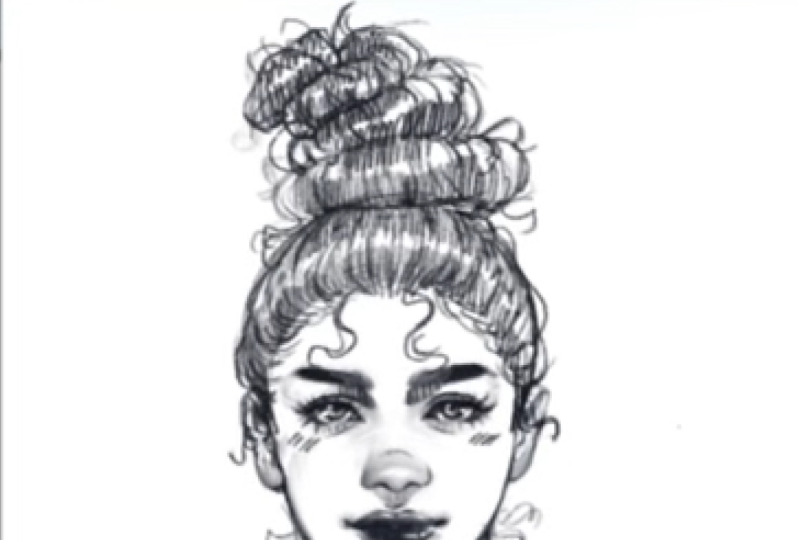
In this class, I will show you how to draw hair using HB Pencil Brush in Procreate. I will walk students through my process of  drawing a messy bun style starting from simplest form using few lines to easy shading techniques.  We will explore messy bun style to get a better understanding of shapes and form. 

✏️You will learn:

  • How to draw female messy bun hairstyle 
  • How to simplify hair shapes and form  
  • How to effectively shade hair using one brush 
  • How to sketch in a pencil style  

By the end of this class, students will know how to draw hair for fun using a single Procreate brush. You will be able to break down each step needed to learn how to shade hair using simple line work. This class is geared toward beginners but it will also help artists who have trouble with drawing with simple lines or simply want to learn more tips for drawing hair. 

➡️You can check out the previous class here with more beginner tips for drawing hair: 

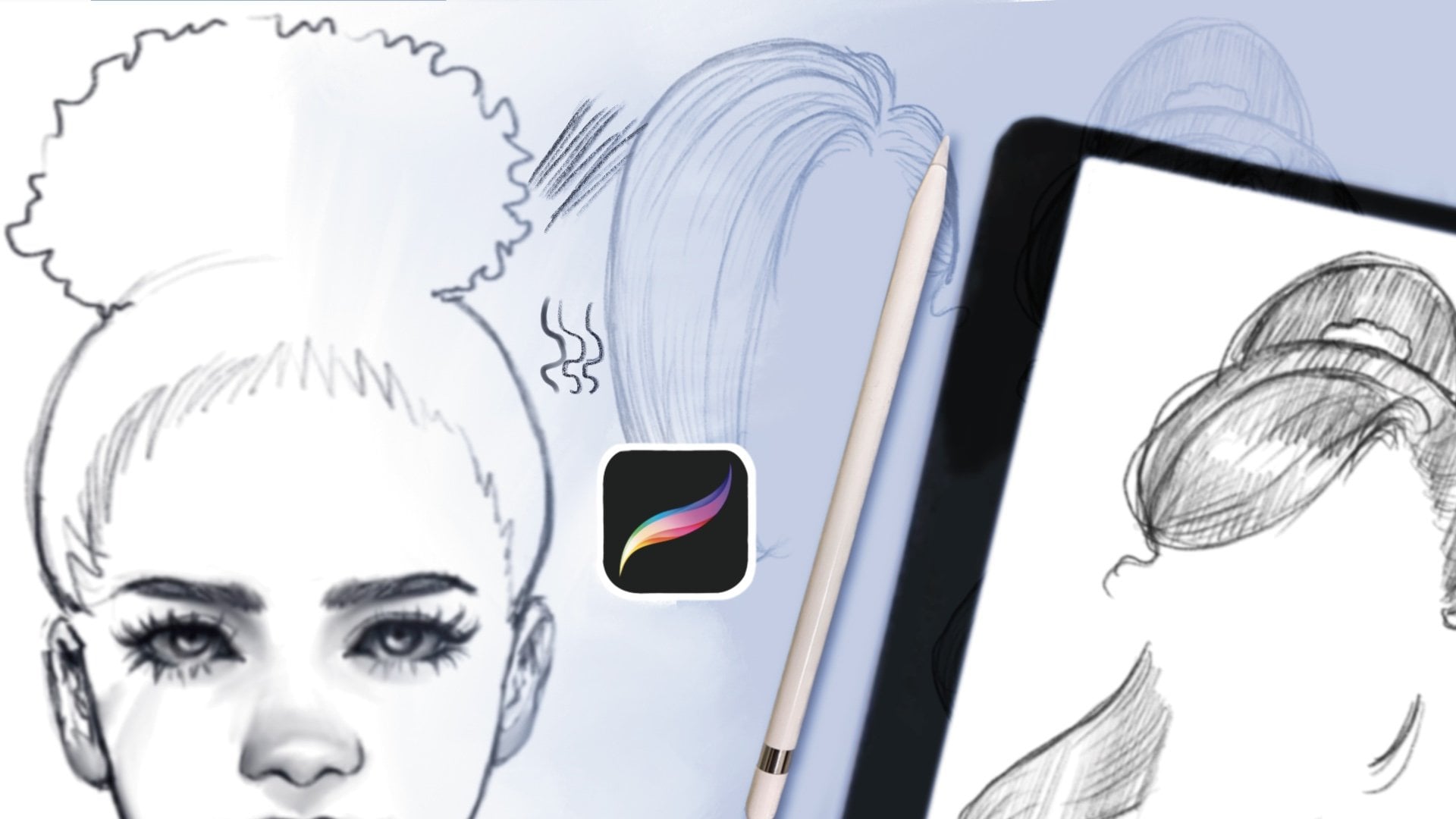
Digital Sketch: 4 Easy Sketch Styles for Hair in Procreate 

🌹Follow my social:

Digital Art YouTube | Traditional Art YouTube

Instagram | Instagram

Meet Your Teacher

Teacher Profile Image

Lakena G.

Digital/Traditional Artist

Teacher
Level: All Levels

Class Ratings

Expectations Met?
    Exceeded!
  • 0%
  • Yes
  • 0%
  • Somewhat
  • 0%
  • Not really
  • 0%

Why Join Skillshare?

Take award-winning Skillshare Original Classes

Each class has short lessons, hands-on projects

Your membership supports Skillshare teachers

Learn From Anywhere

Take classes on the go with the Skillshare app. Stream or download to watch on the plane, the subway, or wherever you learn best.

Transcripts

1. Introduction: Hi, in this class, we're going to create this cute messy bun. Do you want to give your characters a messy hair day? Well, this class will help you with just that. This is a fun practice sketch you can include in your drawings or sketchbook. Have you had trouble making your hair look messy also? Well, for this class project with the basic shapes outline, then we will add line work and finally work on shading. This is a good way to get out of your comfort zone in your sketches. This class can be taken for beginners, but it's recommended you take this class I'm showing here because this includes more hair drawing lessons and tips. For this class, you also need iPad, Apple Pencil, and Procreate. I hope you enjoy these lessons, so let's get started. 2. Outline Sketch: Welcome to the first lesson. Starting out with the base sketch, we will outline the hairstyle using shapes. The first shape is a half circle for the base of the messy bun. This includes the hairline, which is going to be round. Then we will shape the messy bun outline. These shapes can be oblong or ovals. Just as long as they show that they're stacked on top of each other as layers are piled on. Even though the shapes look basic, it is a good starting point before we add the details needed to make the drawing look like real hair or styled as hair. We will also add the straight flyaways that tend to show up when you have long hair so this can look messy. The shapes will also be a hazard because when messy bonds are made, they usually stack in odd directions. Keep that in mind when you're creating these shapes. We need these so the hair doesn't look neat or to put together. We want it to look a little unkempt. I want a little out of order, but next we're going to start with the lines to show the direction of the hair. You want to do this using two lines or more as you're forming the direction of the hair towards the bun. Because it's a updo, we want to make sure that the hair direction looks like it's going towards the bun. That is the direction to where the tension is. We're just going to keep these lines going also in the bun section. And we're just trying to show that the bun is curved, so we're going to make sure those lines indicate that. These se tail lens are important to show the direction of the hair strands, and it's important to follow the base sketch until you are comfortable doing this on your own. When creating a ponytail or do the hair direction as the hair curves from the front view. Sometimes we're going to have to adjust the size of the bun. I realized that mine was a little too small and I wanted to make sure that the bun looks heavy on her head. I justed the size and next lesson. 3. Shading: Welcome to the next lesson. Right now, I'm going to be adding more flyaways just to give me the vibe of the messy button. The outlines are here right now.fully those are helpful so you can see the image we're creating. I'm just going to add more messy hair strands coming from the top but and where her hair meets. I also want to erase the initial hairline underneath so I don't see that line while I'm shading. Now we're going to go to another layer and this is going to be another layer where we're going to do the shading. This shading is going to be using hatching. Now we can really see the hair come alive. Just to give it another addition or just make it look a little more together, even though we're trying to make this hair look messy, this shading is just going to be hatching, just straight lines and we want them to be close together just so they can be cohesive. This way, you don't have to use a blender or smudge tool here. You're just making sure the lines are so close together that they create the effect of a well shaded area. Now we're going to do the same thing to the bun. We're going to also make sure to leave space in between to give this effect of negative space. This also makes it looks like you have a highlight. We're not going to be doing anything too detail of a highlight, we're just wanting to make sure that the hair looks like it's formed. Now we see with these little details that is really coming together. Now I'm going to be adding more flyaways in the front of her hair because the hairline is looking a little too neat. I want to make sure the hair strands looks like it's coming from her head. Notice that the bun looks a little off to me, so I'm adding another bun just to make it look more messy. I know this messy bun is off a little bit, but when you look at other references, it might be easier to go from there. But this was just from my imagination. You can make it as messy as you want, add as many flyaways as you want, just to make it really look messy to emphasize the look. Next is final thoughts. 4. Final Thoughts: Thank you for taking the time to check out this class. I'm excited to share this with you and I hope you found some great tips here. You can follow me on my Skillshare page. You can also please leave a review and also remember to submit your class projects. You can follow me on Instagram at Design Too Art and a paper art pencil. You follow me on YouTube at sketches by Asg and at Design To Art. I'm so excited to see what you create. Thank you. See you next time.