
Curated by Skillshare
6 Classes (10 hours 30 minutes)
- Materials
iPad, Procreate, Apple Pencil
- Final Product
Two complete illustrations, a custom ticket, a custom brush library, custom texture and brush palettes.
- Level
Beginner
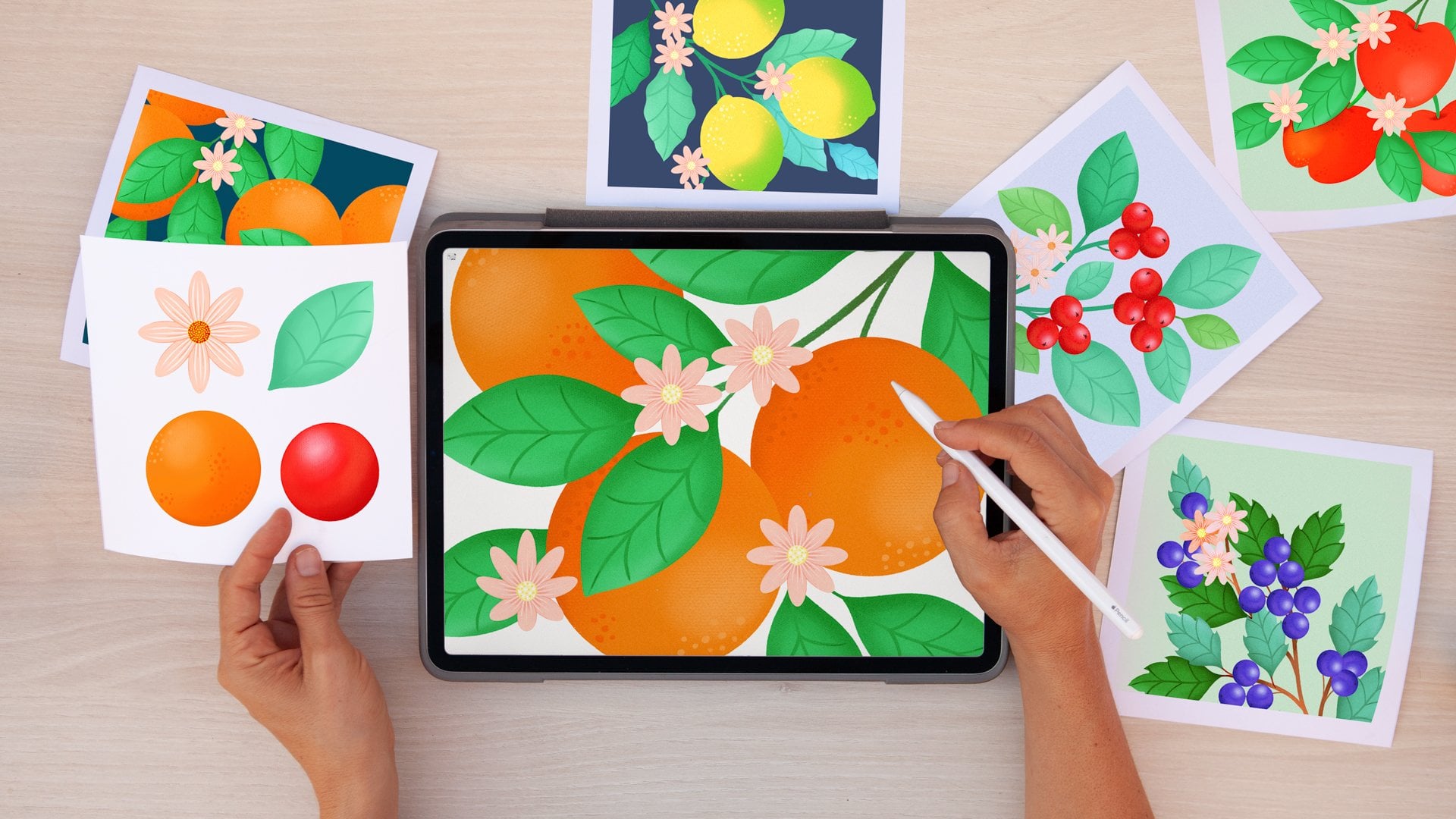
Digital Illustration: A Beginners Guide to Mastering Procreate
Total beginner in Procreate? Start here! Learn, practice, and master all the necessary tools and functions to create stunning digital illustrations on your iPad using the Apple pencil. You'll walk away from this class with your first piece of stunning digital art.

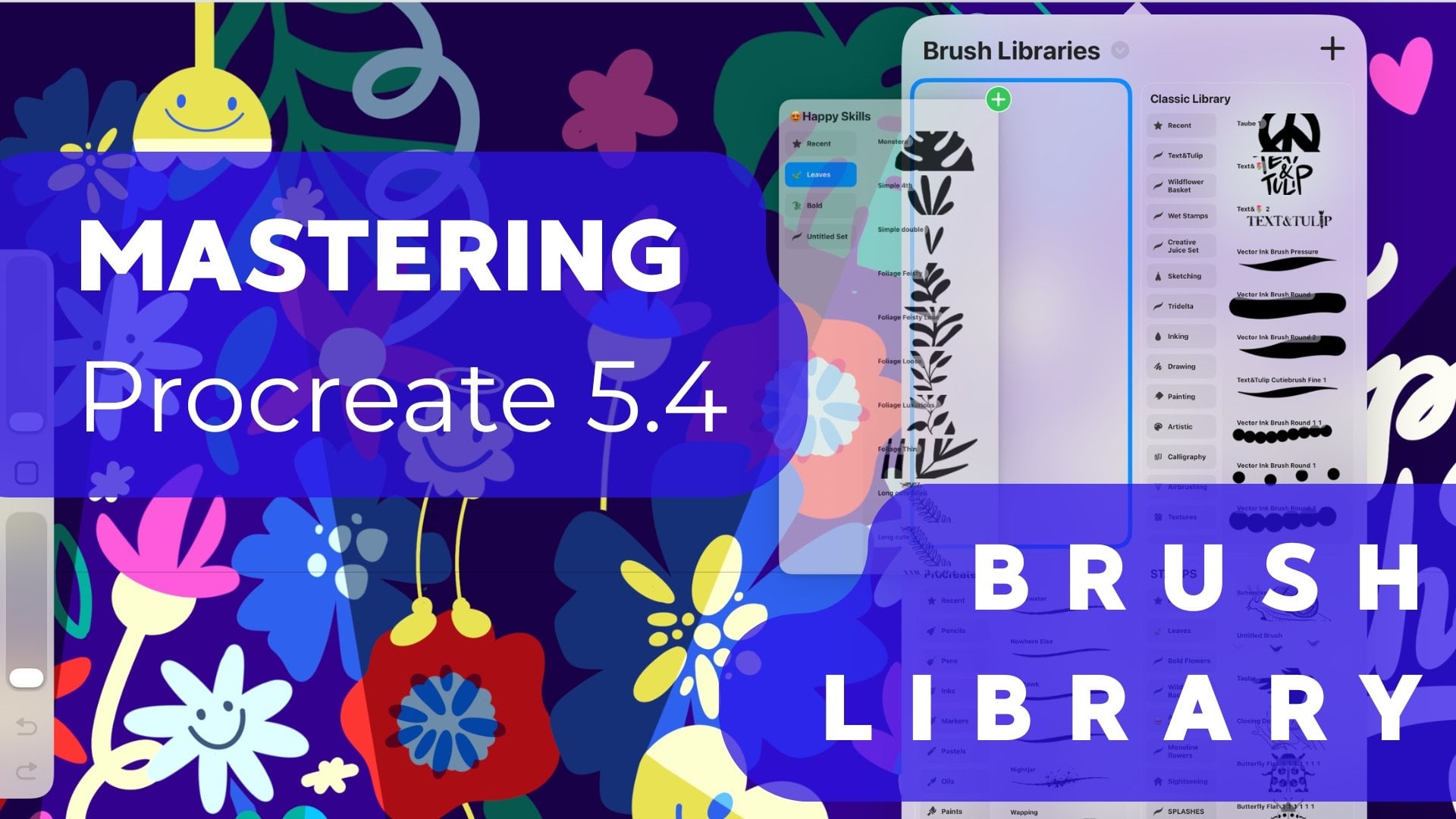
Mastering the Brush Library in Procreate 5.4
Dive into the advanced features of Procreate 5.4’s brush library and get comfortable with smart gestures. By the end of this class, you'll know how to create and customize libraries and sets, duplicate and move brushes, and import or share them with ease.

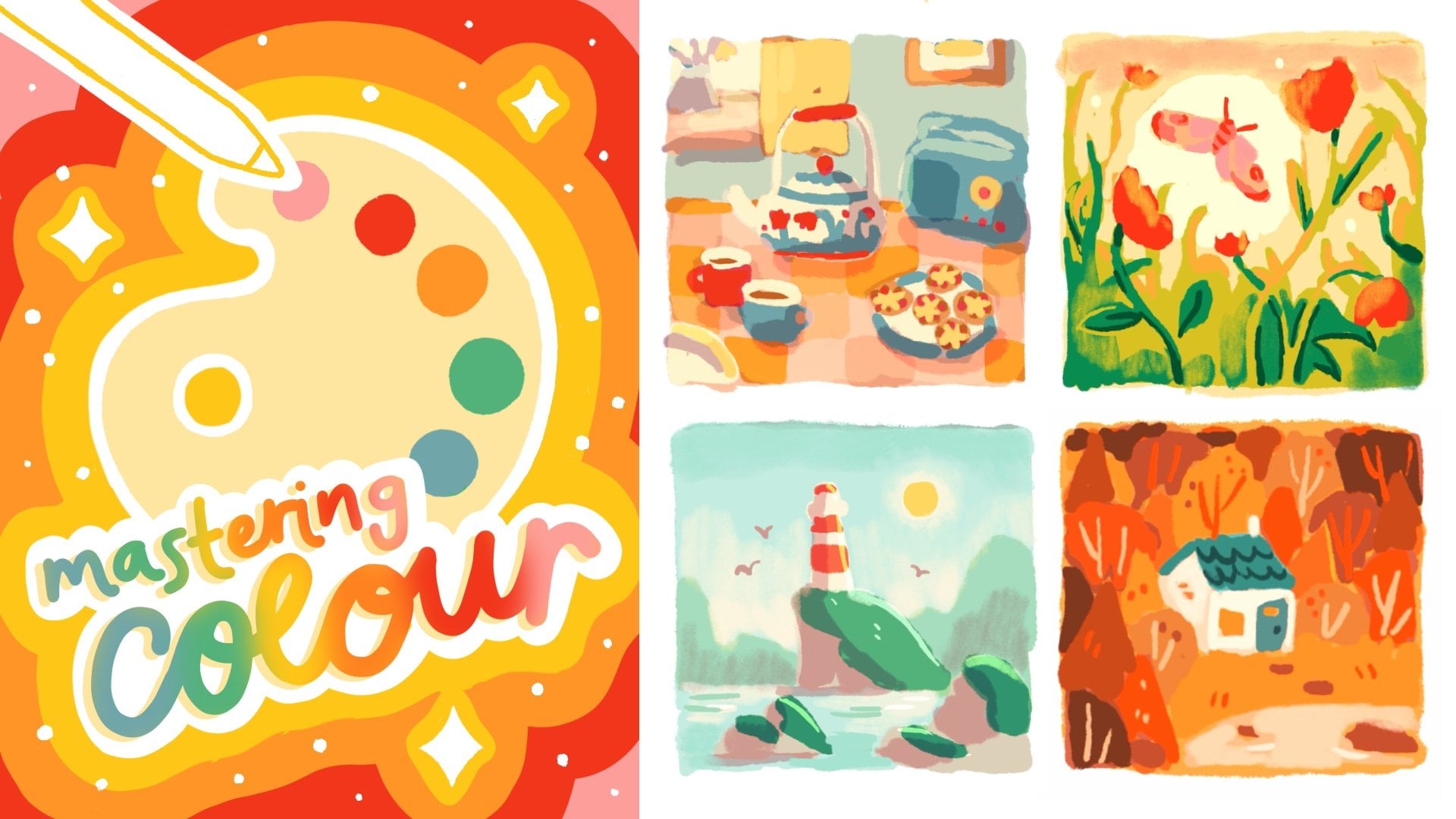
Mastering Color in Procreate: Theory, Palettes, & Digital Illustration
From basic color theory, to hands-on practice selecting colors and creating your own palettes, this class is designed to give you color confidence in Procreate.

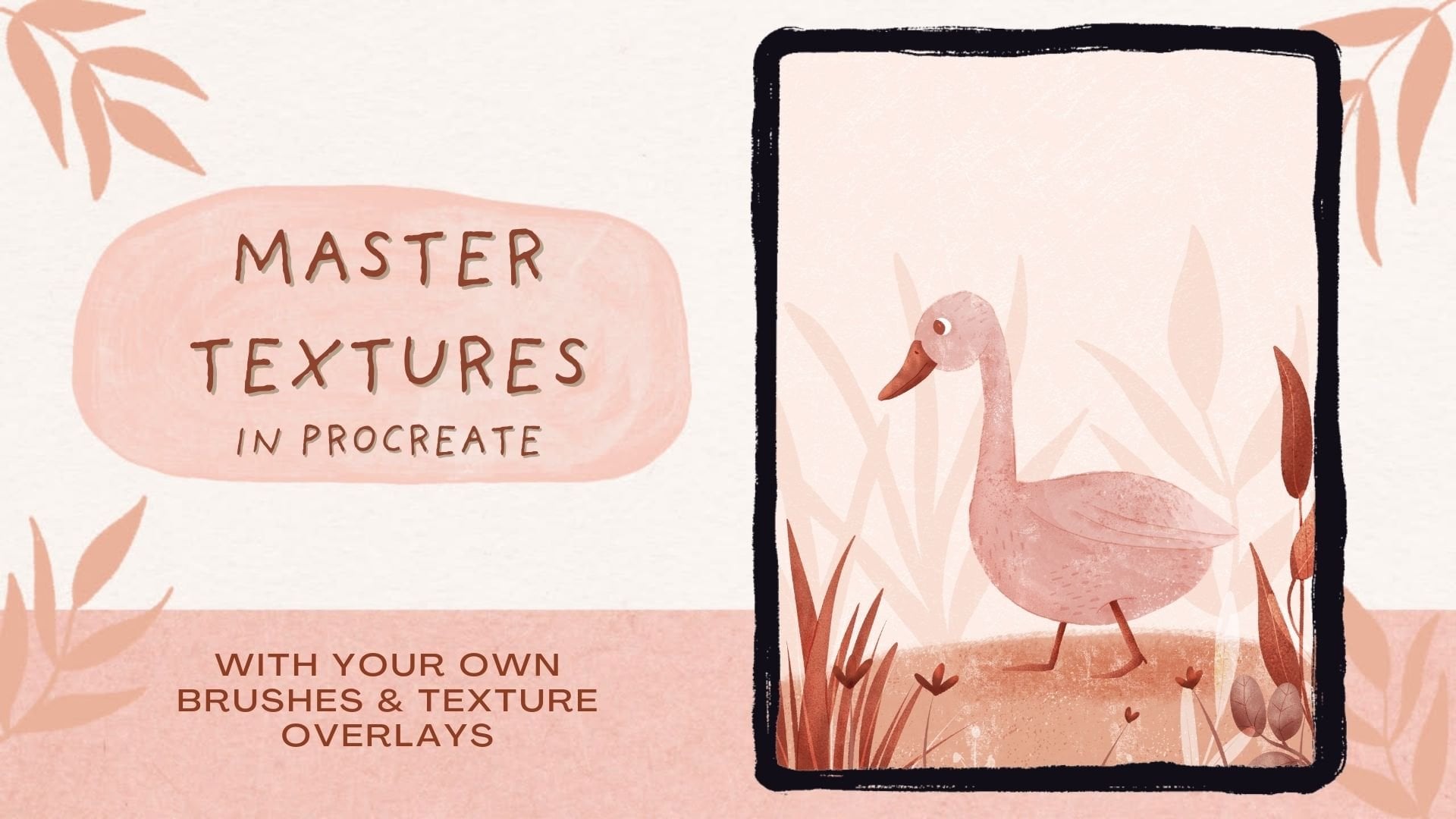
Master Textures in Procreate with Your Own Brushes & Texture Overlays
You've got the basics down, it's time to level-up your digital illustrations with texture. In this class, you'll learn how to use texture to enhance or transform your artwork in Procreate.

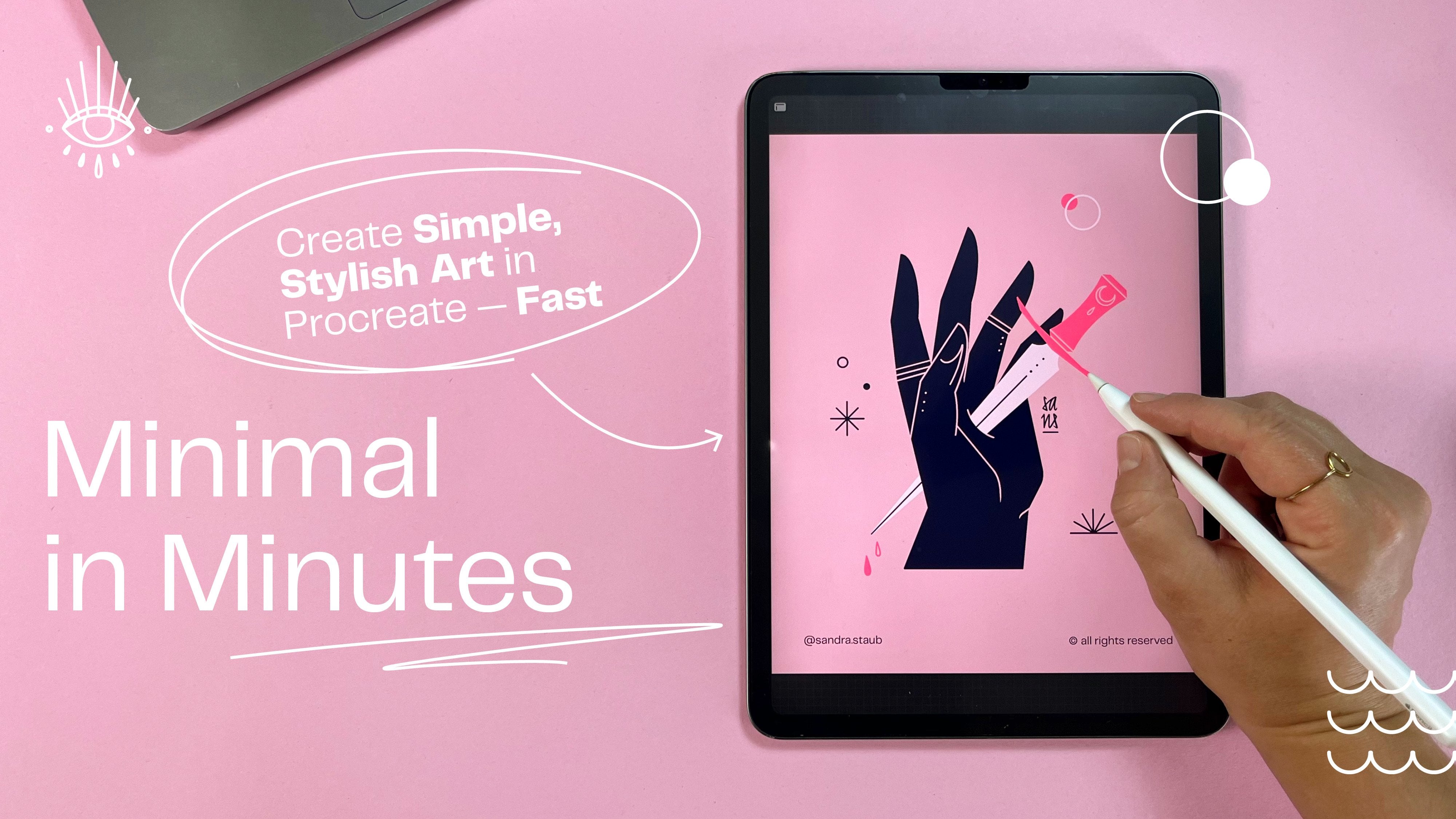
Minimal in Minutes: Create a Simple, Stylish Hand Illustration in Procreate — Fast & Easy
Learn how to make simple, effective color palettes. In this snack-sized drawing session, you'll create three different colour palettes in less than 30 minutes and give them a test run to see if they actually work.

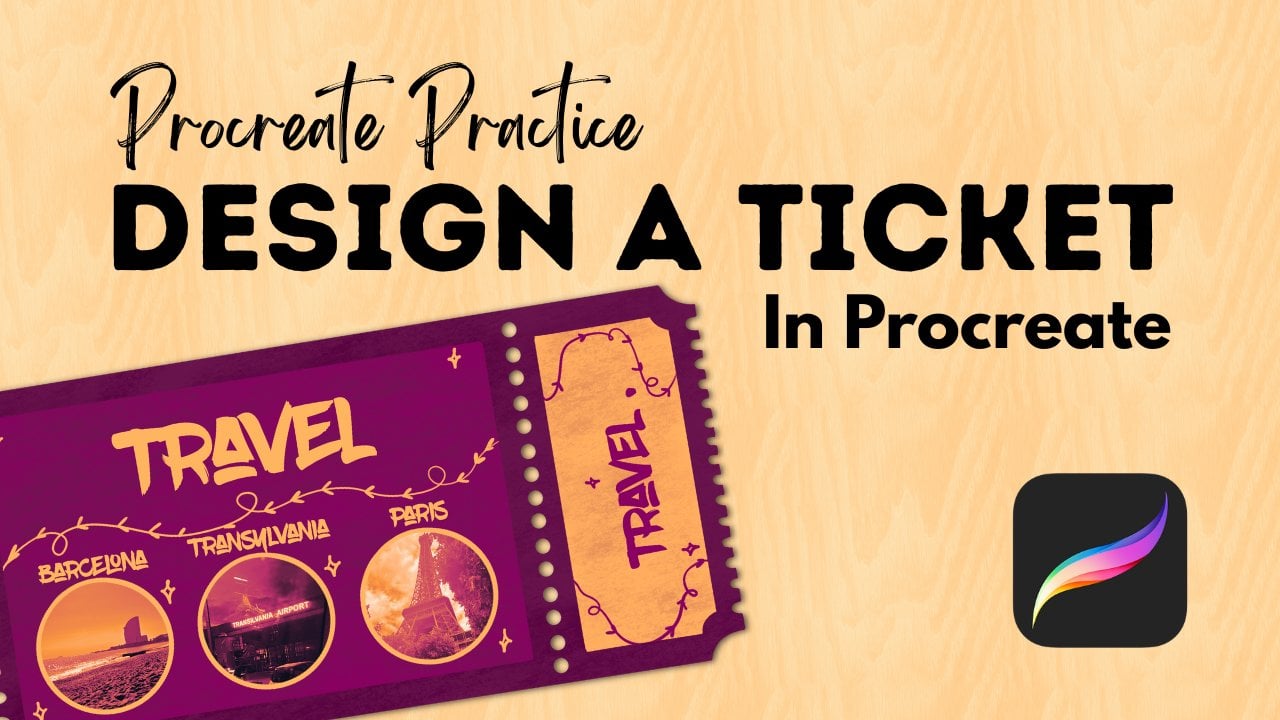
Procreate Practice - Design A Ticket
This hands-on class is the perfect chance to bring your Procreate knowledge together by designing a ticket or pass in Procreate that includes three artworks, photos, or illustrations of your choice. Think of it like a creative showcase—you can feature your own drawings, favorite photos, or even small designs you make just for this class.

Congratulations! You’re All Done.
You did it! You’ve completed the full Learning Path. We can’t wait to see where these skills take you next.