Tattoo Flash for Beginners | Isaiah Gilchrist | Skillshare

Playback Speed


1.0x


  • 0.5x
  • 0.75x
  • 1x (Normal)
  • 1.25x
  • 1.5x
  • 1.75x
  • 2x

Tattoo Flash for Beginners

teacher avatar Isaiah Gilchrist, withsai

Watch this class and thousands more

Get unlimited access to every class
Taught by industry leaders & working professionals
Topics include illustration, design, photography, and more

Watch this class and thousands more

Get unlimited access to every class
Taught by industry leaders & working professionals
Topics include illustration, design, photography, and more

Lessons in This Class

    • 1.

      Intro

      1:11

    • 2.

      Lesson 1: Prepping Design Elements

      1:15

    • 3.

      Lesson 2: Combining Elements

      0:51

    • 4.

      Lesson 3: Polishing & Finalizing

      1:02

    • 5.

      Lesson 4: Join the Community

      0:42

  • --
  • Beginner level
  • Intermediate level
  • Advanced level
  • All levels

Community Generated

The level is determined by a majority opinion of students who have reviewed this class. The teacher's recommendation is shown until at least 5 student responses are collected.

89

Students

3

Projects

About This Class

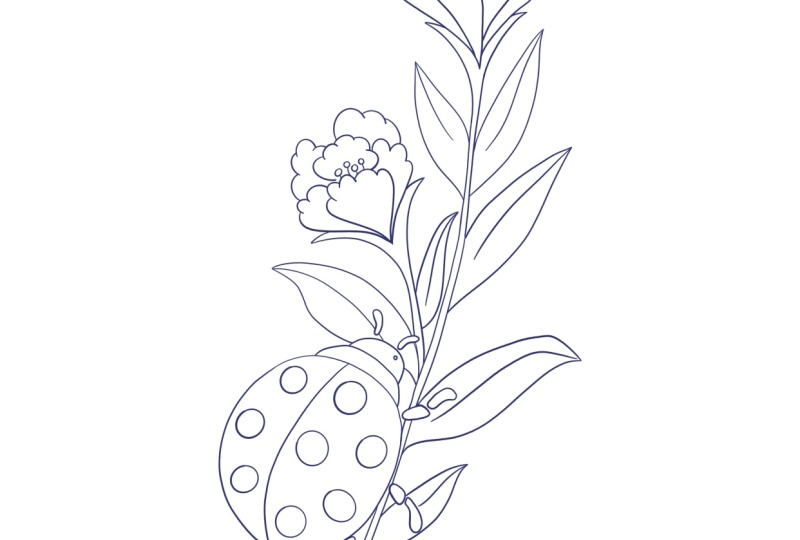
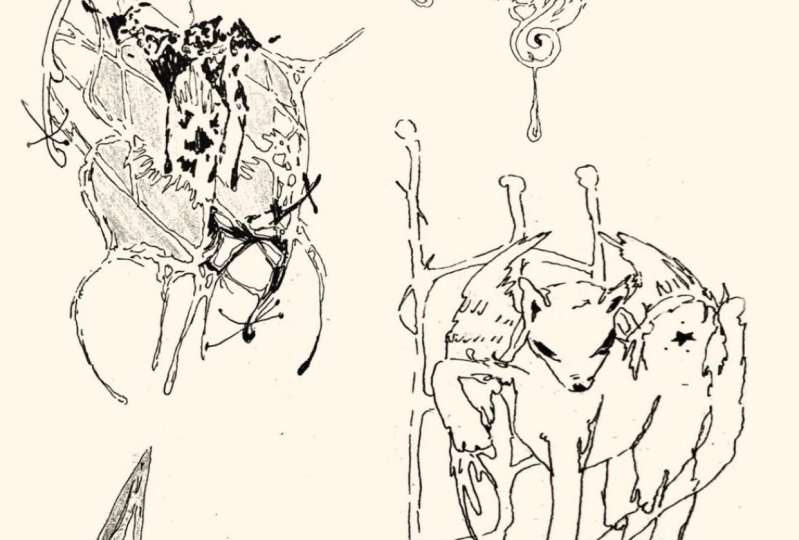
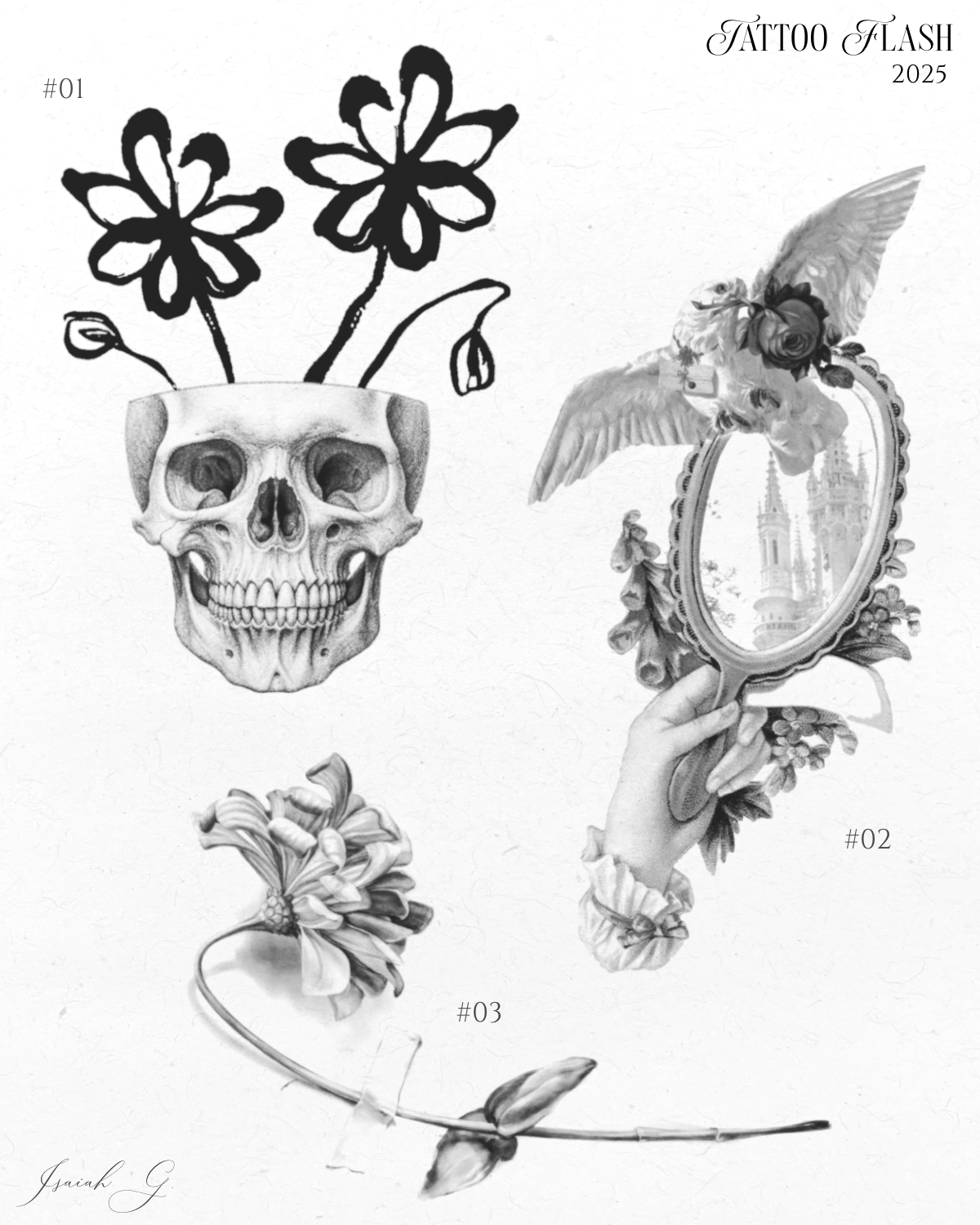
Tattoo Flash for Beginners is your starting point for creating bold, eye-catching tattoo flash sheets even if you’ve never drawn a design before. In this course, you’ll learn the essentials of setting up a flash sheet from scratch, plus practical tips for making your designs stand out. I’ll walk you through different ways to create unique tattoo art using both traditional graphic design techniques and a short section on AI-assisted creativity, perfect for those moments when inspiration runs dry. While this course is not strictly AI driven, I include that segment for students who are curious about experimenting with it.

This is not an in-depth tutorial on using Ibis Paint; instead, it’s focused on the process of building a cohesive, professional-looking flash sheet that you can adapt to your own style. By the end, you’ll have the knowledge and confidence to start producing your own sheets whether for personal projects, practice, or professional use.
Meet Your Teacher

Teacher Profile Image

Isaiah Gilchrist

withsai

Teacher
Level: Beginner

Class Ratings

Expectations Met?
    Exceeded!
  • 0%
  • Yes
  • 0%
  • Somewhat
  • 0%
  • Not really
  • 0%

Why Join Skillshare?

Take award-winning Skillshare Original Classes

Each class has short lessons, hands-on projects

Your membership supports Skillshare teachers

Learn From Anywhere

Take classes on the go with the Skillshare app. Stream or download to watch on the plane, the subway, or wherever you learn best.

Transcripts

1. Intro: What's up, I'm say a tattoo artist and flash designer. And today, I'm going to show you how to create a clean and professional tattoo flash sheet using nothing but IPS. You don't need to be a crazy good illustrator. What matters is your creativity, your eye for balance, and the layout of the sheet. We're not drawing everything from scratch here today. I'll show you how to use collected references and digital elements and turn them into a sellable flash. By the end, you'll have a finished flash sheet that you can either post, print or tattoo and a solid understanding of how to create a tattoo flashhee. This class is for beginners, whether you're just curious about tattooing or if you want to turn your ideas into a tattob flash, all you need is ibis paint. Let's start with what makes a good flash sheet. It's not just random designs on the page. Good flash is clear, balanced and bold enough to hold up on skin for years to come. That means solid contrast, a clear focal point, and intentional spacing. If everything's the same size or too soft, then the sheet tends to fall flat. But if you play with your contrast, flow, and texture, it'll really bring the sheet alive. Now as you know what makes solid flash, let's start building. Next up, I'll show you how I collect and prep design elements in IVs. 2. Lesson 1: Prepping Design Elements: Before I start drawing, I collect inspiration. Usually on Pinterest or Google, my style leans fine line is. So I look for things like skulls, statues, anatomy, objects with texture and structure. All the references in this class are used for educational purposes only. Everything is adapted and reworked into original designs. Once I got an idea on what I'm going for, I'll import the assets into IB. So I usually start by making one design at a time. I'll make a full size version before I minimize it down and put it into a spot on the flat sheet. You want to keep the design full size in order to keep all the details and text something is too messy, low quality or not quite what I'm going for, I'll either find a better version or use AI to generate a cleaner reference. It saves time and keeps things usable. Then I'll simply boost the contrast using the extraction tool and try to get the best balance of everything. I want the blacks really black, but I do want to still keep that off look. I don't want it to feel too high contrast. I'll balance these three sliders until I get the look I'm going for. When it's ready, I export it as a PNG with no background, clean and ready to re draw back into this slash. Now once you have your assets ready, we'll start combining them all together to make a more finalized 3. Lesson 2: Combining Elements : Start every flash sheet with a quick scroll through my concept board just to get the vibe, shape and layout ideas swollen. Once I've got a direction, I source two to three unique assets that match the aesthetic statues, flowers, poses, whatever builds the vision. Now it combine adjusting sizes, flipping, erasing, warping. The goal is cohesion, not clutter. I usually made three to four unique designs like this before laying them out. I open a blank A four Canvas, 300 DPI, and space each piece out. Add a paper texture, maybe a border, and label it as flash sheet. I number each design, and sometimes I'll even number the flat sheet if I'm doing a series. I'll also add small touches like my signature in the corner, things like that, just to make it feel more intentional and collective. Next, we'll polish the whole thing, refine it, and get it ready to poolster. 4. Lesson 3: Polishing & Finalizing: This is where I clean up everything, like readjusting the layout or erasing things that I might have missed before, making sure everything's ready to go. The worst thing is posting a flash and maybe having to take it down or not feeling 100% about it because you overlook small, minor mistakes that you could have fixed. Once everything's looking good, I'll export it as a PNG. I also save a version of it with no texture in case I want to add it to my story in case you have, like, a flash layout or something like that. It's also really smart to save these things in their own dedicated folder in your camera roll so you can keep up with everything. I showed you behind the scenes of my process and how I go about building flash. Everybody doesn't do it the same. This is just how I do it. And sometimes I might do it a little different. It just depends on what exactly I'm going for. But they should give you a good foundation to build from and add to yourself. IBIS is also a free app, and you're able to work on the go using your phone, and that's always been beneficial to me and my process. But next, I'll show you how to upload your class project and connect with the 5. Lesson 4: Join the Community: Congratulations, if you made it this far. You just made it ready to tattoo flashhet and that's honestly a big step in his journey. Throw down to the projects and resources tab and upload your flash sheeet. It doesn't have to be perfect, just clean, readable and yours. Sharing helps you track your growth and inspires others, too. And sometimes you can even get feedback. If you want direct feedback or support, join my Discorp. We've got channels for critiques, tools, flash drops and a space just like Skillshare for students. The links in the About section. Come post your flash and build with us. Don't let this be your only flashhet. Keep creating, label everything, and build a body of work you're proud of. If you like this class, drop a review and check out my next one. Until then, just keep drawing and improving.