How to Color Your Digital Illustration Step by Step
 Patricia Caldeira, Illustrator | Digital Artist | Designer
Watch this class and thousands more
Watch this class and thousands more
Lessons in This Class
-
-
1.
Introduction, Welcome!
0:53
-
2.
Class Assignment
1:01
-
3.
Inspiration and References
1:46
-
4.
Base Colors
1:53
-
5.
Shadows and Highlights
4:00
-
6.
Conclusion
1:32
-
-
- --
- Beginner level
- Intermediate level
- Advanced level
- All levels
Community Generated
The level is determined by a majority opinion of students who have reviewed this class. The teacher's recommendation is shown until at least 5 student responses are collected.
1,945
Students
26
Projects
About This Class
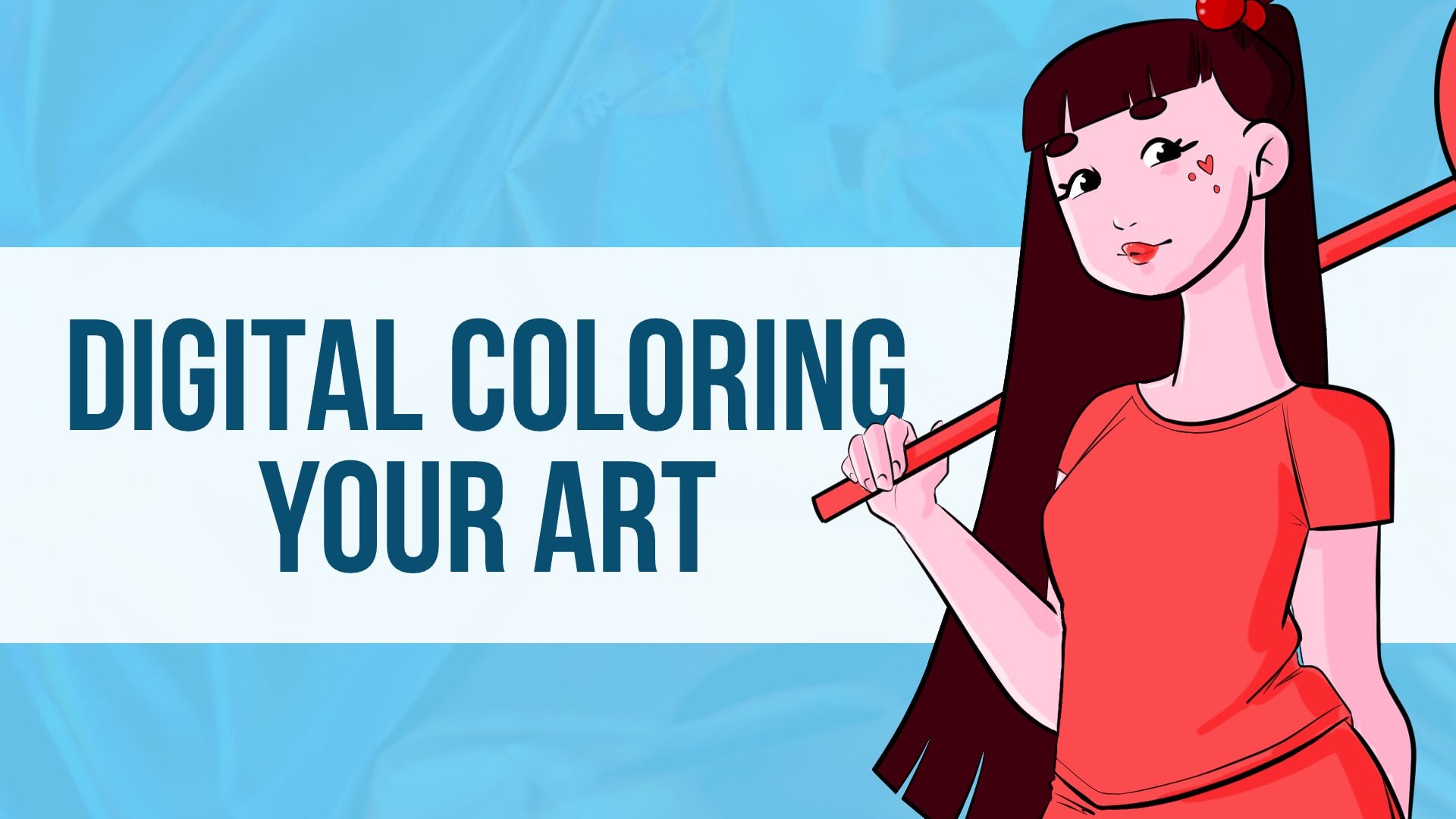
Learn to give that Color pop to your Lineart, making your Dynamic Character shine it's way through!
This Class is suited for any level of Drawing, either if you want to up your Character Design skills or to learn some of the basics.
For the Class, you'll need a Digital Painting software (You can also just use a 30 day trial of Photoshop or Clip Studio) and I recommend a Drawing Tablet, although it's not strictly necessary!
I'll be using Manga Studio with my drawing tablet but you're free to use whatever you feel more used to since the important thing to do here is just practice.
Master how to color your character in your digital illustrations quickly and easily.
At the end of this class, you'll be able to create more Fluid characters with Dynamic poses that Stand Out!
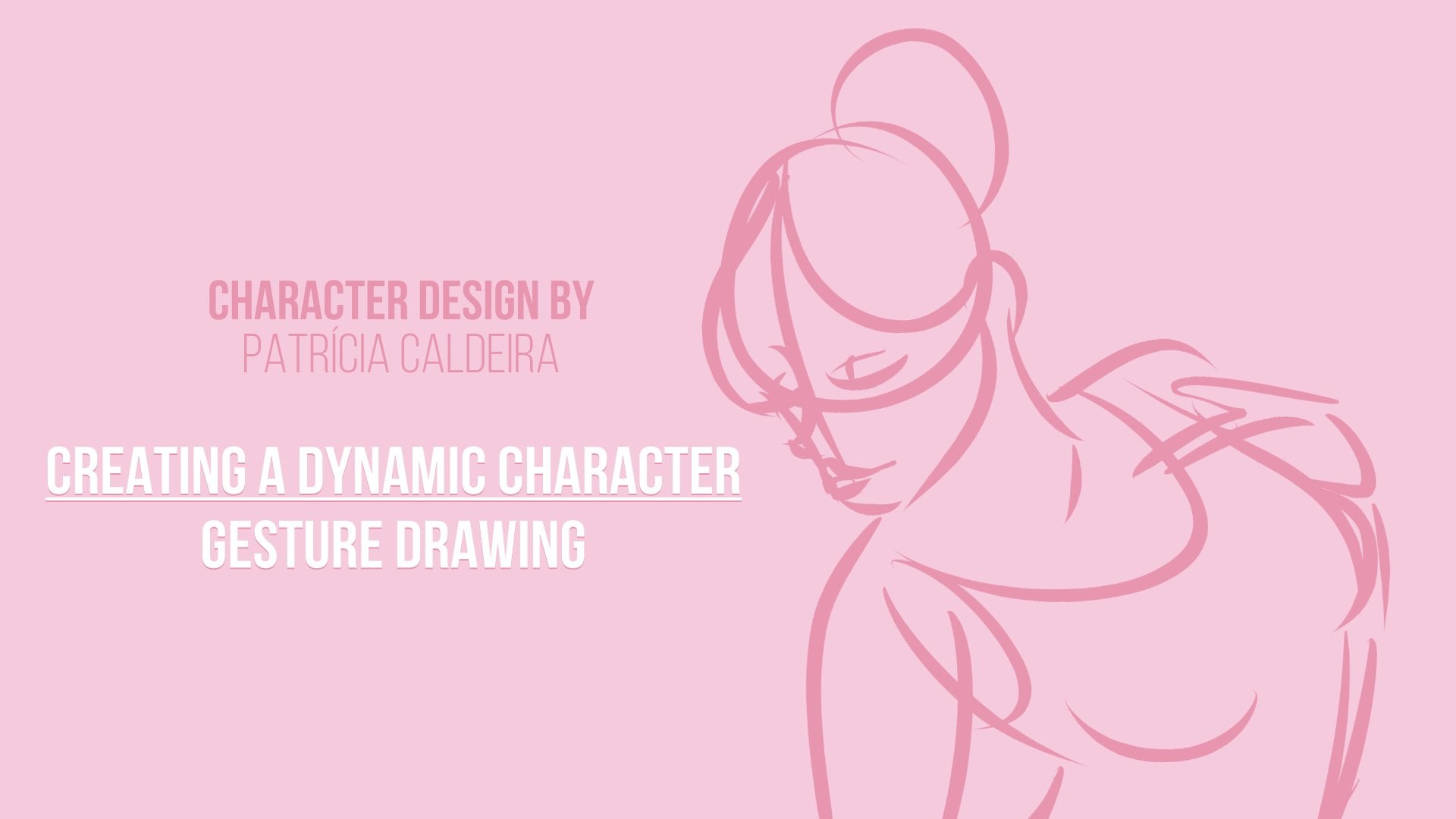
My previous Class on Gesture Drawing is LIVE below! - I recommend checking that one out before going into Digital Painting and Digital Coloring.
[Gesture Drawing] CLASS IS NOW LIVE! Join through this link: --- http://skl.sh/2aoH6Qm ----
[Gesture Drawing] Limited Free Enrollments for non-Premium Members! -- http://skl.sh/2apdyR3 --
Can't wait to see you in Class!
Patricia Caldeira
Meet Your Teacher

? GRAB YOUR FREE PROCREATE KIT HERE!
NEW: 12 Adorable Brushes + Color Palettes For You
See full profileHands-on Class Project
You’ll be Painting / Coloring a given Dynamic Character (or your own! If you prefer)
- Grab the image given or use your Own (link) (Right Click - Save Link)
- Choose a color Palette ( Paletton ; ColourPod ; Landscape Palettes)
- Use your favorite Software (Trial for Photoshop and Clip Studio Trial) or Print it
- Follow the Video Lessons and paint the Base Colors and Shadows + Highlights
- Post your Project in the Class!
I'll check it out and leave you some feedback, and I would love to see your creations!
-Patricia


Class Ratings
Why Join Skillshare?
Take award-winning Skillshare Original Classes
Each class has short lessons, hands-on projects
Your membership supports Skillshare teachers
Learn From Anywhere
Take classes on the go with the Skillshare app. Stream or download to watch on the plane, the subway, or wherever you learn best.


Related Classes