Transcripts
1. AI Sewist Intro: Hi, everyone. I am Vanessa
S of S B Vanessa S, and welcome to my course, AI for sewist planning your sewing projects
with Gemini and Claude. In this class, I'm
going to show you three ways I personally use AI to plan my
sewing projects. We're going to talk about what to do when you have fabric, but you have no
idea what to make, how to shop for fabric, when you already have
a project in mind. And how to create a mood
board monthly or as frequently as you need to
for your sewing plans. We're going to use
two distinct tools Gemini for image creation, and Claude for conversation. By the end of this class, you will know exactly how to use both in your own
planning process. So if you're ready, I'm ready, I will see
you in the next lesson.
2. Lesson 1: Got Fabric Now What: Let's say you have a fabric, but you're not sure what that
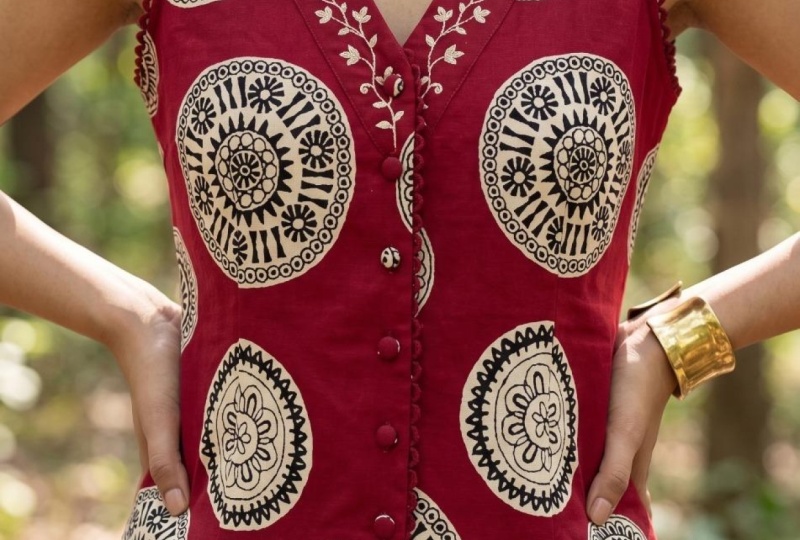
fabric could actually be. You can't visualize it.
Or let's say you have a fabric and you can
visualize it being a garment, but you're not sure
exactly how it would look. This is where Gemini really
rises to the occasion, because Gemini is
really good when it comes to image creations. So what I do is I
will take a swatch, whether I get the swatch offline from a fabric vendor or whether I have the fabric
and I take a picture of it, I will create a swatch and add it to my prompt with Gemini. And it looks a little
bit like this. Using the attached
fabric swatch generate a realistic image of a wrap
dress made from this fabric. The garment should reflect
the fabric's color, pattern and texture accurately. Now, I'm going to click on Create Image because I want
it to create an image. The results are wrap dress with the fabric swatch
that I have attached. Simple as that. Now I
can visualize what I want in a garment as it
relates to this fabric. This is key when it comes
to being a visual person, and especially when
you're trying to plan a sewing project. Now, let's flip it
just a little bit. Let's just say you have fabric, but you don't have a
specific garment in mind. Maybe you want to know
what the fabric could be on multiple garments
because you need more of idea inspiration, more than like the
wrap dress where you specifically stayed,
make it a wrap dress. In this case, you want it
to give you some variety. You want some options. Well, using a prompt in Gemini, using all the fabrics
that you would like to be involved
in the project, you can create a
prompt like this. Using the attached fabric
swatch images generate realistic images of
multiple different garments that will work well
with these fabrics. The garment should reflect the fabric color pattern
and texture accurately. The results now you have several garments that the fabric that you are interested
in can be used for. Now, what I really
like about this is that Gemini tends to be
a little imaginative. So it's not just
giving you a garment. It's also giving
you accessories, which is really, really cool. And it did it without asking. But if you really want
to go a little further, because let's just say, these are a little basic. It's a jacket, a skirt, and a blouse and a purse. If you want to take it
just a little bit further, you can in the same prompt ask it to go a little
further and do more. In this case, I'm telling
Gemini, This is good. But create more diverse
garments, pants, dresses. Now I'm telling it what to do, and I'm giving it the
command to be creative. What is it doing? The
result is more garments, different garments with a
little bit more variety. And one thing I do like, especially with this iteration, is the fact that
it's showing me on this jacket how it would
look with a short sleeve, a long sleeve, with a solid
color or the same printed. I mean, it's giving me options, and that's what I really like. So remember, if you
have a garment in mind, or if you would like to
explore garments overall, you can use the fabric swatches, a clear prompt to get your
visual aids to help you with which garment
you want to make or what garment you would like to pursue in your sewing project. And that's what using Gemini and the create image feature.
3. Lesson 2: Fabric Please: You have a garment or
a pattern in mind. You already know what
you want to sell. You just don't have fabric yet. And shopping for fabric can
be a little bit overwhelming, especially with all
the different types, styles, weights, drapes, sernes. I mean, sewing is
all of that, right? Okay. So this is
where Claude comes in because Claude is really good when it comes
to conversations. Now, when it comes to fabric
shopping with Claude, especially if you're
online shopping, there are so many different
things you can do. You can identify fabric. You can pattern match,
compare fabrics. You can have Claude do
fabric calculations, meaning that however
much fabric you need is the right amount
based on the pattern. You can get guidance, you know, because you're a
beginner or you can get guidance because you're
intermediate or advanced. Care and handling of the
fabric, substitutions, some of the things
that you can ask Claude what is the difference
between these two fabrics? For instance, what
is the difference between a showers and a silk? How much fabric do I
need for this project? What fabrics are easiest to
work with as a beginner? I can tell you cotton. But ask Claude and
see what Claude says. Also, what type of fabric
is used for this project, or what type of fabric
can I substitute for it? Will this fabric work for
the pattern I want to make? And how do I wash and
care for this fabric? So, in working with Claude, when it comes to
fabric shopping, there's just a few
things you need to do. If you're online, you can take a clip of the swatch you're looking at and add
that as an attachment. You can also provide
the details of the fabric to your
prompt for clone. And you can also, if you have a pattern in mind
already, add the pattern. If you do this, Claude is
going to look at it and say, Okay, this is the pattern. And according to this pattern, you need this type of fabric, and you need this much fabric. And it will go through
the fabrics with you. You can just keep
adding and keep adding. How about this fabric? How about this fabric swatch? And it will even tell you, yeah, this is good, but
it's a little light, you might need a lining
or it's a little heavy for this type of project. So you can use Claude in a way that you're having a
conversation with and that's giving you and answering questions for you that you
might not get otherwise. And then remember, once
you decide on a fabric, you can always take that fabric along with the image
of the pattern that you want and have Gemini generate an image of what it's going to
look like in real time.
4. Lesson 3: It's A Mood: The third way that I
use AI to help with planning my sewing projects
is my absolute favorite way, and that's creating
a mood board. I create projects for the
month. That's how I plan. And so, creating a
mood board helps me to visualize what I'm doing for that month and everything
that I might need. You know, for each project. So to create a mood board, I use a prompt like this. Create a sewing move board
for the month of April or whatever month or however
long your mood board is for. Include the following
projects from the images. The images that I use for
Gemini. Include those. The theme is April
spring me mats. The mood board should
reflect the fabrics, colors, and creative vision
for this period and make it visually
cohesive and inspiring. This is the result,
the mood board. Notice that the
projects that were generated previously
are all in here. Also, the fabric
swatches that I added, along with other information, things that I might
need, like thread and scissors, giving
me illustrations. It has the month on here. Now, every iteration is not
going to come back the same. If it's something that you want, specifically, you can say, add a calendar, which I did not, but add a calendar, add
some illustrations. You can customize it to
look however you want. But my suggestion is, at first, just let it create and see what
it comes up with. If it's something that you
don't like, tweak your prompt. This is how I stay organized. This gives me the visualness that I need to move
into the month with my sewing projects
all by using AI.
5. Bonus Tip: Before I close this course out, I want to share one more thing with you that I think
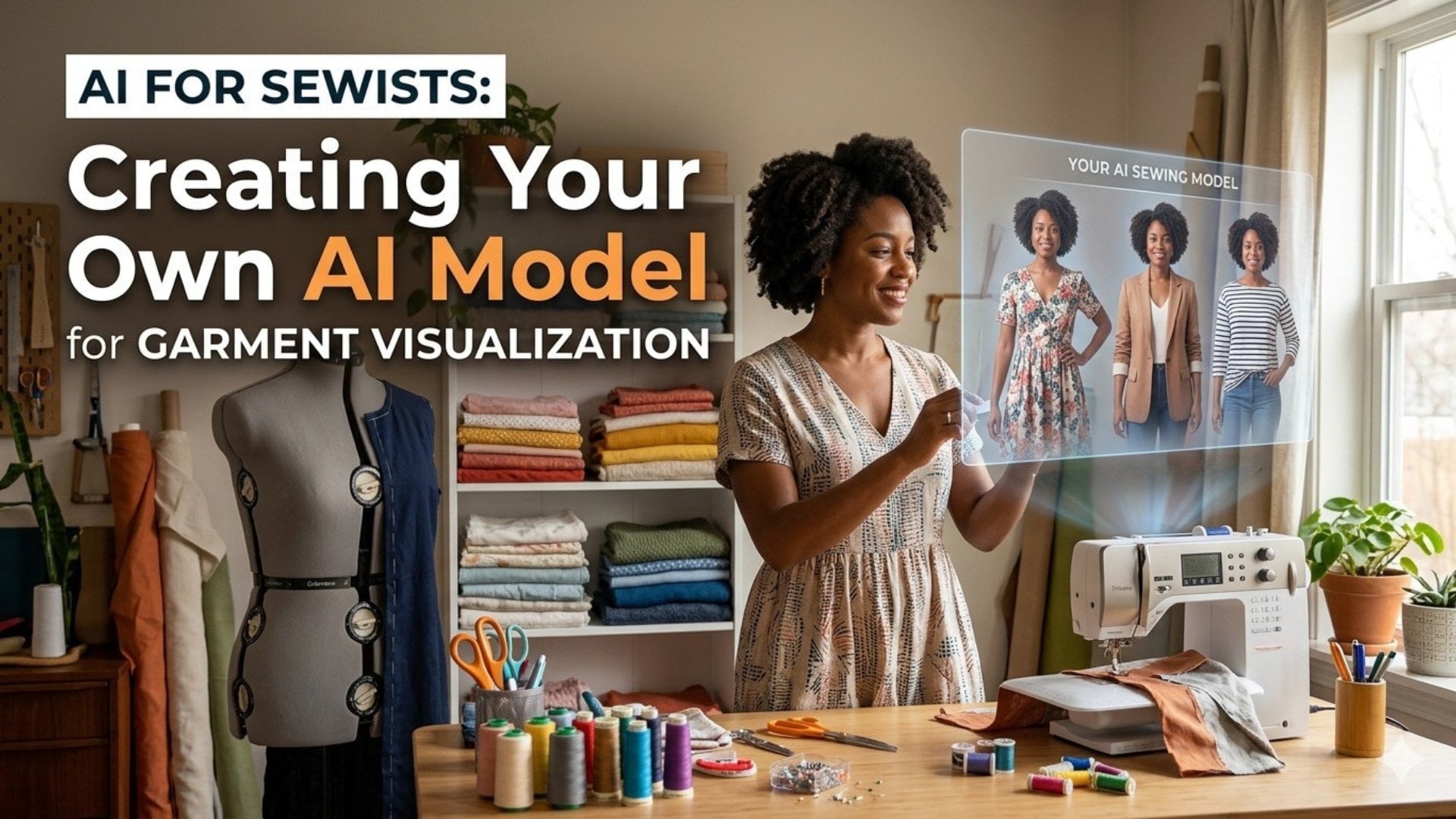
is really cool. And that is creating an avatar for you to use as
your own personal model. What you can do
is you can create your own avatar using Gemini and then have Gemini use that avatar that you've
created as your model. And so as you can
see in these images, what I told Gemini as my prompt is create a Black woman
with locks wearing glasses. And then once Gemini
created this avatar for me, I use this as my model. And how I did that
was I added the image of the Avatar into the
prompt as an attachment, along with the swatches
and told it to provide me with dresses
in this swatch fabric. Variations using the Avatar. I think that's really cool
because you get a feeling of what the garment is
going to look like on you. You can also add your
image if you want to. You can add your image and have Gemini use your
image as the model. So it's either the Avatar
or it's the image. Either way, the model
can look more like you as opposed to a
generic stock type model. Again, I think it's really cool.
6. Class Project: Let's talk about
the class project. So for this project, what I want you to
do is to go through the same steps that
I did to create your own model wearing a garment in a fabric
swatch that you choose. To do this, you're going to use the prompt
that's stated here. You will also see it
in the instructions. You're going to use
this prompt that says using the fabric
swatch image attached, generate a realistic image of A. You can choose
dress, top, pants, skirts, made from this fabric, which is the fabric swatch. The garment should reflect
the fabrics color, pattern and texture accurately. So to do this, you'll
choose a fabric. You can either take a picture of fabric that you already own, or you can get a
fabric tile screenshot from an online vendor. You're going to upload the
image into Google Gemini. And then you're going to
choose the garment and add that garment to your
prompt, click Submit. And then when you
receive your results, you're going to download
the results and add the images to the
class project folder. Sounds complicated,
but it's really not. Just follow step by step. I cannot wait to see
what you all create.
 Vanessa S., Graphic Designer & Contributing Artist