How to Make a Logo in Photoshop in 5 Straightforward Steps
Learn to craft a standout logo in Photoshop like a pro designer. We outline principles, practical steps, expert tips and more in this step-by-step guide.



A brand’s logo is a visual representation of its identity, which makes it one of the most important assets there is. So if you want to create a brand that people will resonate with and instantly recognize, you need to know how to create a unique and visually appealing logo.
Not a natural-born logo designer? No problem. In this guide, we’ll walk you through the entire five-step process of making a logo in Photoshop.
Logo Design Principles You Should Know
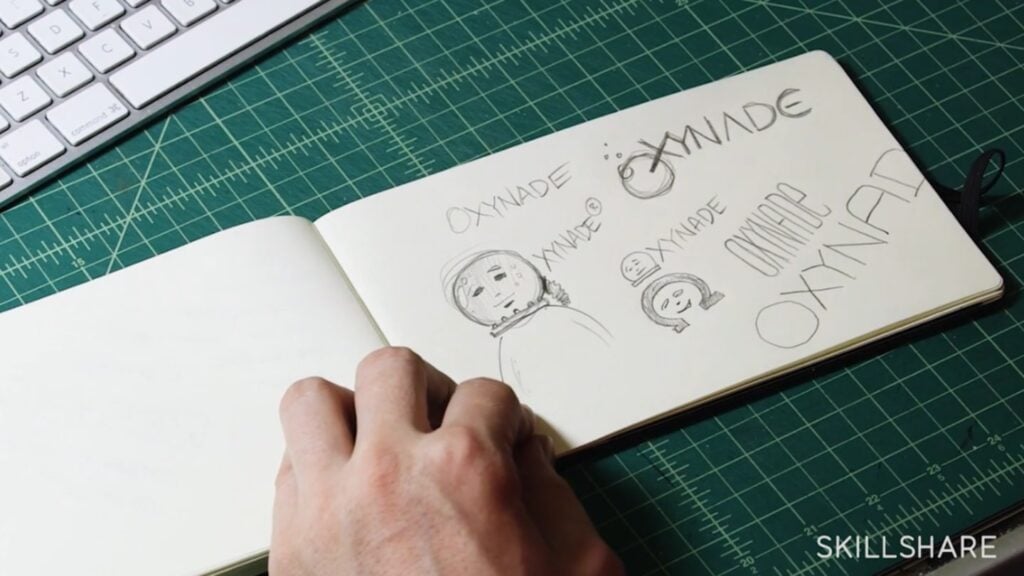
Before diving into the practical steps of designing your own logo, it's essential to understand the fundamental principles of logo design.
- Simplicity: A clean, simple design is more likely to be remembered and tends to be more versatile across a variety of applications. Avoid unnecessary complexity to ensure that your logo can be quickly understood and make a lasting impact on your audience.
- Relevance: If a logo is relevant, it will be much better equipped to resonate with the brand's identity, values and the industry it operates in. In essence, the logo should communicate a clear message about the brand and instantly establish a connection with the target audience.
- Memorability: A memorable logo is one that sticks in viewers’ minds well after they’ve stopped looking at it. It should leave a lasting impression, and in doing so will make the brand more recognizable. Elements like simplicity, distinctiveness and overall visual appeal all contribute to the logo's memorability.
- Versatility: If you prioritize versatility, you’ll ensure that your logo maintains its impact across various platforms, sizes and mediums. That’s because a versatile design adapts well to different applications, from business cards to billboards, without losing its visual integrity. Such flexibility allows for consistent brand representation regardless of the context.
- Timelessness: Creating a timeless design means avoiding trends that may quickly become outdated. A timeless logo can remain relevant and effective over the course of many years, and will contribute to long-term brand recognition. Try focusing on classic design elements rather than fleeting trends to create a logo that will serve as a reliable representation of the brand's identity.
- Consistency: This principle is vital in maintaining a unified brand image, and involves using consistent colors, fonts and overall aesthetics across various brand elements. Consistency reinforces brand recognition and helps consumers associate specific visual cues with the brand, which can help to foster a sense of trust and familiarity.
- Appropriateness: Consideration of context and appropriateness is essential when designing a logo that aligns with the brand’s target audience and market. In other words, the logo should be suitable for the industry, cultural norms and the preferences of the intended consumers.
How to Create Your Logo in 5 Steps With Photoshop

Follow these five steps to bring a brand's identity to life by making a logo from scratch in Photoshop.
1. Creating a New Canvas and Generating a Save File
Begin by launching Photoshop and creating a new canvas with specific dimensions that work for your needs. Consider factors like where the logo will be used—for instance, on a website, business card, mobile ad or other materials. Remember to save your project file early on to ensure you have a backup and can easily revisit or modify your work later.
2. Creating a Layer and Adding a Background
Understanding how to use layers is a fundamental part of effectively using Photoshop. To use layers for logo design, create a new layer for each element of your logo—this will allow for easy manipulation and organization. Also, add a background to set the overall visual tone of your logo.
3. Drawing Shapes and Choosing Typography
Use Photoshop’s Shape tool to create the basic elements of your logo. Experiment with different shapes and sizes, keeping in mind the principles of design outlined above. Try integrating basic typography to incorporate your brand's name or slogan into the logo, and add fonts that align with your brand's personality and are easily readable.
4. Transforming Shapes and Applying Color
Refine your basic shapes by using Photoshop’s Transform feature to adjust size, position and proportions. Experiment with color schemes to evoke the desired emotions and associations, and try to select colors that best convey the brand’s mood and message.
5. Adjust and Export
Fine-tune your logo by adjusting details such as spacing, alignment, text kerning and overall visual balance. Check for consistency across all the logo’s design elements, and once you’re satisfied, move on to exporting your design. Be sure to save multiple versions of your logo in different file formats (such as PNG, JPEG and SVG) to accommodate various use cases. You might also want to consider exporting your logo with a transparent background for increased versatility.
By following these steps, you'll be able to systematically navigate the logo creation process in Photoshop, from setting up a blank canvas to exporting the final version of a polished and professional logo. (Hint: With a few additional steps, you can even create an animated logo for extra impact.)
4 Tips to Make the Most of Your Logo
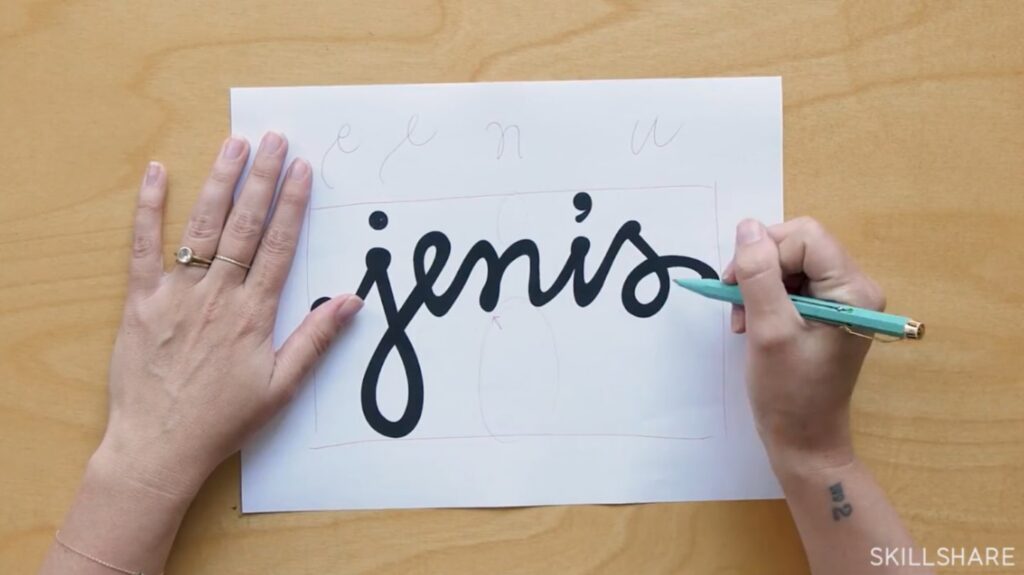
Crafting a logo isn’t just about the technical process; it's also about creating a meaningful symbol that resonates with your audience. Consider these four tips to enhance the impact of your logo:
- Be mindful of its shape: Since different shapes evoke different emotions and convey distinct messages, the shape of your logo is a crucial aspect of its visual communication. For instance, a circular shape can suggest unity, wholeness or simplicity, while a more angular shape may convey strength, modernity or innovation. With that in mind, ensure that the shape you choose aligns with the brand's values, personality and the message you want to convey.
- Don’t be a copycat: Originality matters (and in the case of logos designed for commercial use, it’s also strictly required by law). Imitating other logos not only dilutes a brand's uniqueness and fails to make it stand out, but can also lead to legal consequences. Strive for a unique design that sets the brand apart from others in its industry, and you’ll have much more success establishing a distinct identity in the market.
- Ensure scalability: A well-designed logo should maintain its visibility and clarity across various sizes and mediums. Test the scalability of your logo to ensure that it looks good whether it's displayed on a small business card or enlarged on a billboard. This will guarantee that its visual impact will remain consistent, regardless of where and how it’s used.
- Explore different software options: While Photoshop is a powerful tool for logo design, it's not the only option available. Consider exploring other logo design software like Adobe Illustrator, a standard among design professionals, for its vector capabilities that enable precise logo creation and infinite scalability. On the other hand, Canva, a free and beginner-friendly choice, provides an easy-to-use interface and templates for those who are new to graphic design.
Create a Logo That Makes Your Brand Stand Out
By understanding logo design principles, following the practical steps in Photoshop and implementing key tips, you can craft an exceptional logo that not only represents its brand but also stands out from the crowd. Remember, a brand’s logo often serves as its first impression, so be sure to make it count.
Looking to go beyond the basics and take your logo skills up a notch? Skillshare’s dozens of online logo design classes are here to help.
Carrie Buchholz
Carrie Buchholz is a freelance writer who lives in Northern Colorado with her husband and dog.
Try Skillshare for free! Sign up for a 7 day free trial today!
Get Started- Unlimited access to every class
- Supportive online creative community
- Learn offline with Skillshare's app