Wring the Perfect Brief - REDUX
Killing 2 birds with 1 stone.
Instead of creating a creative brief for one project, I made an "extended" resource for creative briefs for the design industries I work in (print, digital, social, and environmental).
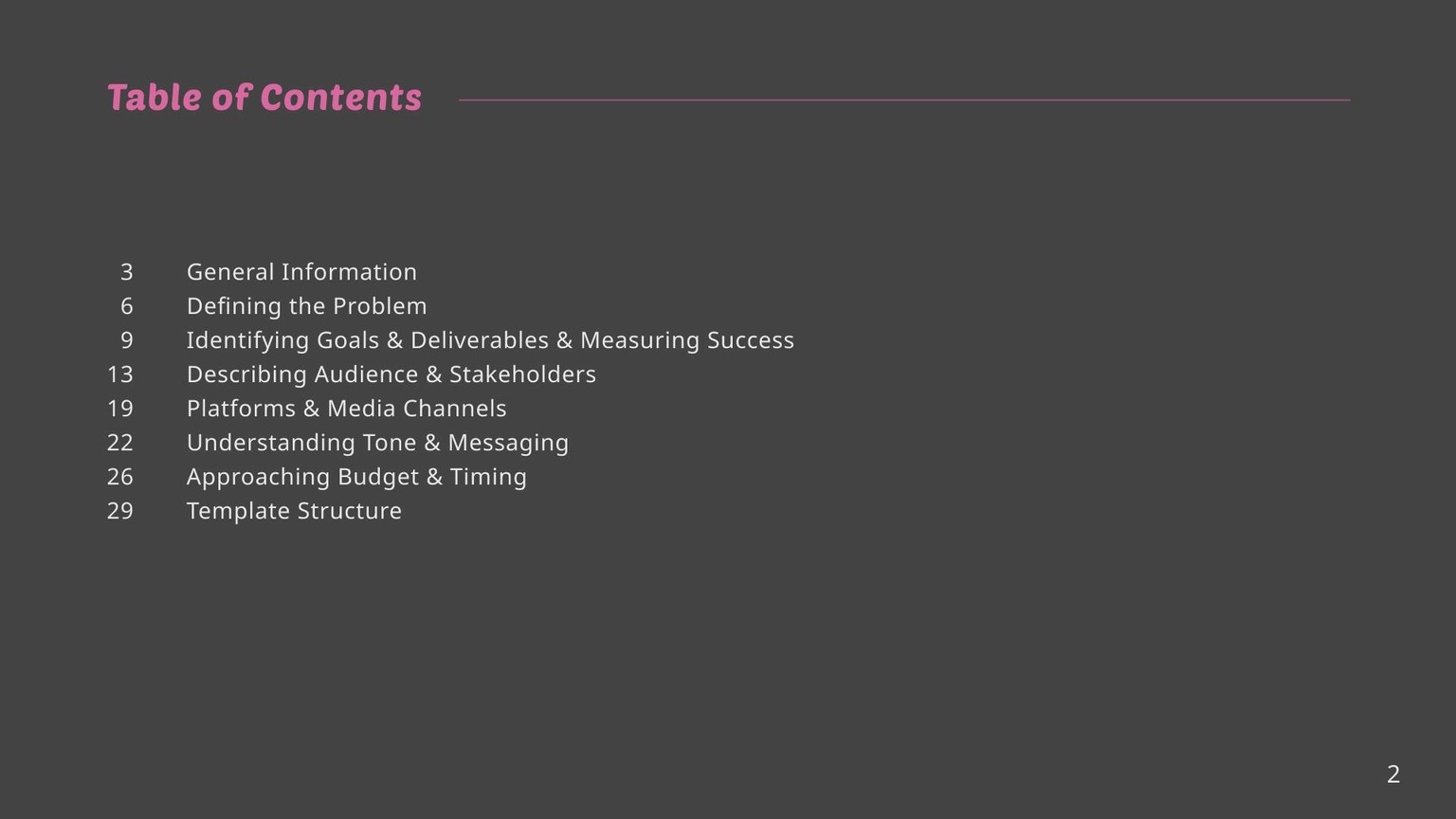
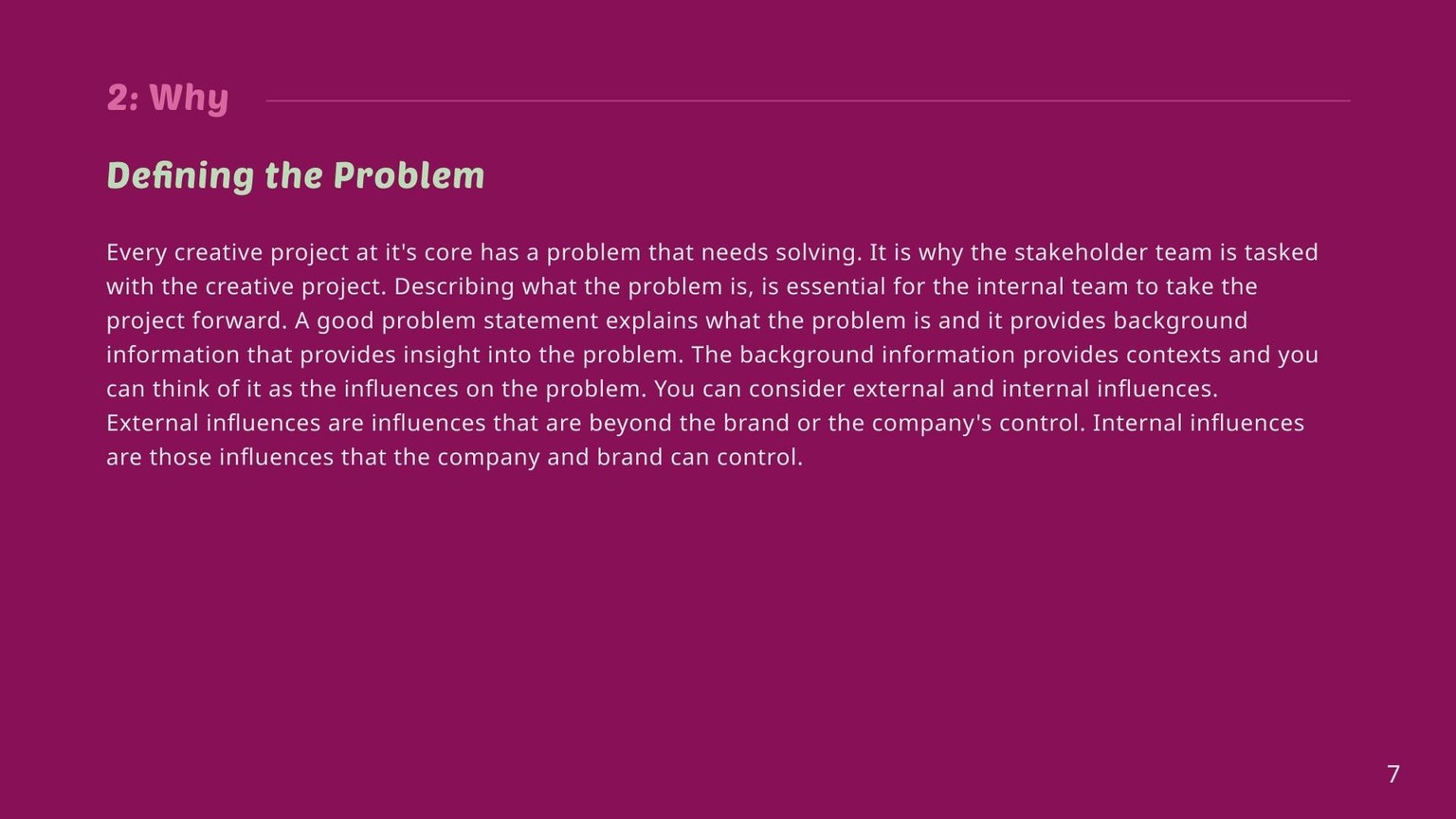
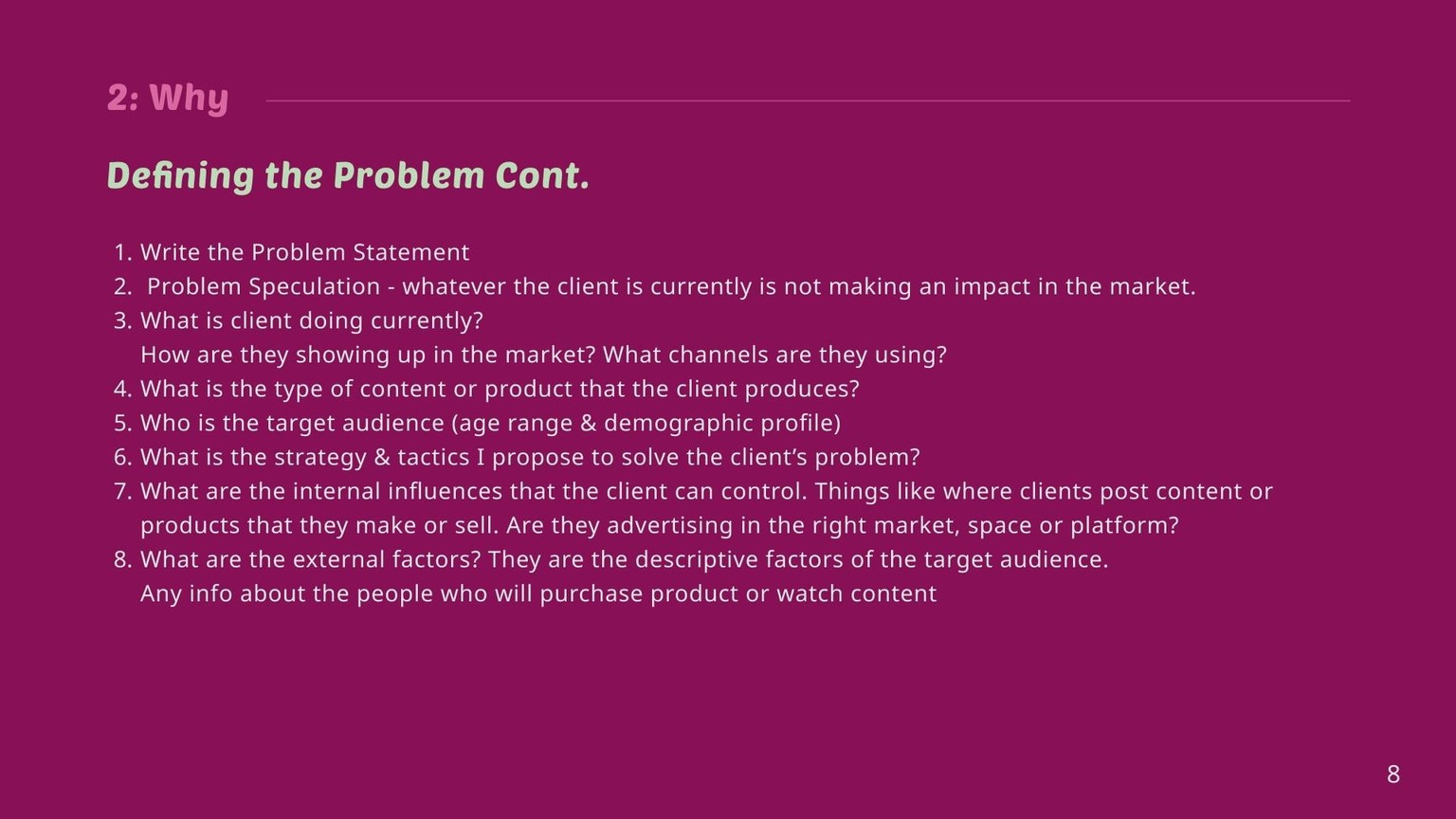
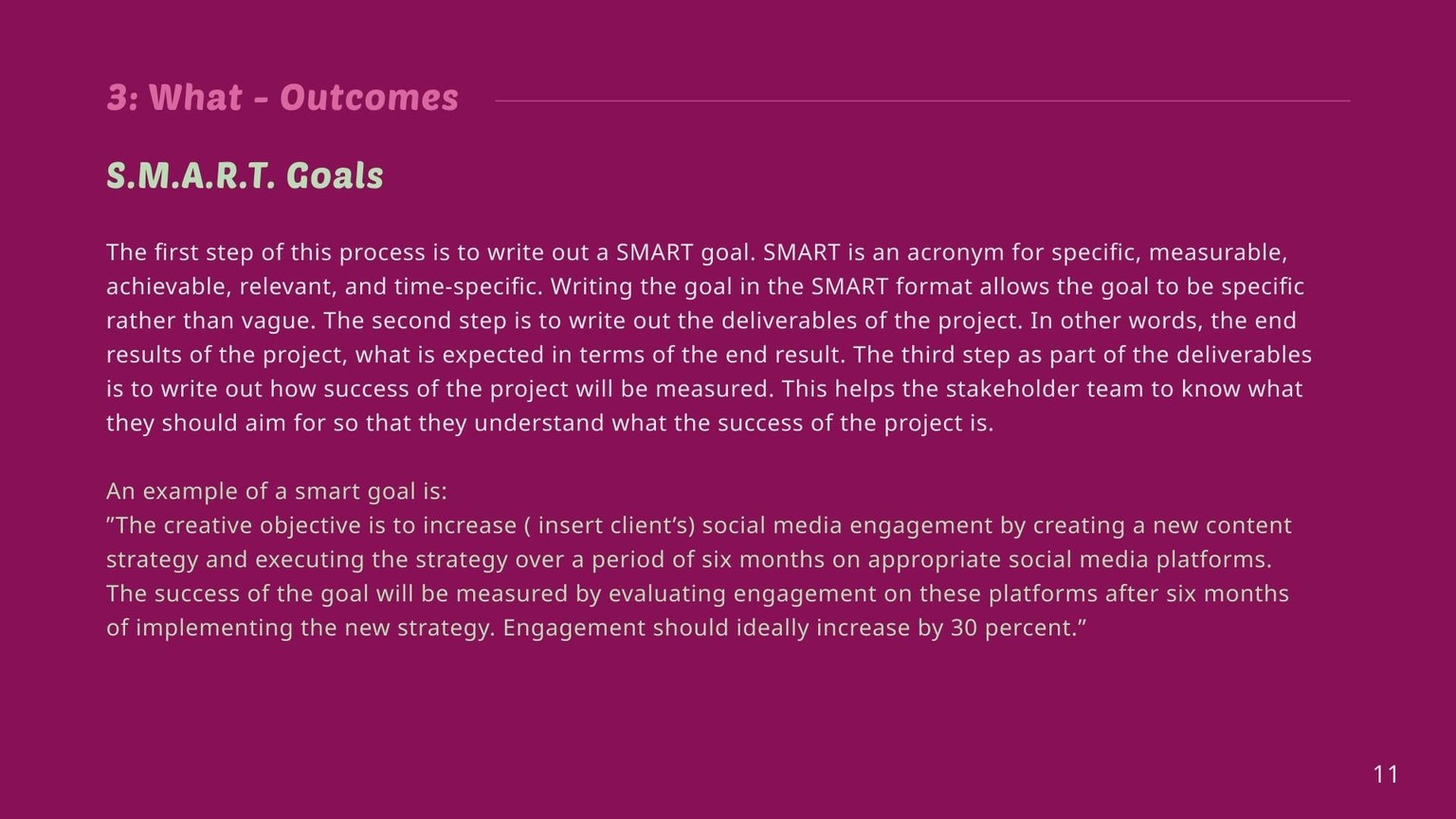
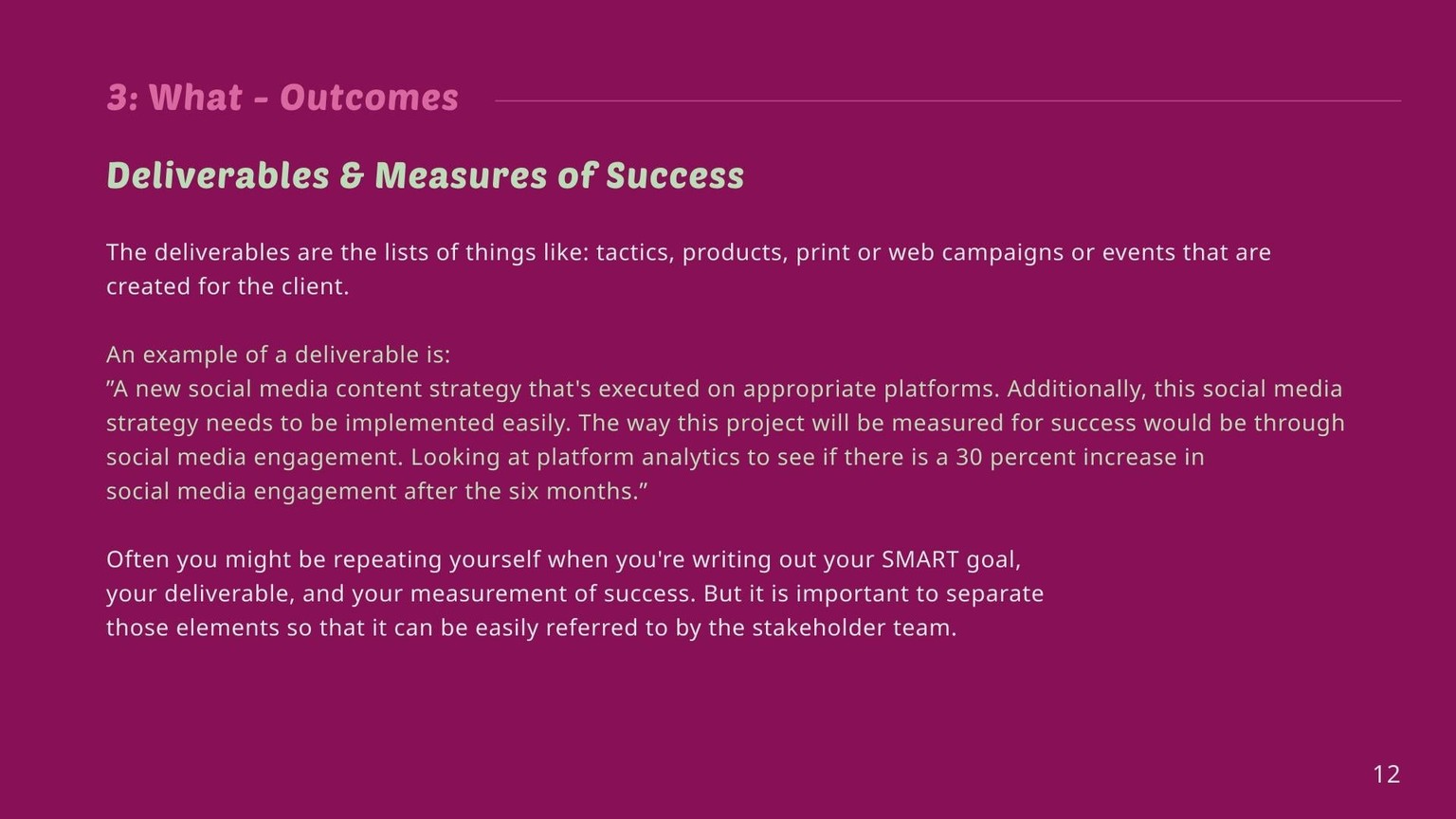
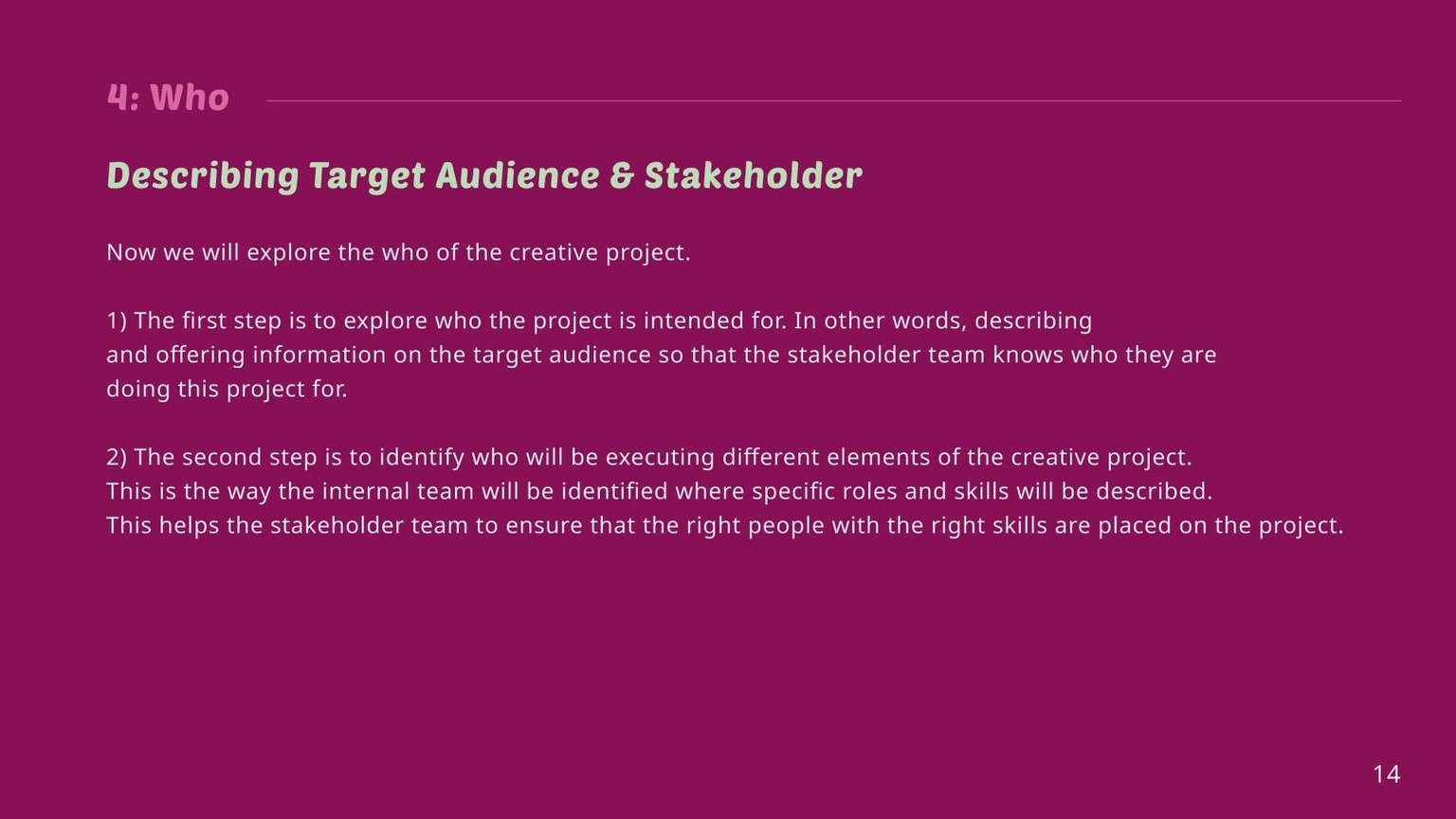
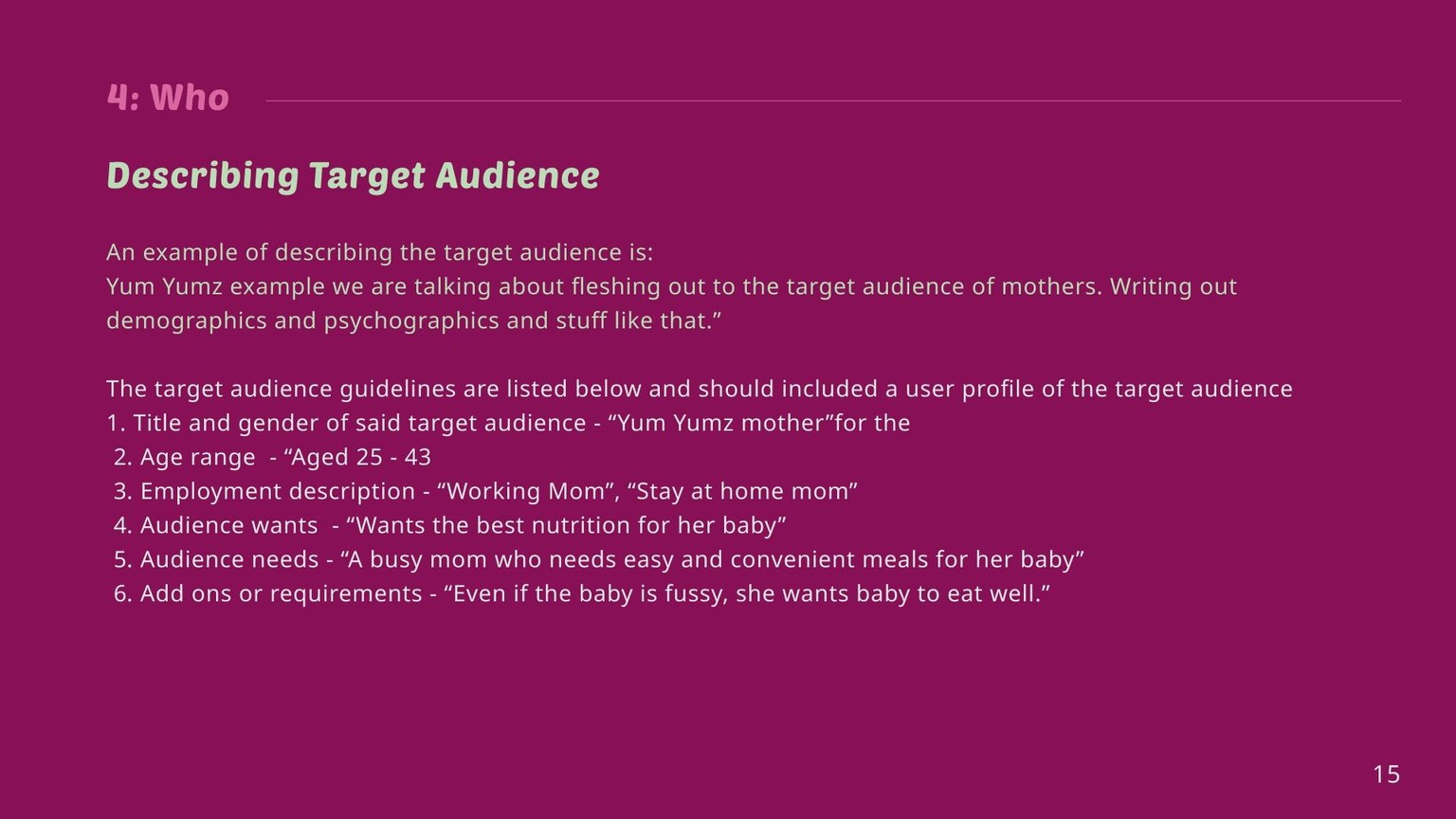
I'm also learning Figma, so I created a presentation in Figma that combined the verbiage from the class transcript (which I edited), added pages in black that I felt were needed for multidisciplinary CDs, and exported this guide. I will definitely be editing this in the future for grammar, punctuation, and capitalization.
Not for the faint of heart, but Skillshare will allow you to add multiple pages to a project so here goes.
The black pages that I added extend on what's discussed in the class:
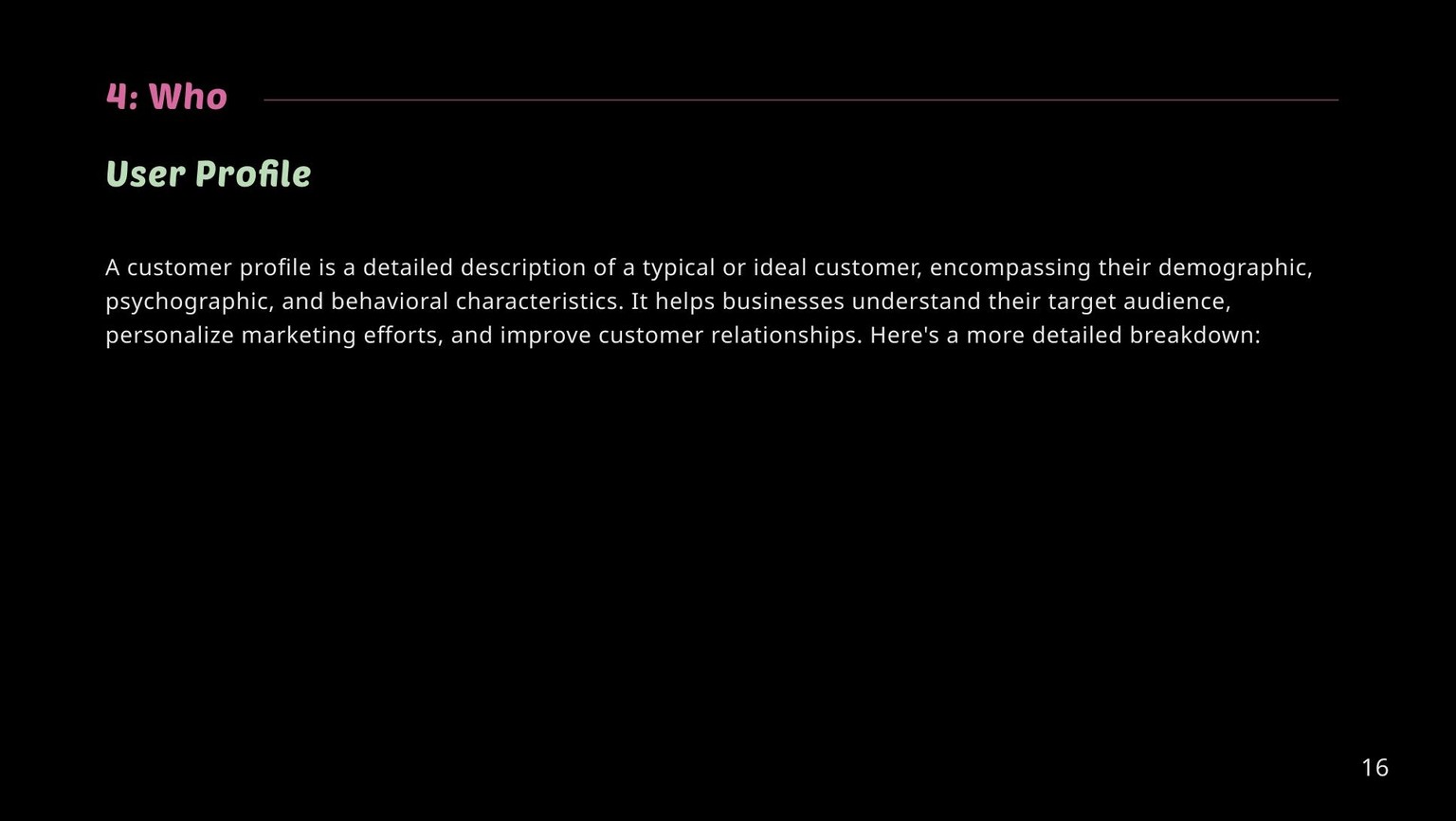
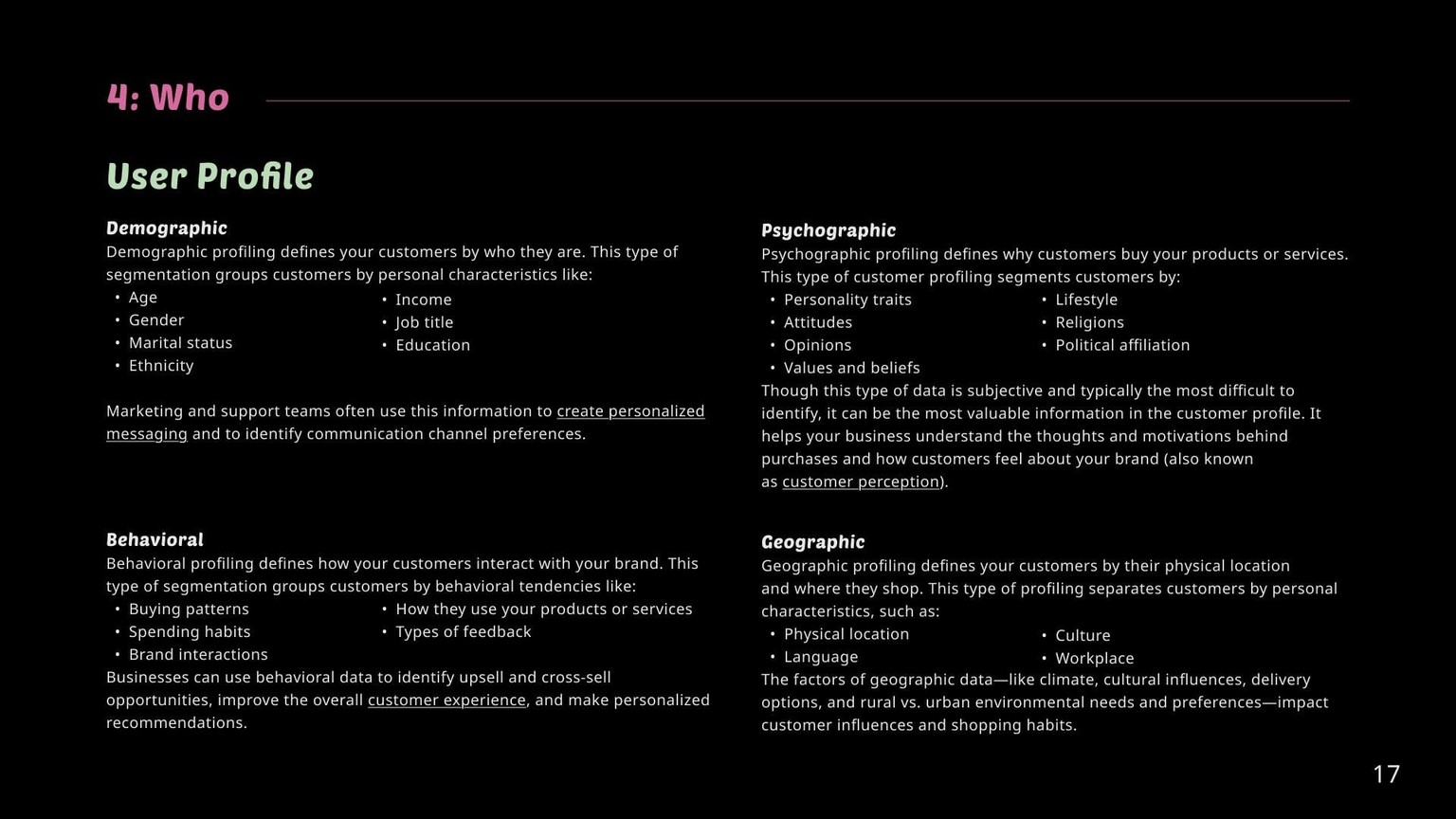
Pages 16 - 17:
The course suggests adding the user profile to the creative brief but doesn't explain what makes up a user profile in detail. I researched, compiled a list, and added it to the deck.
https://www.zendesk.com/blog/create-data-rich-customer-profile/
Writing a user profile could be someone else's job, depending on the company's size, but I wanted to include the information just in case someone is part of a small team or an entrepreneur who might have to do this themselves.
Page 18:
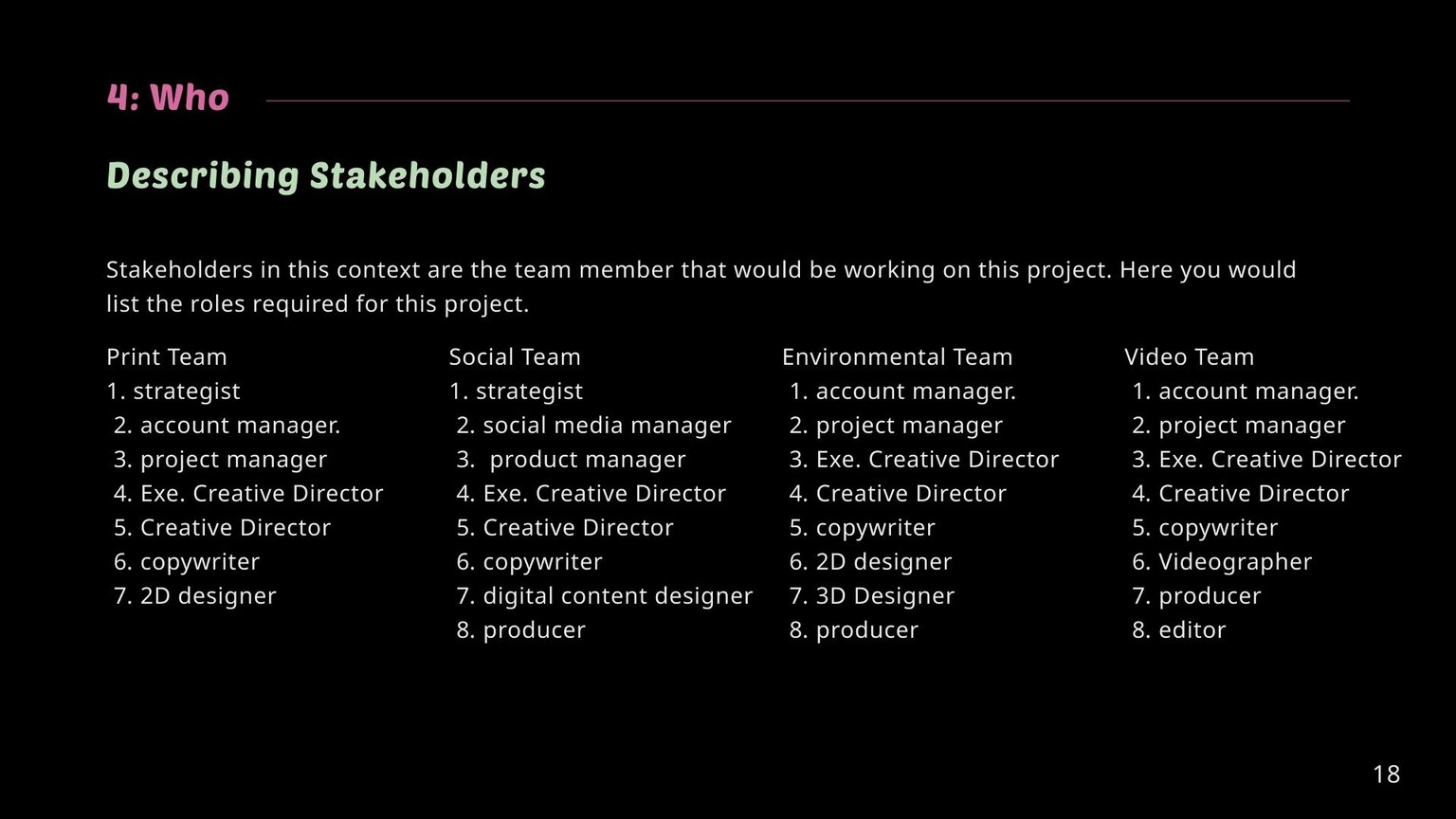
It extends on the different types of stakeholders in a large agency setting for different kinds of projects. As budgets get tighter in 2025, I'm sure this list will be highly truncated. YMMV.
Page 21:
For creatives, the deck should include some visual references, including a page that spotlights the client's current work. This will help the team understand the client's current situation and how to exceed expectations.
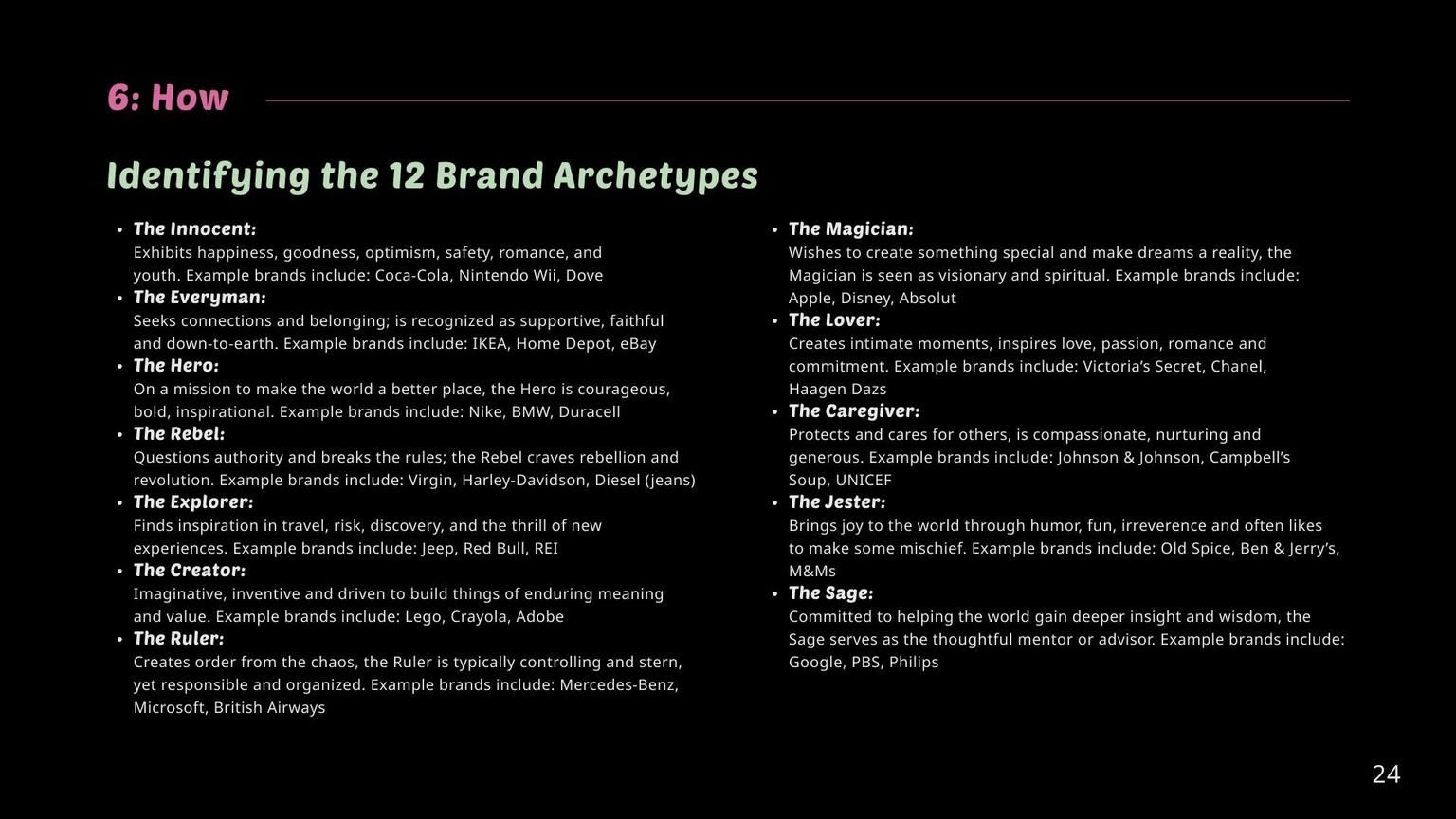
Page 24:
In the course, archetypes are discussed but not explained. What if you don't know what an archetype is or that there are 12 of them? I added a complete list of the 12 archetypes and their definitions for people like me who didn't know this before writing this creative resource.
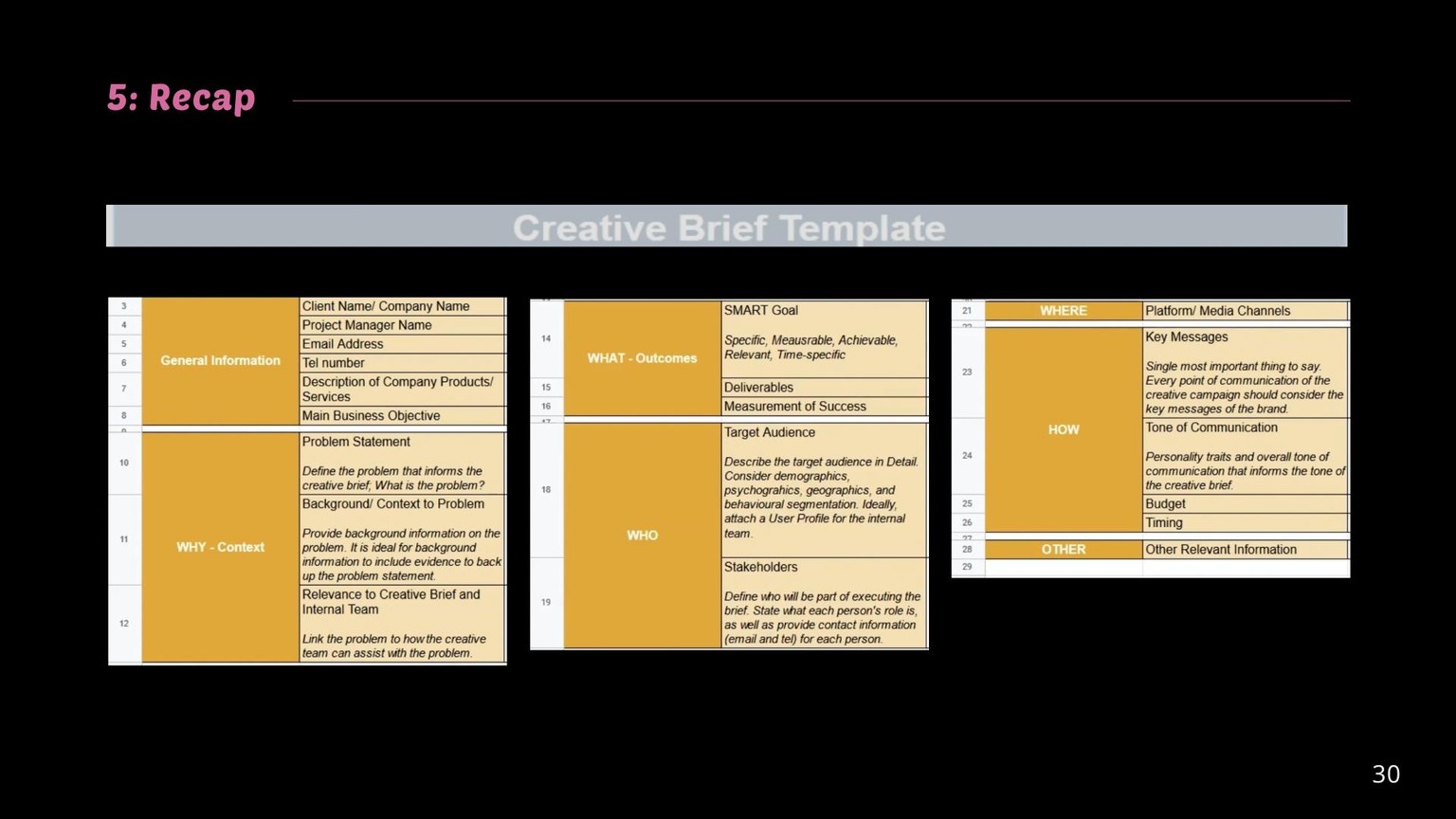
Page 30:
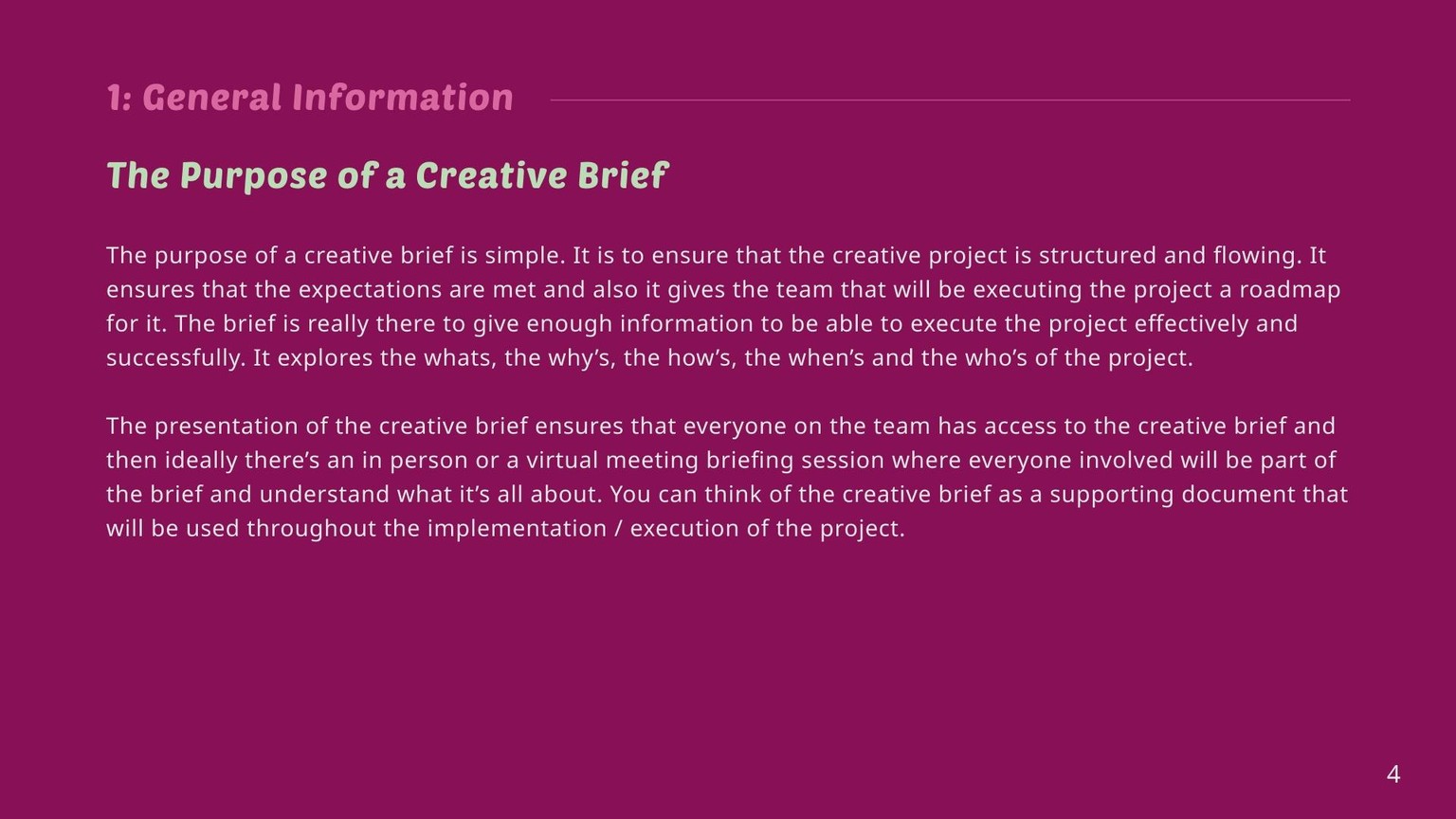
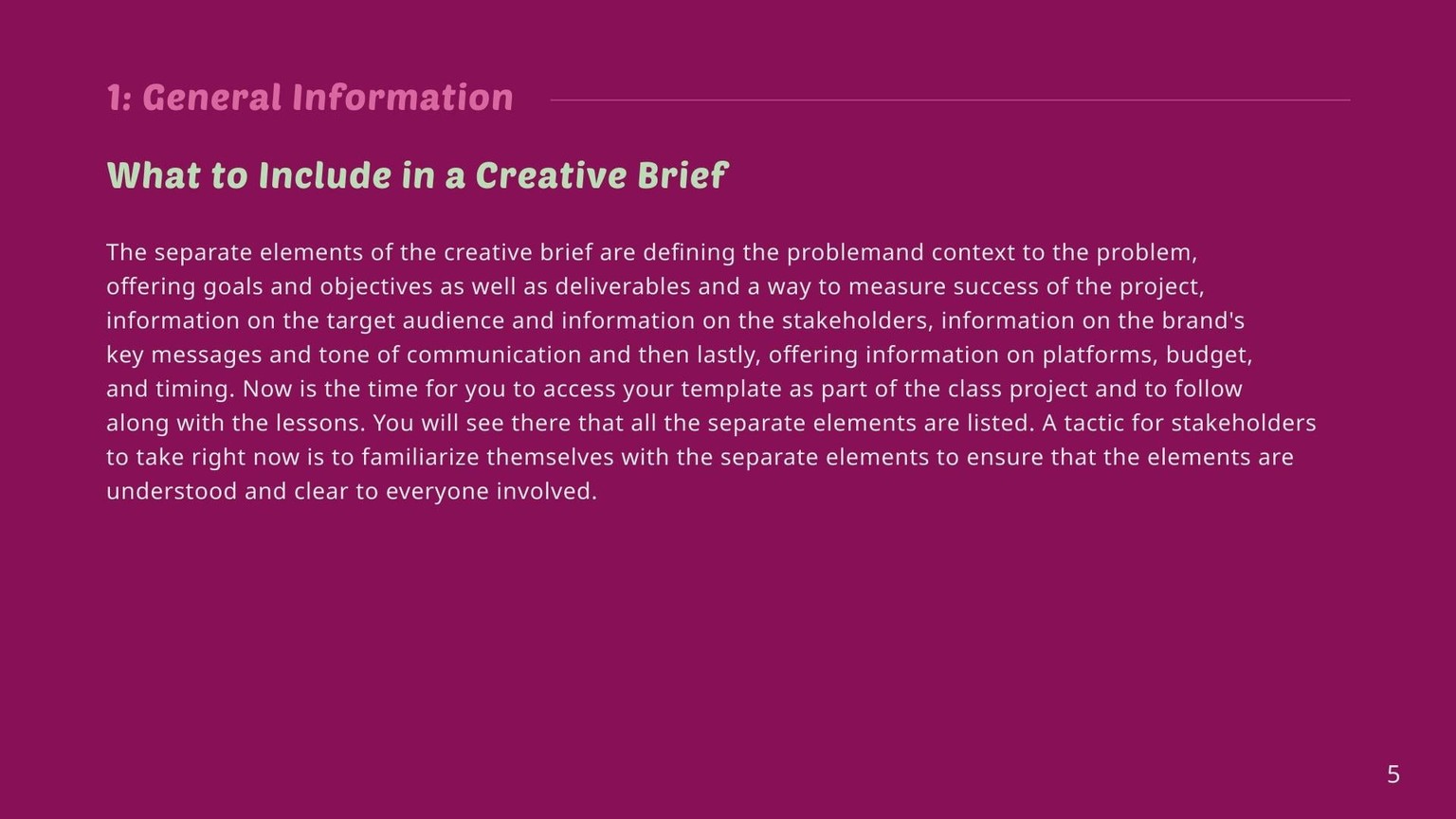
Since I could not download the original resource file ( the link is broken as of 04/13/25), I included screengrabs of the "look and feel of the original document" the instructor laid out from watching the video.