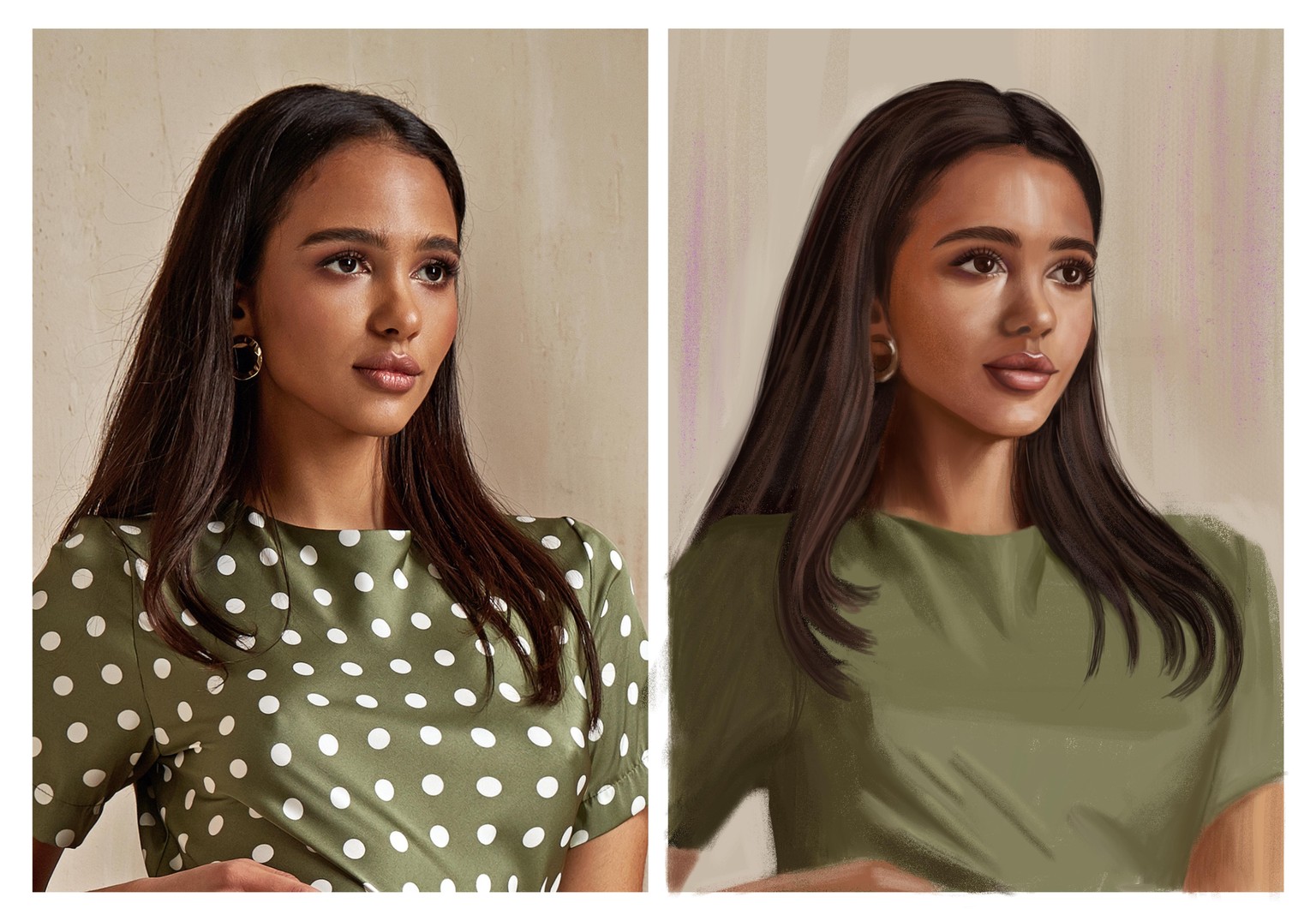
Portrait start
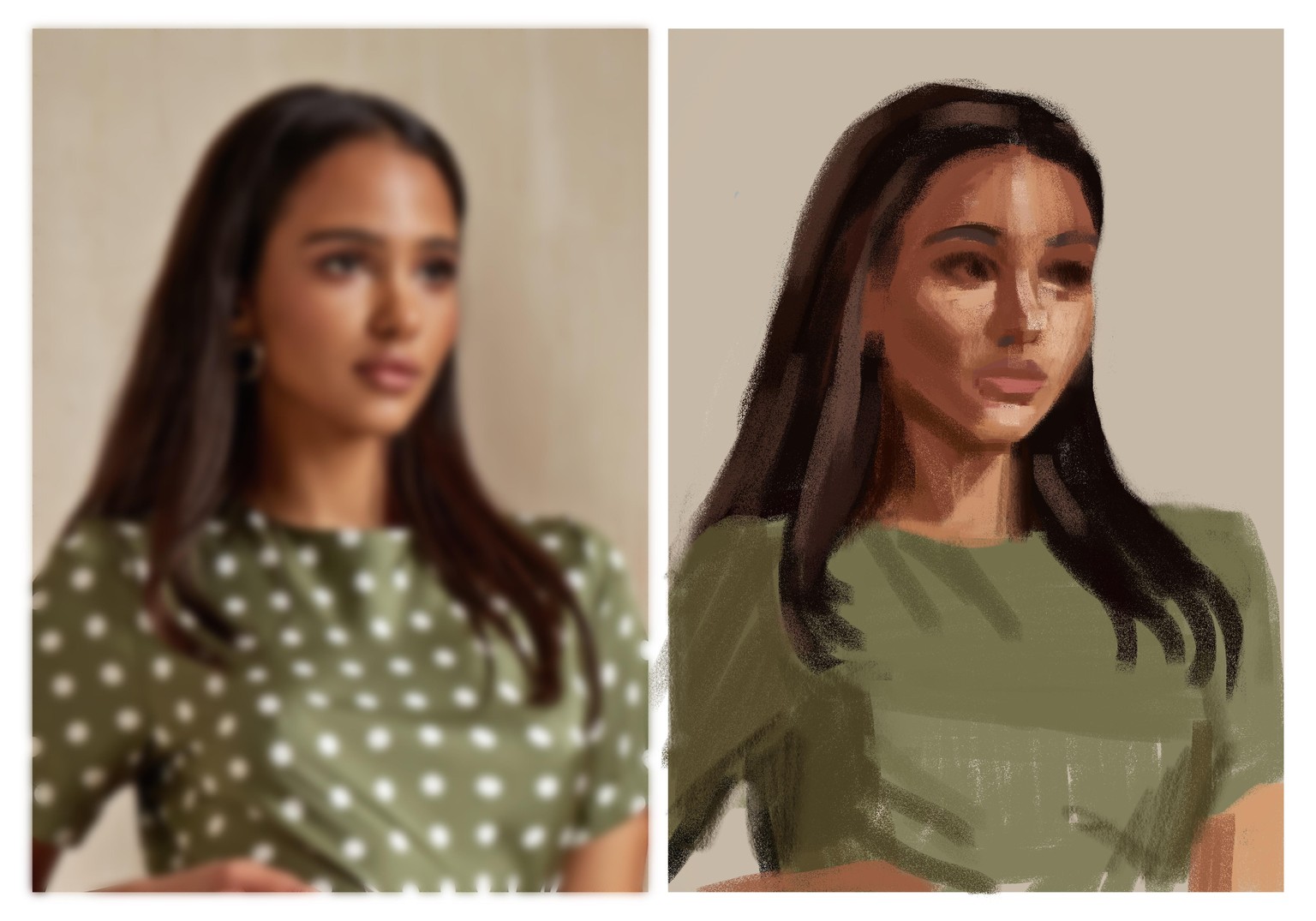 Well, she started blocky, but kept getting more fussy as I tried to re-proportionise her. And even now her face angle feels wrong, even though I checked it with a grid and it should be about right.
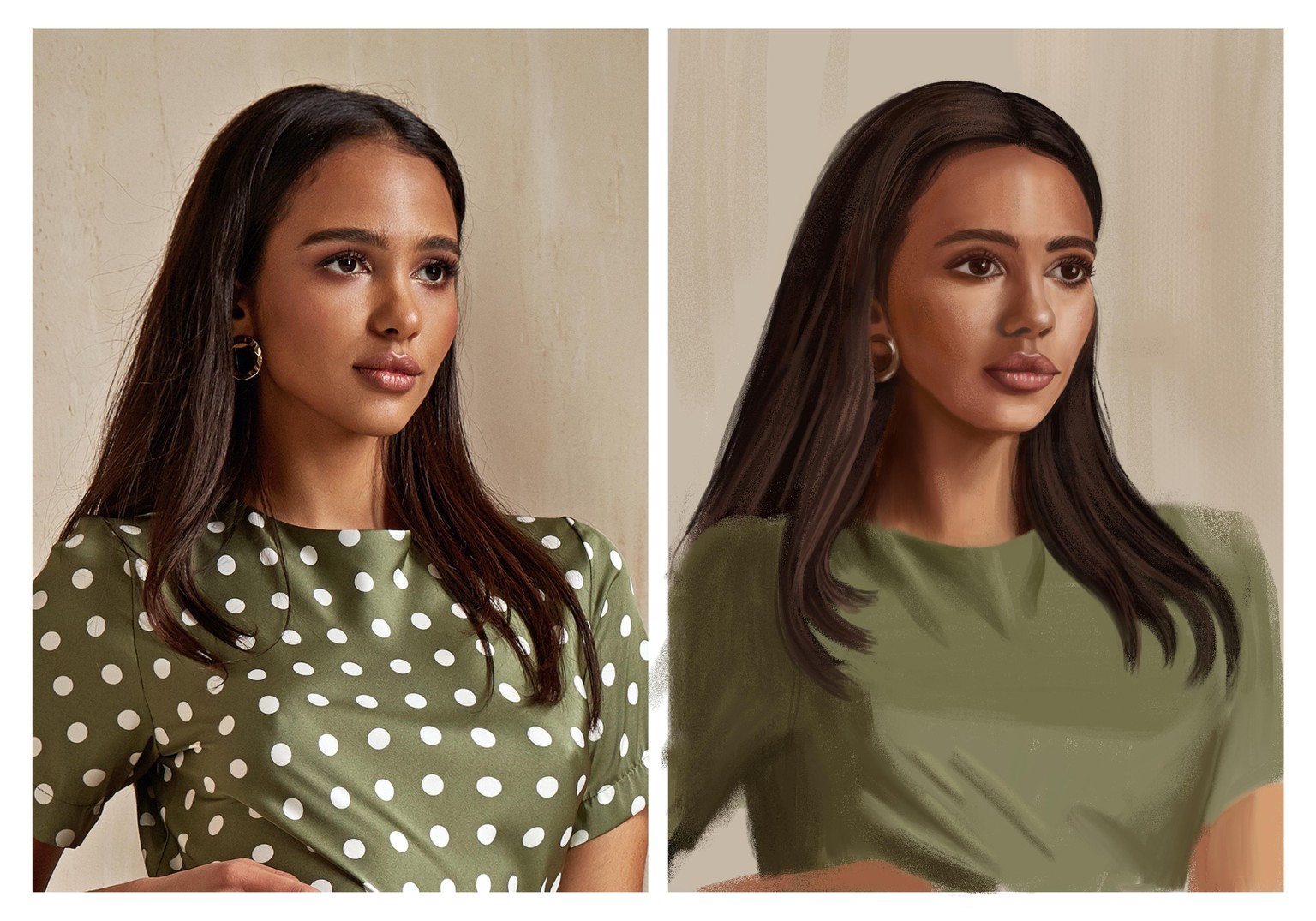
Here's an update WIP. I broke her eyes somehow - maybe they are too big or uneven? I can't tell exactly what's wrong at the moment. But I can tell she's not soft and bright enough, and the angle of her head feels slanted forward too far at the top? Maybe that's the wonky eye? Maybe with some time I can come back with fresh eyes and see better!
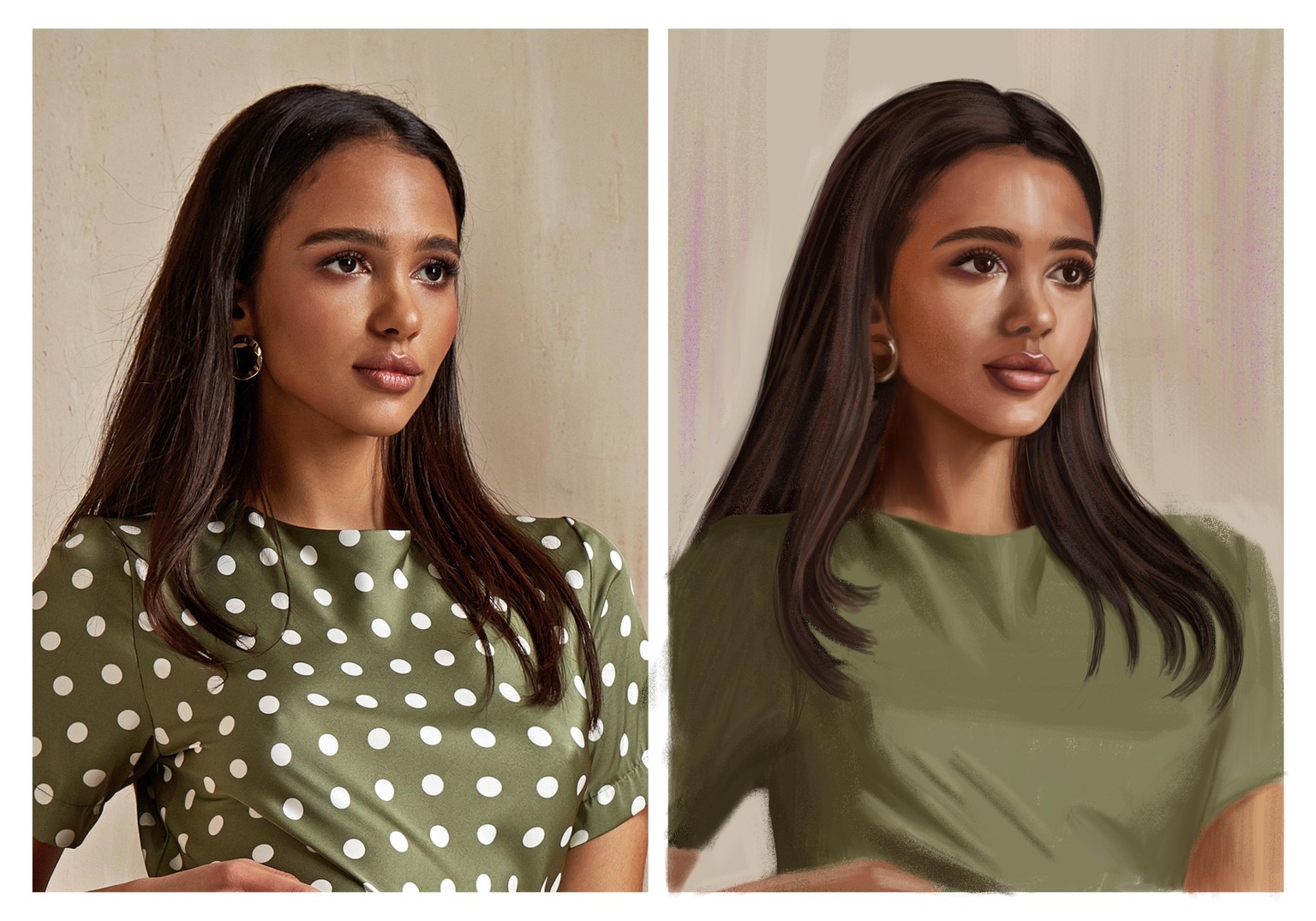
OK, here's one more update. I moved the eyes and features to be more slanted down, and I fussed around trying to brighten it. I did try to leave in / put back a lot of texture, but somehow once I upload it here it smooths it out. My textures are probably too subtle. The proportions are still NQR. It's funny how the smallest of details can make such a big difference. At one point I did overlay the original over mine and the proportions were almost exactly the same, and yet they still looked wrong on mine. And now the nose and mouth look wrong (why can't I get her soft pout right? Something to do with the contours) and the head looks too wide? I also feel it looks too uptight from all of that fussing!
I feel like I have some sort of Schrödinger's vision when looking at this portrait - one moment I look and I think the eyes are too big, then I look again and think they are too too small, then too angled, then too straight, then the nose is too wide, too small, too long, mouth is too wide, too narrow, etc.