Menu

Photoshop Beginner Project

Gradient Project
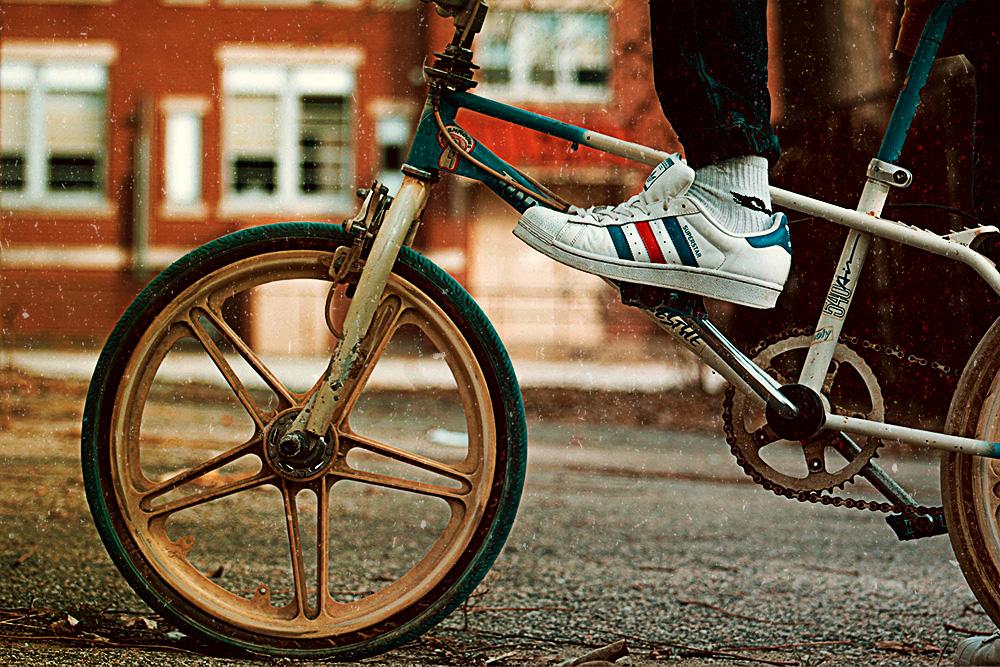
Photoshop Beginner Project - image 1 - student project


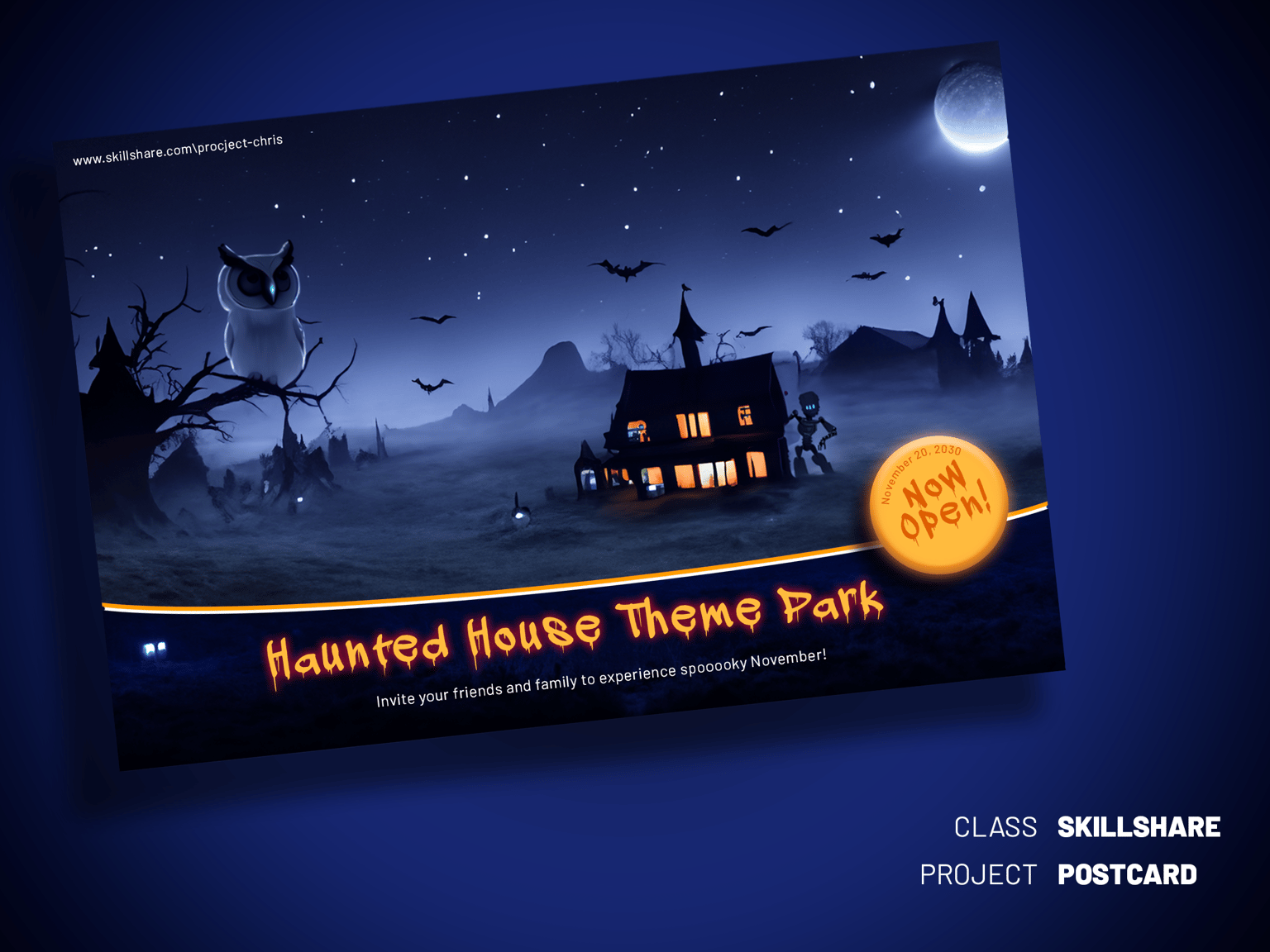
Ai Generative Fill - Haunted House

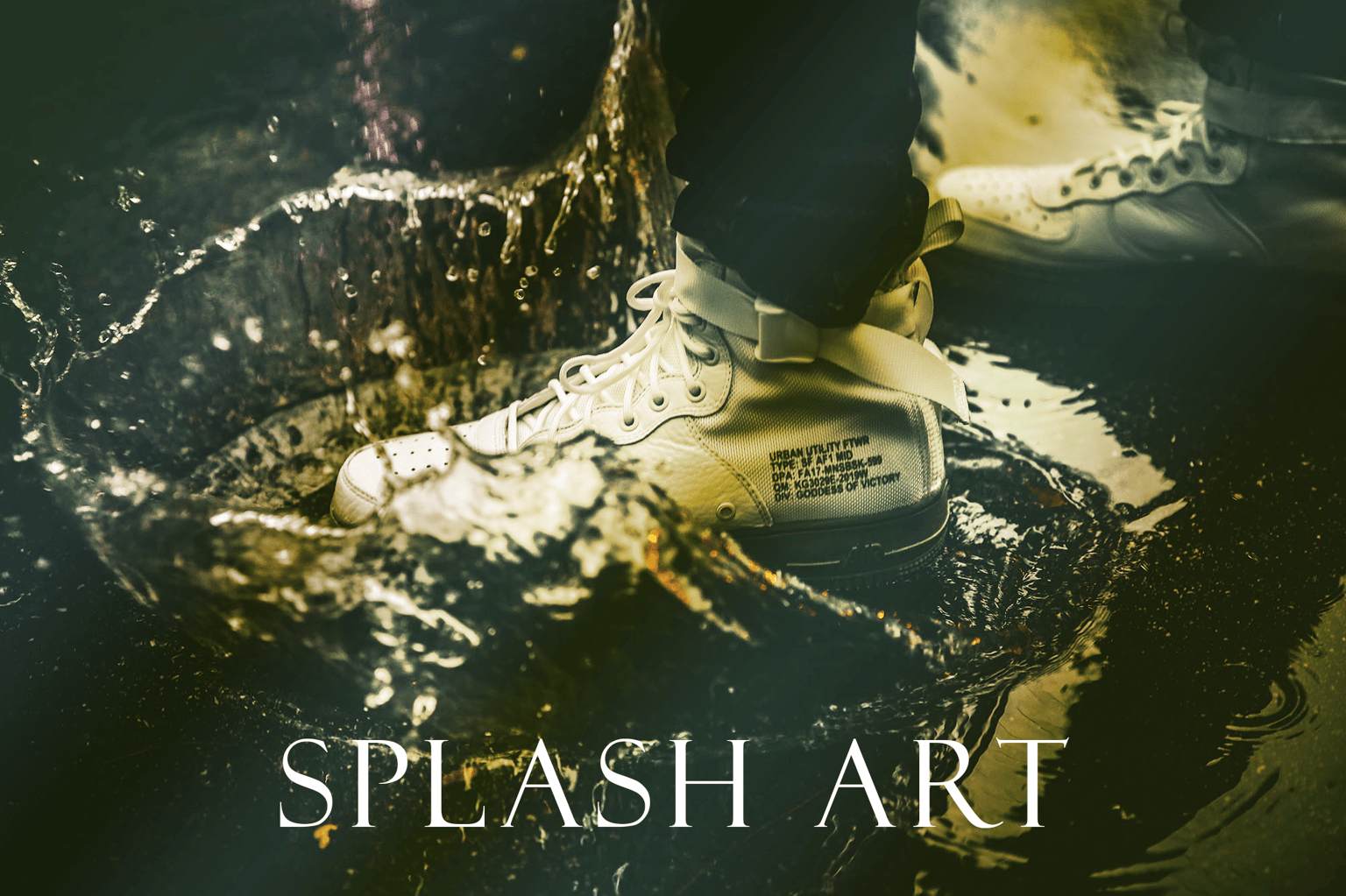
Photoshop Beginner Project - image 2 - student project


Postcard Project

Photoshop Beginner Project - image 3 - student project

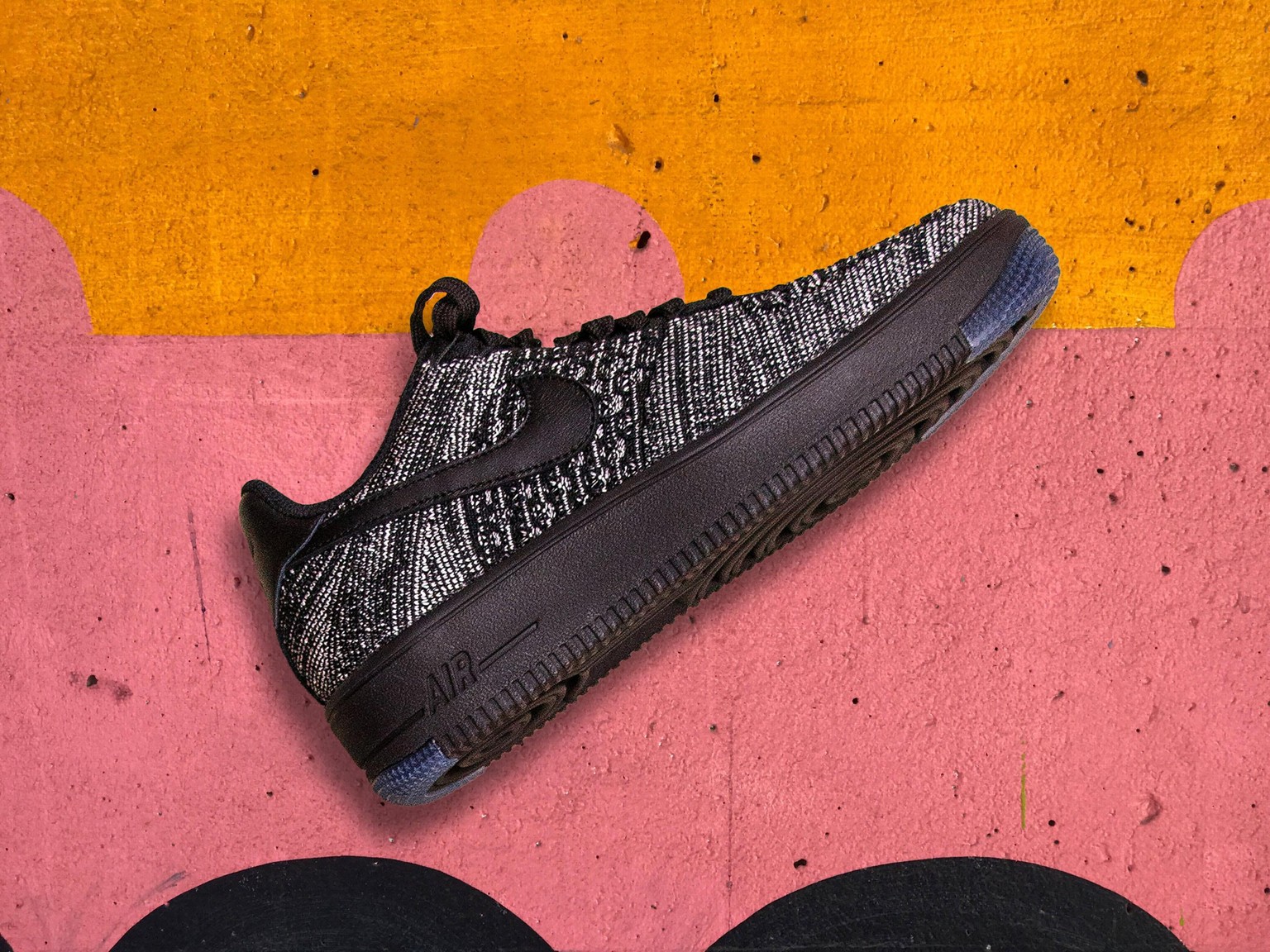
 Quick select tool

 Photoshop Beginner Project - image 4 - student project

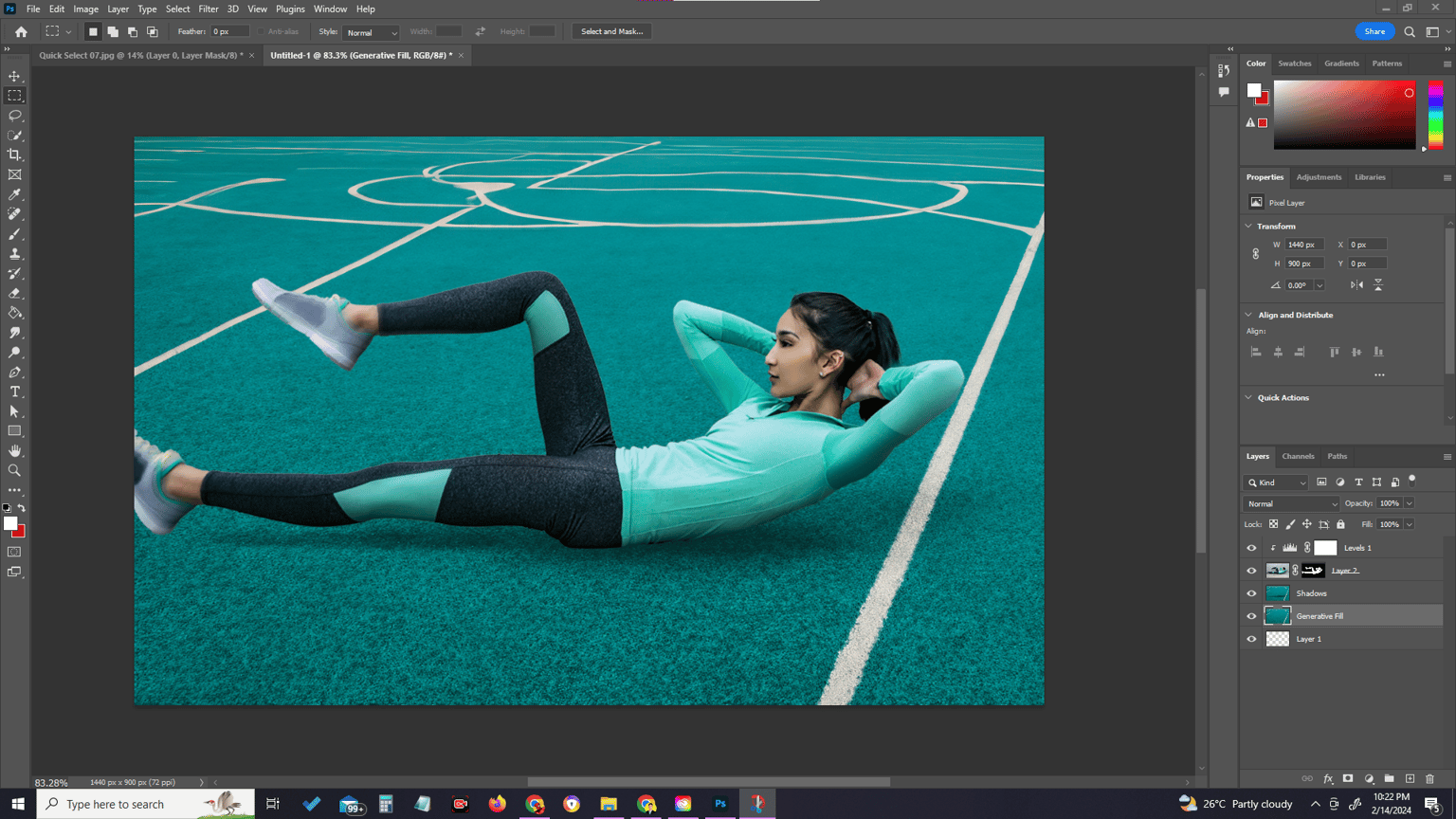
Layer Mask & Burn Tool

Photoshop Beginner Project - image 5 - student project


Quick selection tool and Select and Mask
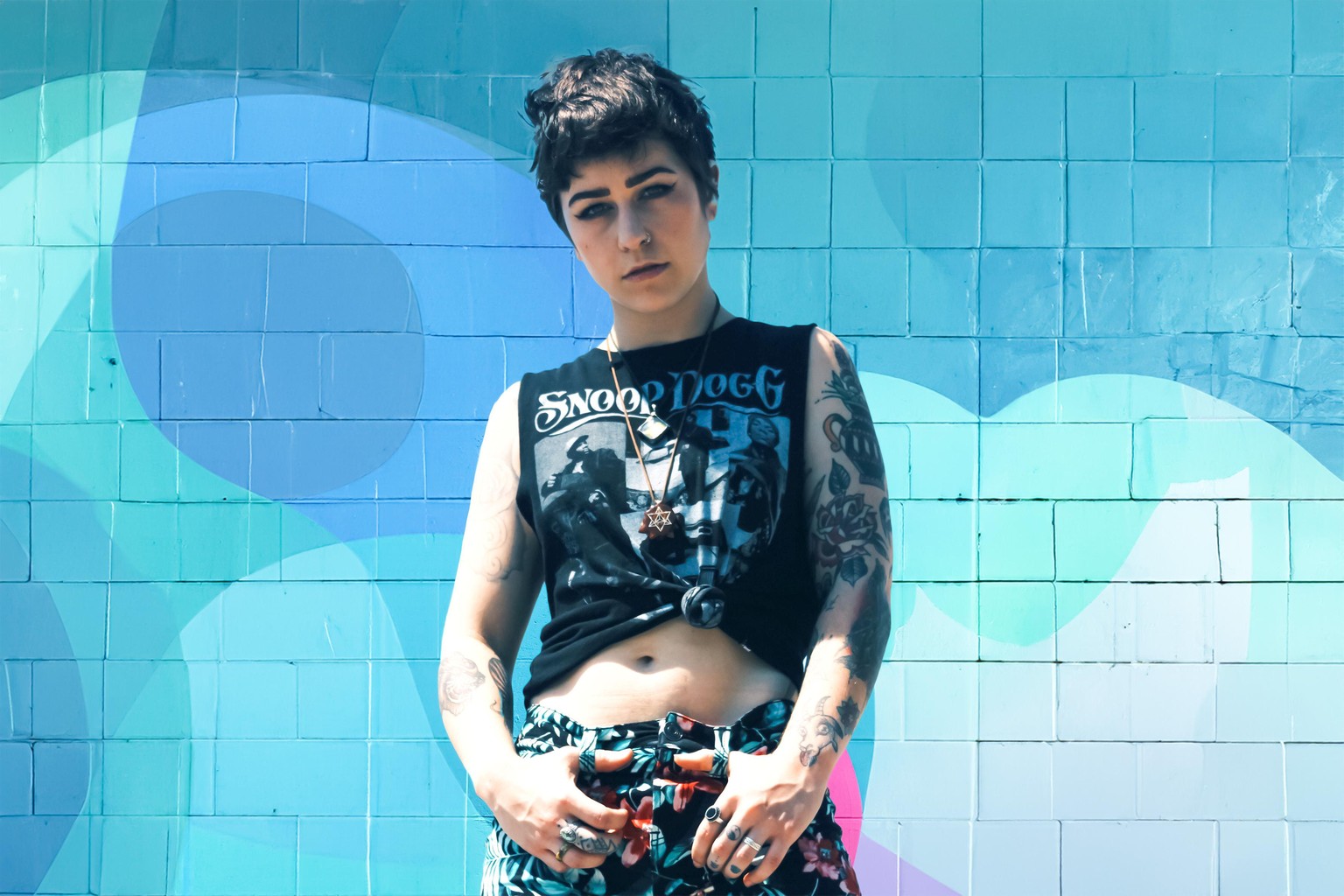
Photoshop Beginner Project - image 6 - student project


Text Interaction using Clipping Mask and Layer Masks
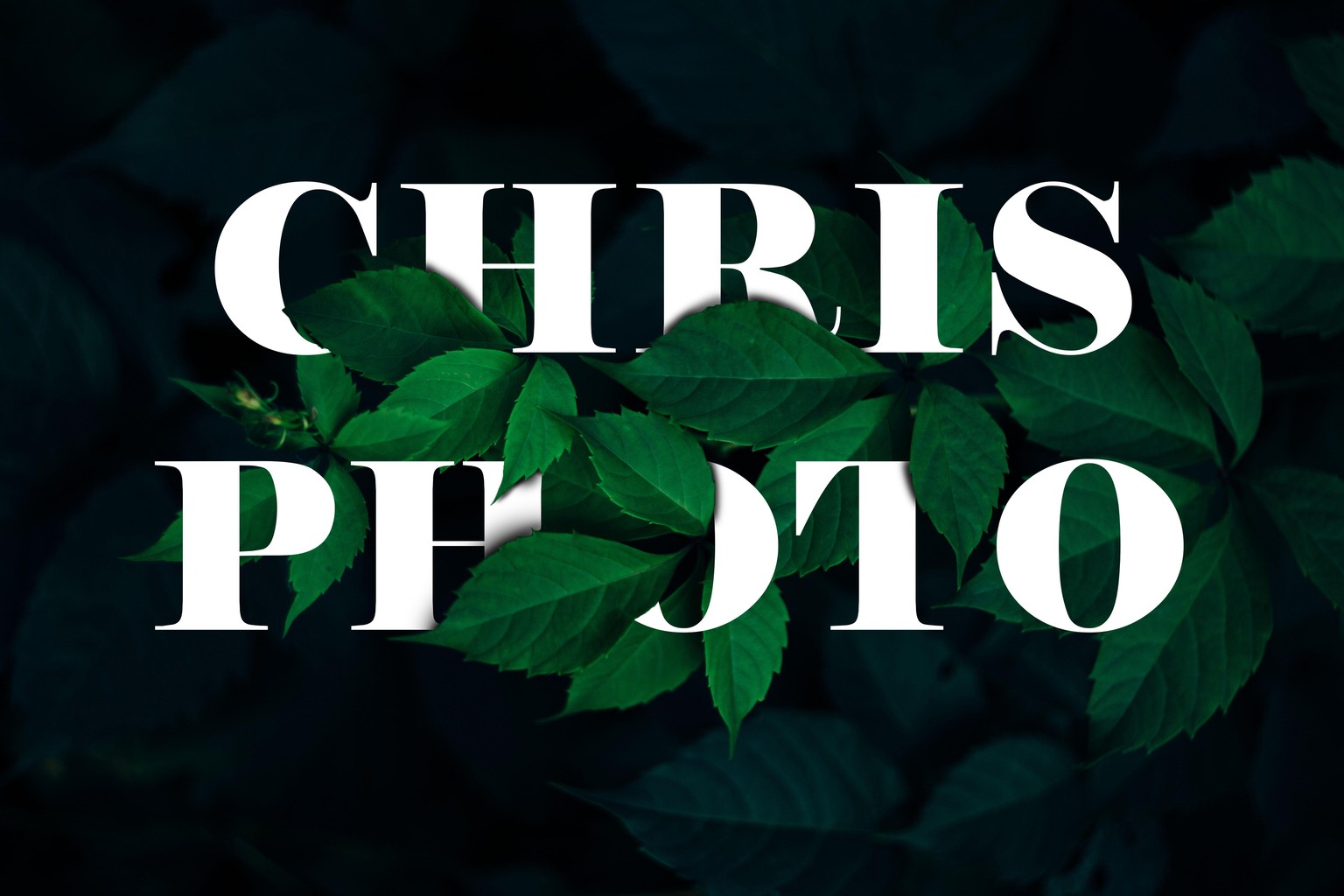
Photoshop Beginner Project - image 7 - student project


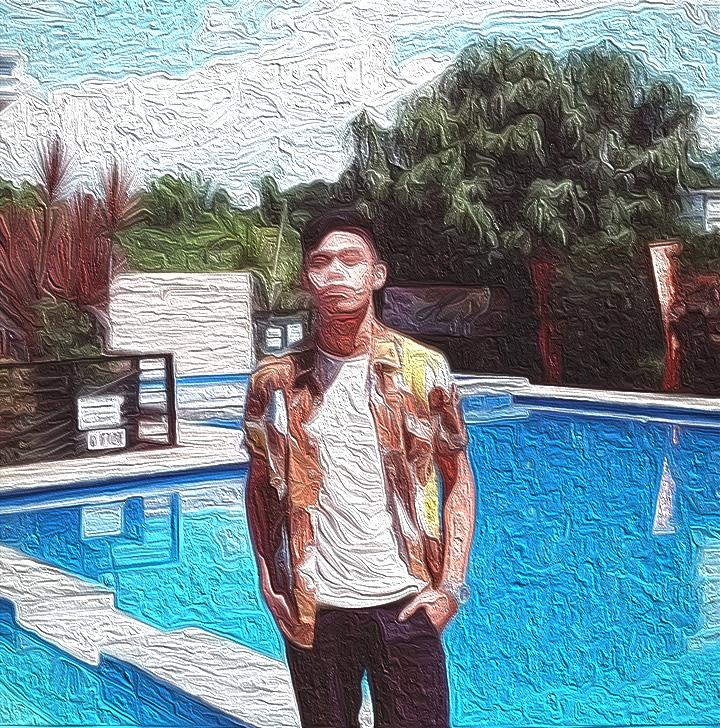
Oil Paint Filter using Smart Filter

Photoshop Beginner Project - image 8 - student project

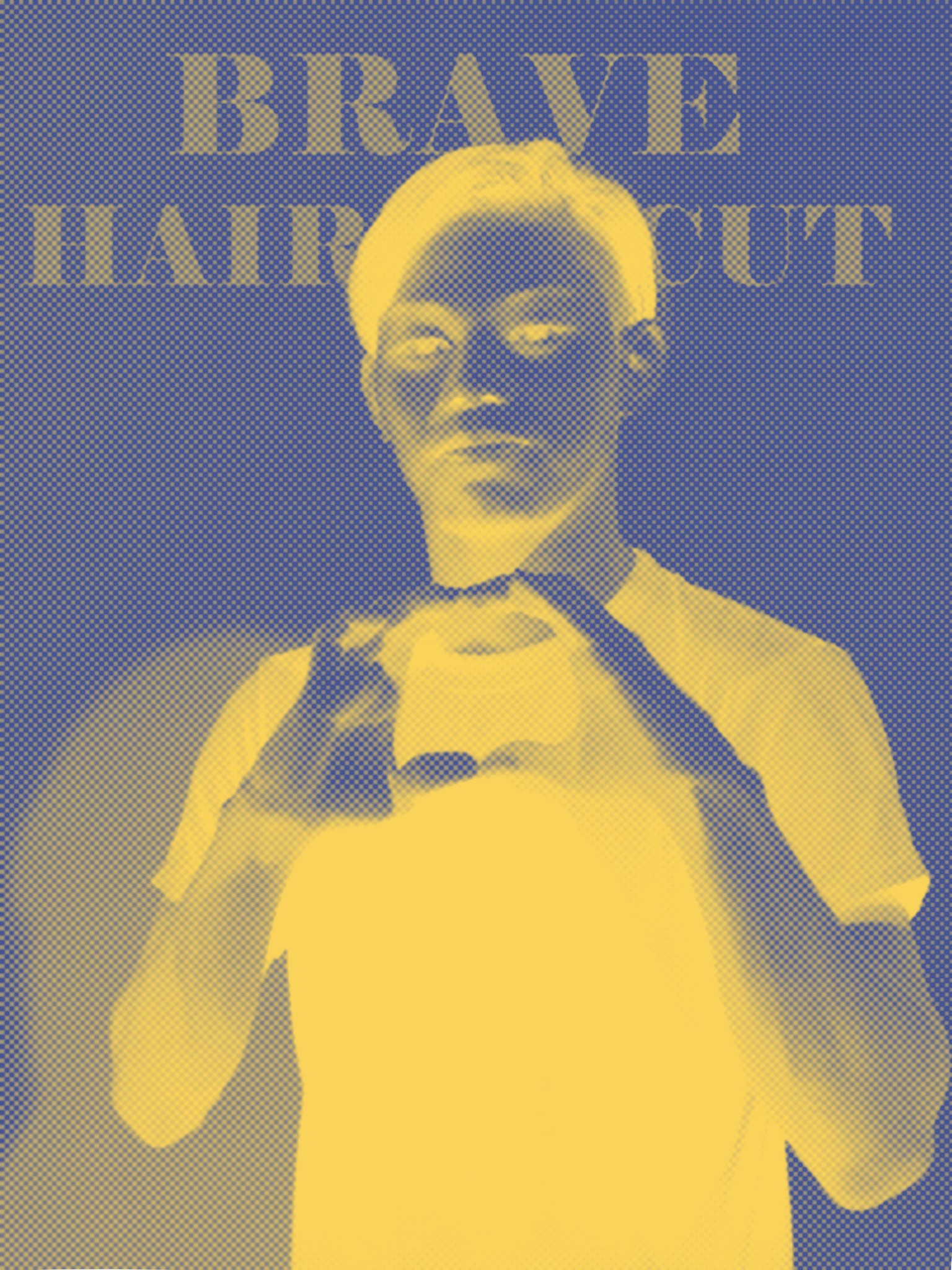
Half tone Filter using Smart Filter

Photoshop Beginner Project - image 9 - student project


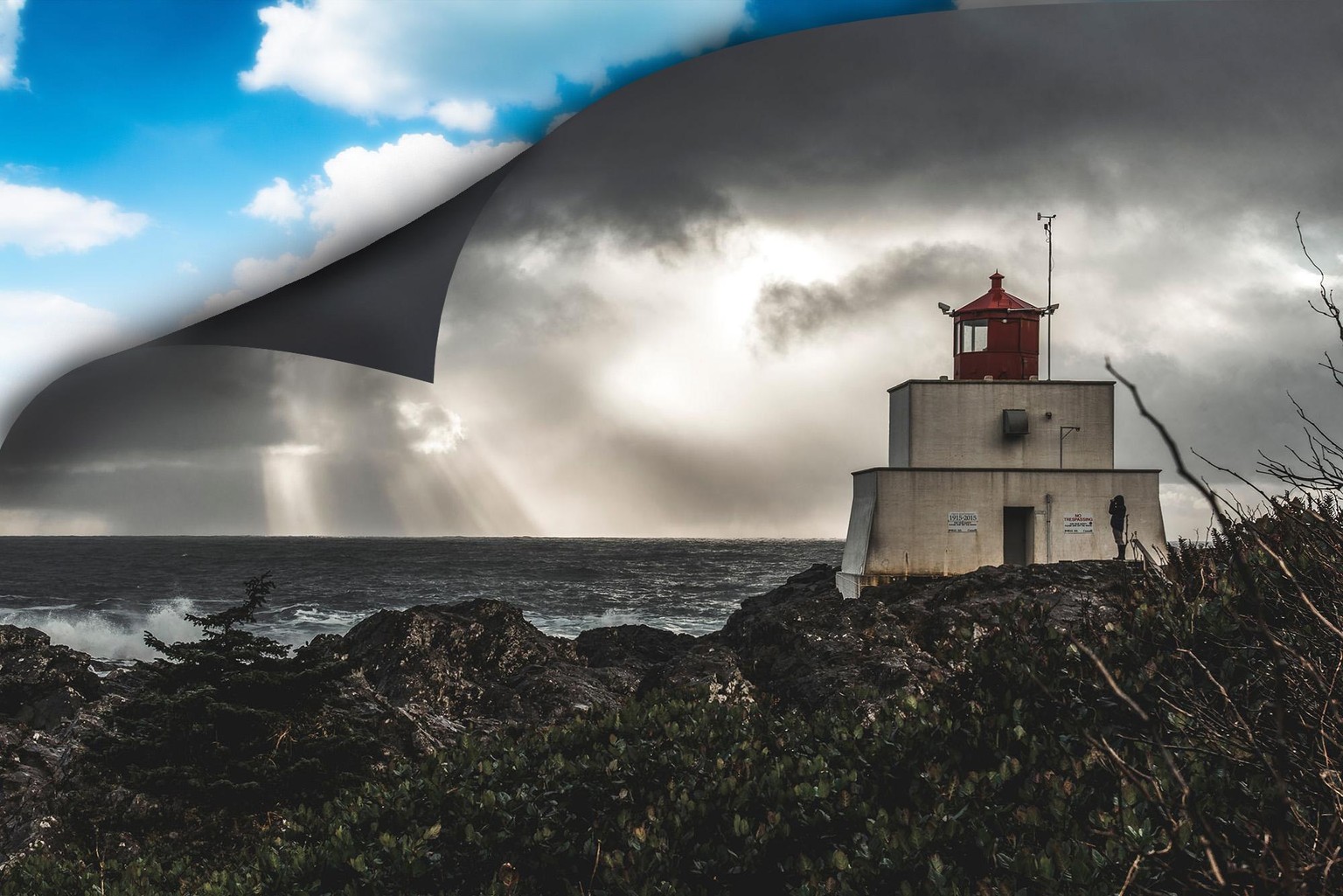
Peeling sky using Warp and shadows

Photoshop Beginner Project - image 10 - student project

Liquify tool

Photoshop Beginner Project - image 11 - student project

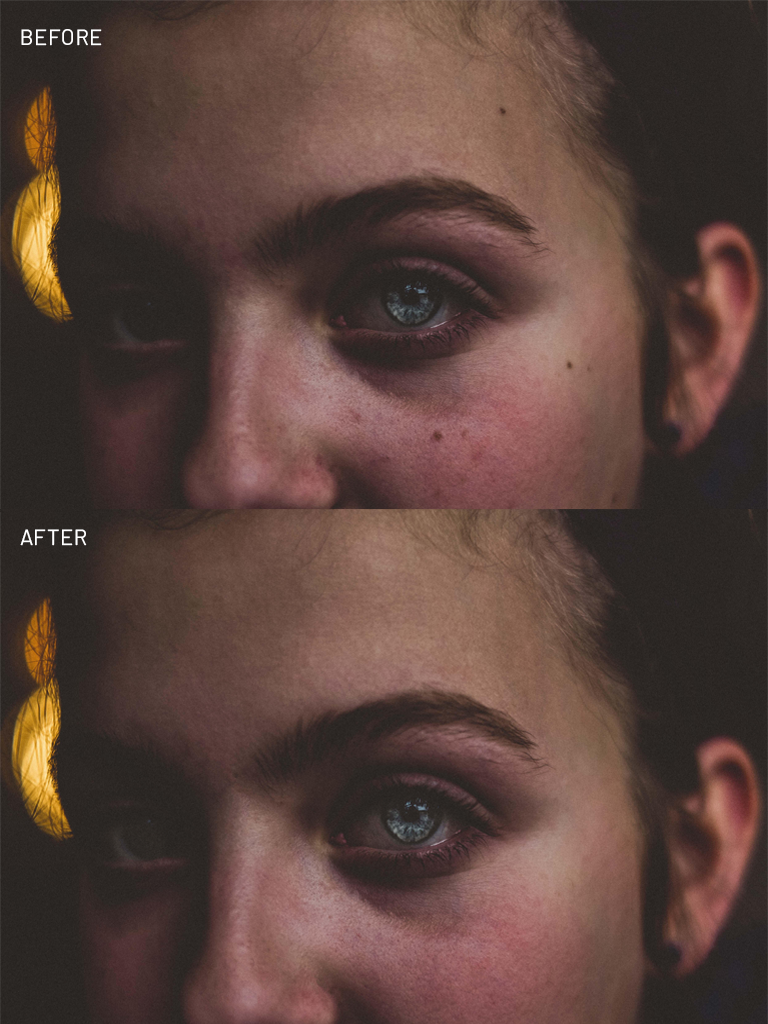
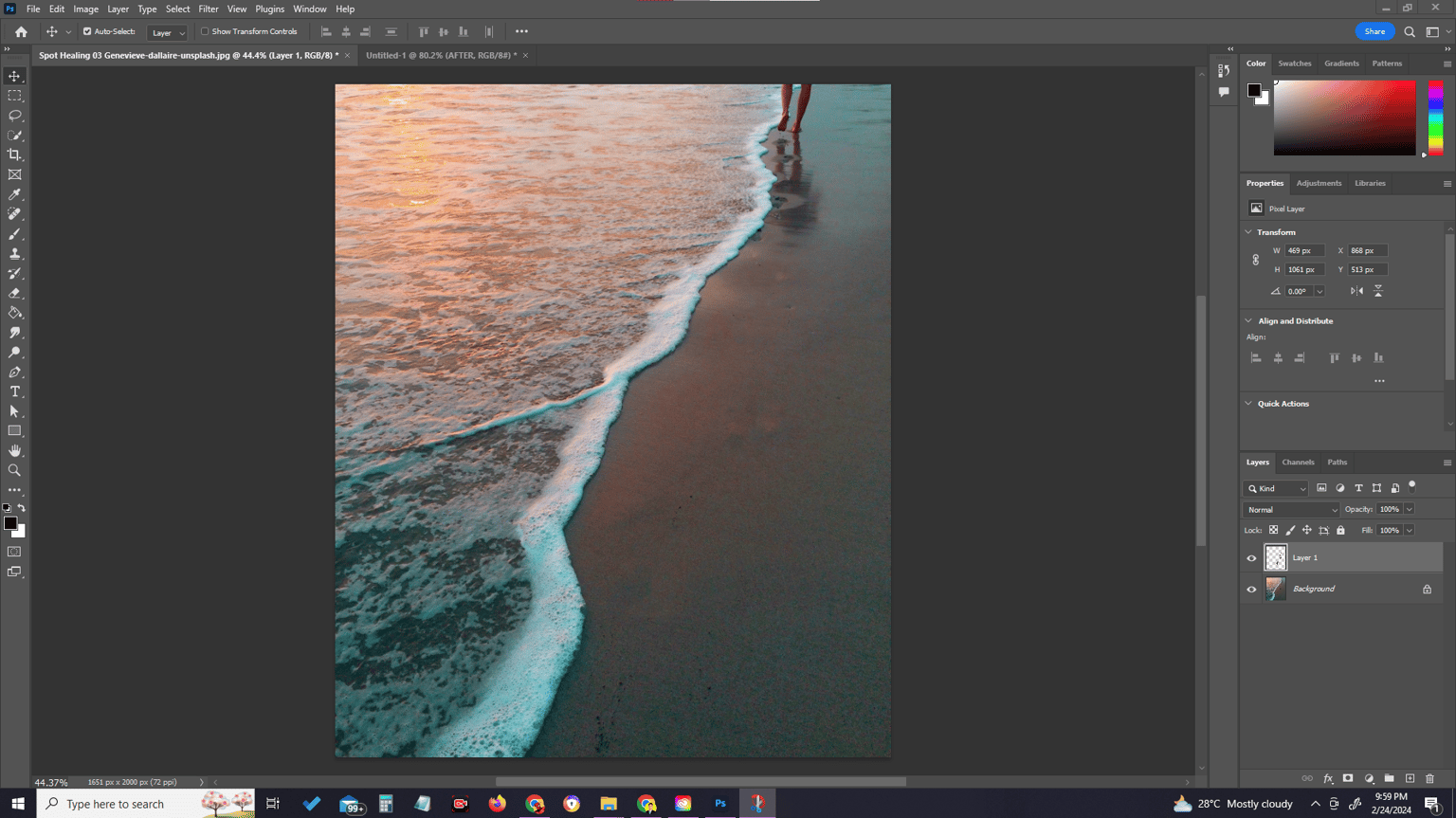
 Spot Healing Tools

Photoshop Beginner Project - image 12 - student project

Photoshop Beginner Project - image 13 - student project

Photoshop Beginner Project - image 14 - student project

Using Sponge, Dodge, Burn Tool Retouching

Photoshop Beginner Project - image 15 - student project

 Blending Tools using Multiply and Soft Light 
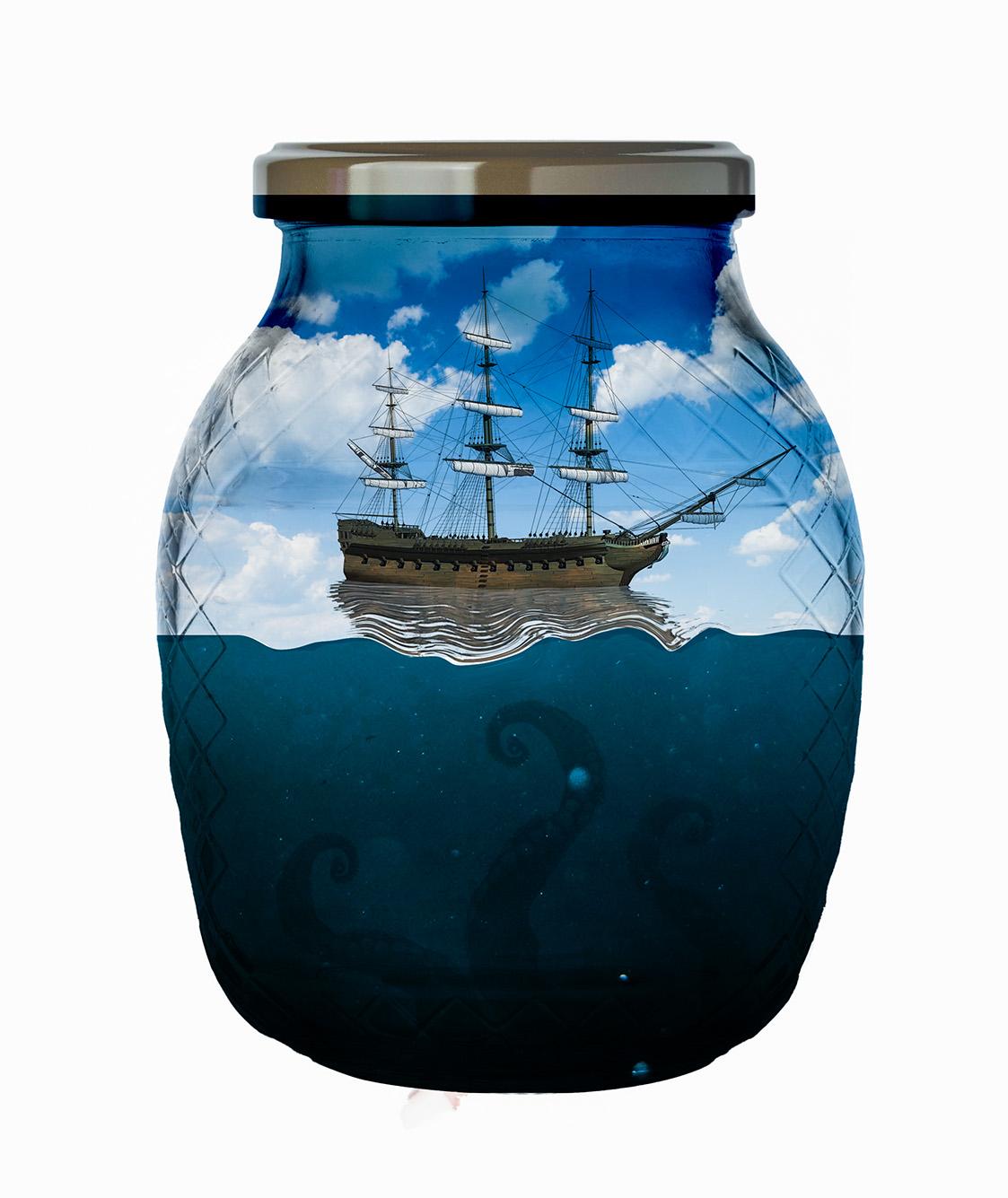
Photoshop Beginner Project - image 16 - student project

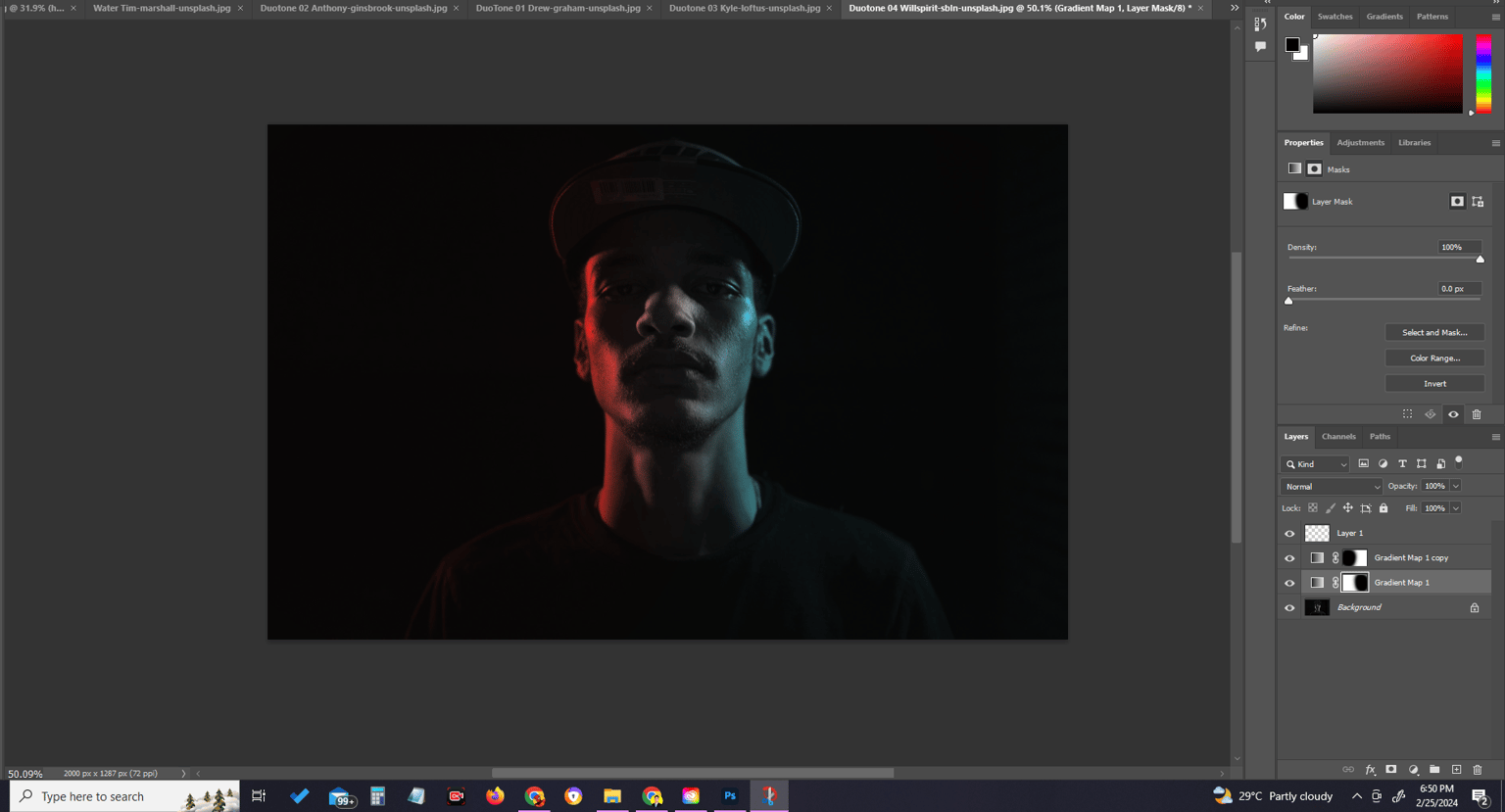
 Duo tone

Photoshop Beginner Project - image 17 - student project

Photoshop Beginner Project - image 18 - student project
Photoshop Beginner Project - image 19 - student project

VintagePhotoshop Beginner Project - image 20 - student project
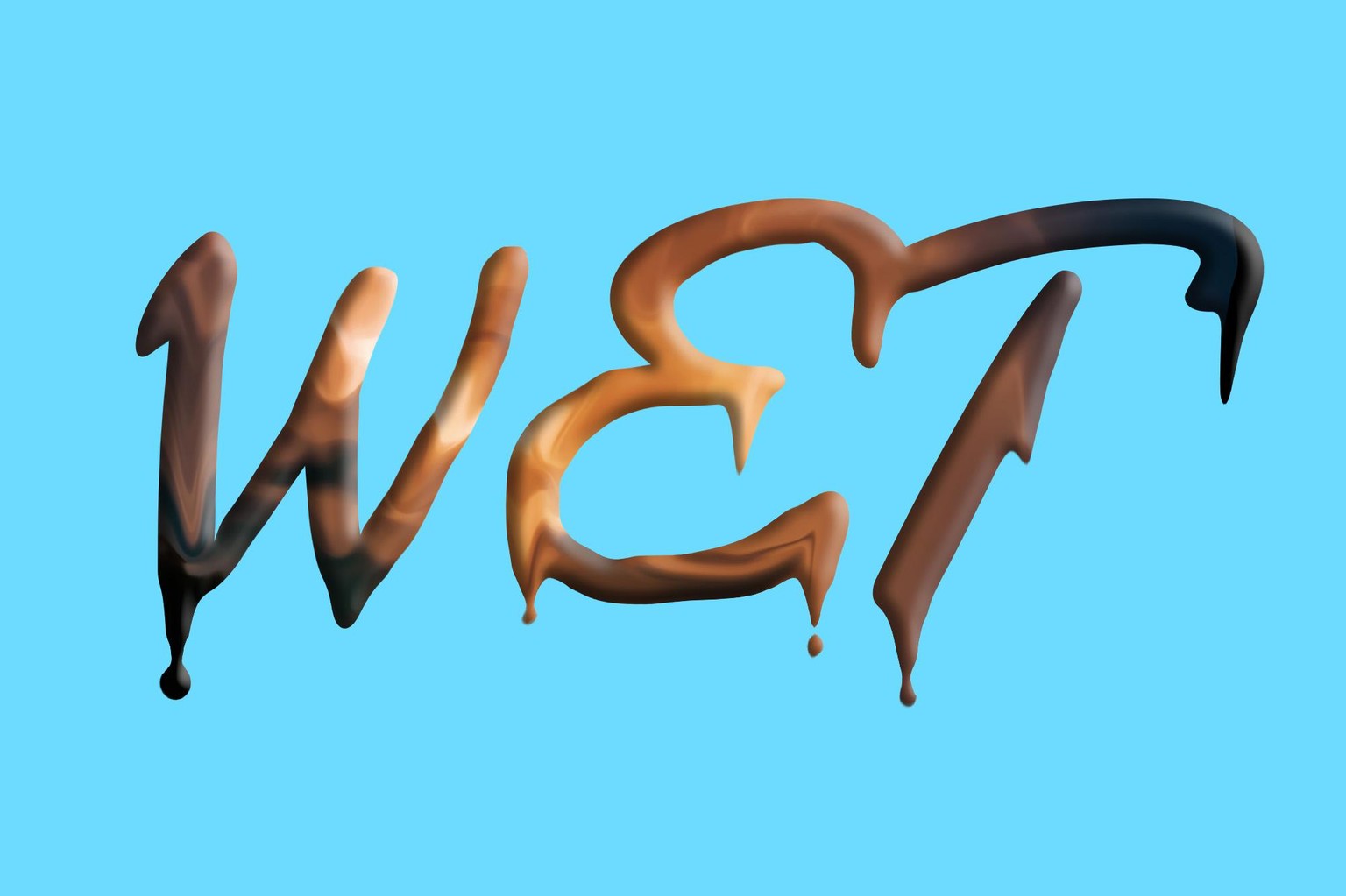
Splats & Drips

Smoke Brush