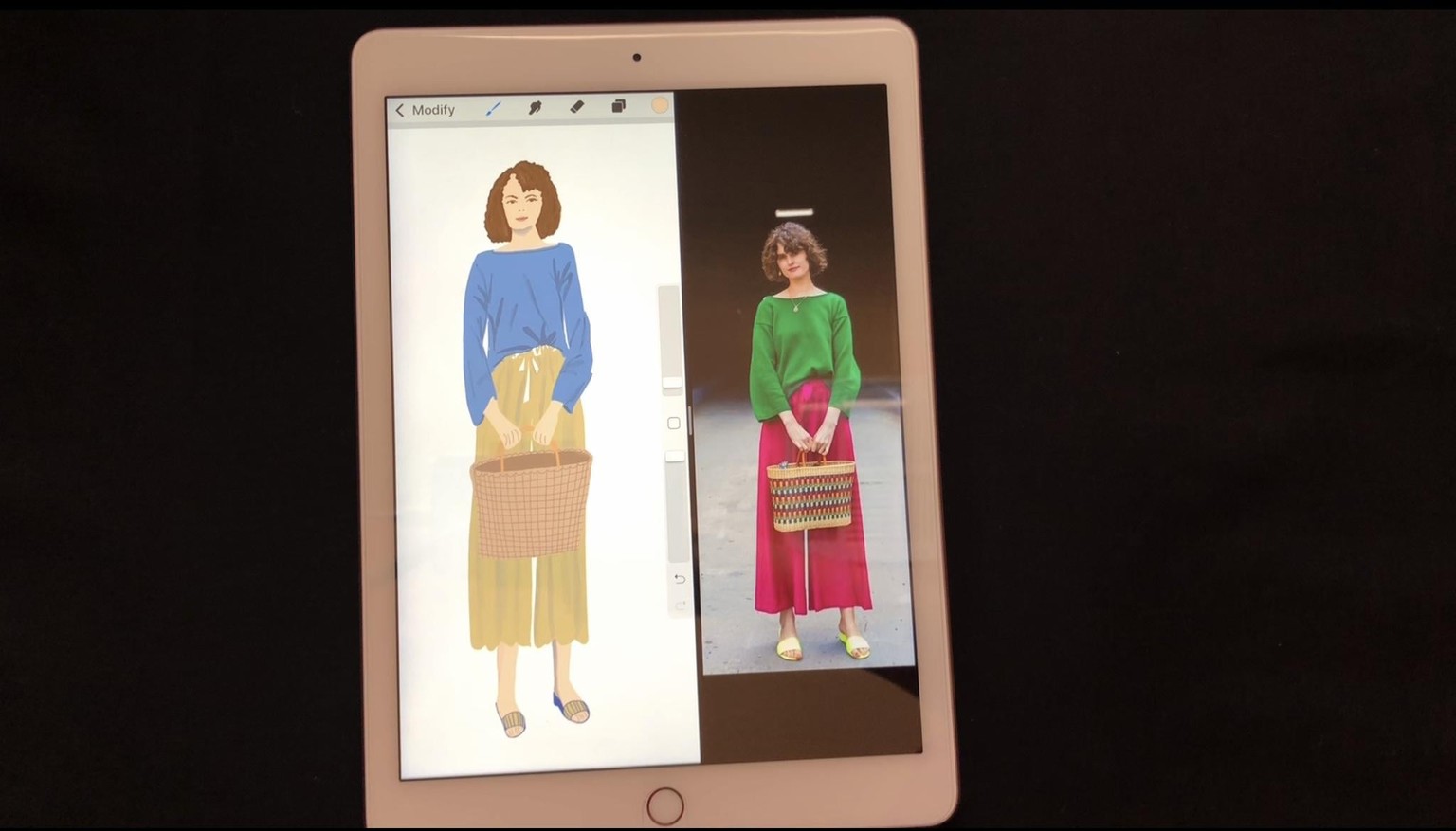
My Procreate Fashion Illustration
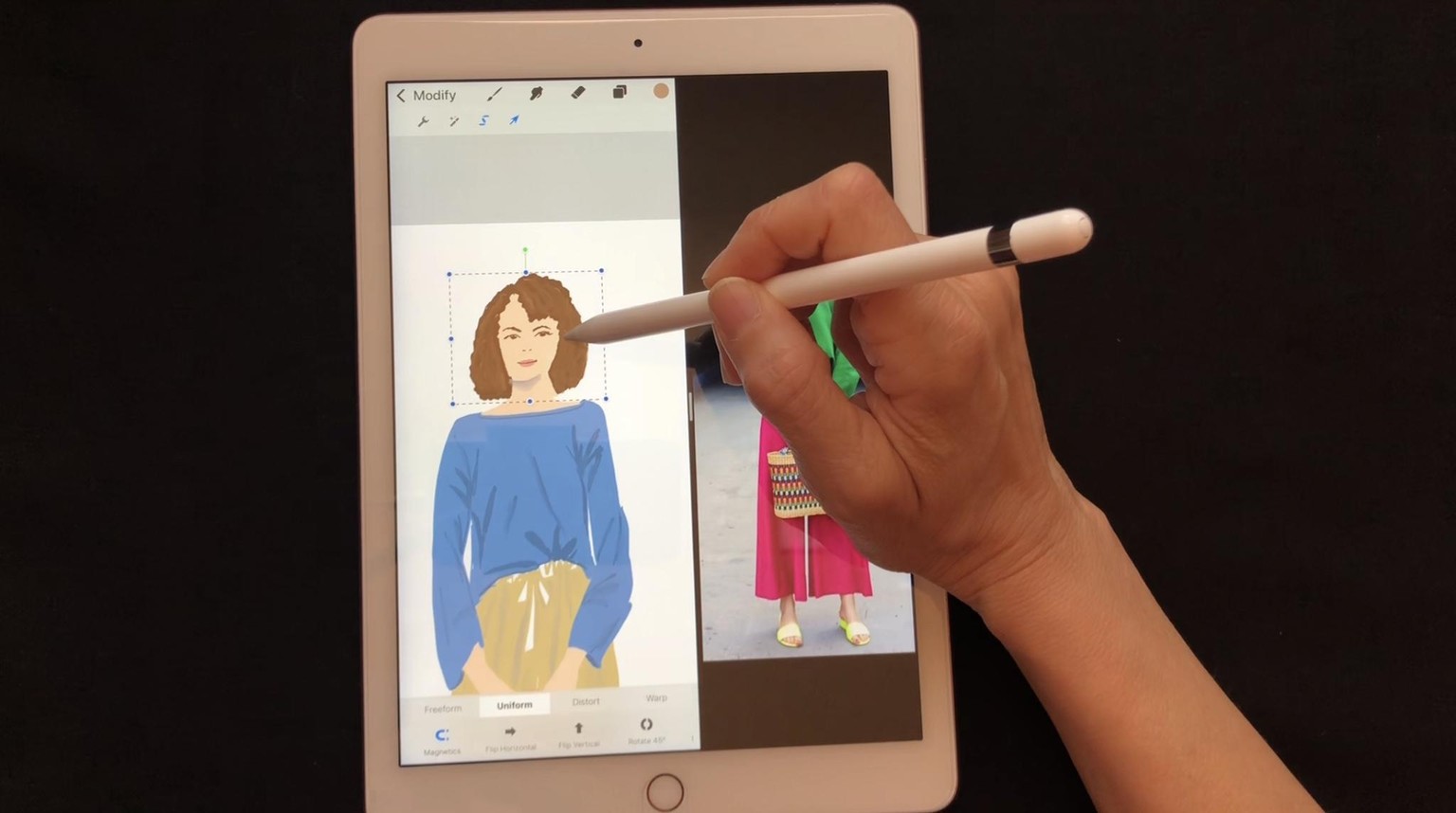
This was such a fun project! Here my time lapse video created in Procreate app.
Here are the steps I followed:
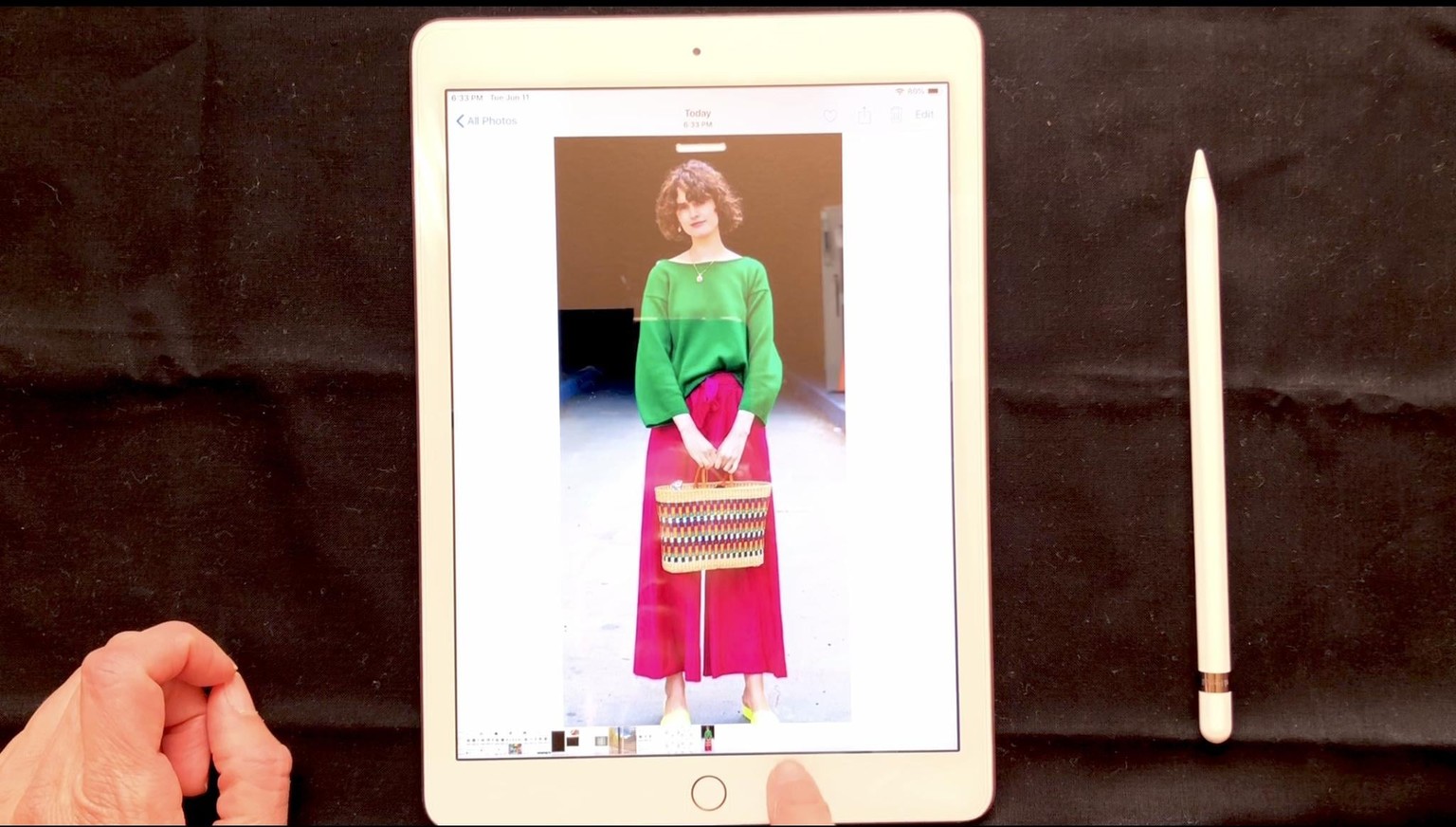
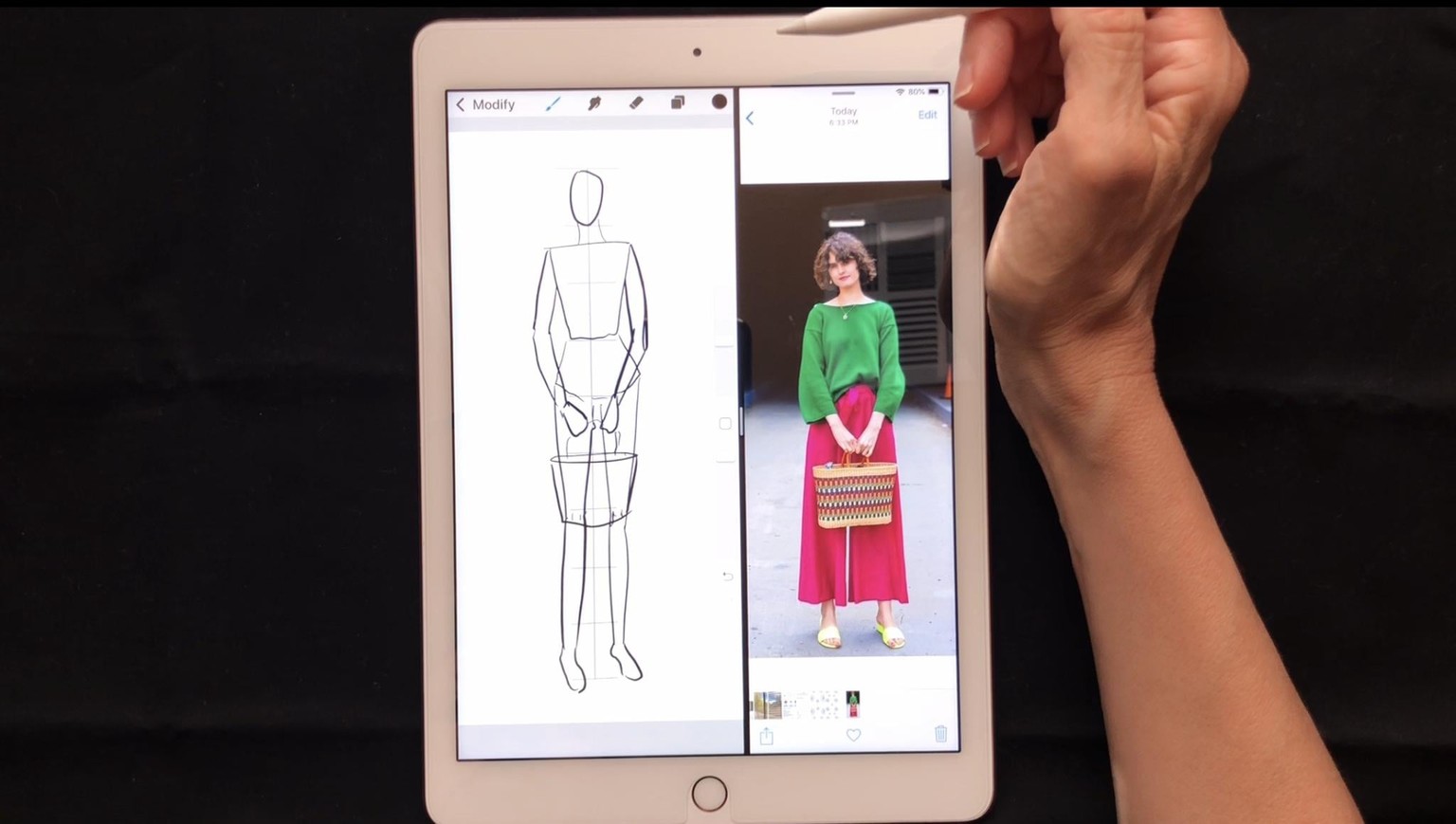
- I found an image that inspired me to sketch and paint.
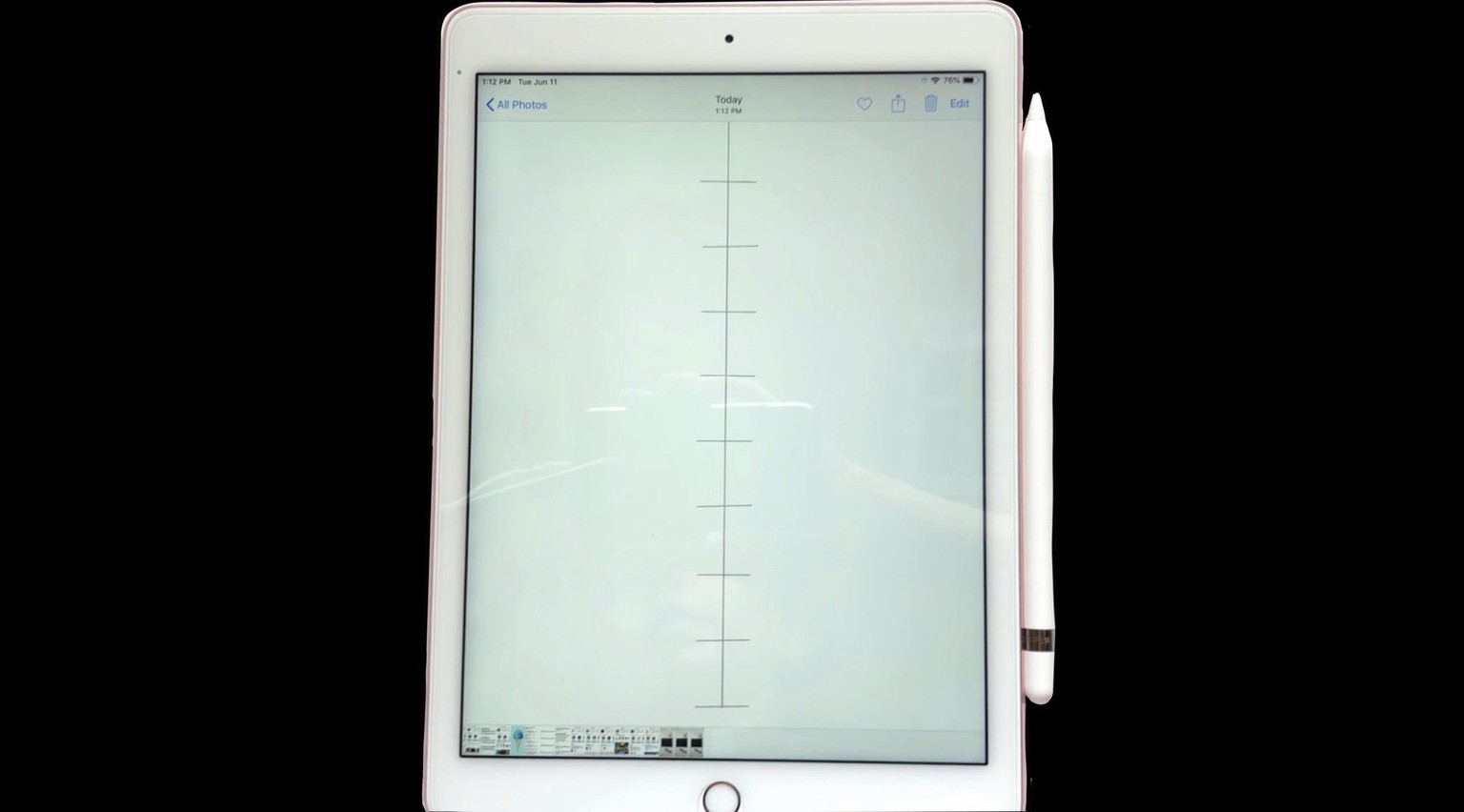
- I made a guide template using instructions using the Making a Guide video.
- In a new layer, I made my figure sketch.
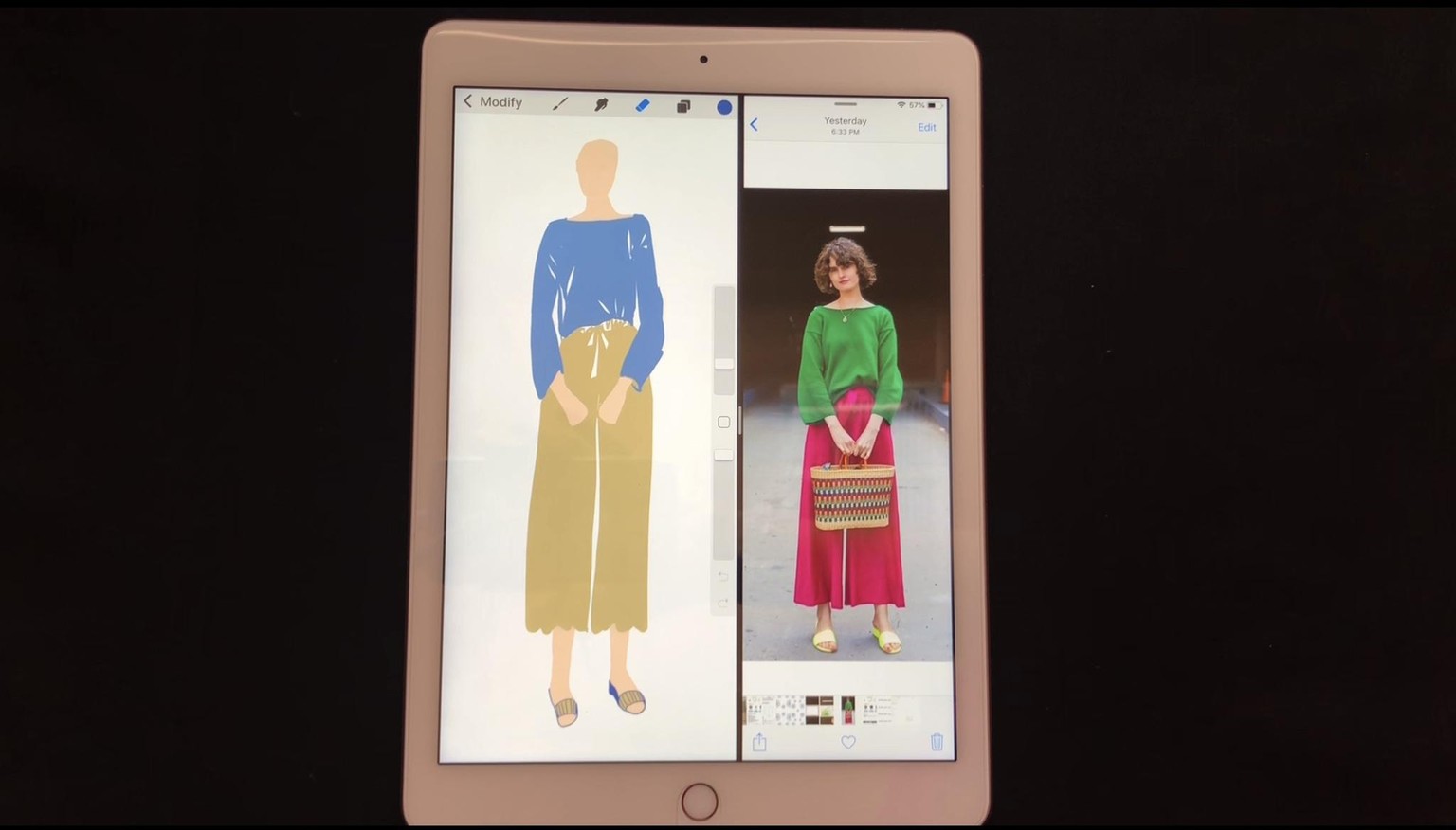
- I added color creating more new layers for each color.
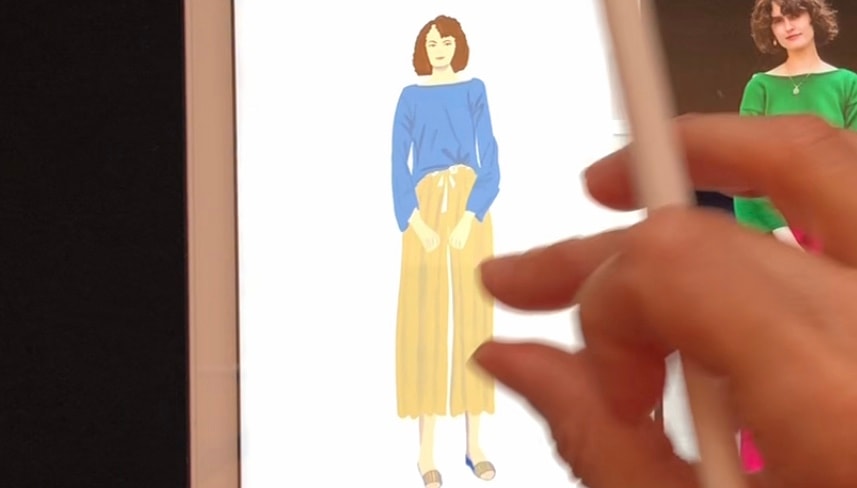
- I added details adding layers so they were easy to edit.
- Then, I created some shading on the opposite side of the light source to make the illustration look more realistic
- Standing back and looking at my work, I went over any finishing touches and made corrections.
- Done!! : )