Class Projects
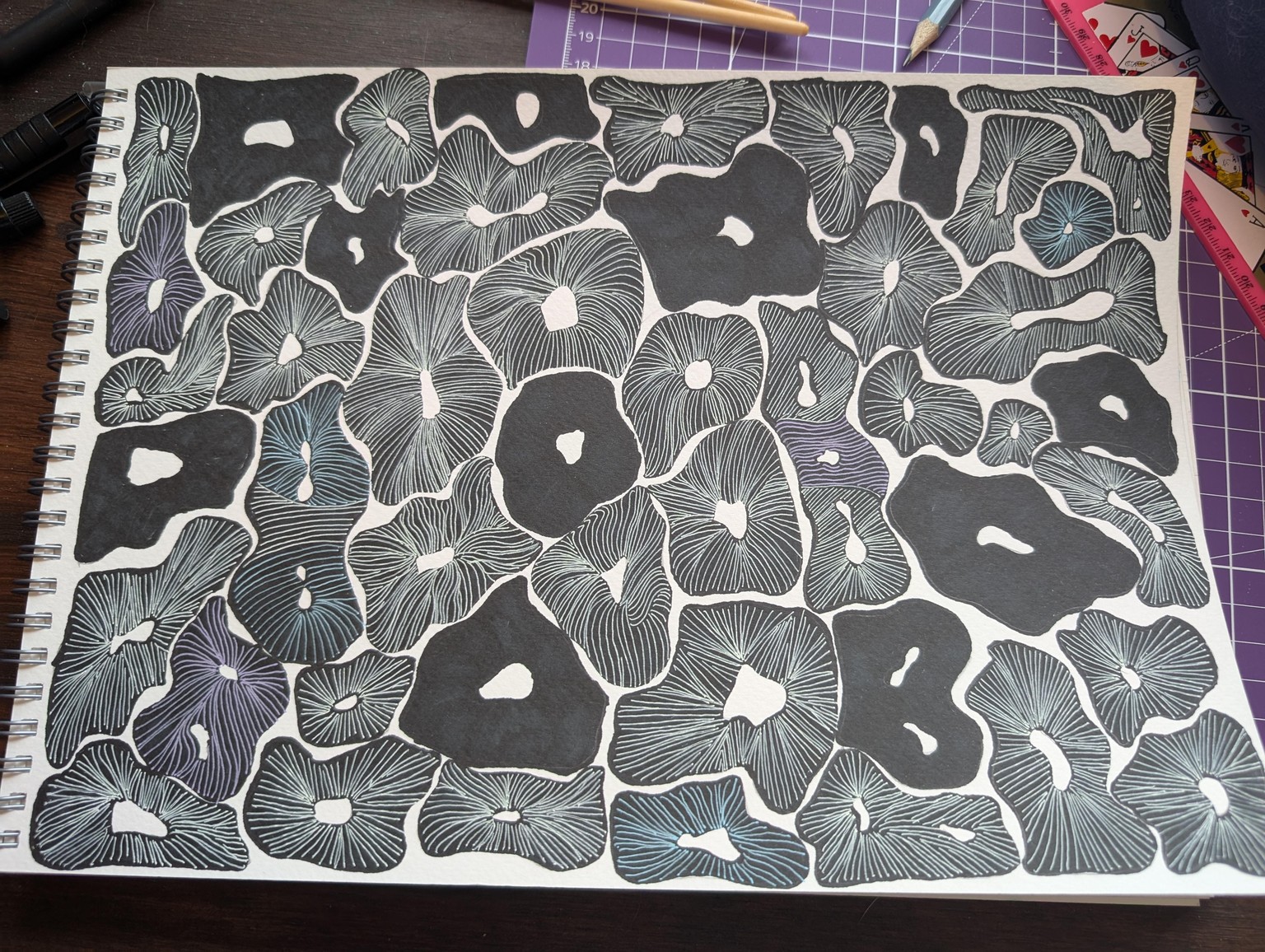
Mindful Drawing 1 - This one I absolutely loved doing and loved how it turned out. It even sparked ideas on how to use both the dark marker and the gelly pens for a different idea.
Mindful Drawing 2 - This one I didn't enjoy as much nor the outcome, I was limited in the brush pens I already had but I didn't want to buy more :P That's on me I know. But it was fun to try a different idea. And I still get the dopamine boost from the colours that I love. 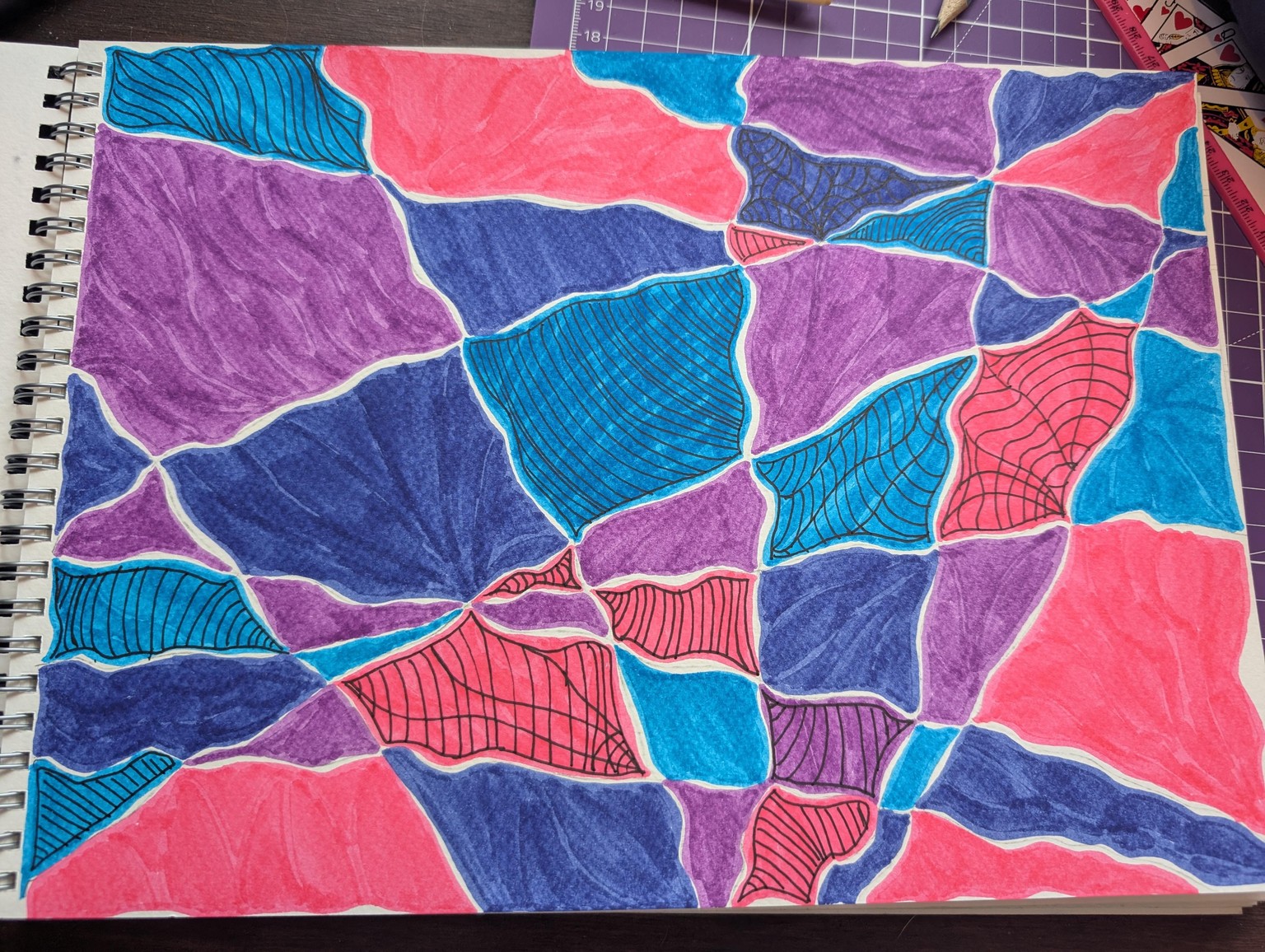
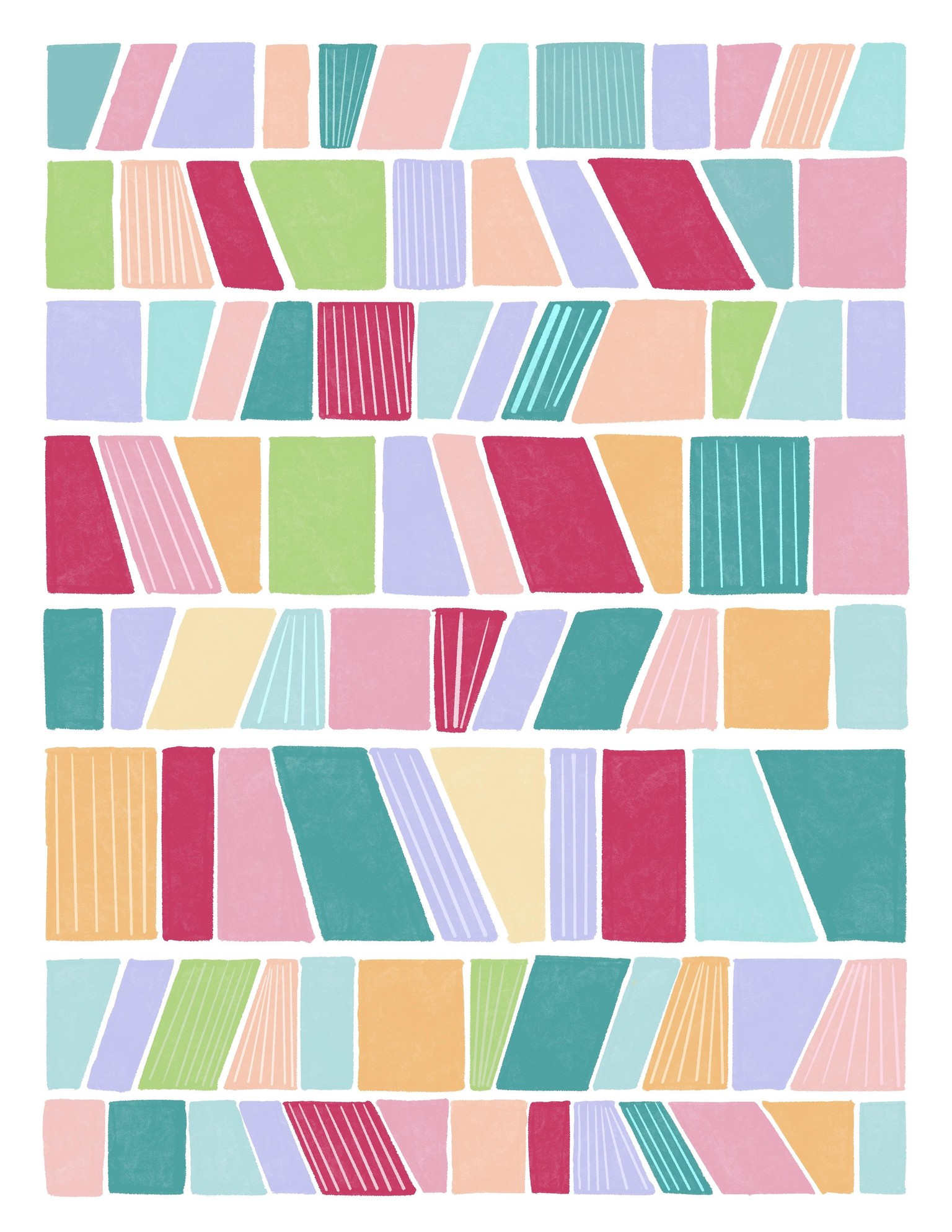
Mindful Painting - Geometric Shapes - Traditional Media: Gouache - This one I absolutely adored doing. It was fun with the colours and it was fun getting to know how to use the paints and mix. I got some of the mixtures too watery at one point and I know it's too thick to start with. But I like how it turned out in the end either way. 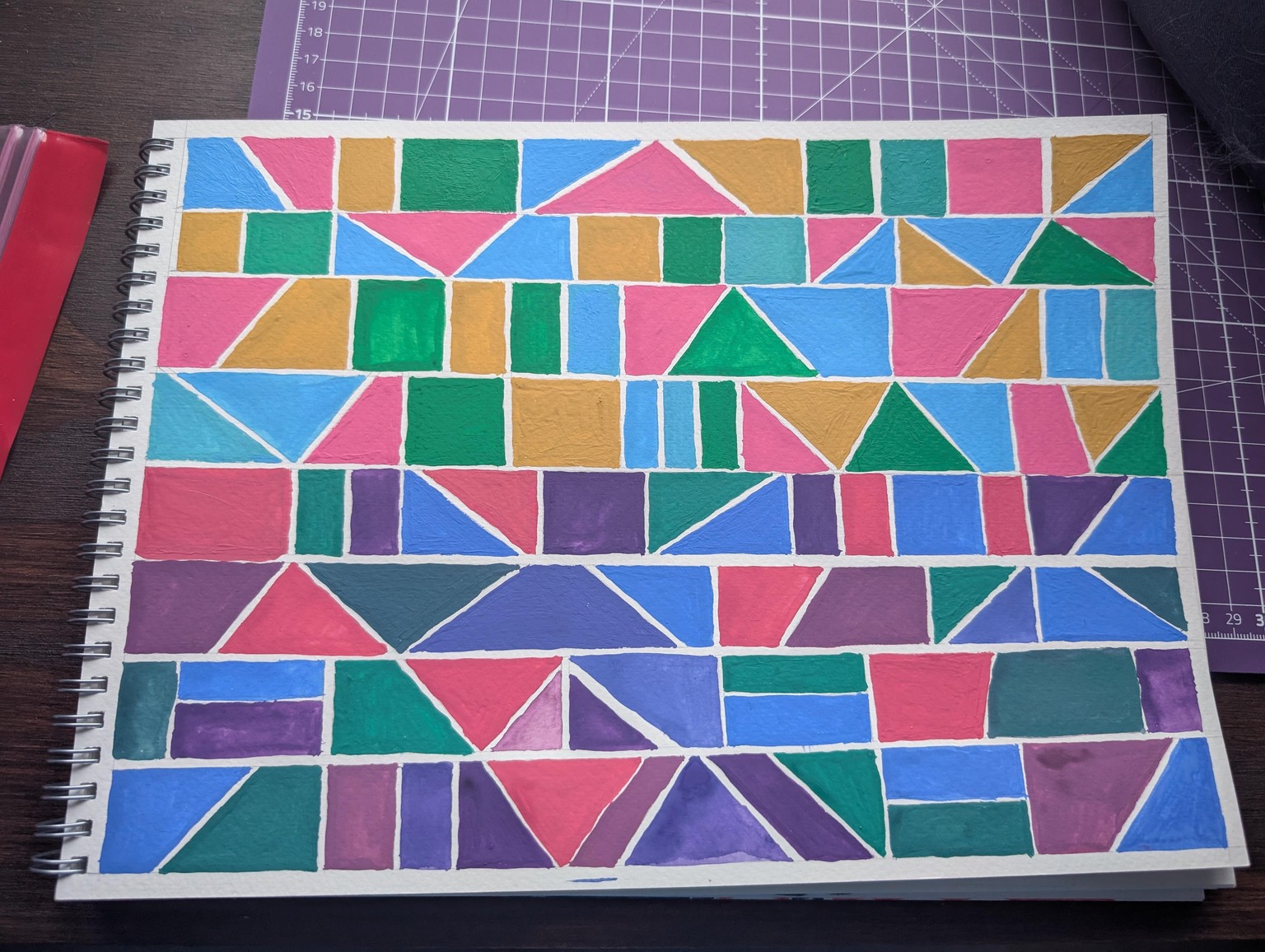
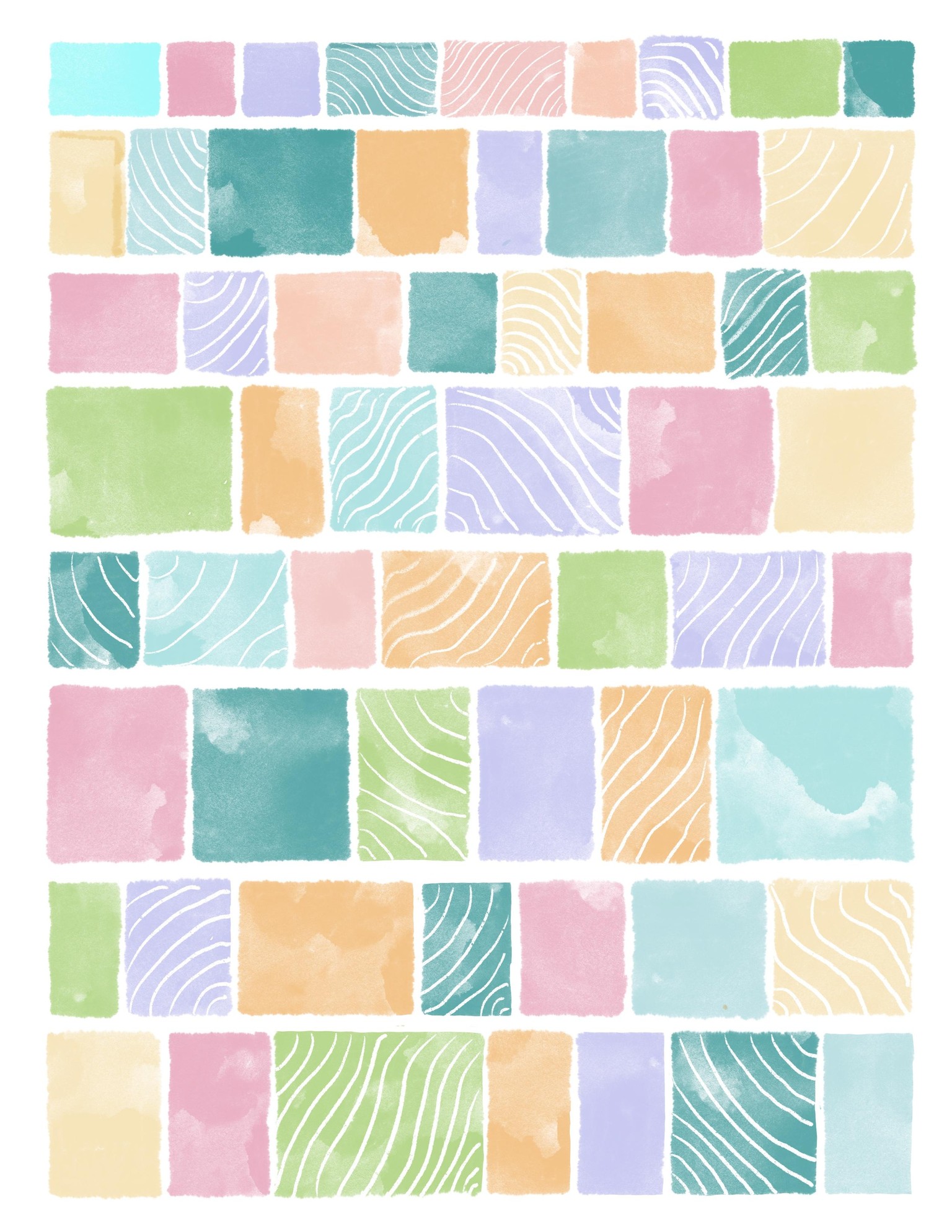
Mindful Painting - Geometric Shapes - Traditional Media: Watercolour - I really enjoyed doing this one too but I still have yet to figure out how to mix watercolours better. I didn't use the gouache as watercolour but a good watercolour palette that a friend had lent to me, for a different project outside of this class. The process, however, was nice and calming. I also like how it came out despite the mistakes I made, I learnt a little bit as I went. I'll be interested to learn how to do different techniques for controlling the watercolour. 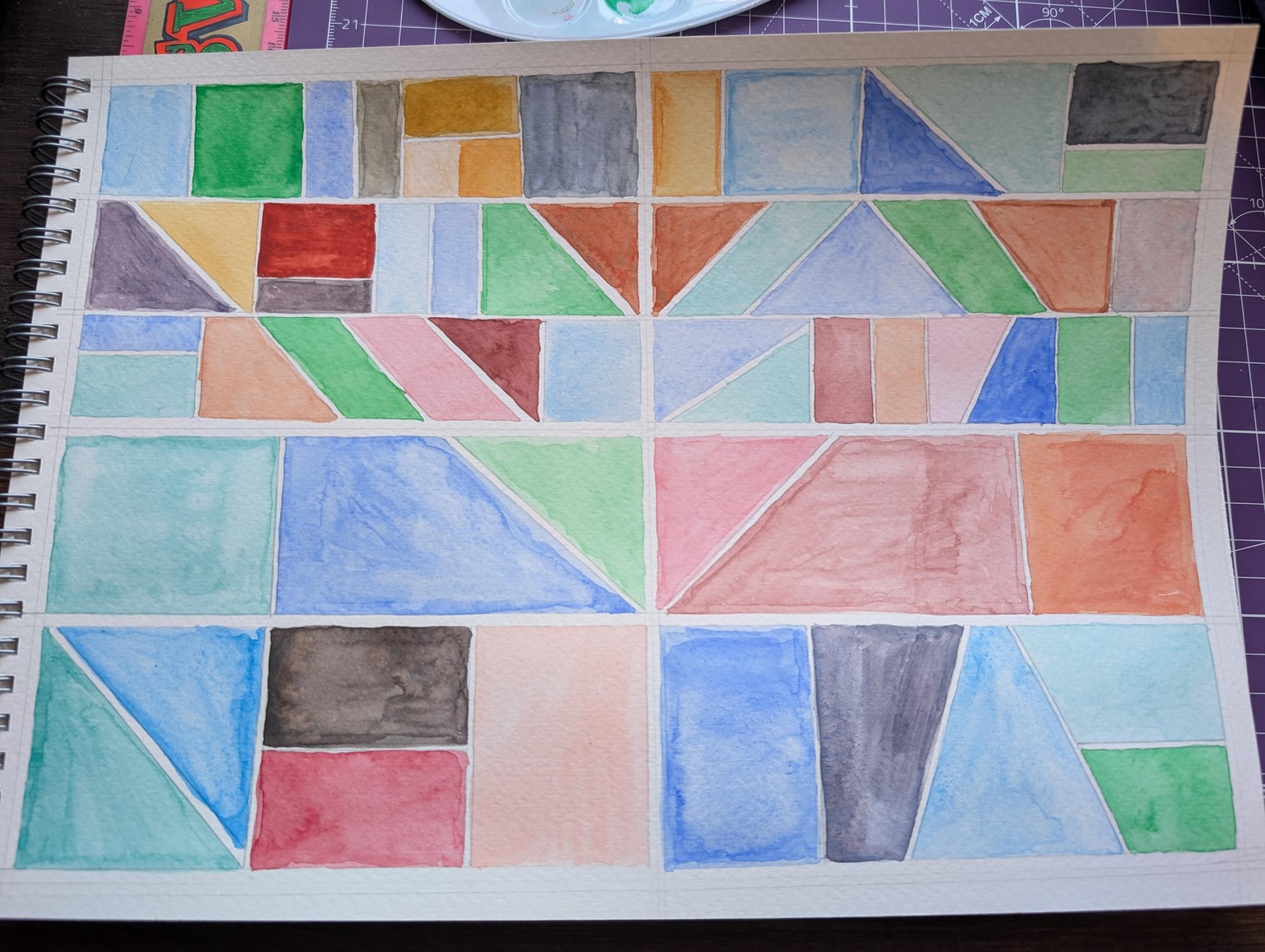
Mindful Painting 1 & 2 - Procreate - I enjoyed these projects a lot. It made it fun and easy to create something in the program as well as enjoy the process itself. It was very calming. I really liked how both of them turned out.
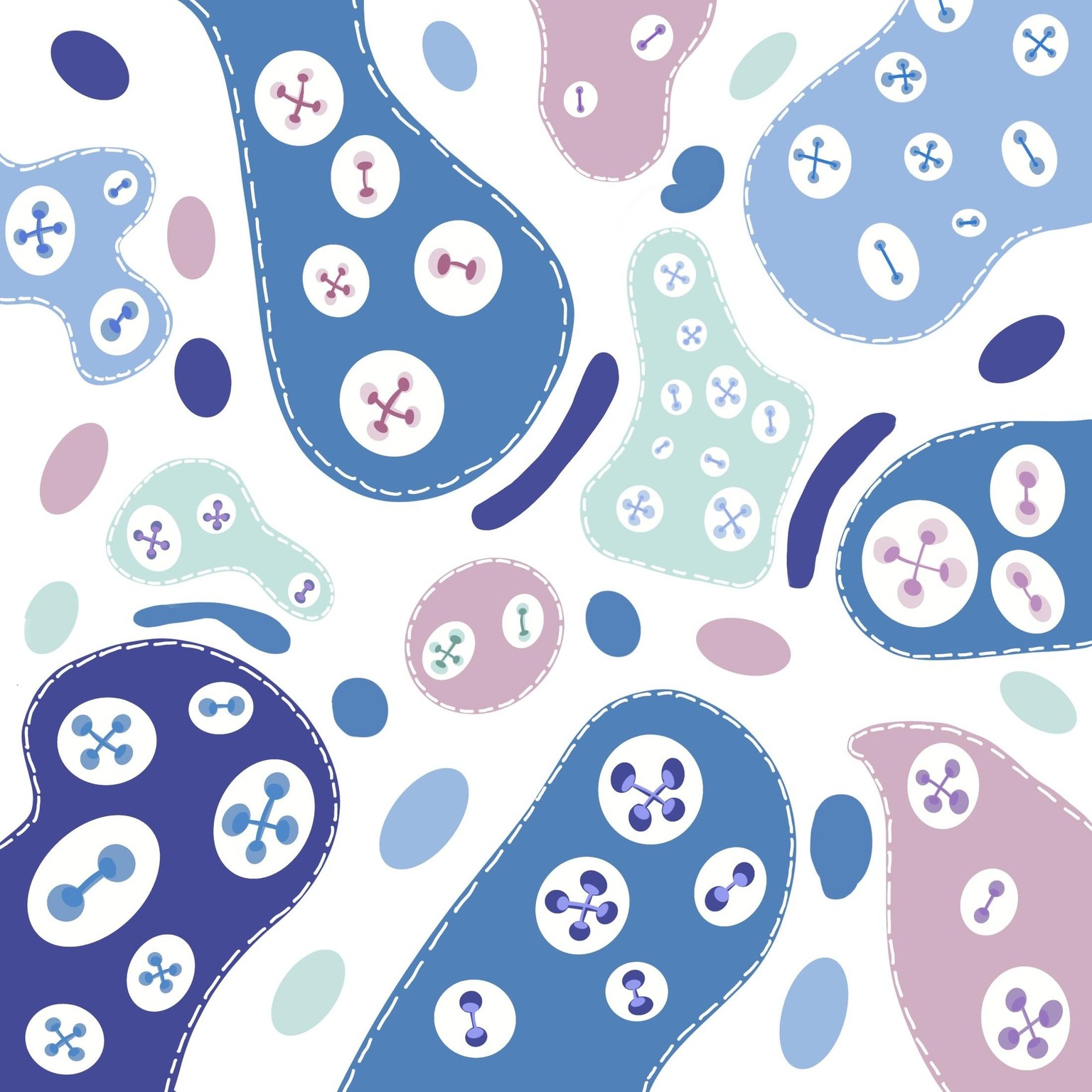
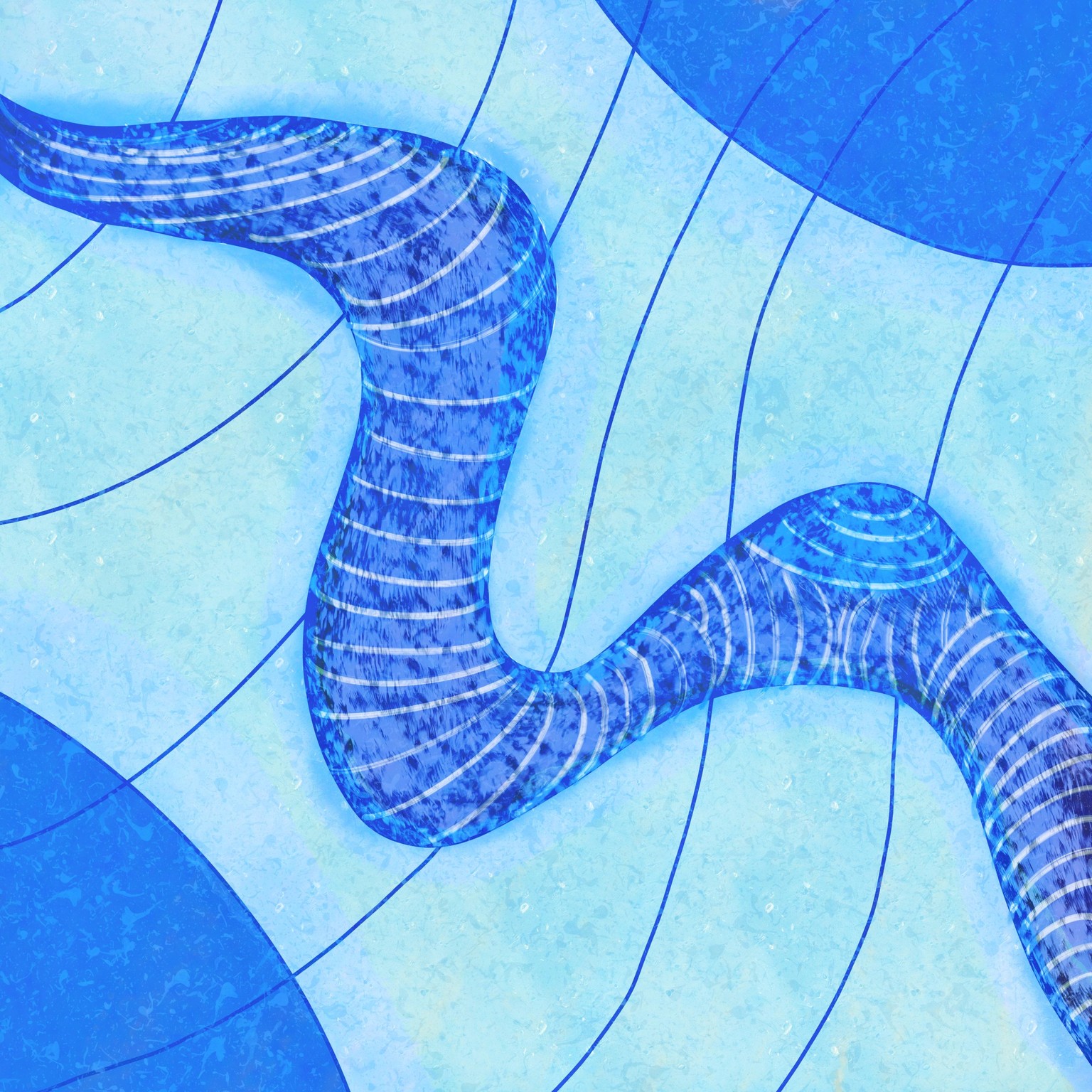
Mindful Drawing 1 & 2 - Procreate: The first one was really fun to do and I liked how I had an example to follow but I played with it a little bit different. Still similar though and while they don't look like buttons, it reminds me of cute amoeba and I love it. The snake like one I wasn't a fan of but I wanted to do something a bit different to the night sky swirls but try and keep the similar process. I did enjoy the process of both.
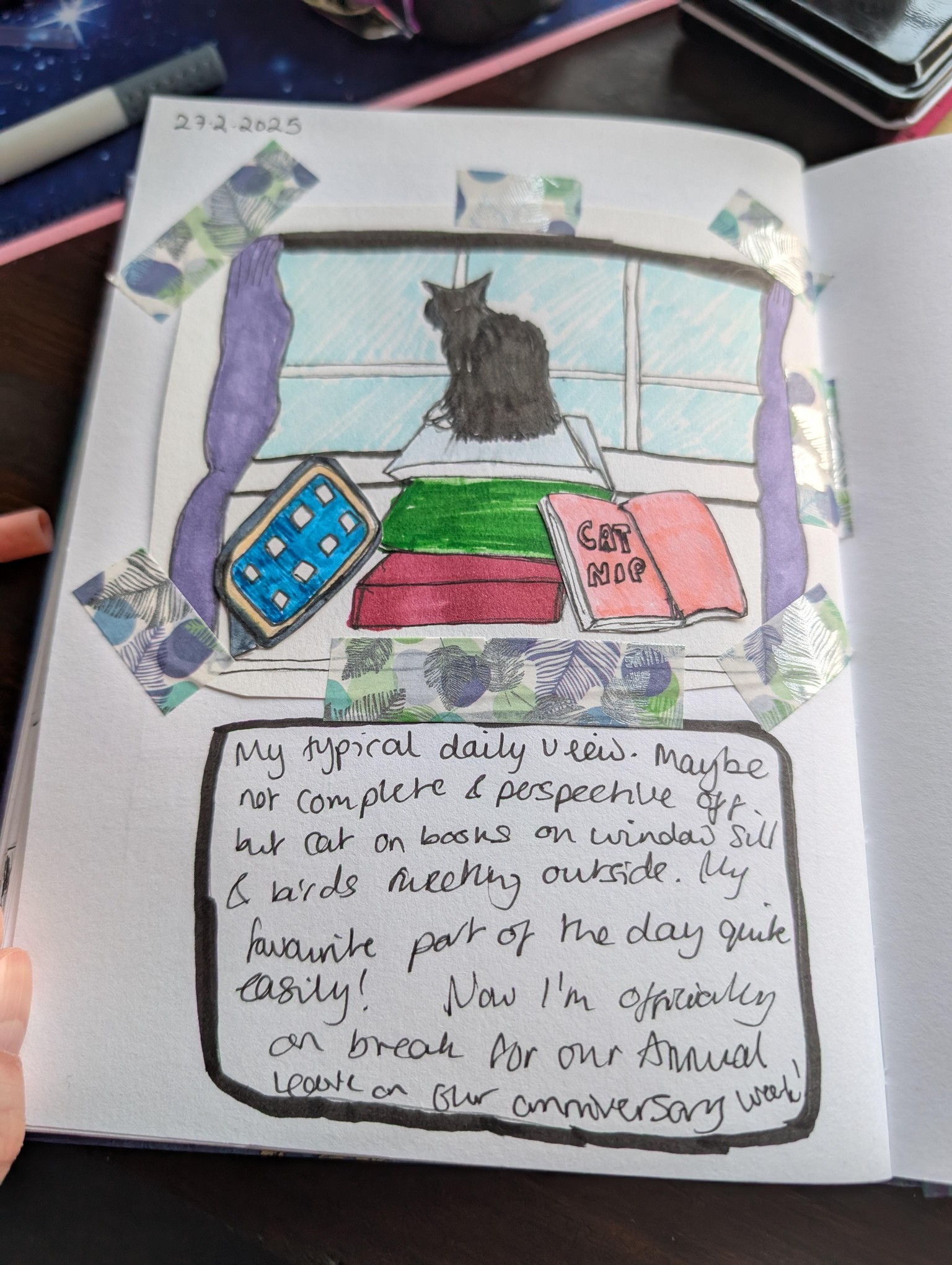
Journalling - Traditional Media - this was fun and while I enjoyed it, it was easy to do and was calming, it's not something I'd probably find myself doing very often in this format. It was still fun to do and try though since it's not something I've done before.
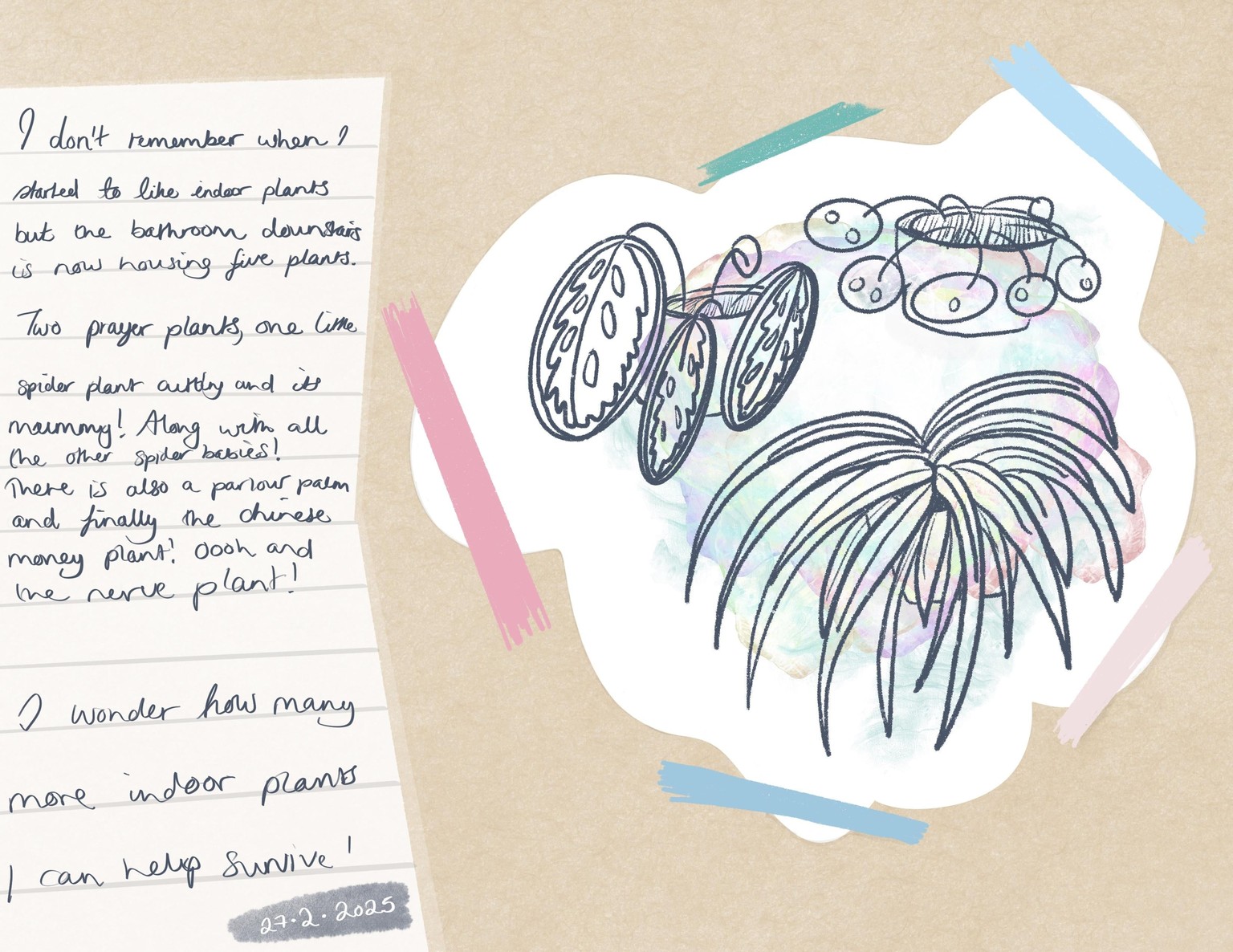
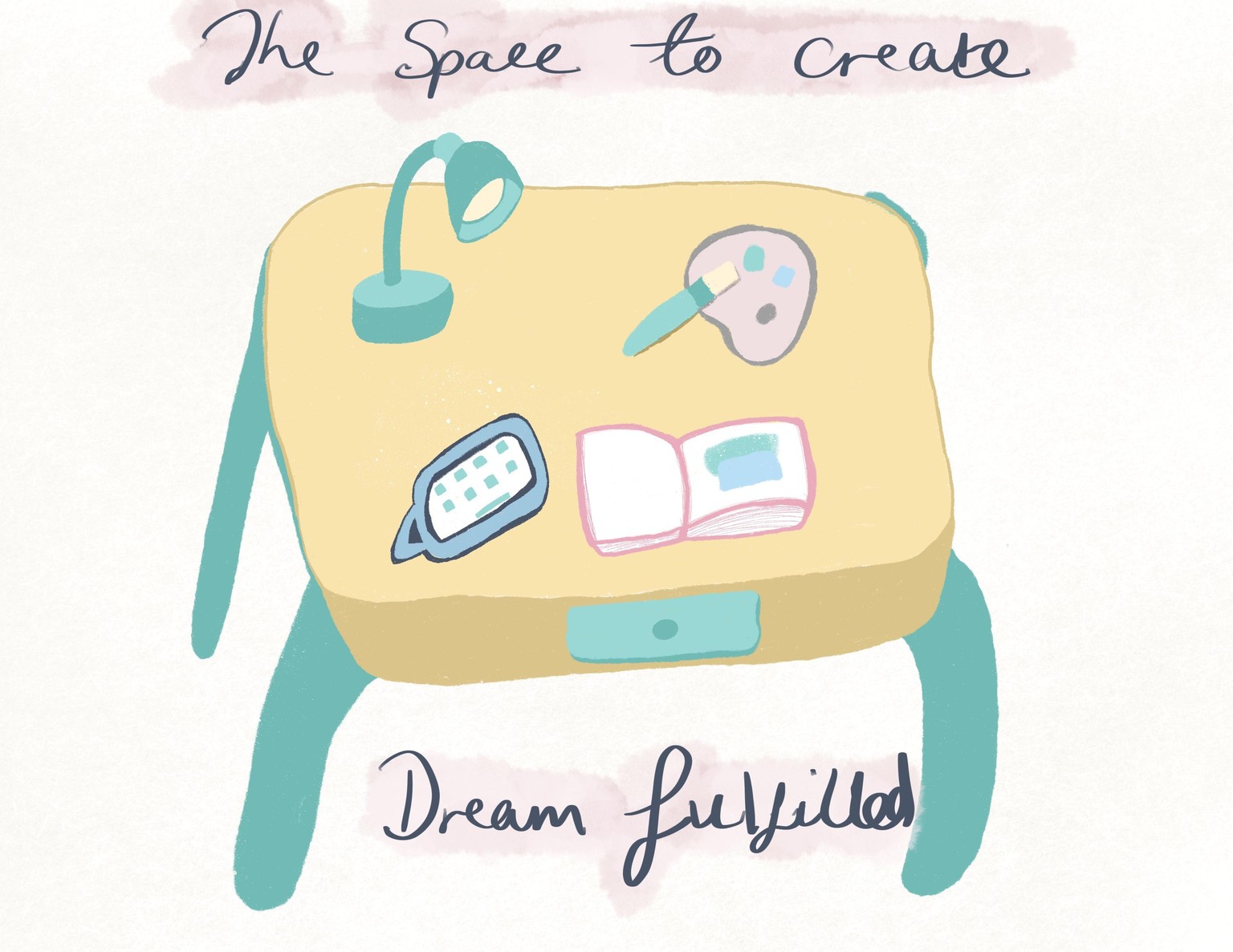
Journalling 1 & 2 - Procreate - The first one with the flowers I branched out a bit and did my own thing, I had a lot of fun recreating this in the procreate setting. I can definitely see myself doing this one a bit more, even if it's not in a journaling aspect? I like the look of the taped effect with the drawing on the brown paper. It was fun! For the second project with the table, I wasn't as keen to recreate in procreate but wanted to at least try. So to try and enjoy it a bit more, I tried to copy the table from the creator of the course's example. It came out okay but I'm not in love with my version of it, though I also know that's the not the point of the classes. It gave me another way to explore and play around, so I'm happy with it from that perspective.
Overall thoughts of the class: I really enjoyed it. It helped me play with mediums I'd not used before as well as getting out of my head about creating. Showing me I can be creative with something as simple as shapes. I'm definitely going to look into Larissa's other classes as I had a lot of fun with this one. I really like Larissa's teaching style and how she shows you each step with all the different mediums. Plus showing how to use the class guide, for example, how to import the palettes, paper backgrounds and how to use the different brushes and adjusting sizes of items within procreate. Thank you so much for creating this class!