Copilot Ideas
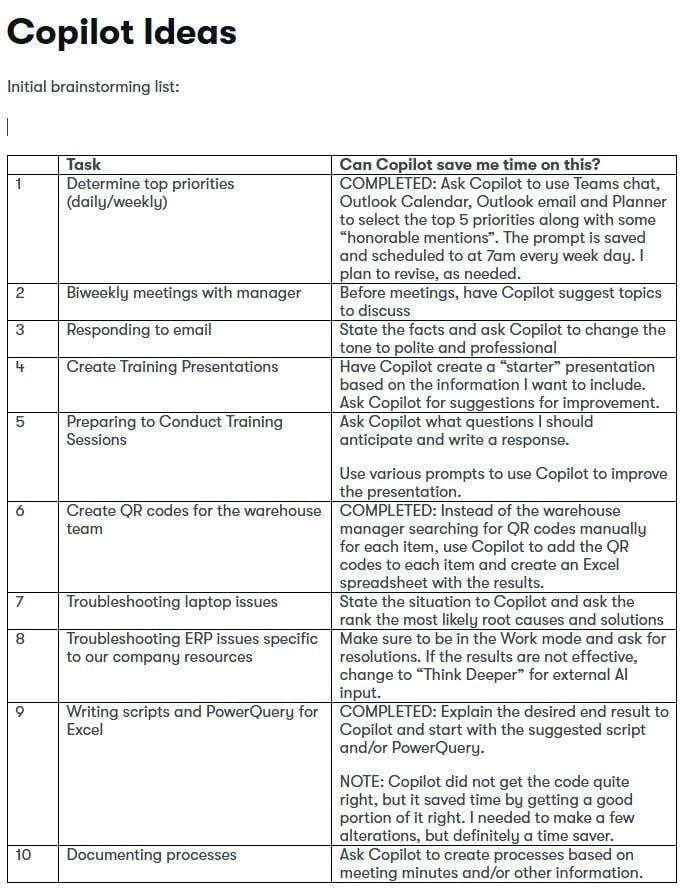
Initial brainstorming list:
Task
Can Copilot save me time on this?
1
Determine top priorities (daily/weekly)
COMPLETED: Ask Copilot to use Teams chat, Outlook Calendar, Outlook email and Planner to select the top 5 priorities along with some “honorable mentions”. The prompt is saved and scheduled to at 7am every week day. I plan to revise, as needed.
2
Biweekly meetings with manager
Before meetings, have Copilot suggest topics to discuss
3
Responding to email
State the facts and ask Copilot to change the tone to polite and professional
4
Create Training Presentations
Have Copilot create a “starter” presentation based on the information I want to include. Ask Copilot for suggestions for improvement.
5
Preparing to Conduct Training Sessions
Ask Copilot what questions I should anticipate and write a response.
Use various prompts to use Copilot to improve the presentation.
6
Create QR codes for the warehouse team
COMPLETED: Instead of the warehouse manager searching for QR codes manually for each item, use Copilot to add the QR codes to each item and create an Excel spreadsheet with the results.
7
Troubleshooting laptop issues
State the situation to Copilot and ask the rank the most likely root causes and solutions
8
Troubleshooting ERP issues specific to our company resources
Make sure to be in the Work mode and ask for resolutions. If the results are not effective, change to “Think Deeper” for external AI input.
9
Writing scripts and PowerQuery for Excel
COMPLETED: Explain the desired end result to Copilot and start with the suggested script and/or PowerQuery.
NOTE: Copilot did not get the code quite right, but it saved time by getting a good portion of it right. I needed to make a few alterations, but definitely a time saver.
10
Documenting processes
Ask Copilot to create processes based on meeting minutes and/or other information.