From Sketchbook to Digital: Digitize Your Artwork in Procreate
In this project, we’ll take your hand-painted artwork and turn it into clean, reusable digital assets using Procreate.
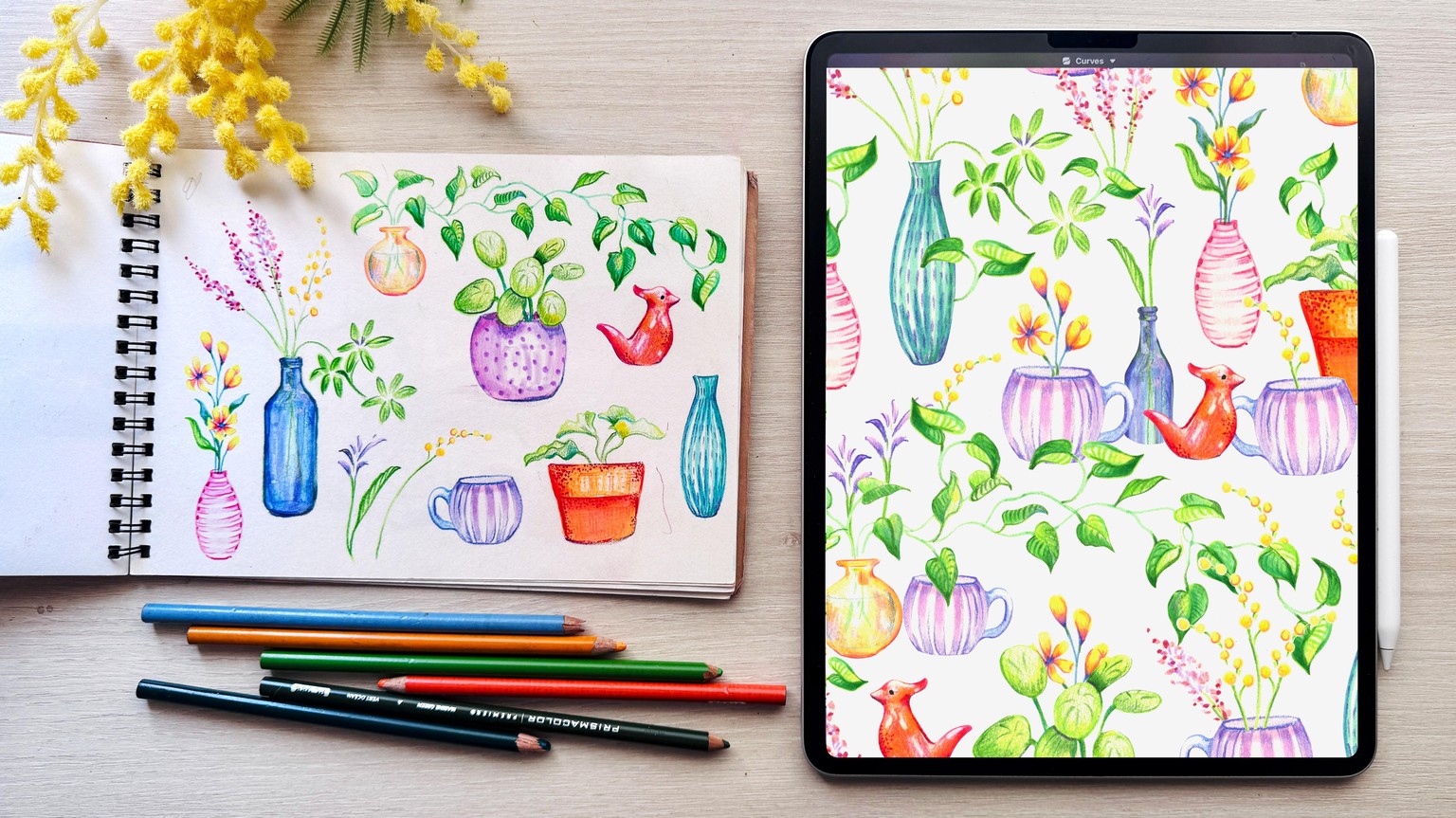
Here’s an example of how I take hand-painted artwork and turn it into clean digital assets using Procreate.
In this class, I’ll show you how to:
- digitize your artwork
- adjust colors
- remove backgrounds
- and prepare your illustrations so you can reuse them across different projects
Your turn:
Start by digitizing one of your artworks—you can keep it simple or take it further and create clean PNG assets.
I’d love to see what you create!
· · · · · · · · · · · · · · · · · · · · · · · · · · · · · · · · · · · · · · · · · · · · · · · · · · · · · · · · · · · · · · · · · ·
EXAMPLES OF DIGITIZED ARTWORK
Here are a few more examples of things I’ve created from digitized artwork—just to give you an idea of what’s possible.
Turned these brush marker flowers into a pattern!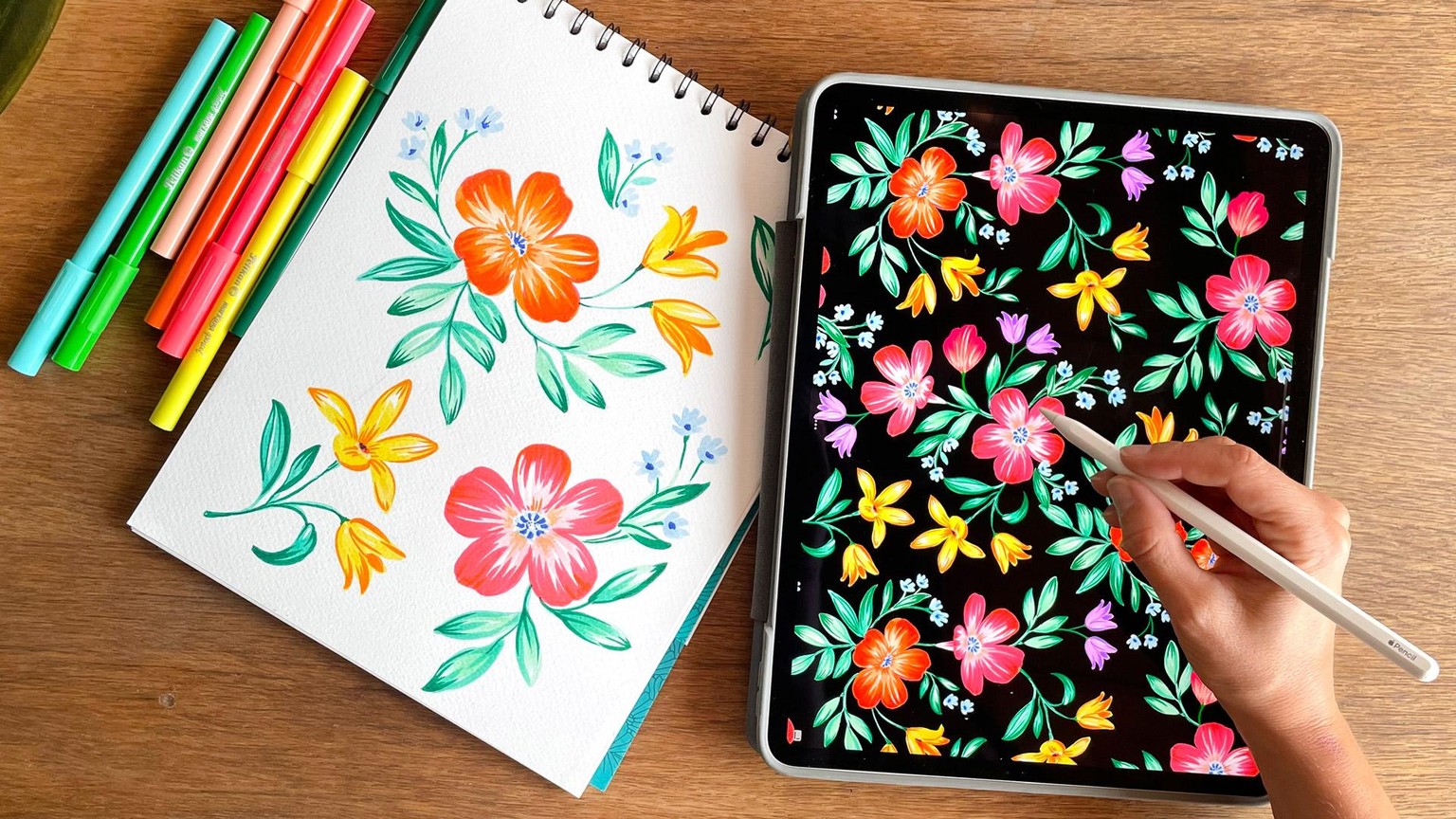
Psst… if you’d like to learn how to paint these, check out my class: Botanical Brush Marker Painting: Loose & Layered Florals
And if you’re curious, I created this pattern directly in Procreate using this class: Patterns in Procreate: Supercharge Your Workflow with an Image Library
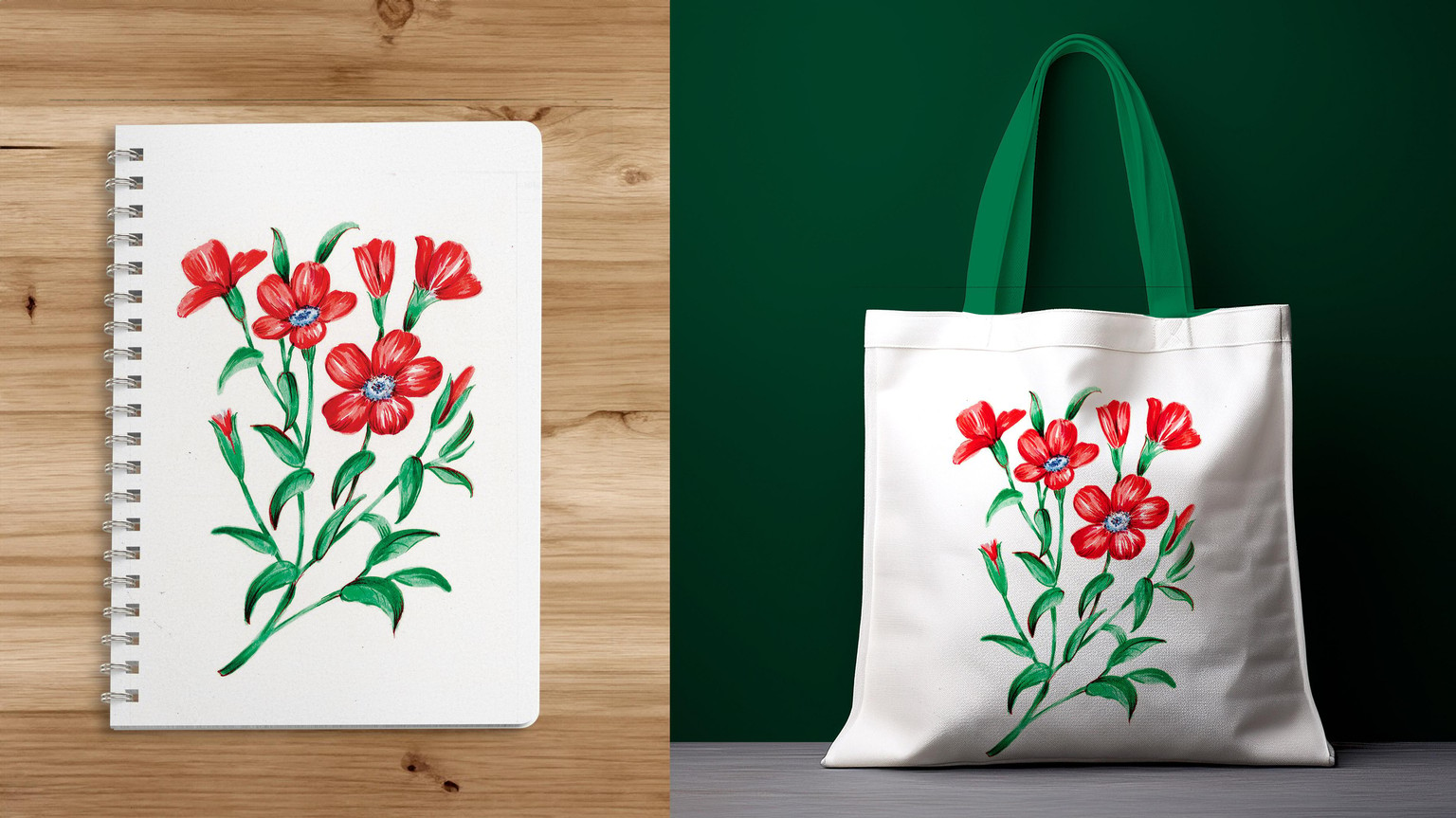
I also cleaned up these flowers and now I’m very tempted to print them on a tote bag for summer
· · · · · · · · · · · · · · · · · · · · · · · · · · · · · · · · · · · · · · · · · · · · · · · · · · · · · · · · · · · · · · · · · ·
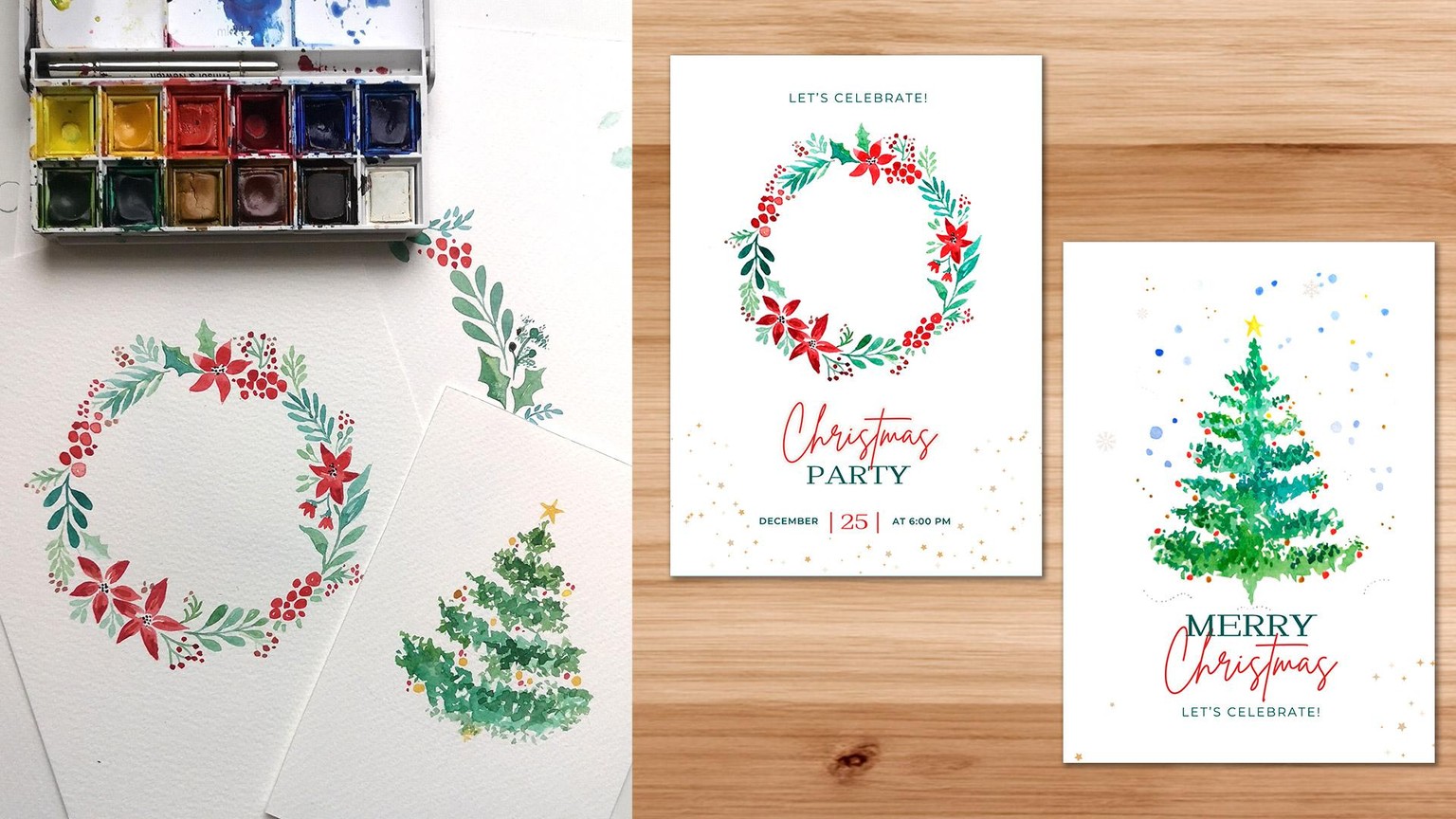
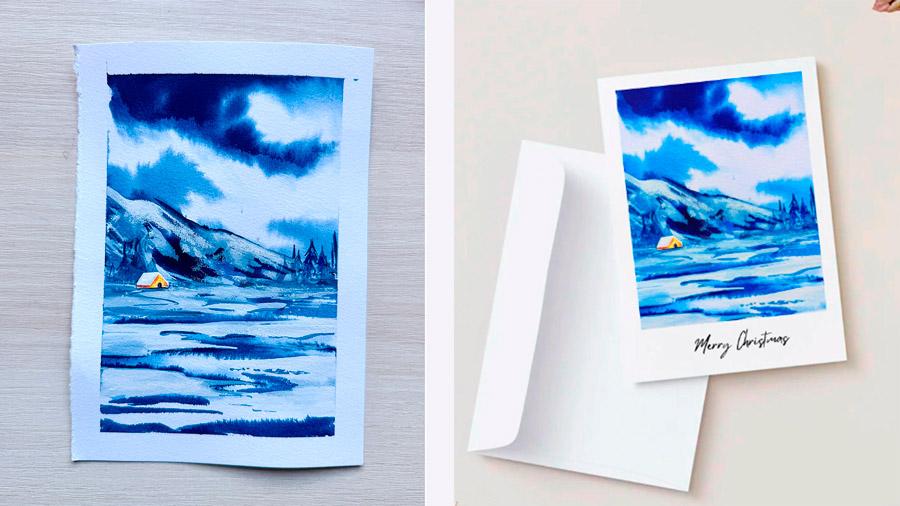
Turned these christmas watercolor paintings into christmas cards.
If you’d like to learn how to add text using Canva, you can download my Creative Starter Kit from my website.
Inside, you’ll find a full tutorial where I show how I turned these Christmas watercolor paintings into greeting cards.
· · · · · · · · · · · · · · · · · · · · · · · · · · · · · · · · · · · · · · · · · · · · · · · · · · · · · · · · · · · · · · · · · ·
From Watercolor to Patterns!
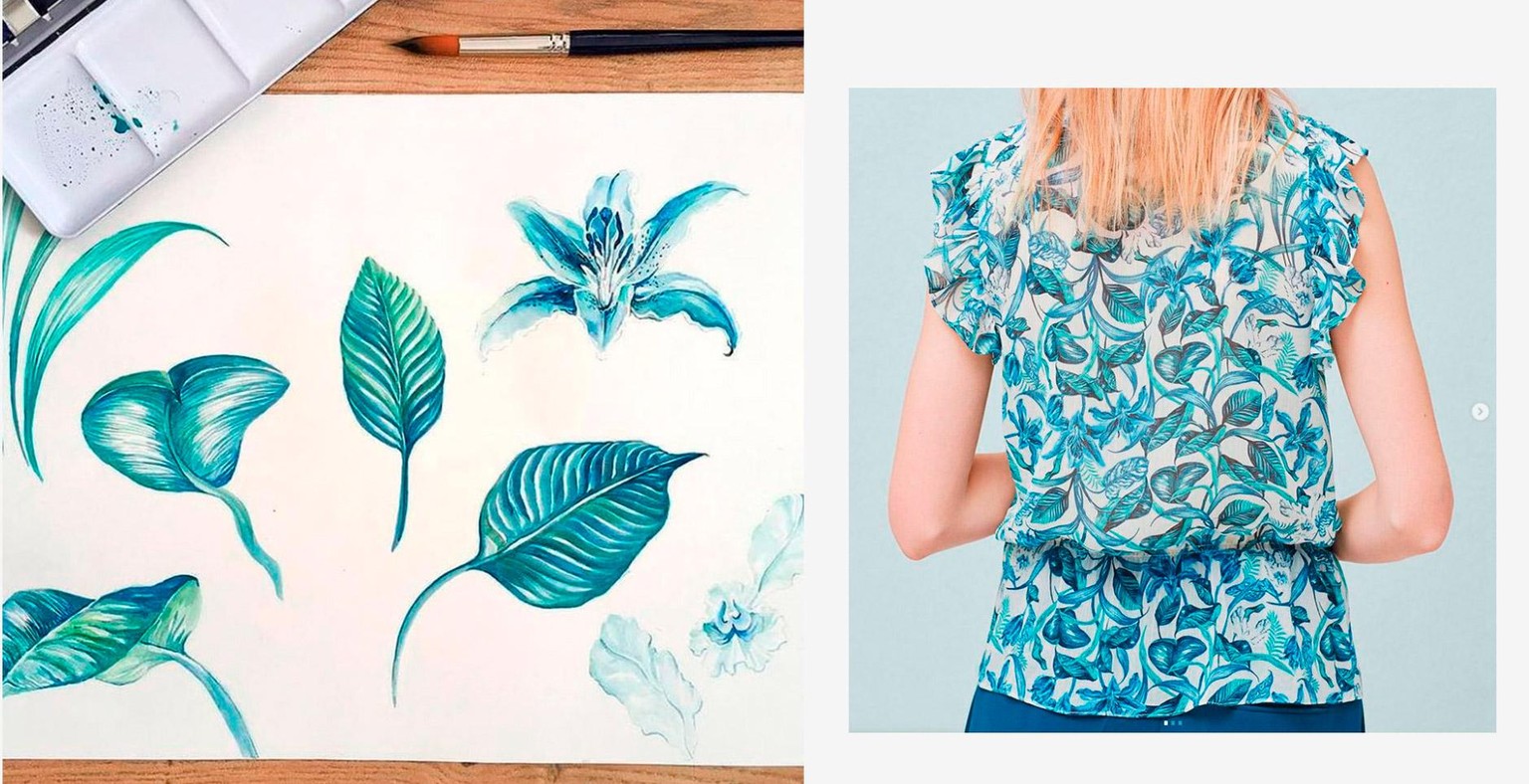
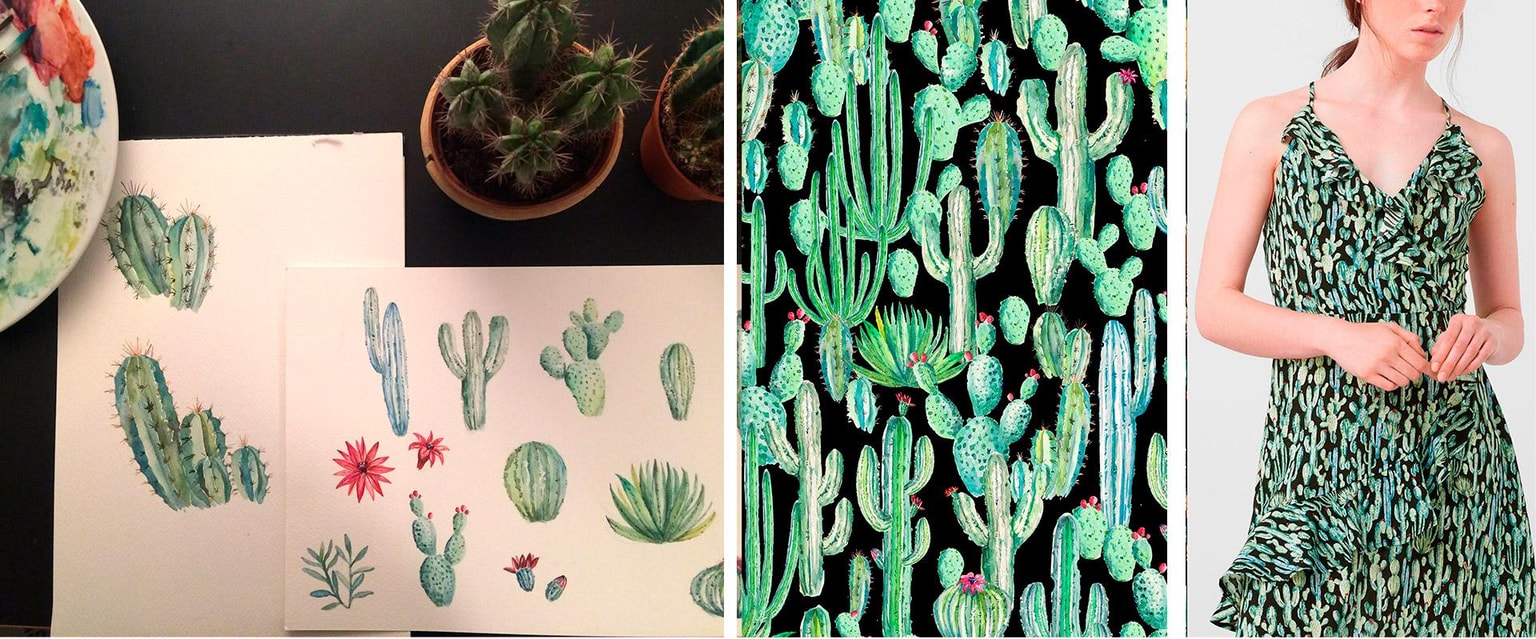
Check out how I digitized these cacti, removed the background, and turned them into a dress for Mango.
I didn’t use Procreate back then, but I’m 100% confident this could be achieved using the same steps I show in this class.
Best thing of this? You don't have to master watercolor on your iPad to be able to enjoy making patterns with this technique. Just make them by hand and scann them!
· · · · · · · · · · · · · · · · · · · · · · · · · · · · · · · · · · · · · · · · · · · · · · · · · · · · · · · · · · · · · · · · · ·
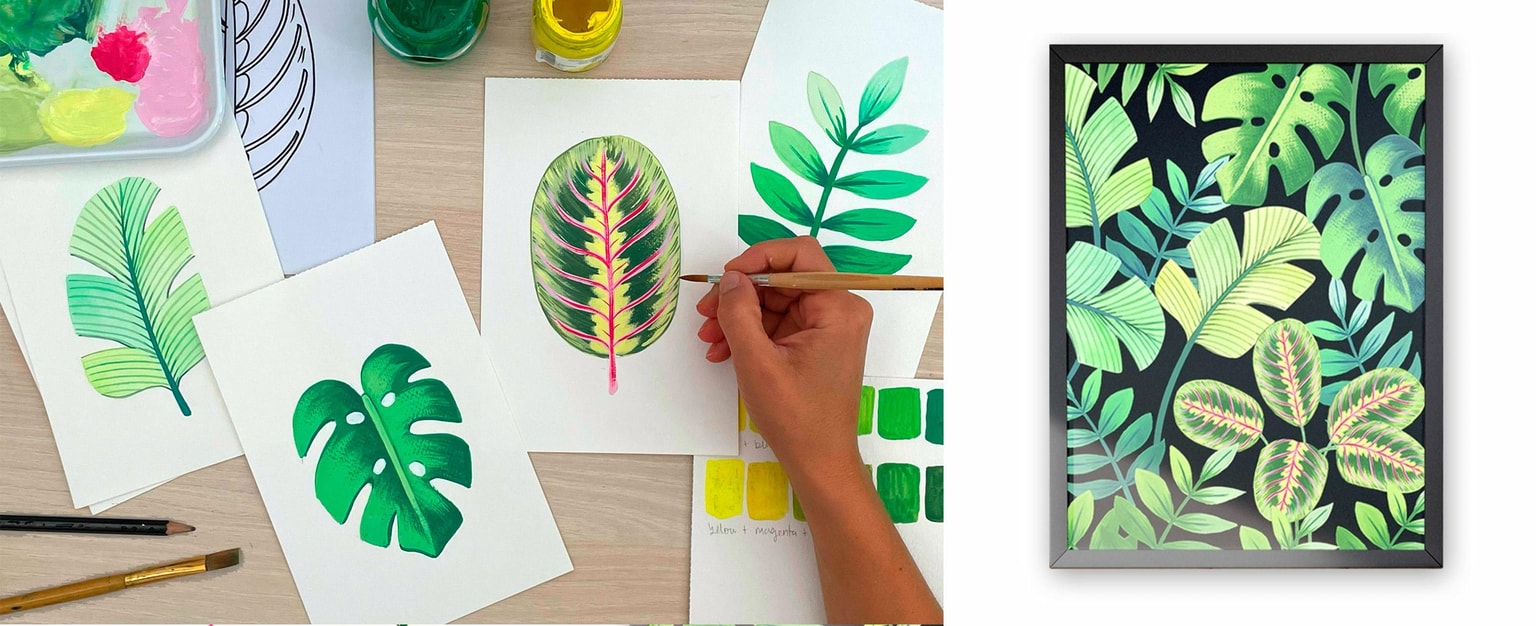
From gouache leaves to a wall art composition
If you’d like to learn how to paint these leaves, check out my class:
Tropical Leaves in Gouache: Master Your Drawing and Painting Skills
· · · · · · · · · · · · · · · · · · · · · · · · · · · · · · · · · · · · · · · · · · · · · · · · · · · · · · · · · · · · · · · · · ·
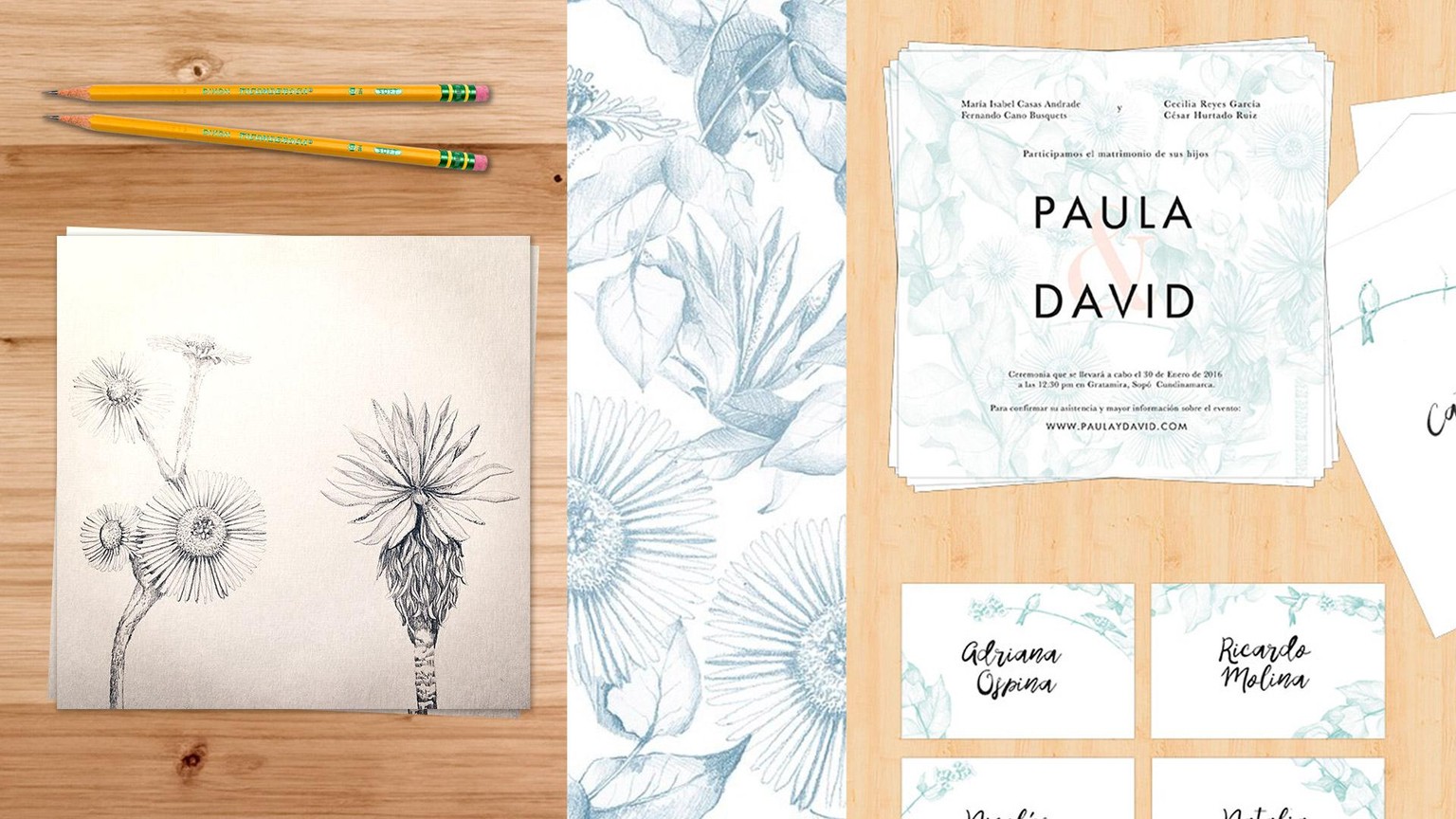
From pencil drawings to a wedding invitation
· · · · · · · · · · · · · · · · · · · · · · · · · · · · · · · · · · · · · · · · · · · · · · · · · · · · · · · · · · · · · · · · · ·
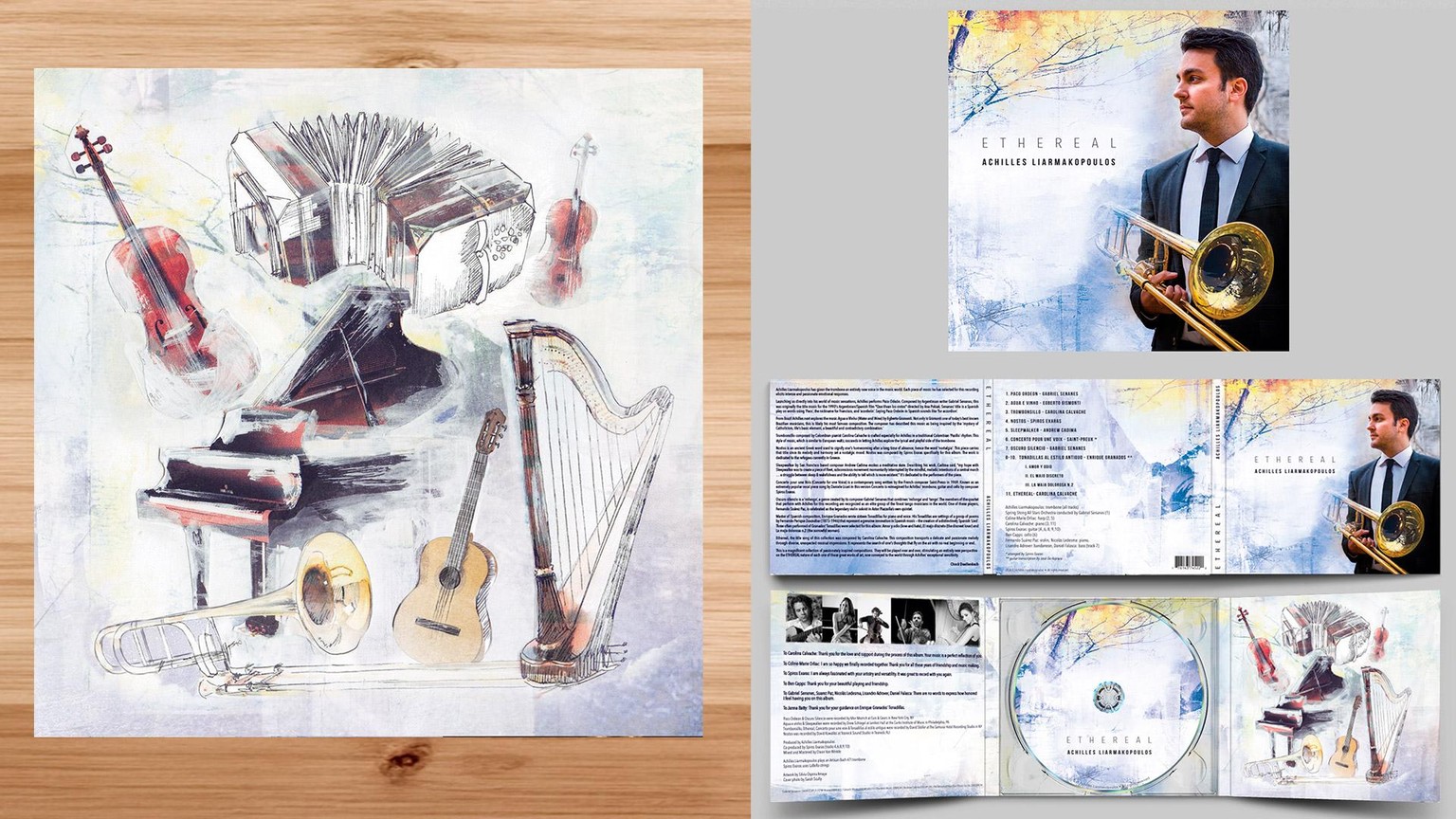
From a collage made by hand to an album cover