Autumn Leaves
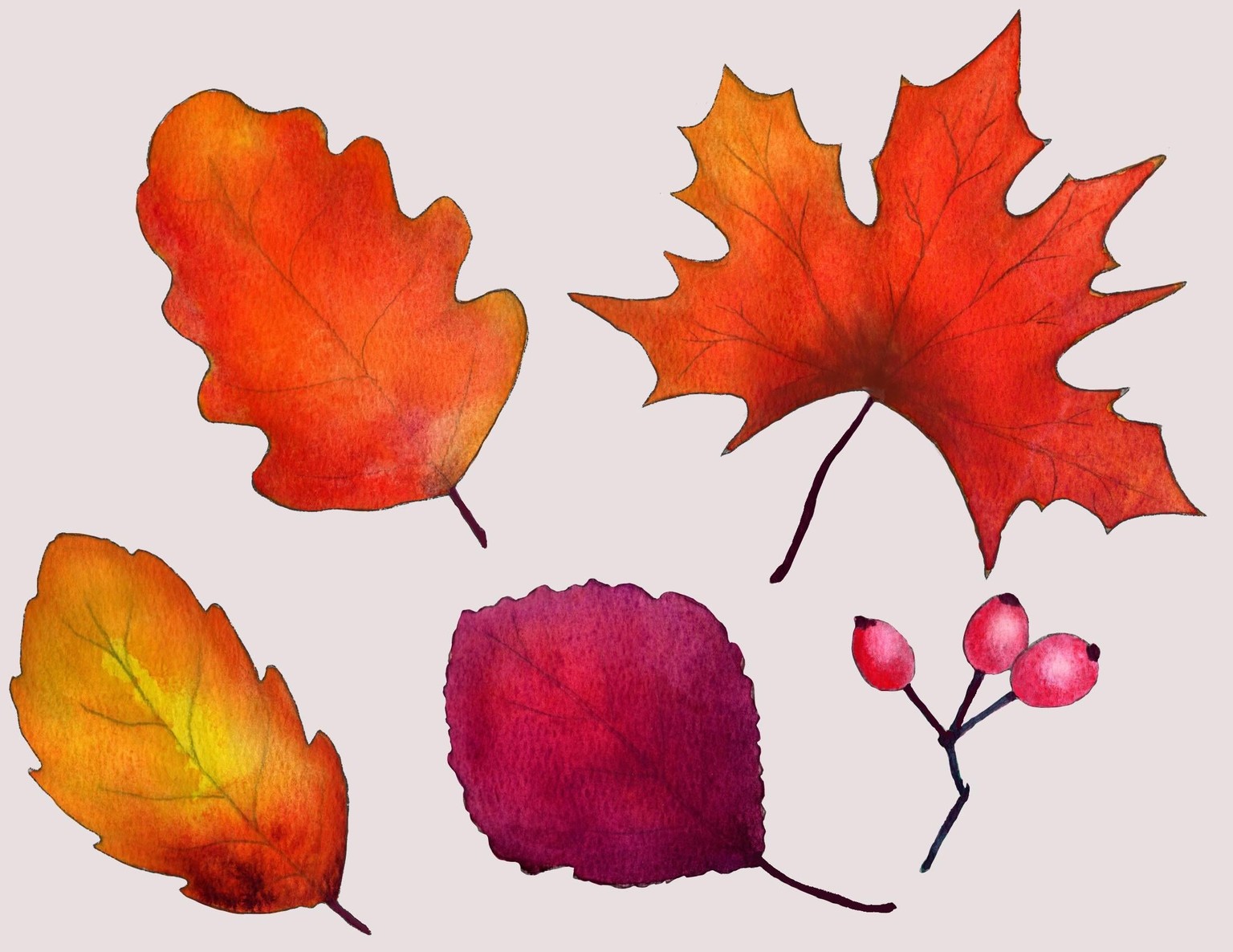 As a digital artist, I took this class specifically to study the behavior of traditional water color and better replicate it digitally. While I attempted to use Adobe Fresco, the results weren't satisfactory, though I did appreciate the cool dynamics of how the paint spread in the program. I'm now experimenting with a new water effect in Procreate, which I believe is a more accurate representation of how real watercolor behaves. I'll share the final digital version once it's complete.
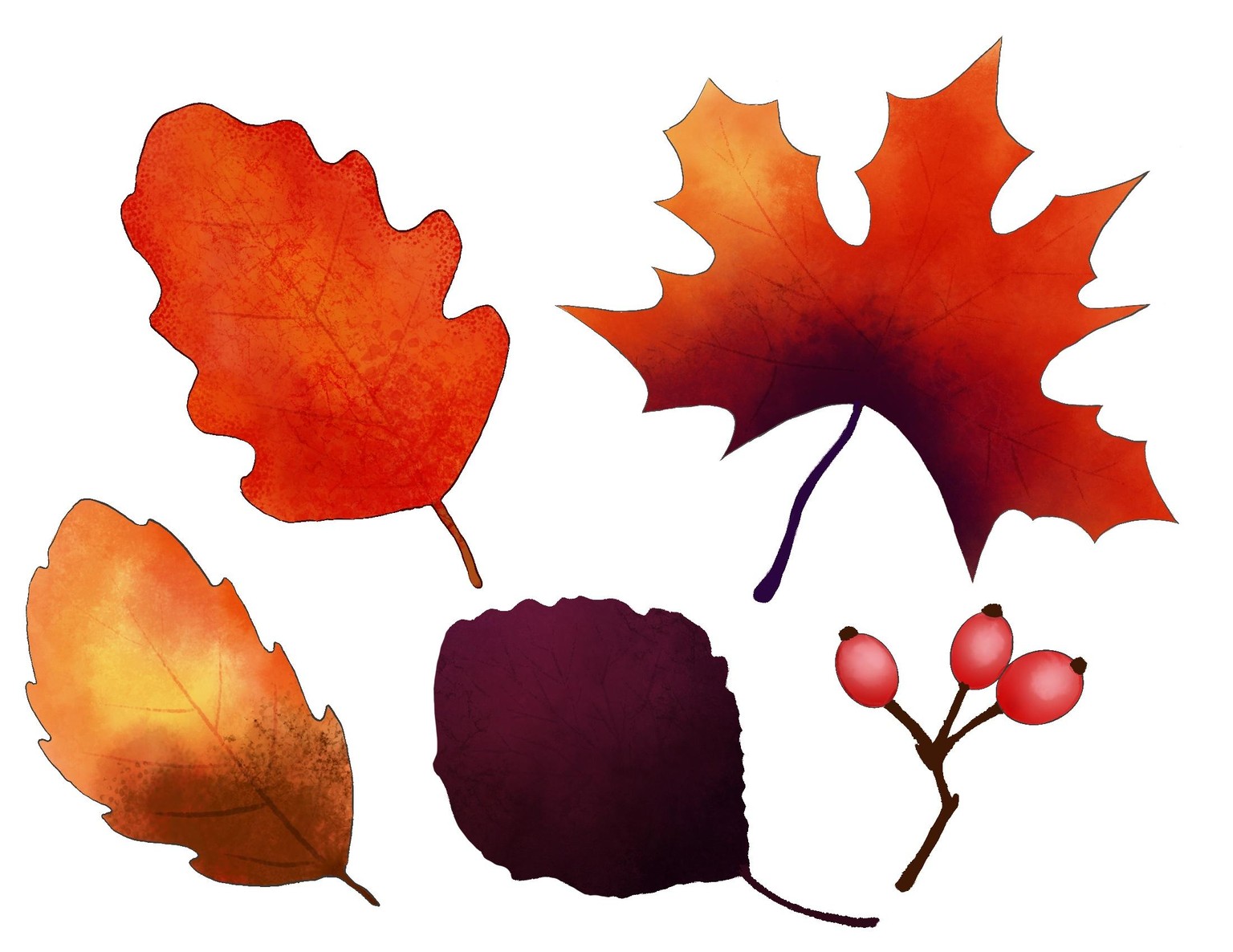
Below is the digital version using Procreate:
On the Digital Side (Procreate): The major advantage is having 'do-overs' and the power of blending modes and textures. For instance, I used the 'Color Dodge' blend mode on the leaf's veins to create a dynamic effect, allowing their color to shift based on the underlying hues. Easily applying different brush textures was also a huge plus. The main drawback was the lack of crisp edge detail. I spent too much time manually drawing outlines because using 'alpha lock' in Procreate often created unwanted white space between the object and the line.
On the Traditional Side: Painting with physical watercolor felt more natural, fun, and allowed for quick results. For my first leaf, I struggled with blending the yellow and orange because I let the yellow dry too soon—a hurdle easily overcome digitally with blurs and blending modes.
Overall, while I felt I spent too much time simulating the watercolor look digitally—which detracted from the fun—painting felt more intuitive. I thoroughly enjoyed this class, and the instructor's clear, concise instructions were perfect for running this experiment. I highly recommend it to anyone new to watercolor painting!