Tailwind CSS/Project 01
CREATED: Sun 20th July 2025 02:34 AM GMT
UPDATED: Tue 22nd July 2025 22:48 PM GMT
Tailwind CSS/Project 01
-----
I only recently started learning to use: tailwindcss, through this same Skillshare class.
My GitHub repo./plus, further links...
- https://www.github.com/pramnora/tailwindcss
My Netlify example page...
- pr-tailwindcss.netlify.app
-----
Project 01a: Uses an externally linked to CDN/Content Delivery Network 'tailwindcss' stylesheet.
<script src="https://cdn.jsdelivr.net/npm/@tailwindcss/browser@4"></script>
-----
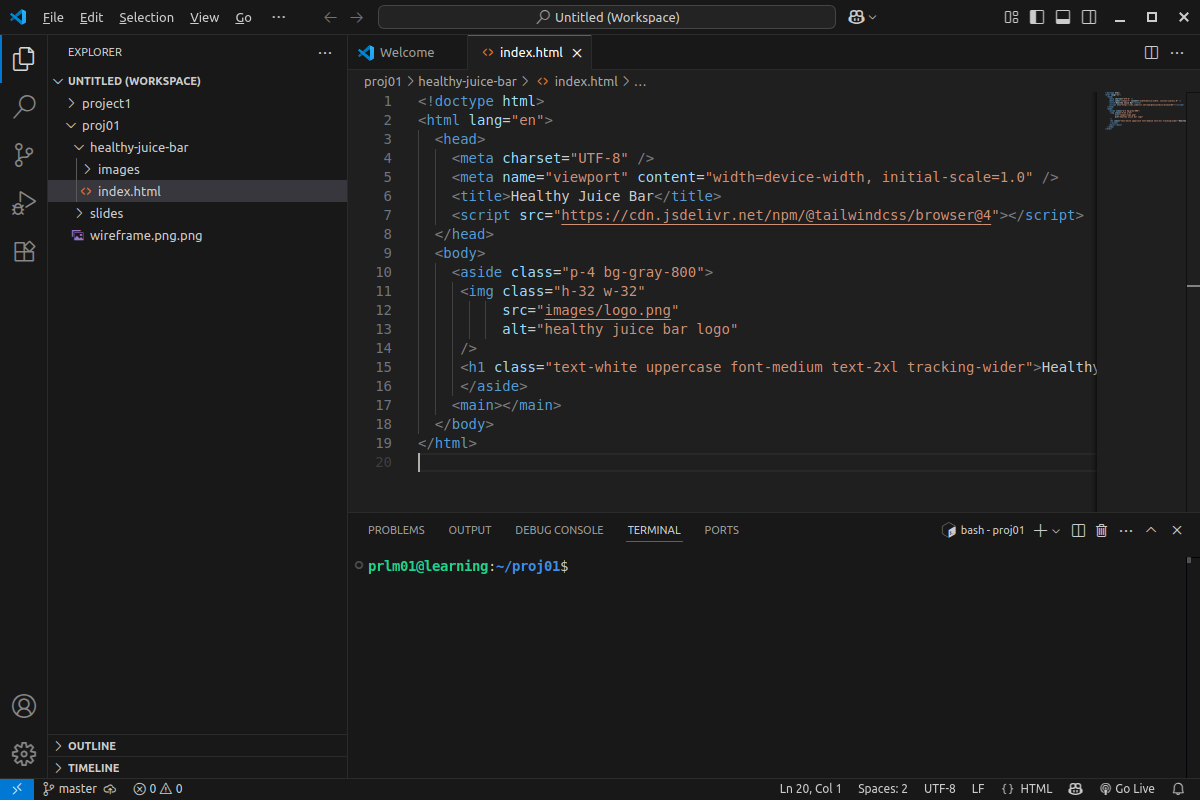
I wrote the code using: Microsoft Visual Studio Code editor:
-----
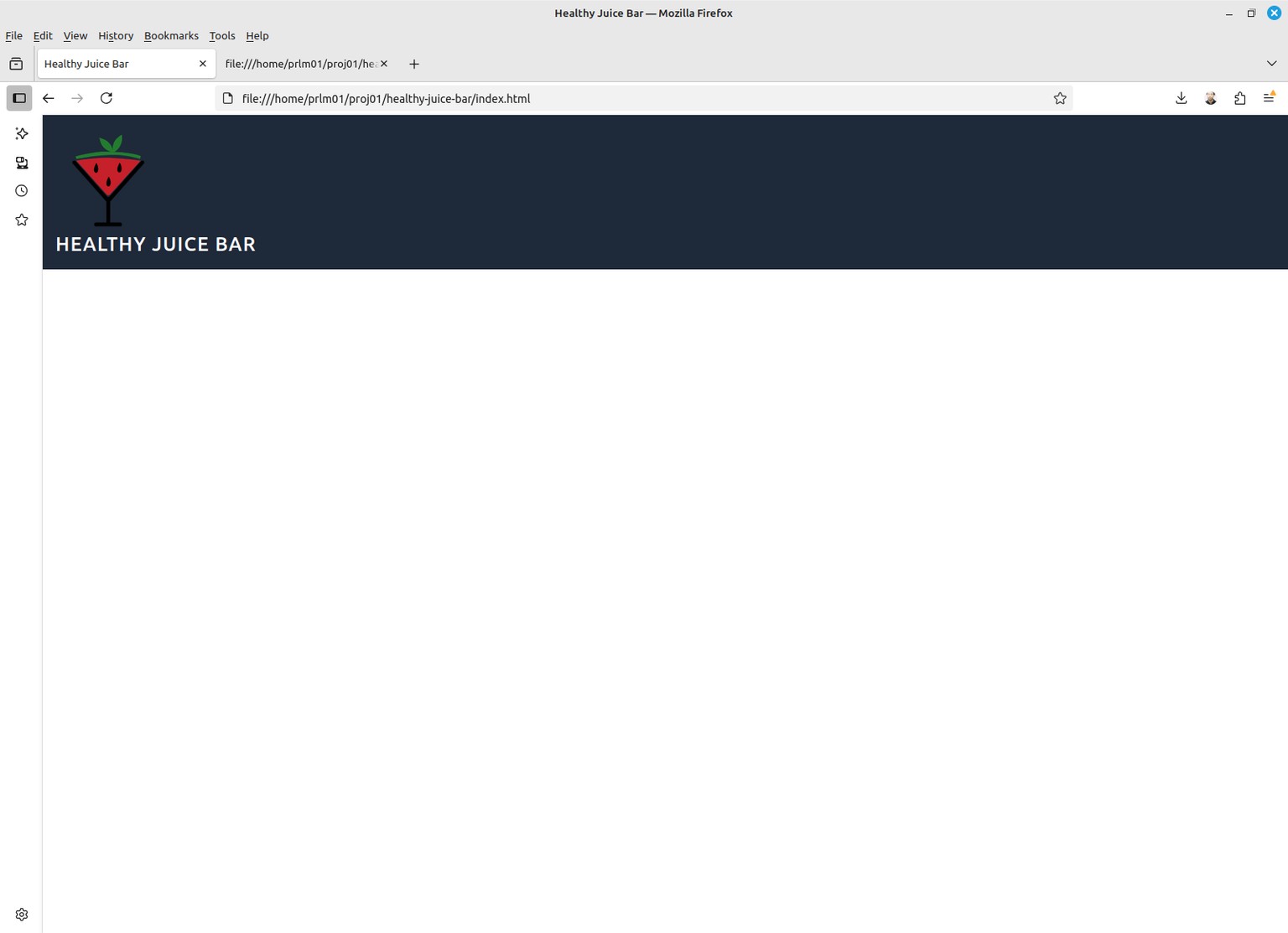
1. Here is the [index.html] web page 'source code' which lies behind the above web browser page 'output'.
- https://github.com/pramnora/tailwindcss/blob/main/skillshare/proj1/healthy-juice-bar/index.html
-----
2. Here is the actual web page 'live':
- https://pr-tailwindcss.netlify.app/skillshare/proj1/healthy-juice-bar/
...so, this proves that the CDN/Content Delivery Network part works...; meaning, linking to an internet based stylesheet.
----------------------------------------------------------------------------
Project 01b: CLI/Command Line Interface version using: NODEJS/tailwindcss...
----------------------------------------------------------------------------
1. At first, I tried using Linux Mint OS/Operating System to...
delete/then, re-install NodeJS to be the 'latest' version.
Then, tried installing and running: tailwindcss...
...but, no, that didn't work...?!
-----
2. I did an internet search to try and fix it,
coming across the following article;
the which instructions I followed:
- https://learnubuntu.com/update-node-js/
...nope, that didn't help, neither, I'm afraid!
-----
3. I went over directly to:
- https://www.nodejs.org
- https://nodejs.org/en/download
...in order to download what is the 'latest' version of Node.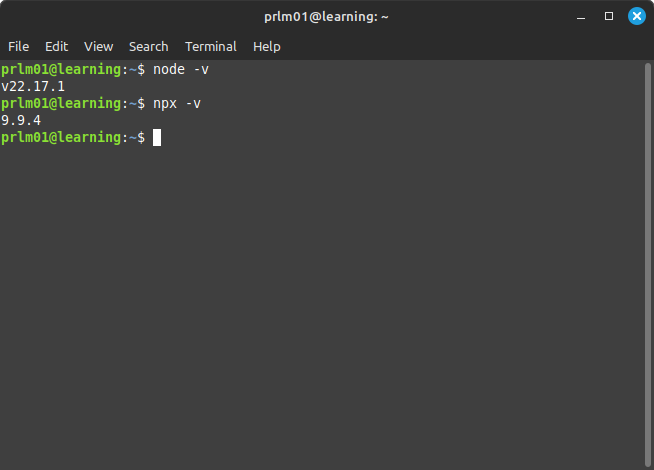
-----
Frankly, I did not find it too easy setting up the CLI part to work...;
running into one problem after a next...?!
Eventually, I gave up on attempting to resolve all of these problems myself...;
and, decided to 'cheat'...by enlisting AI/Artificial Intelligence...to help;
which comes already 'built-in' to the VSCode editor.
It took a while...; but, eventually, that seemed to be able to sort things out...
after, repeatedly, using 'copy and paste'...
to show the AI exactly what all of the error messages I was getting had said.
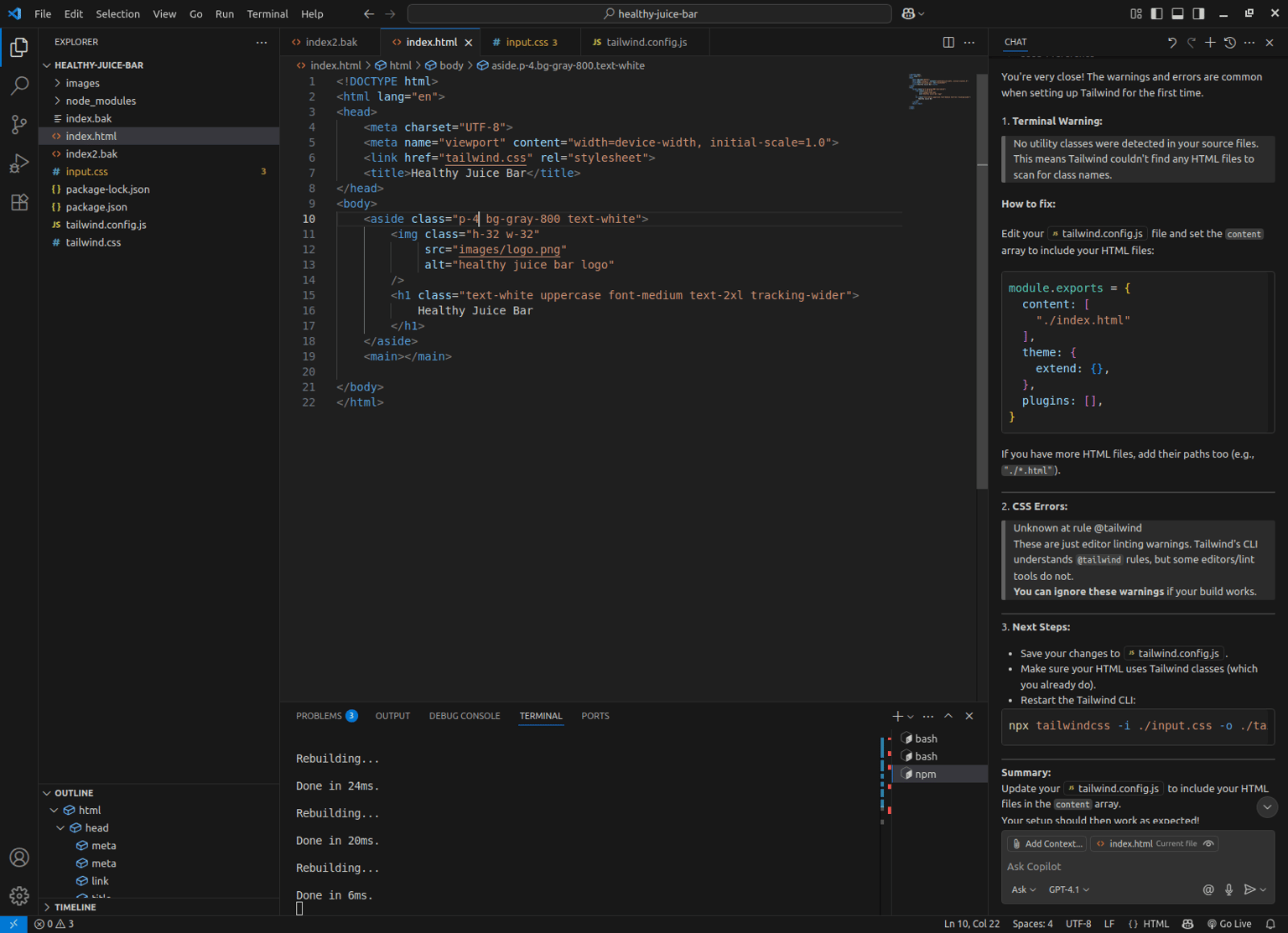
Finally, I got the CLI/Command Line Interface version up and working...to the point where I was before.
GitHub Code:
(NOTE: This code only works in 'offline' mode...)
>>
- https://pr-tailwindcss.netlify.app/skillshare/proj1/healthy-juice-bar/cli/
<<
So, time to move on...; and, develop going from there.