Hyperspace VORTEX!!
This was FUN. . .learned a lot.
The process was very thorough and if followed would become a nice project.

The animated storyboard/layout is a good idea to help facilitate with the timing of the animation.
==============================================================
Updated animation with Parallax motion and Hyperspace lines in one point perspective adding new fade out.

================================================================
Original animation
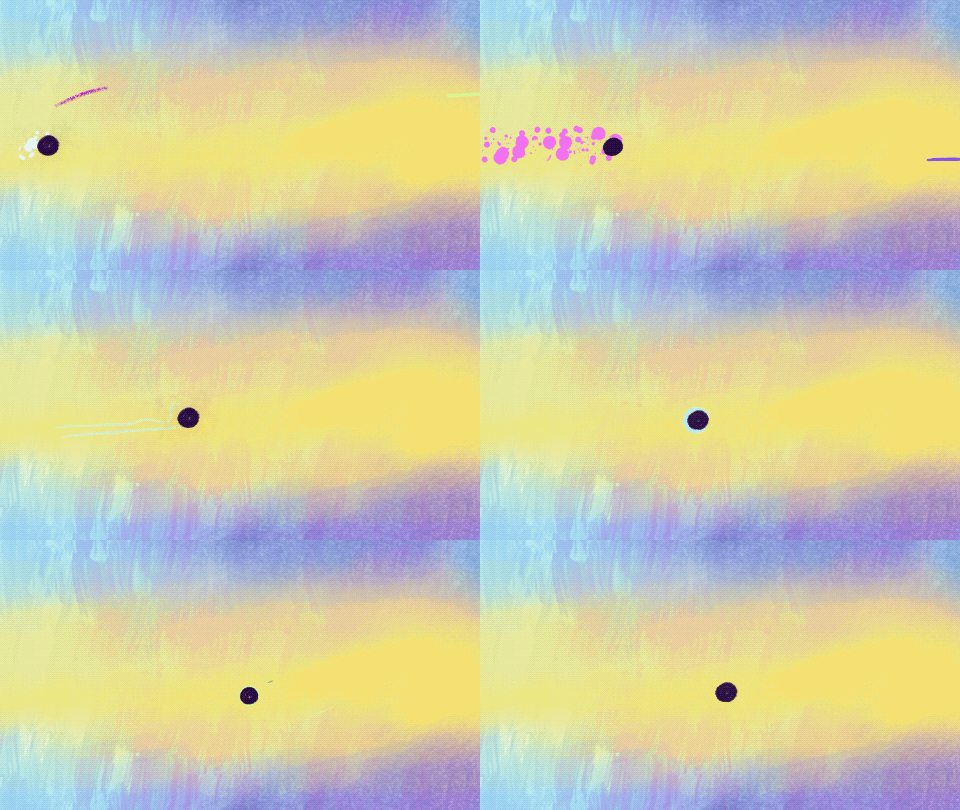
Need to tweak speed of the Sprite, either in Performance mode or modify Keyframe timing. Revamp by having background move in parallax motion, sprite ebbs/flows larger to small before it gets sucked into the vortex.
******************
QUICK HACK
*** UPDATE ***
Procreate Dreams 2.0 allows one to save animation(s) into gifs, but the file will be large depending on the frames per seconds & timeframe. One might have to save as a movie/mp4 file first, then still go into Procreate and save as web ready gif.
Save file as an mp4 > Import into Procreate > file automatically converts to Animation Assist > then safe as a Web Ready gif > import to Skillshare as Final Project or post on Social Media.