Using Curves Adjustments in Photoshop
The Process:
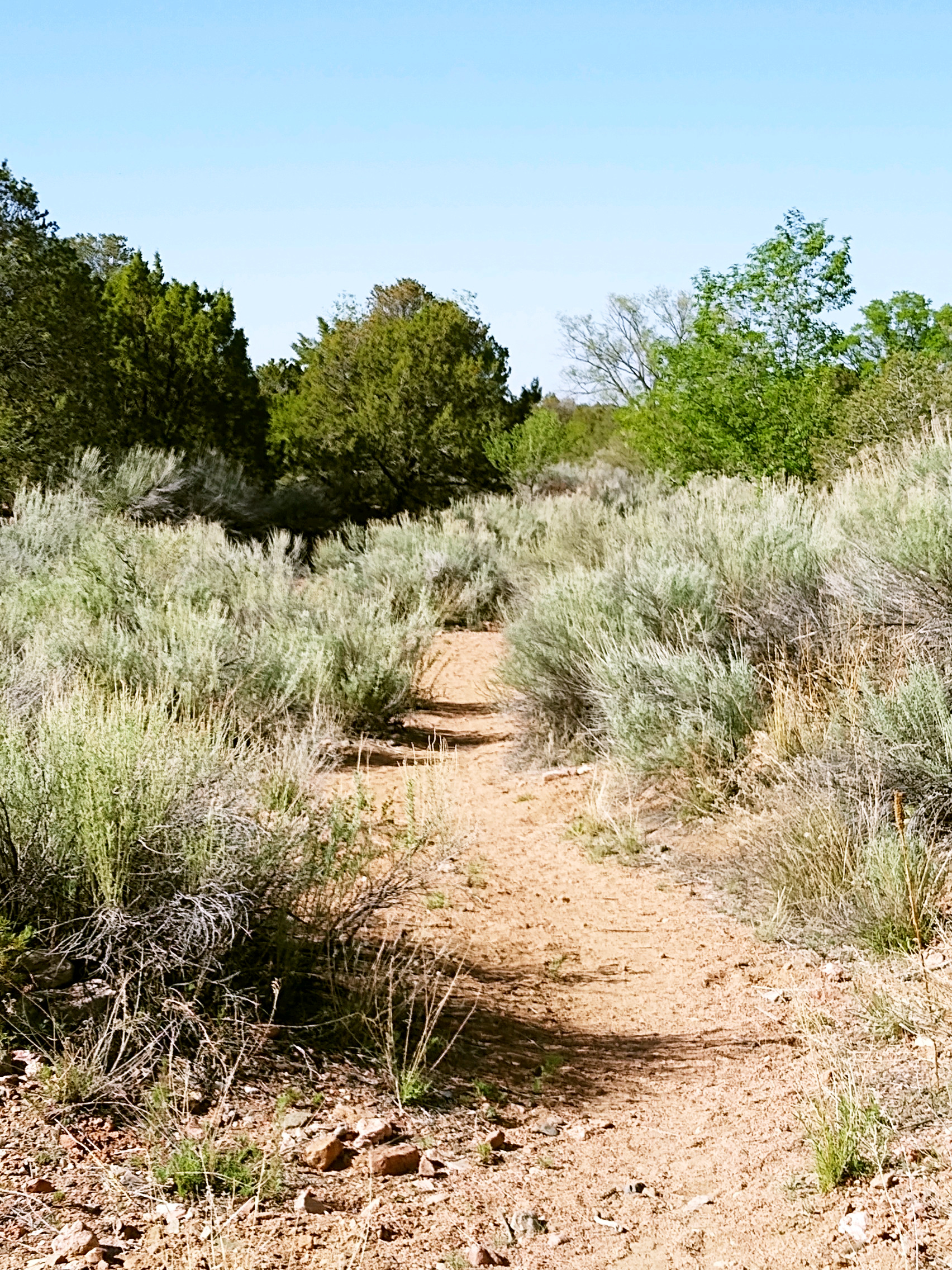
The original photo was a bit "blown out".
I first added the regular curves layer, then added a second curves layer to adjust the greens, and finally a third curves layer to adjust the blues. I changed the blending mode from “normal” to “screen” as the final step.
I will use these class techniques in future photo adjustments! Thank you.