Sample Project
Step 1
Decide how many cards you want in your set - bear in mind that you can ‘invert’ some of them and have double the amount if you wish. I would aim for 10-15 cards overall, you don’t need to have more than that since babies have a short attention span and are easily overstimulated.
Step 2
Choose a theme for your set - it can be anything from animals, fruit, the seasons of the year… I chose three main cards representing the members of our family: a monkey, a tree and a dog. These will be more ‘pictorial’. Then I sketched 2 more cards for each main one, representing objects that are related to that card (ie. nuts and leaves for the tree, bones and paws for the dog). I’m going to create pattern brushes for these so I can easily fill the page in a flash! I will also double them up by inverting the colours on them, so overall I should have 15 cards.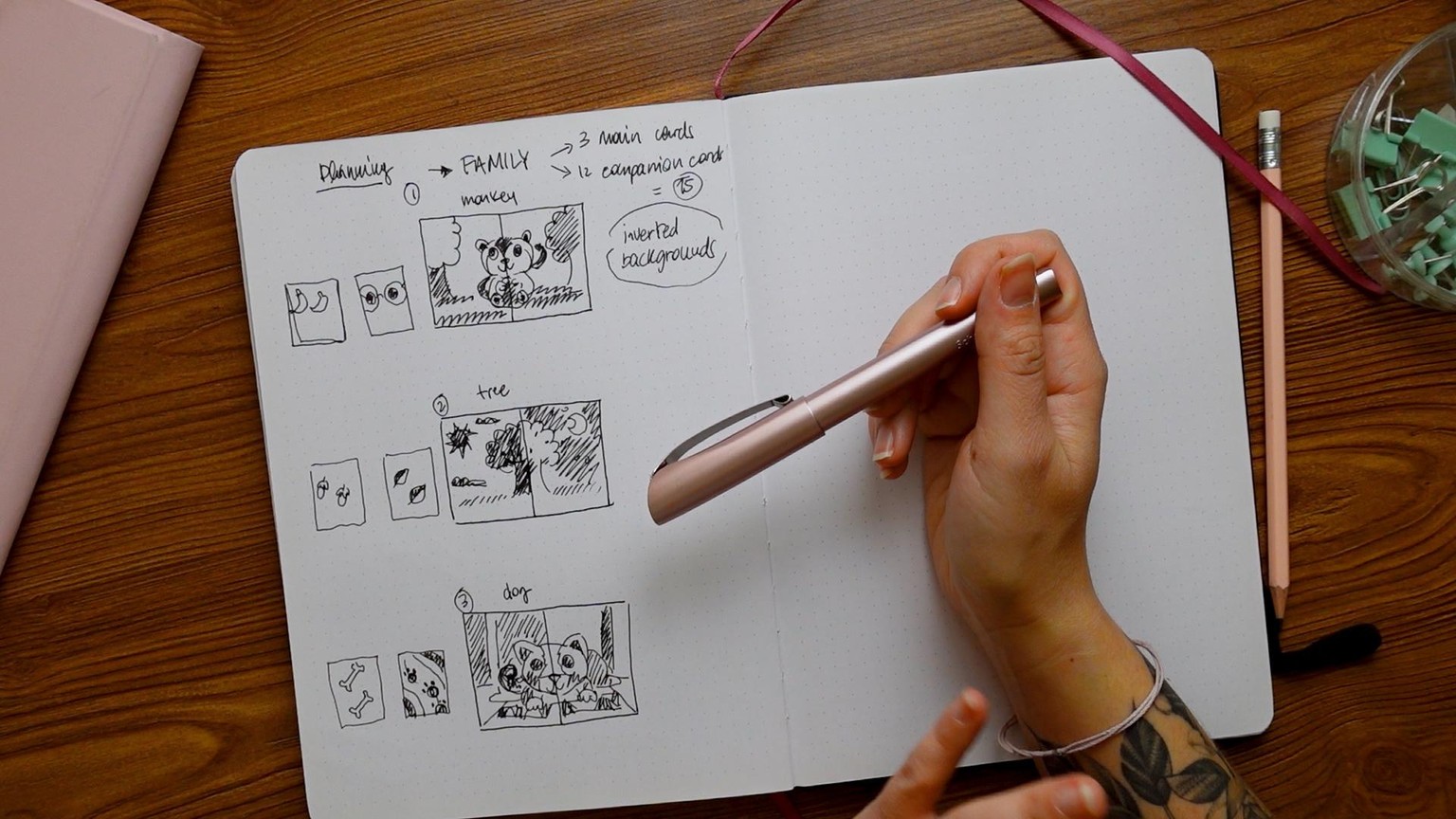
Step 3
Pick a smooth brush (I use the technical pen or the studio pen from the native Procreate brushes) to draw the 3 main cards. Use the symmetry tool so you can draw only half of the page and have it repeat on the other side.
Step 4
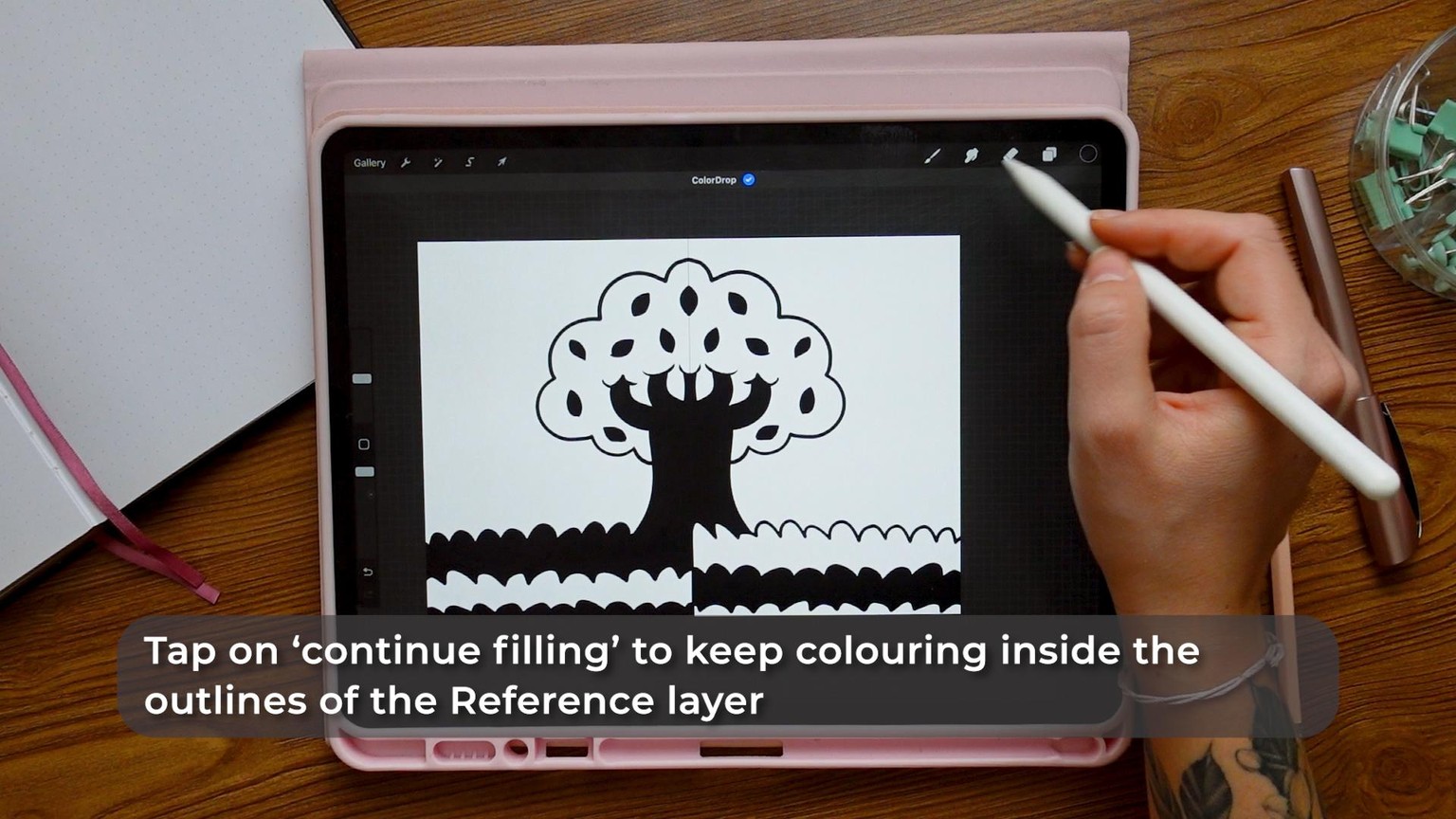
Once you have your lineart, turn that layer into a ‘reference’ and create a new layer underneath. On this new layer, tap on the chosen colour (black in my case) and drag it over the area to colour. This will instantly colour inside the outline. I’ve decided to colour the two halves of the background in an ‘inverted’ fashion (ie. The tree will be black on one side and white on the other). Repeat the process for however many ‘main’ cards you’re creating.
Step 5
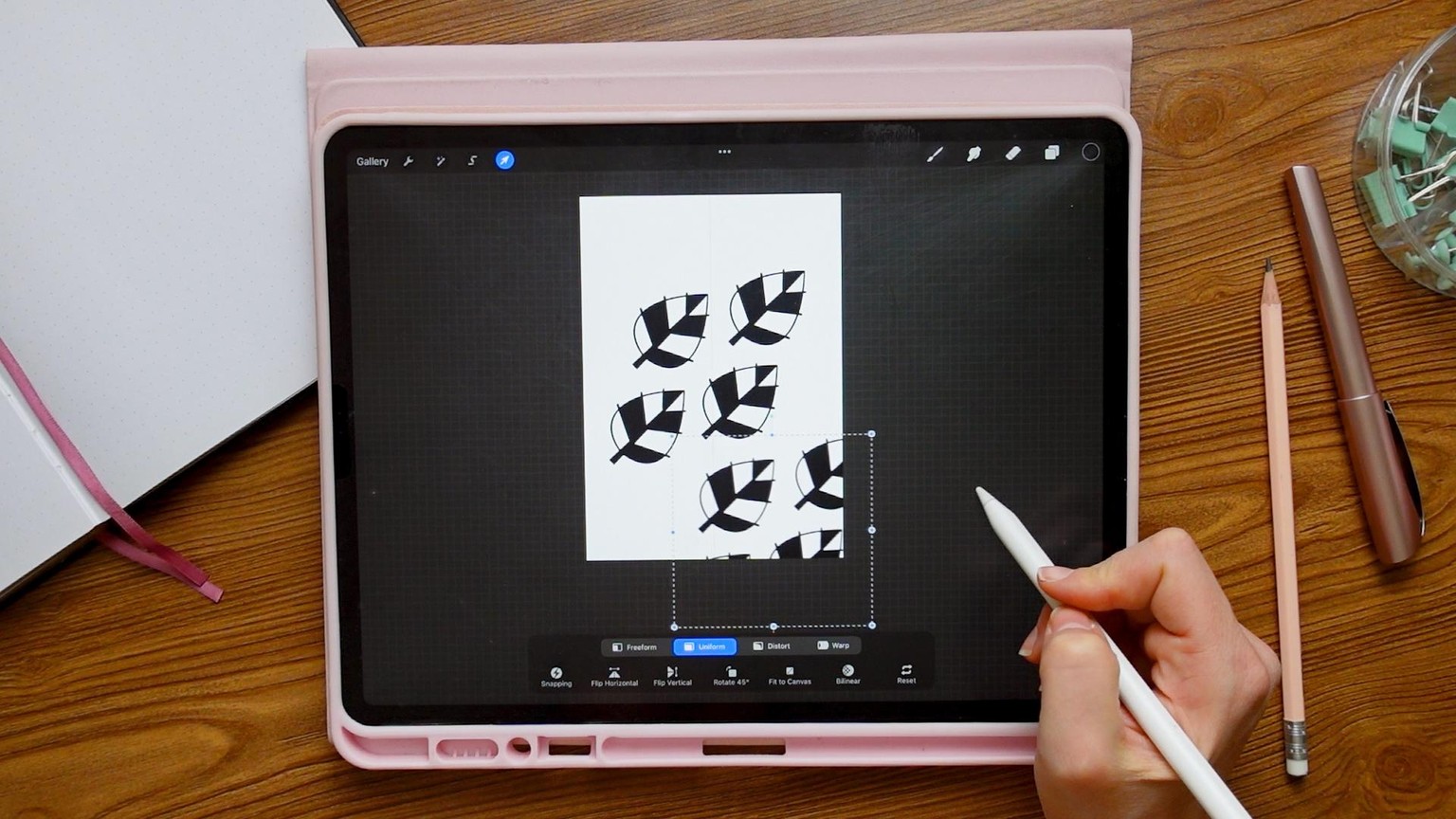
Now focus on the companion cards. Draw the object you want repeated over the page, then duplicate the layer and position it next to the first. Repeat this step other 2 times creating a ‘tile’ for your pattern. Merge these layers. Now you can duplicate and position this pattern all over the page very quickly. If you want to duplicate this card you can simply apply the ‘invert’ filter to have 2 cards instead of one.
Step 6
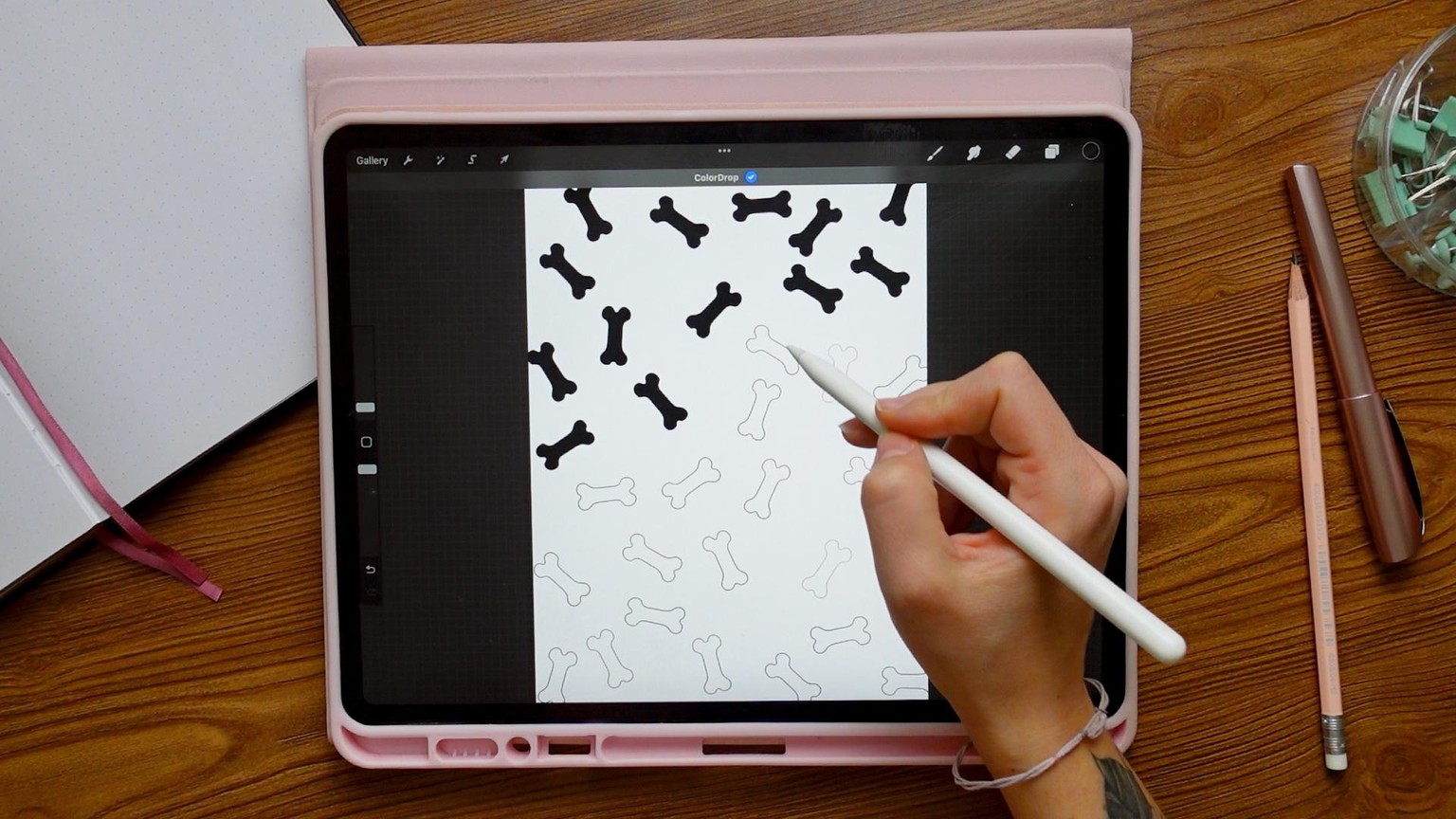
You can achieve a similar result to the patterned card by creating a pattern brush.
To do this you simply have to create a canvas of about 3000x3000 pixels, draw the object you want to be repeated in white, and then select ‘copy canvas’ in the ‘add’ menu. Create a new brush category and tap on the ‘+’ button in the top right corner of the brush menu. Go into ’shape’, edit shape and paste the canvas in.
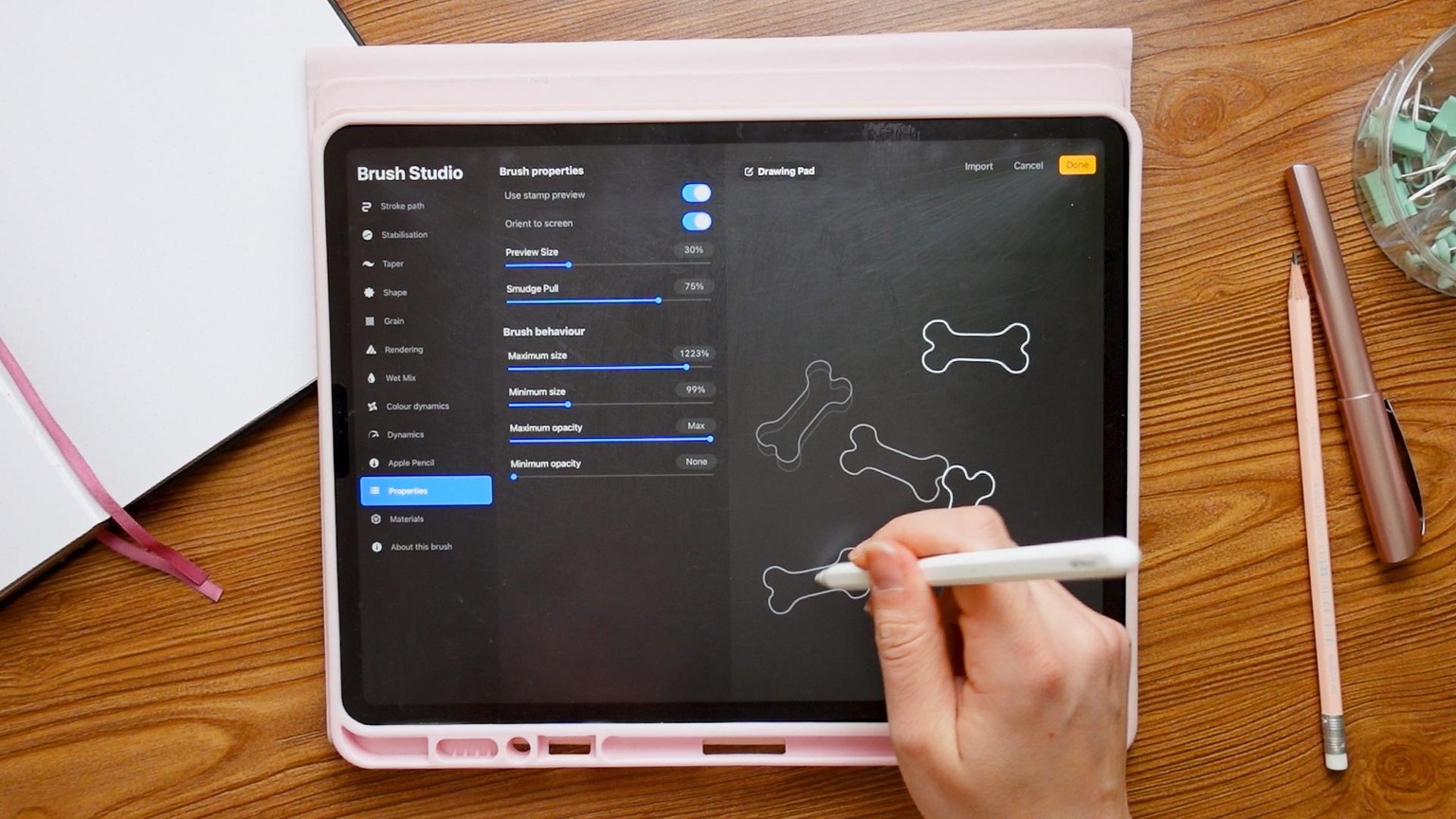
Now you simply have to tweak the brush specs to achieve their desired effect - don’t hesitate to play around with it!
Step 7
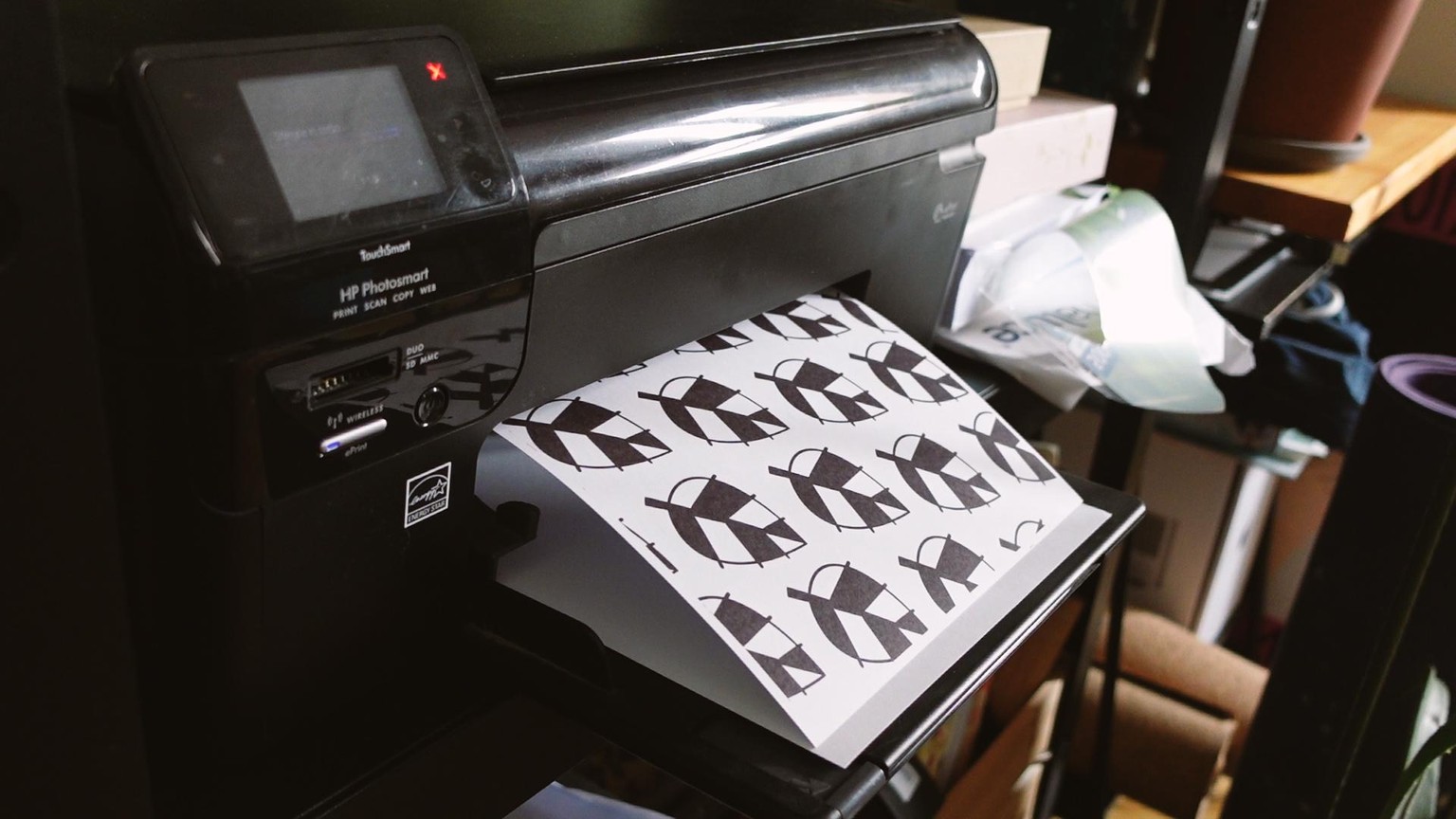
When you have all your cards ready, you can either print them at home (perhaps using a heavier type of paper than you would for normal prints, like this one) and laminate them - or you can print them using an online service. Here are some of my favourites:
- Children's Book Printing Services | BookBaby
- https://printninja.com/printing-products/childrens-book-printing/
- Children's Book Printing UK - Print Your Own Children's Books
- Children’s Book Printing | PrintingCenterUSA
- Stampaprint
- Vistaprint