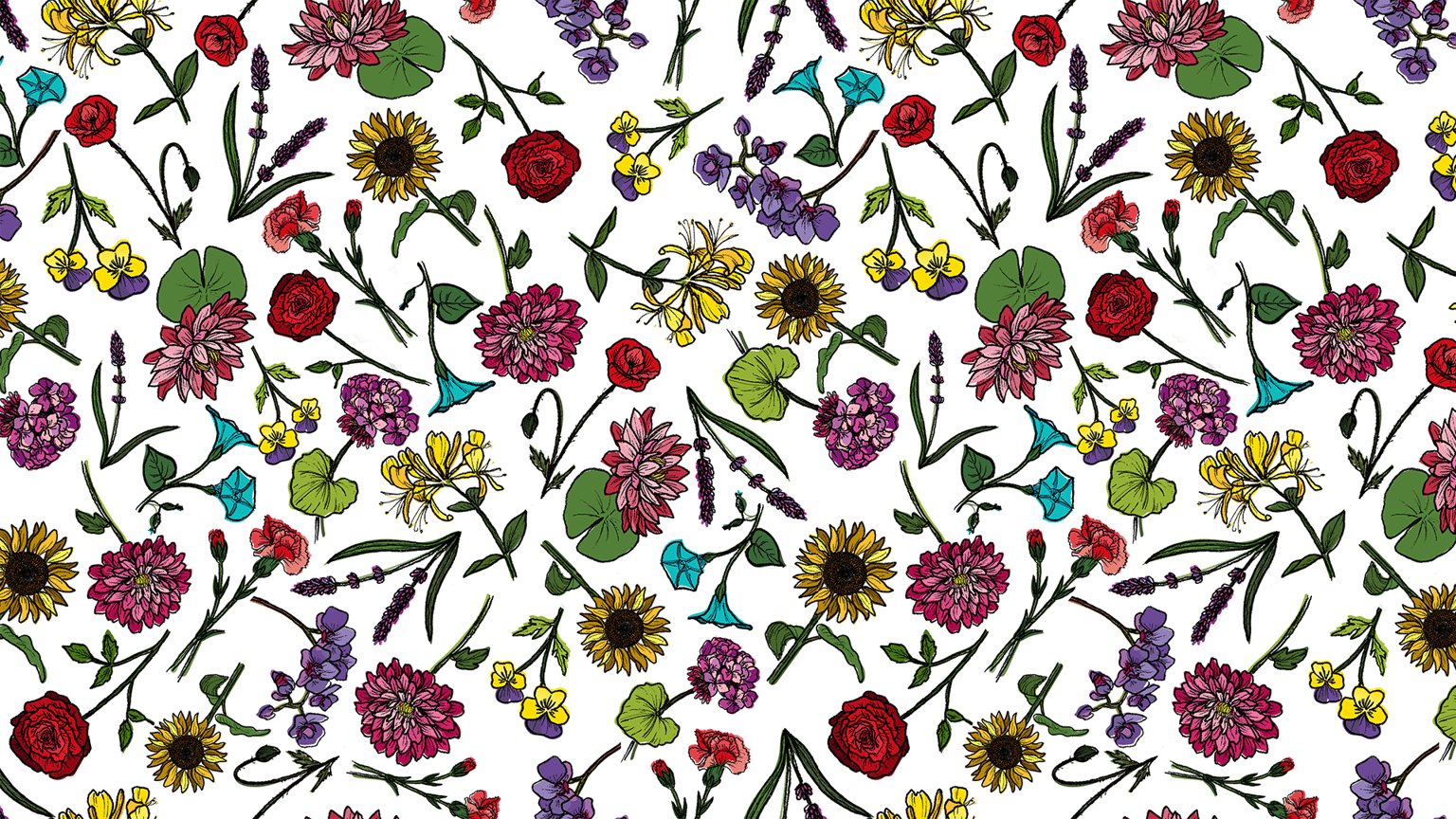
Pattern Play: Combining Illustrator and Photoshop
This is my first pattern combining Illustrator and Photoshop. I really liked that I got to keep my hand-drawn lines, which are my signature style! I was so excited about it when I saw this class!
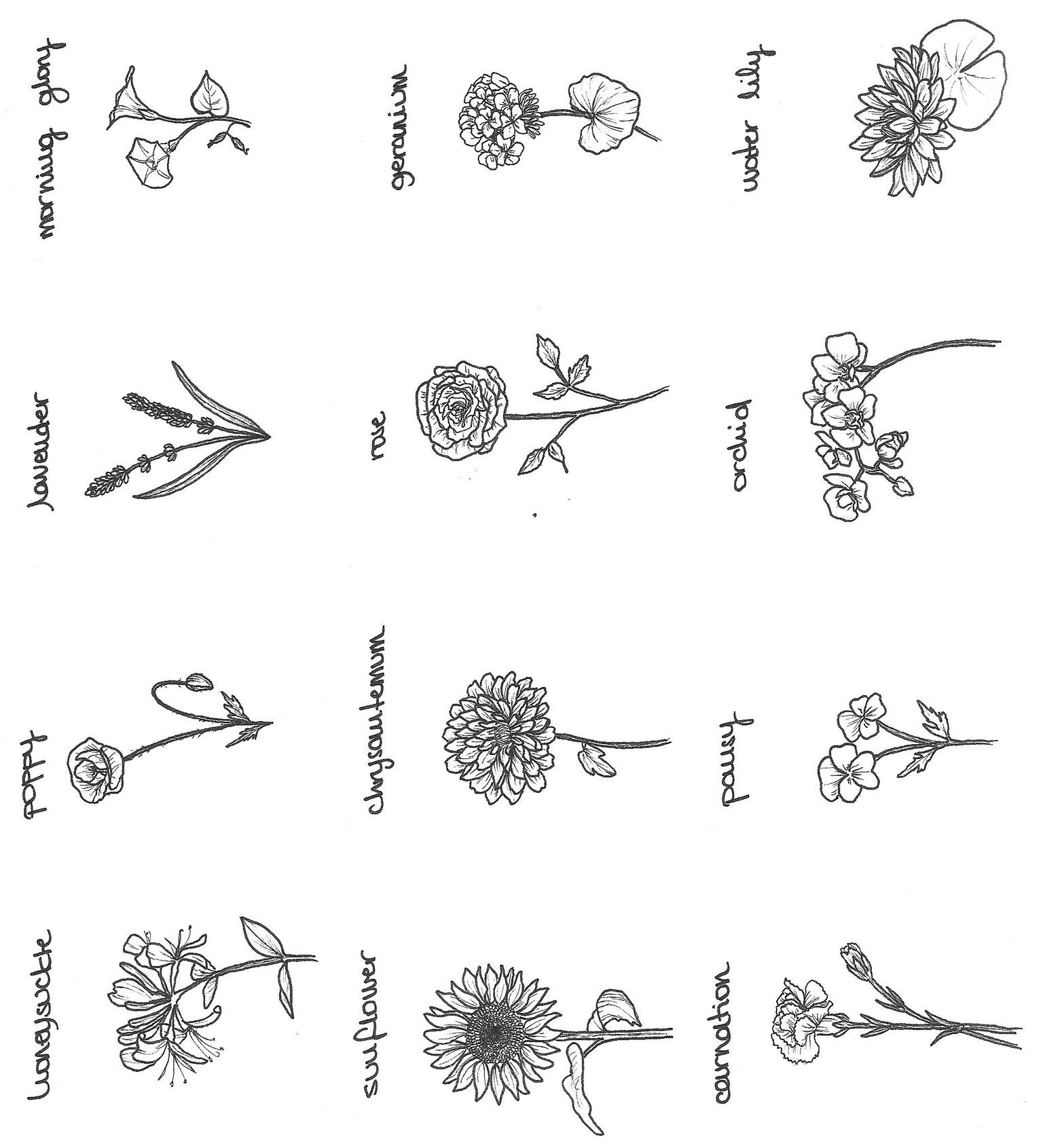
These were my sketches:
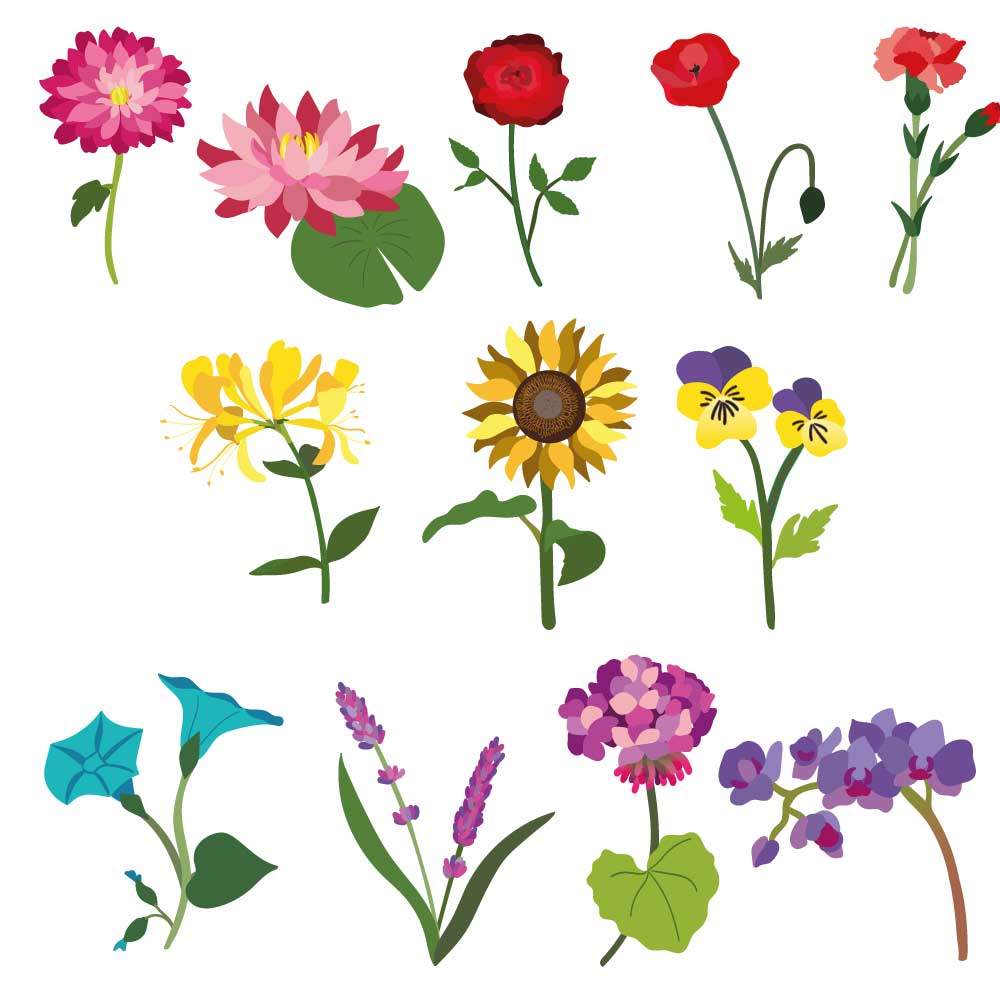
Then I took them to Illustrator and draw all the shapes with the pen tool and the paint brush blob tool (learned in the other Dylan's class about the Pen tool).
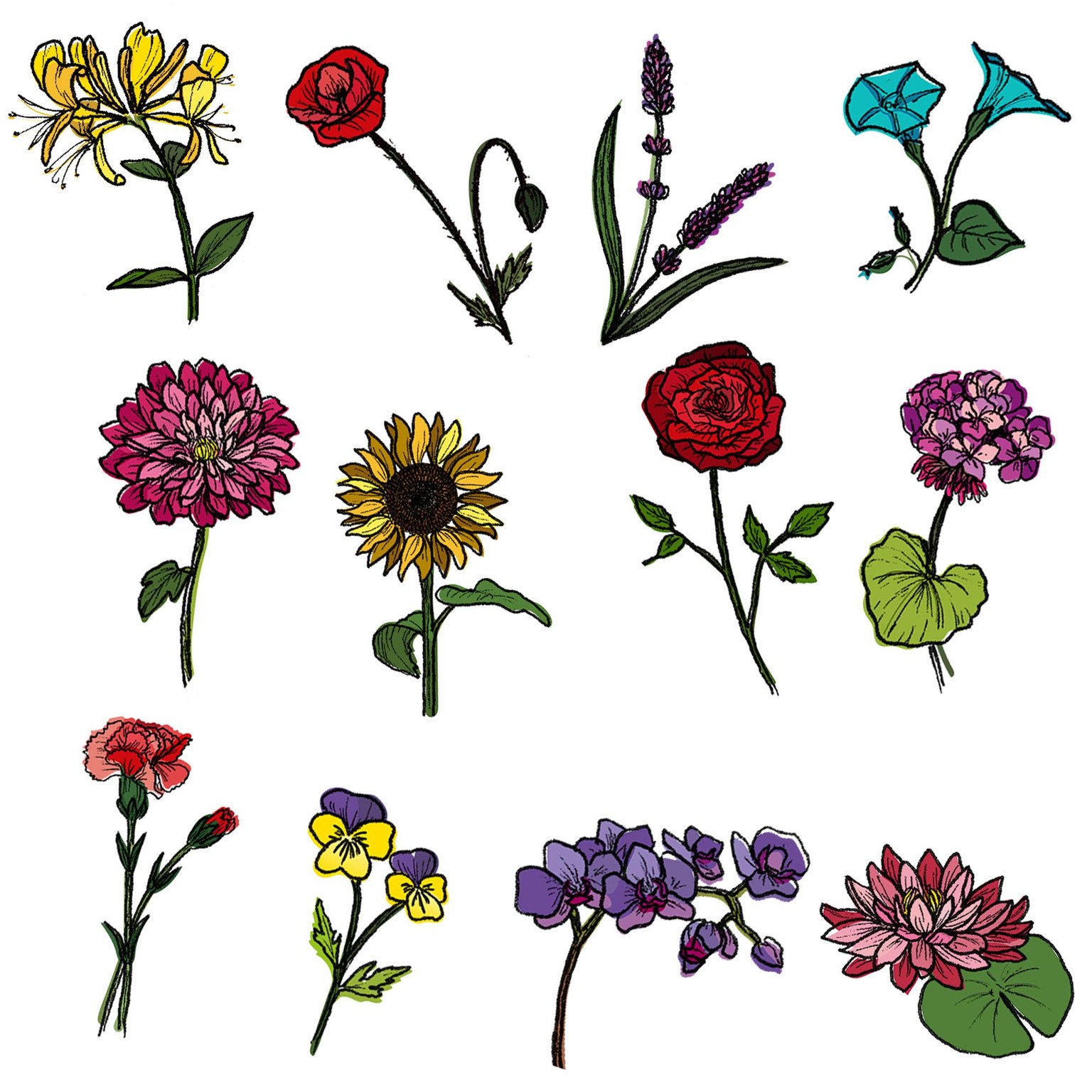
Then, I didn't really follow the class on pattern making. I actually did it in Photoshop because I got so carried on with the opportunity of using my lines... So I took my vectors to Photoshop and added de hand-drawn lines using quick mask mode (such a discovery! - I just love this little trick, thank you, Dylan!).
Lastly, I've tried to make the pattern work with the original colours, which are kind of the original colours of the flowers. Probably in the future, I'll remake this pattern in Illustrator and play with the colours. So here it's the finished pattern!