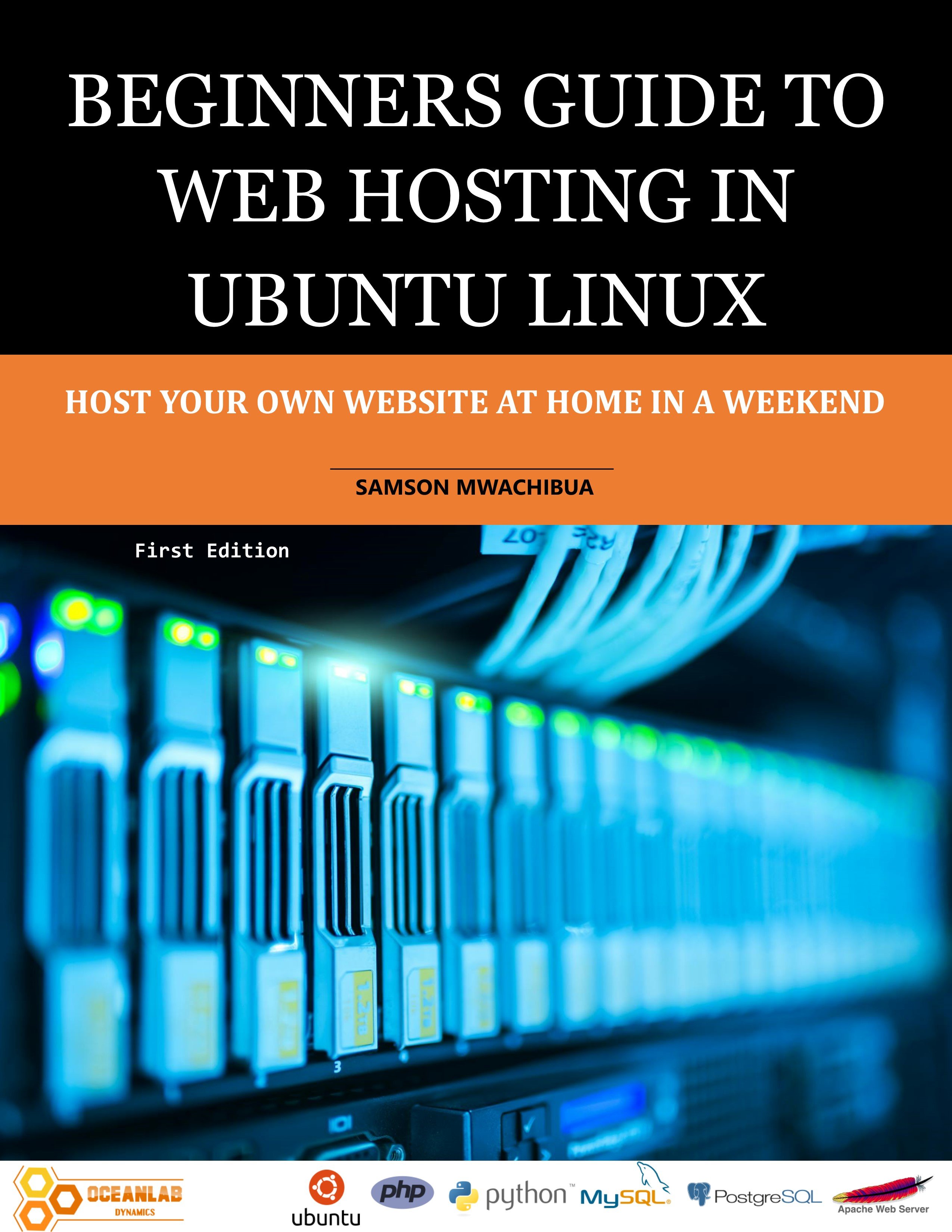
Beginners Guide to Web Hosting in Ubuntu Linux
1 mois de Skillshare
Disponible avec l'achatGratuit
Tous les abonnements seront facturés automatiquement de manière récurrente jusqu'à leur résiliation. Si vous pouvez profiter d'un essai gratuit, résiliez avant la fin de l'essai pour éviter une facturation. Offre valable uniquement pour les nouveaux abonnés payants. Consultez l'intégralité des conditions d'utilisation ici.
À propos de ce produit

Samson Mwachibua
IT Specialist and Developer
This book is a step-by-step guide for hosting your own website both for beginners and intermediate users as well. By the end of the last chapter the reader will be able to set up a basic web server in apache and set it to be accessed externally, outside your home network using a public IP address or a domain that you will register for free. For simplicity this book uses the Ubuntu desktop version to accomplish all the tasks. Behind the scenes, the desktop and server versions of the Ubuntu operating system uses the same kernel and so nothing changes except that the former has a GUI and the latter a command line interface. This will help beginners understand the concepts easily and make their learning curve smooth.
The reader will learn how to transfer files from the development machine to the web server using FTP and File server applications. FileZilla and VSFTPD are FTP applications of choice used in this book. At the same time the samba file server is also used to implement file transfer. More so, you will be able to use the file server as your own custom implementation of Google drive, Microsoft OneDrive or Dropbox.
Implementation of programming logic to the web server is also discussed in-depth and readers will practically learn how to add PHP and WSGI modules so that they can be used by the web server to run python and PHP scripts. Readers will see how to set up a flask framework in Python as well. All these concepts are well explained, and the reader is guided on what to do in every step; and enable them to use their favorite scripting language to run their web application.
Database concepts are also discussed in this book in a nutshell. The reader will set up MySQL and PostgreSQL database servers and install the web admin interfaces as well, such as phpMyAdmin and phpPgAdmin for MySQL and PostgreSQL respectively.
Readers will also practically see how to do remote administration of their server using SSH and RDP. The SSH will connect via the command line in terminal and RDP using windows remote desktop.
The book ends with a discussion and practical examples on security and data backup. Readers shall see how to keep their server secure and also perform system backup and regular file backup and how to restore in the case of data loss.
FAQ
Qu'est-ce que les produits numériques ?
Les produits numériques de Skillshare sont des outils, des ressources et des modèles développés par des pros de la création et mis à votre disposition à l'achat. Avec un large éventail de ressources répondant à tous les besoins créatifs, ils sont exploitables, rendant votre expérience d'apprentissage concrète et inoubliable.
Comment puis-je acheter un produit numérique ?
Tout le monde peut acheter un produit numérique sur Skillshare. Cliquez sur Acheter maintenant pour saisir vos informations de paiement et finaliser votre achat. Une fois le paiement effectué, tous les fichiers pourront être téléchargés instantanément à partir de cette page. Vous recevrez également un e-mail contenant un lien pour télécharger votre produit numérique après l'achat.
Y a-t-il une limite au nombre de fois que je peux télécharger un produit numérique ?
Non, il n'y a pas de limite au nombre de fois que vous pouvez télécharger un produit numérique. Même si un produit est supprimé par la personne qui l'a créé, vous pouvez toujours accéder à la page de téléchargement dans la plupart des cas en vous connectant à votre compte Skillshare.
Puis-je obtenir un remboursement ou annuler l'achat de mon produit numérique ?
Les produits numériques ne sont pas remboursables et ne peuvent être ni retournés ni annulés. Pour en savoir plus, consultez notre politique de remboursement dans le centre d'aide Skillshare.
Puis-je créer et vendre mes propres produits numériques ?
Absolument ! Consultez l'article Comment puis-je vendre un produit numérique sur Skillshare ? pour découvrir comment créer, proposer et vendre vos propres produits numériques sur Skillshare.