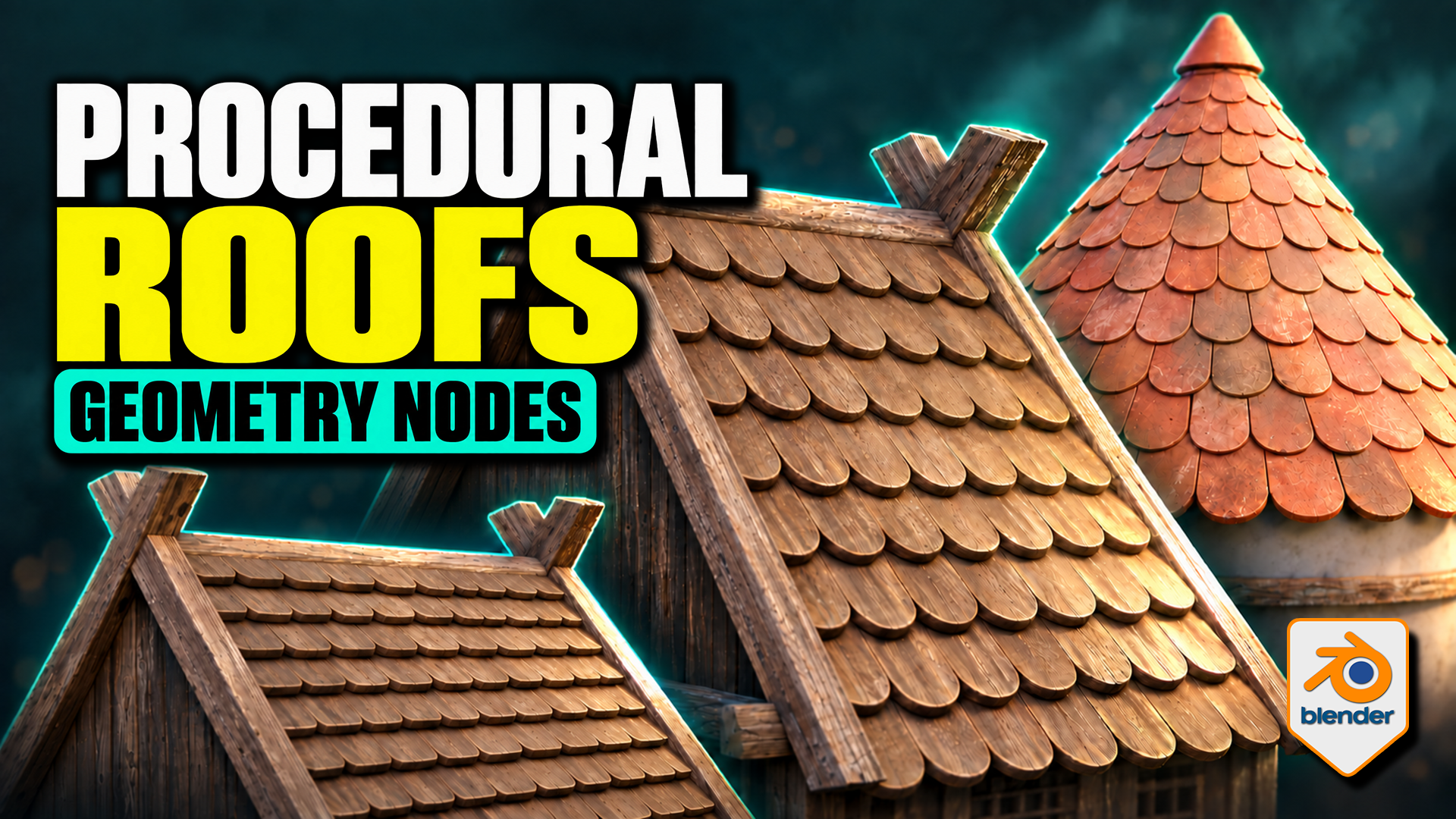
Roof Tiles Generator for Blender
1 mois de Skillshare
Disponible avec l'achatGratuit
Tous les abonnements seront facturés automatiquement de manière récurrente jusqu'à leur résiliation. Si vous pouvez profiter d'un essai gratuit, résiliez avant la fin de l'essai pour éviter une facturation. Offre valable uniquement pour les nouveaux abonnés payants. Consultez l'intégralité des conditions d'utilisation ici.
À propos de ce produit

3D Tudor
Bestselling Blender Author & 3D Educator
Turn a tile design into an editable roof pattern. This 3D Tudor Geometry Nodes product lets you use a single tile object or a collection of tile meshes across flat and pitched roofs, domes and spires. Bring your own prepared tile designs or start with the included Wood, Stone and Ceramic sources.
Overlapping tiles follow the pitched roof on this timber building example made with the 3D Tudor roof-tile setup.
Choose the workflow for your roof
Flat and Pitched: adjust tile amount, overlap, row offset, surface clearance and seating. Refine the bottom, side and top overhangs, then introduce rotation or size variation where it suits the building.
Terracotta-coloured tiles narrow towards the top of the conical roof, with a separate cap finishing the crown.
Shape a dome or spire
Radius, height and midpoint width define the curved roof. Switch Spire on for a straight-sided cone. Refine the upper rows with Top Tile Size, use Dome Crown Fit for the dome crown, and finish with a separate cap object.
Use your own tile meshes
Both generators provide Tile Object and Tile Collection inputs. For Flat and Pitched, local X is width, local Y points uphill and local Z is thickness. Collection members should have matching local origins, orientations and approximate sizes. The supplied meshes provide useful references; custom tiles may need preparation.
Wood, stone and ceramic tile sources provide references for preparing your own objects and matching collection variants.
What is in the download?
- Two native Blender files: seven prepared roof setups and three building compositions.
- Twelve clean source tiles: Wood, Stone and Ceramic in four shapes each, plus an eleven-object Ceramic Damage Mix.
- Packed 1024 × 1024 base-colour, normal and roughness textures for the three tile materials.
- A Getting Started guide for the files, custom tile inputs and layout controls.
- Six silent videos: three building turntables and full flat/pitched, dome/spire and material demonstrations.
Surface appearance and requirements
The supplied compatible shaders expose tint, contrast, per-tile colour variation, roughness, normals, edge wear, AO colour, moss and UV controls. Custom materials need their own setup; edge wear is intended for Cycles.
Checked in Blender 5.1.2 with Cycles. No add-on installation is required. Earlier versions and other render engines have not been verified. The buildings are supplied example meshes; the procedural tools arrange the roof tiles.
Extract the Blender Files and Guide ZIP, open START HERE, then begin with a roof in the Setups file. Download the separate Silent Demonstrations ZIP to follow the controls at your own pace.
FAQ
Qu'est-ce que les produits numériques ?
Les produits numériques de Skillshare sont des outils, des ressources et des modèles développés par des pros de la création et mis à votre disposition à l'achat. Avec un large éventail de ressources répondant à tous les besoins créatifs, ils sont exploitables, rendant votre expérience d'apprentissage concrète et inoubliable.
Comment puis-je acheter un produit numérique ?
Tout le monde peut acheter un produit numérique sur Skillshare. Cliquez sur Acheter maintenant pour saisir vos informations de paiement et finaliser votre achat. Une fois le paiement effectué, tous les fichiers pourront être téléchargés instantanément à partir de cette page. Vous recevrez également un e-mail contenant un lien pour télécharger votre produit numérique après l'achat.
Y a-t-il une limite au nombre de fois que je peux télécharger un produit numérique ?
Non, il n'y a pas de limite au nombre de fois que vous pouvez télécharger un produit numérique. Même si un produit est supprimé par la personne qui l'a créé, vous pouvez toujours accéder à la page de téléchargement dans la plupart des cas en vous connectant à votre compte Skillshare.
Puis-je obtenir un remboursement ou annuler l'achat de mon produit numérique ?
Les produits numériques ne sont pas remboursables et ne peuvent être ni retournés ni annulés. Pour en savoir plus, consultez notre politique de remboursement dans le centre d'aide Skillshare.
Puis-je créer et vendre mes propres produits numériques ?
Absolument ! Consultez l'article Comment puis-je vendre un produit numérique sur Skillshare ? pour découvrir comment créer, proposer et vendre vos propres produits numériques sur Skillshare.