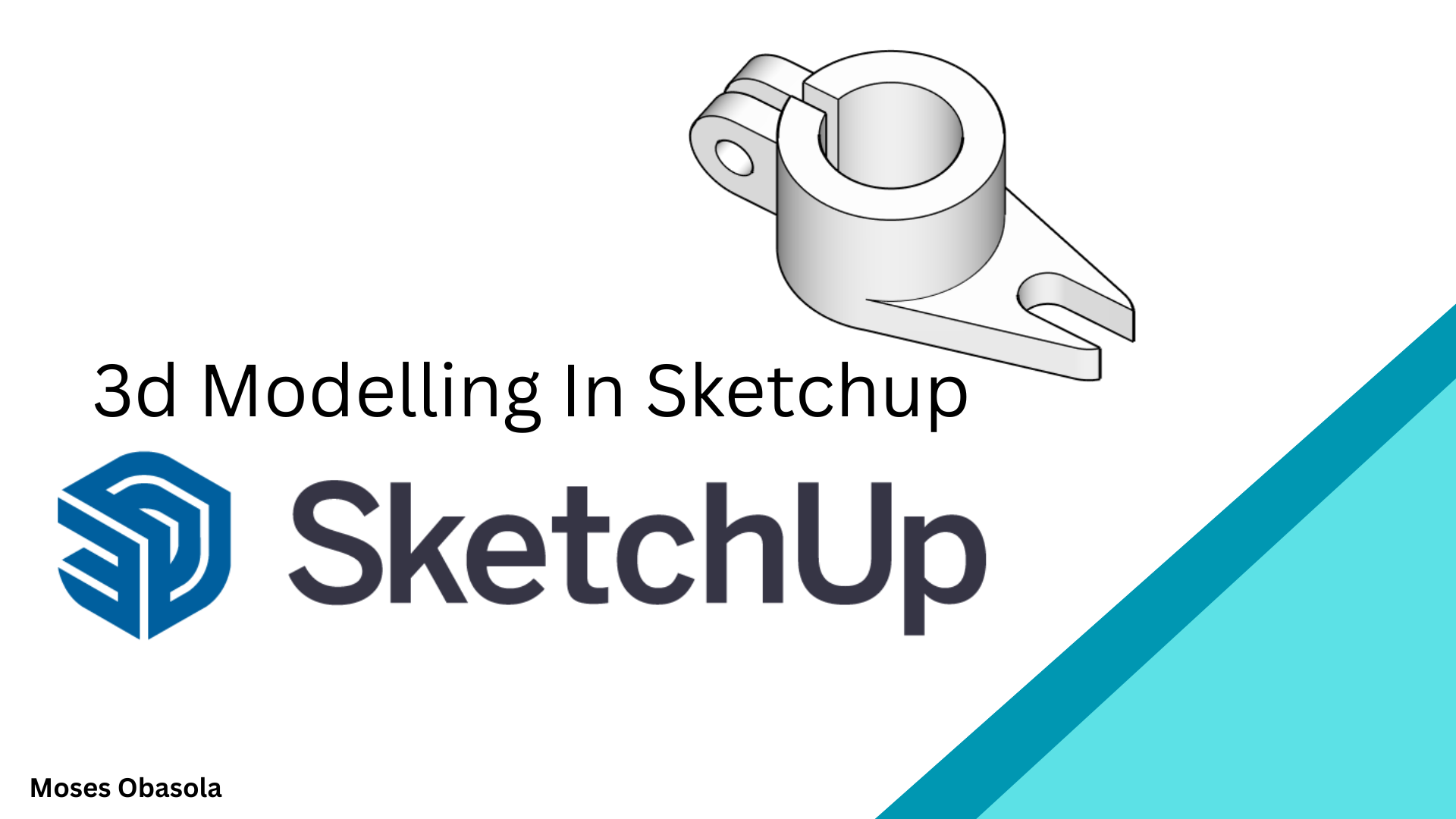
3D Modeling in SketchUp: Essentials for Beginners
1 mois de Skillshare
Disponible avec l'achatGratuit
Tous les abonnements seront facturés automatiquement de manière récurrente jusqu'à leur résiliation. Si vous pouvez profiter d'un essai gratuit, résiliez avant la fin de l'essai pour éviter une facturation. Offre valable uniquement pour les nouveaux abonnés payants. Consultez l'intégralité des conditions d'utilisation ici.
À propos de ce produit

3D Modelling in SketchUp: From Beginner to Confident 3D Designer
Learn how to create impressive 3D models from scratch using SketchUp, one of the most intuitive and powerful 3D modelling tools for architecture, interior design, engineering, woodworking, product design, and creative visualisation.
Whether you are completely new to SketchUp or want to improve your existing modelling skills, this practical video tutorial takes you through the essential tools and techniques you need to start creating your own 3D models with confidence.
What You'll Learn
In this hands-on SketchUp class, you'll learn how to:
Navigate the SketchUp interface and workspace
-Create and edit basic 2D shapes
-Turn 2D drawings into 3D models
-Use essential SketchUp drawing and modification tools
-Apply Push/Pull, Move, Rotate, Scale, Offset, Follow Me, and other important tools
-Create accurate dimensions and proportions
-Organise models using Groups and Components
-Create 3D Machining products
Who Is This Class For?
This class is ideal for:
Beginners learning SketchUp for the first time
Architecture and interior design students
Engineering students and professionals
Designers interested in 3D modelling
Creators who want to turn 2D ideas into 3D models
No advanced 3D modelling experience is required. The lessons are designed to be practical and easy to follow, allowing you to learn by actually building models.
Why Learn SketchUp?
SketchUp makes 3D modelling accessible without requiring years of experience. Once you understand its core tools and modelling workflow, you can quickly transform your ideas into accurate and visually appealing 3D models.
By the end of this class, you'll have a stronger understanding of the SketchUp workflow and the confidence to begin creating your own 3D architectural models, interior designs, furniture, products, and other creative projects.
Start learning SketchUp today and turn your ideas into 3D models!
Find attached examples and assignments for practice.
FAQ
Qu'est-ce que les produits numériques ?
Les produits numériques de Skillshare sont des outils, des ressources et des modèles développés par des pros de la création et mis à votre disposition à l'achat. Avec un large éventail de ressources répondant à tous les besoins créatifs, ils sont exploitables, rendant votre expérience d'apprentissage concrète et inoubliable.
Comment puis-je acheter un produit numérique ?
Tout le monde peut acheter un produit numérique sur Skillshare. Cliquez sur Acheter maintenant pour saisir vos informations de paiement et finaliser votre achat. Une fois le paiement effectué, tous les fichiers pourront être téléchargés instantanément à partir de cette page. Vous recevrez également un e-mail contenant un lien pour télécharger votre produit numérique après l'achat.
Y a-t-il une limite au nombre de fois que je peux télécharger un produit numérique ?
Non, il n'y a pas de limite au nombre de fois que vous pouvez télécharger un produit numérique. Même si un produit est supprimé par la personne qui l'a créé, vous pouvez toujours accéder à la page de téléchargement dans la plupart des cas en vous connectant à votre compte Skillshare.
Puis-je obtenir un remboursement ou annuler l'achat de mon produit numérique ?
Les produits numériques ne sont pas remboursables et ne peuvent être ni retournés ni annulés. Pour en savoir plus, consultez notre politique de remboursement dans le centre d'aide Skillshare.
Puis-je créer et vendre mes propres produits numériques ?
Absolument ! Consultez l'article Comment puis-je vendre un produit numérique sur Skillshare ? pour découvrir comment créer, proposer et vendre vos propres produits numériques sur Skillshare.