demo-repo
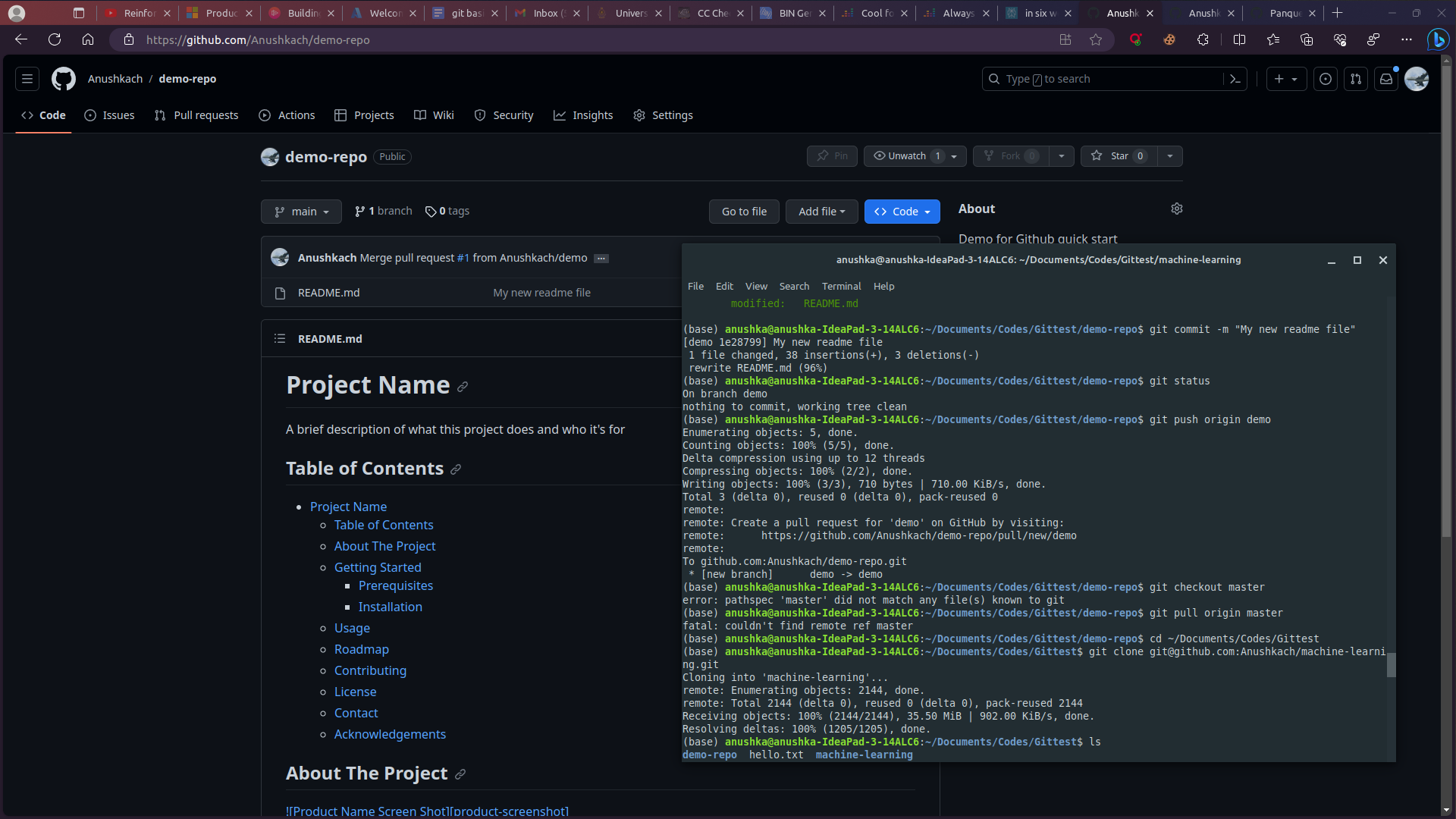
The Bash code demonstrates the process of cloning a GitHub repository, creating a new branch, making changes to a file, committing the changes, and pushing the new branch to the remote repository.
1. The user clones the "demo-repo" repository from GitHub using the `git clone` command.
2. The user lists the contents of the directory and navigates into the "demo-repo" directory.
3. The user checks the remote repositories using `git remote` and `git remote -v`.
4. The user creates a new branch called "demo" using `git checkout -b demo` and checks the status of the repository using `git status`.
5. The user modifies the "README.md" file and stages the changes using `git add README.md`.
6. The user commits the changes with a message "My new readme file" using `git commit -m "My new readme file"`.
7. The user pushes the new branch "demo" to the remote repository using `git push origin demo`.