Using Image Trace
Thank you for this lesson on how to best use the vectorize function in AI for the iPad. I compared the output to one done by Vectornator and I like what AI did better. Directly below is my raster sketch done in a pattern layer of Affinity Photo and exported out as a png with transparent background: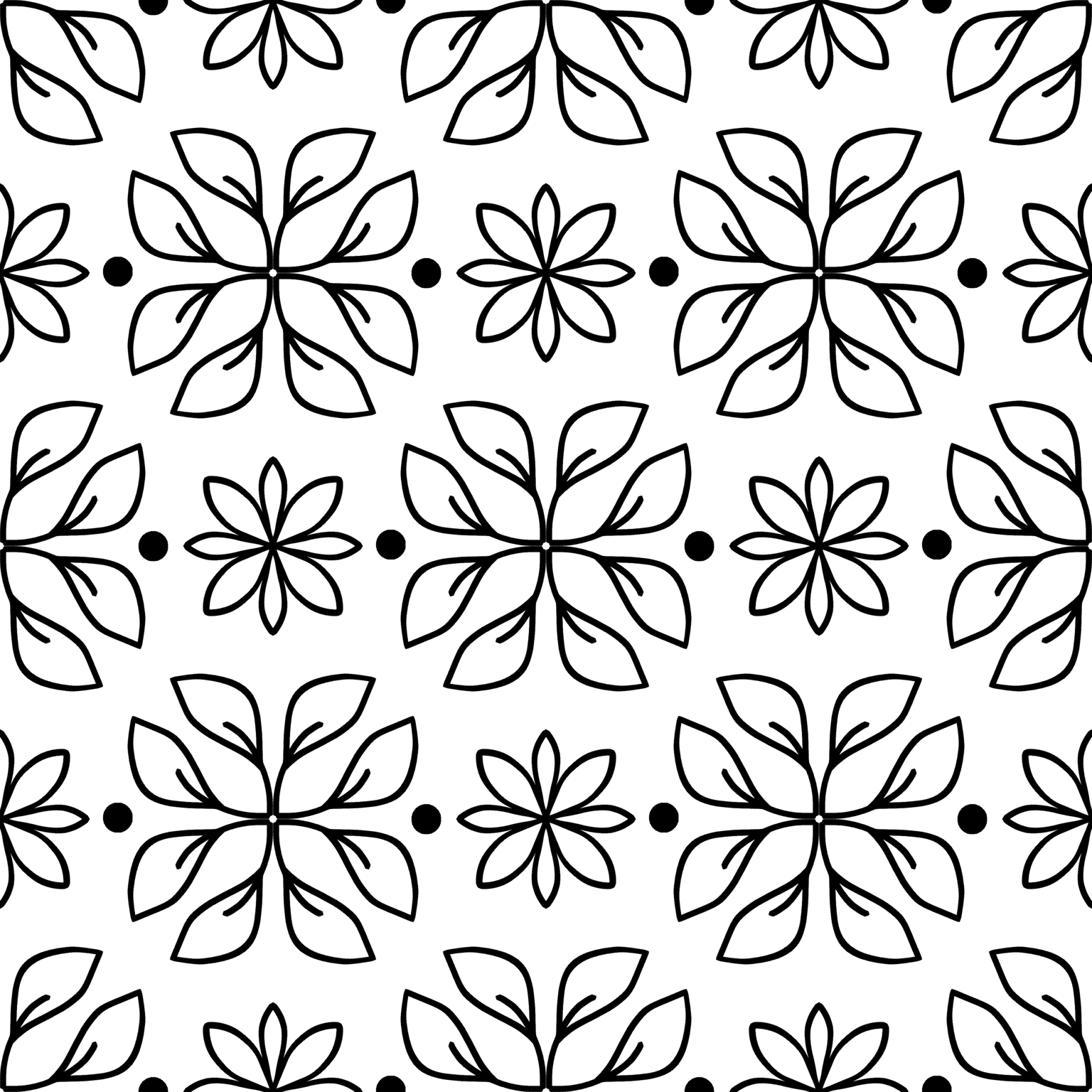
Pulled that into AI and vectorized it- I kinda like that it made the lines a bit more chunky:
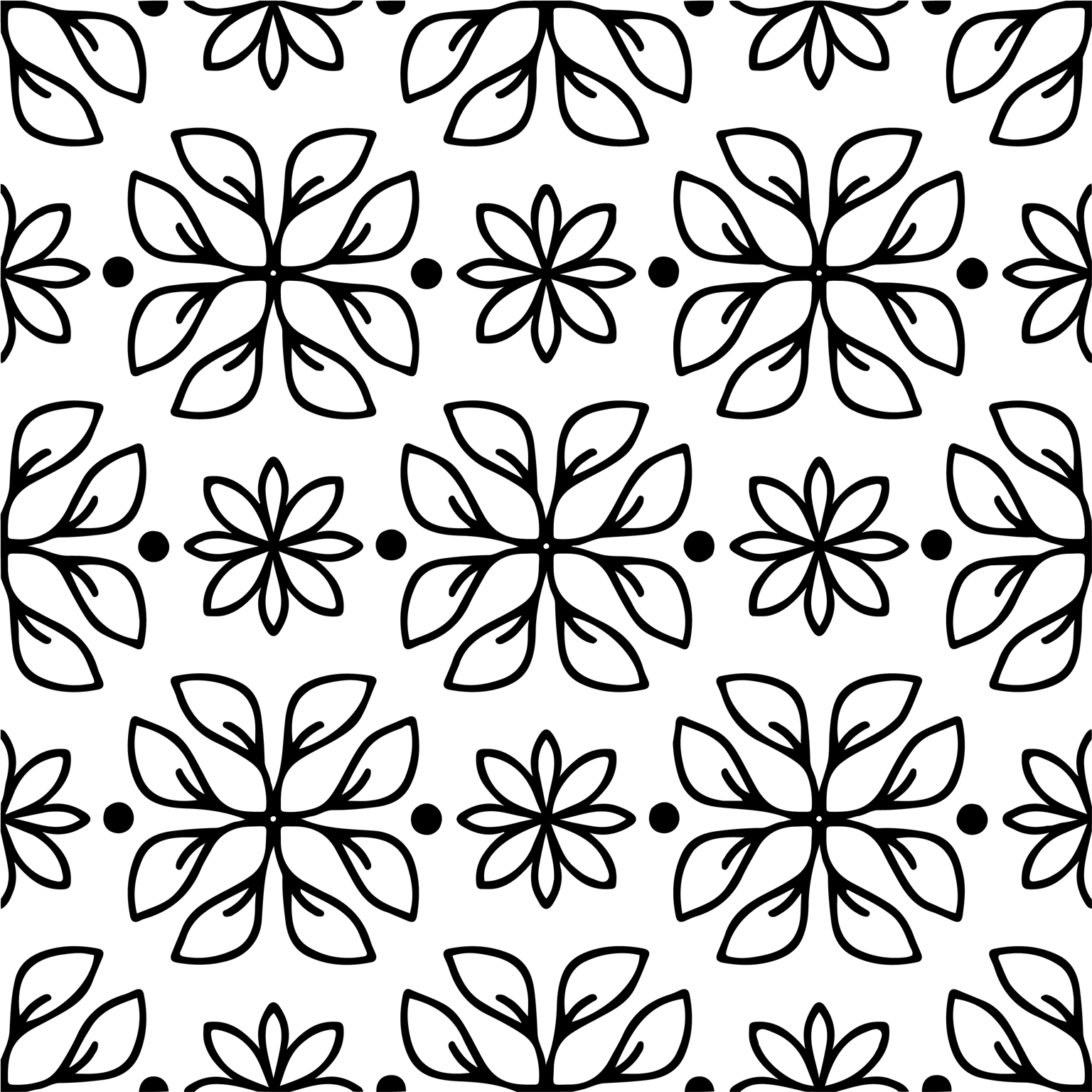
I did a color version as well in Affinity Photo but when vectorized it added a bit of grey blobs there in the tight corners.
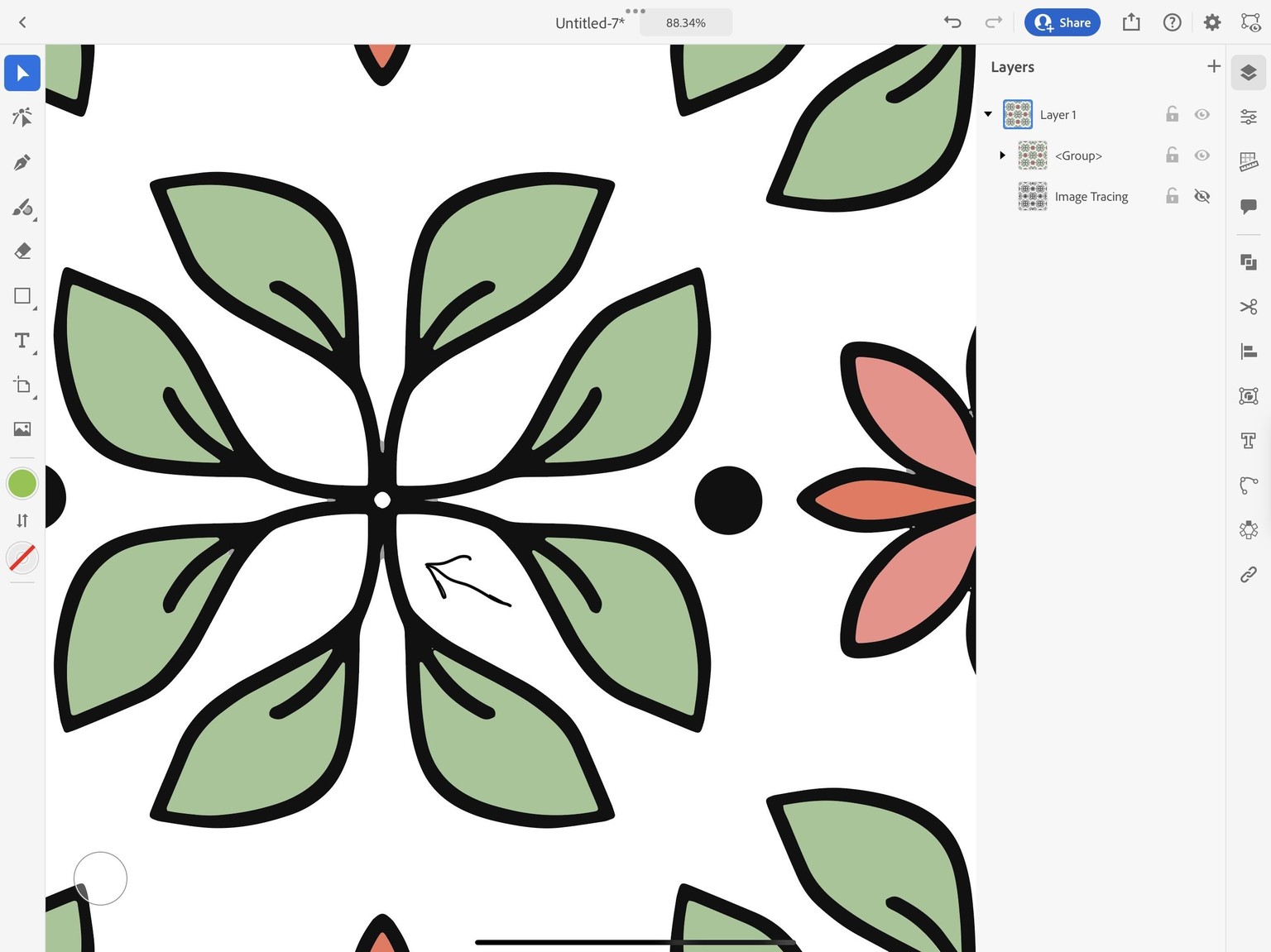
Overall my conclusion is that I would do a process like this to get the overall feel for how I want a pattern to go together in Affinity Photo, vectorize it in AI for iPad, and then pull that into Affinity Designer and make saved assets out of the different motifs, and build the actual pattern in AD. I will try that at some point :)
Thanks for another skill building class - you're the best!
And PS: Went ahead and rebuilt this pattern in Affinity Designer using the main vector assets I saved out from the AI tracing. I just needed one each of the different motifs created and went to town coloring it - worked out great.
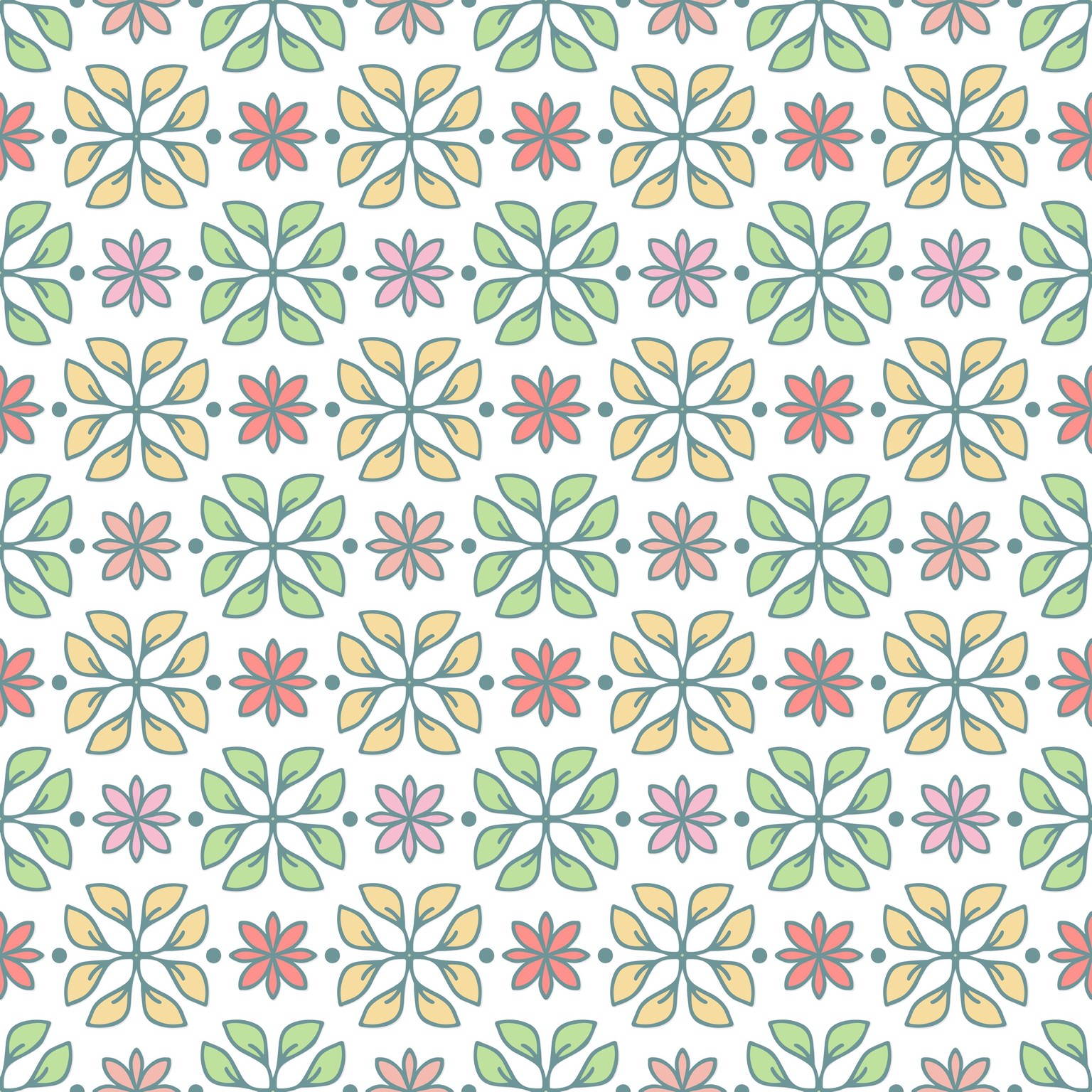
So, conclusion is that using Affinity Photo and Adobe Illustrator for the iPad are great tools for visualization and motif creation - and then final pattern made in AD. I may never need AI for the desktop :)