Project 02 - Flexbox
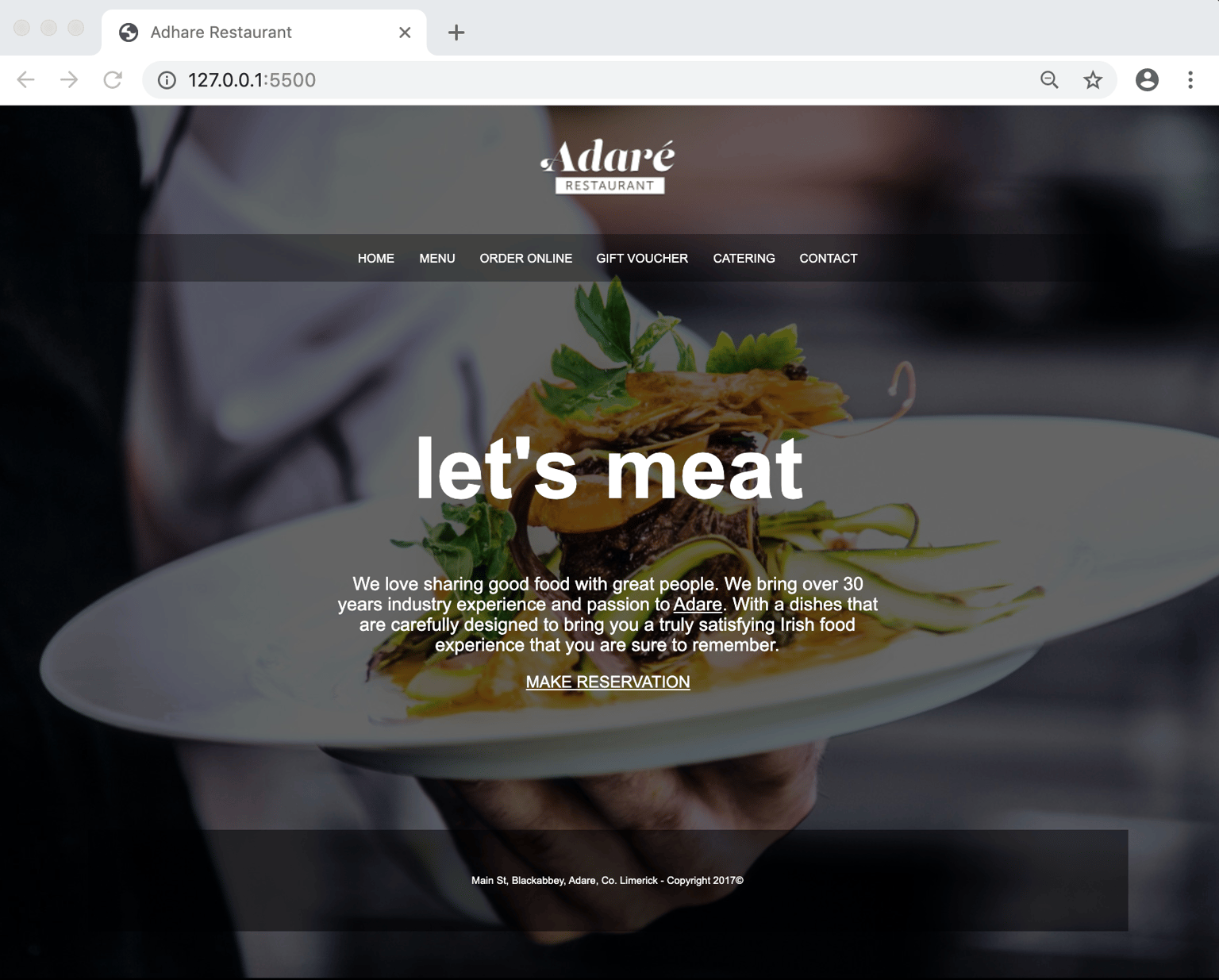
I surprised myself with this project, at first I thought goodness! am I going to be able to do this? I couldn't believe how much came to me quite naturally! I set up the nav with the logo image, added the padding and placed in text, I actually added it as H1 and thought huh? Why didn't it style? before remembering the css reset. So I realised I could style this text independently so I added a font size of 20px. The image and text had a parent of nav so I realised nav was the place to add the display flex, I used the flexbox pdf to refresh my memory on aligning horizontally with align-items center, the most epic part had to be figuring out the right align for the header, at first I tried a few things with align-self but that didn't work, I then thought space between makes sense, added that to the nav and it worked! ( this could be wrong but it looked correct compared to the project) I am just about to watch the next video on how it should be done but I really feel I grasped not only the parent child aspect but also how powerful the flexbox could potentially be. Thanks Dan!!!
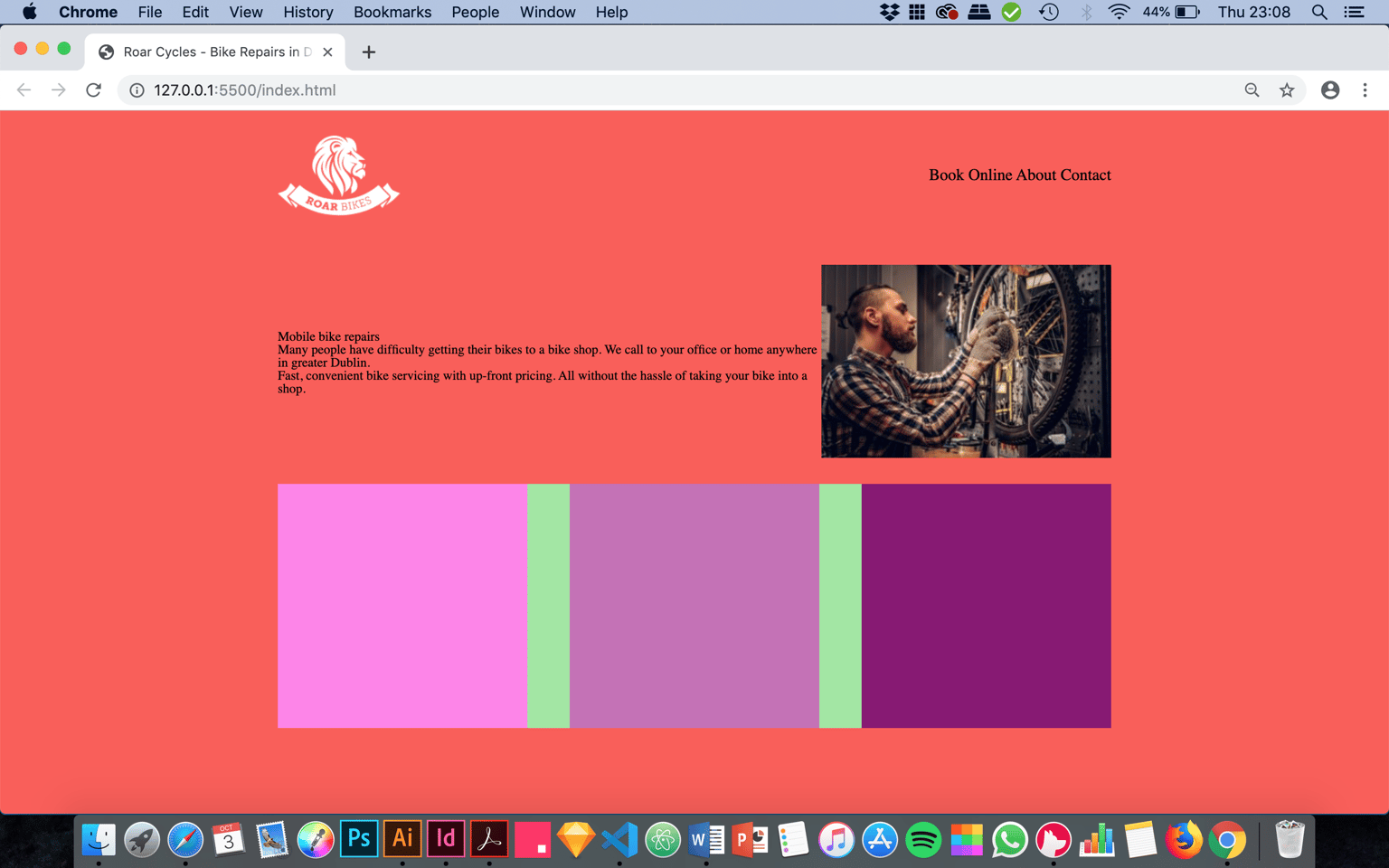
DAN DAN DAN! Just updated my project to complete the footer! I think I have everything right here, I added css styling to the footer changing the background color and dropping opacity, I then added margins of 50px top and bottom :D I then created a footer p to style the paragraph dedicated to the footer section it's here I guessed the padding top and bottom at 45px, text align center, added a font size of 10px and font family Arial BOOM! Just about to check out the next video to see how I did but now I am even more proud!