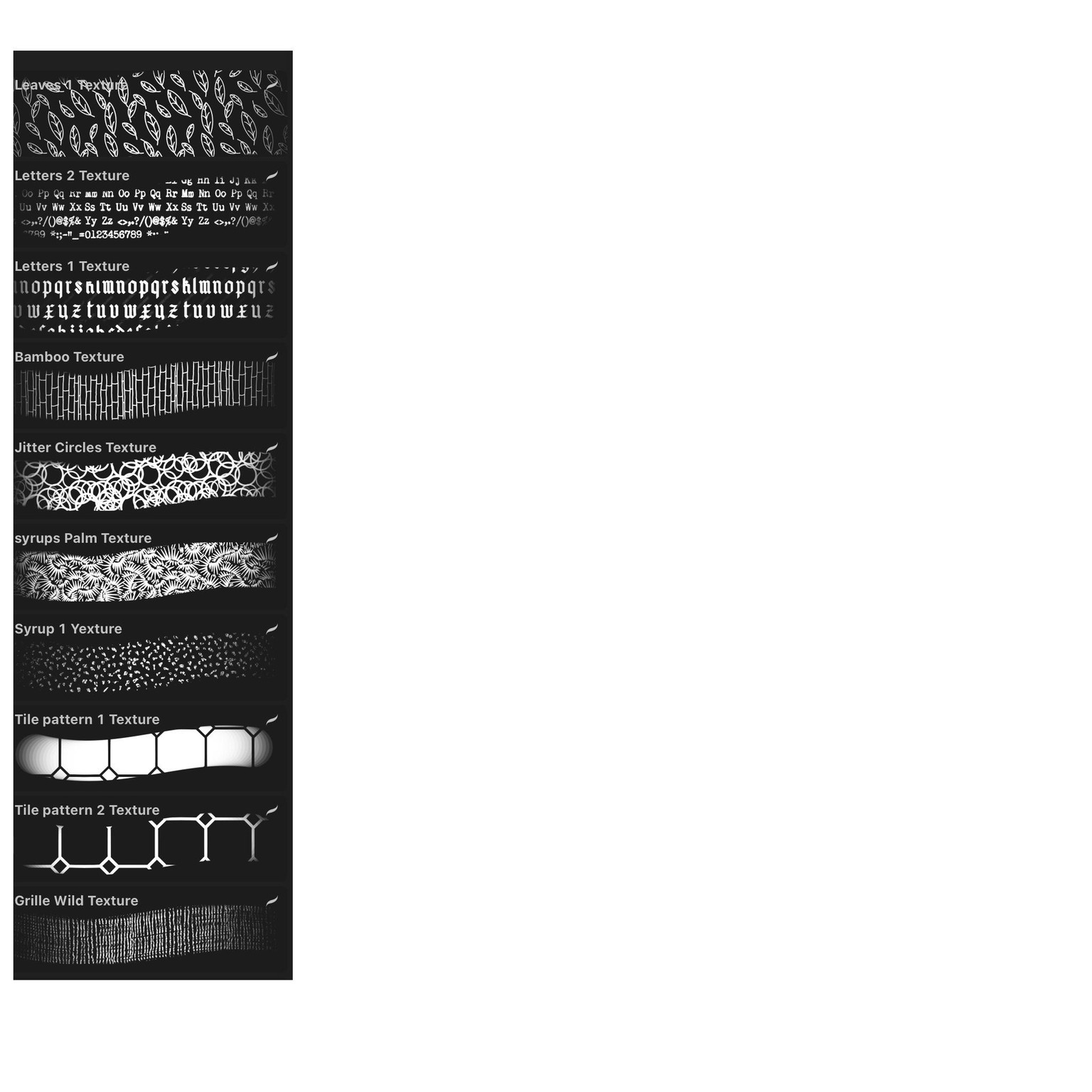
Procreate brushes l '
When I hear Doloris saying in the last lesson of this class: ‘You learnt today…’, I am surprised. I have been busy a whole week managing the brushes! I learned so much and I have a lot of brushes and much more understanding about the brush studio!! So I am very happy with this class and used my own brushes for my project!
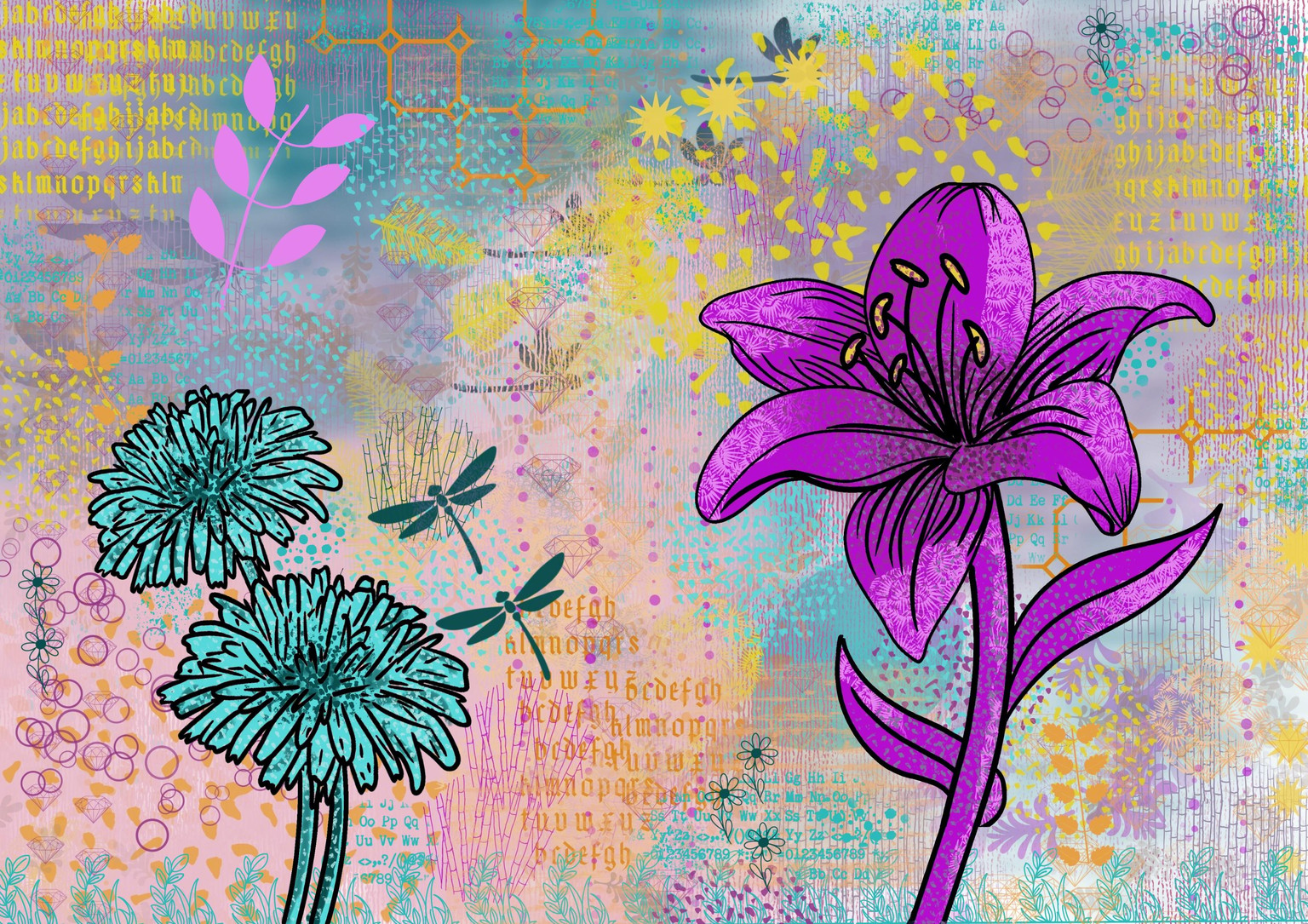
First try below (#1) After watching more classes of Delores I thought I had to pimp this one. The background is too dull. The flowers and dragonflies too small. I did not snap the layers together so I could add layers above and below any layer! Big flowers in the background, change of size and position of flowers and dragonflies, adding more textures. I think the second version of the project is more interesting! Playing with colors gave #3 and #4.
It is time for another project! So II snapped the layers together to avoid working on the project again! Time for something else!!
#3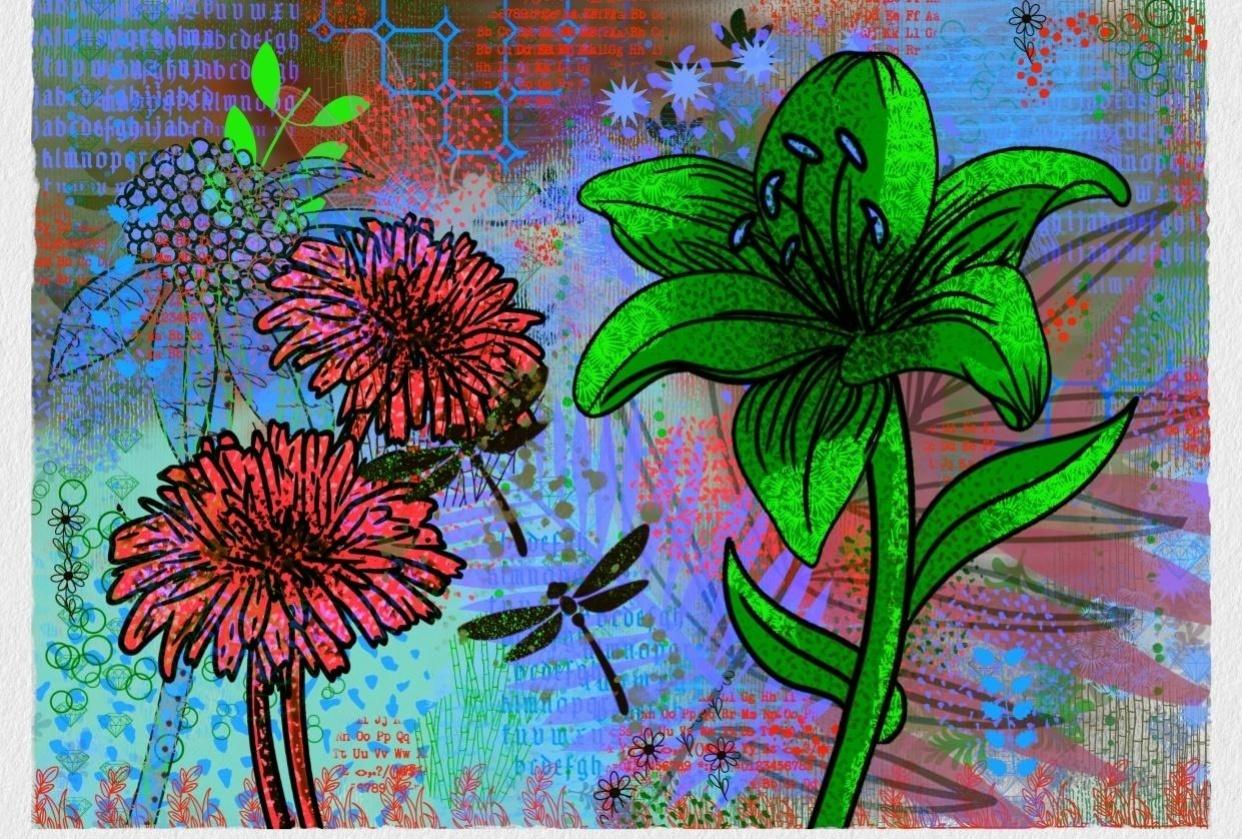
#2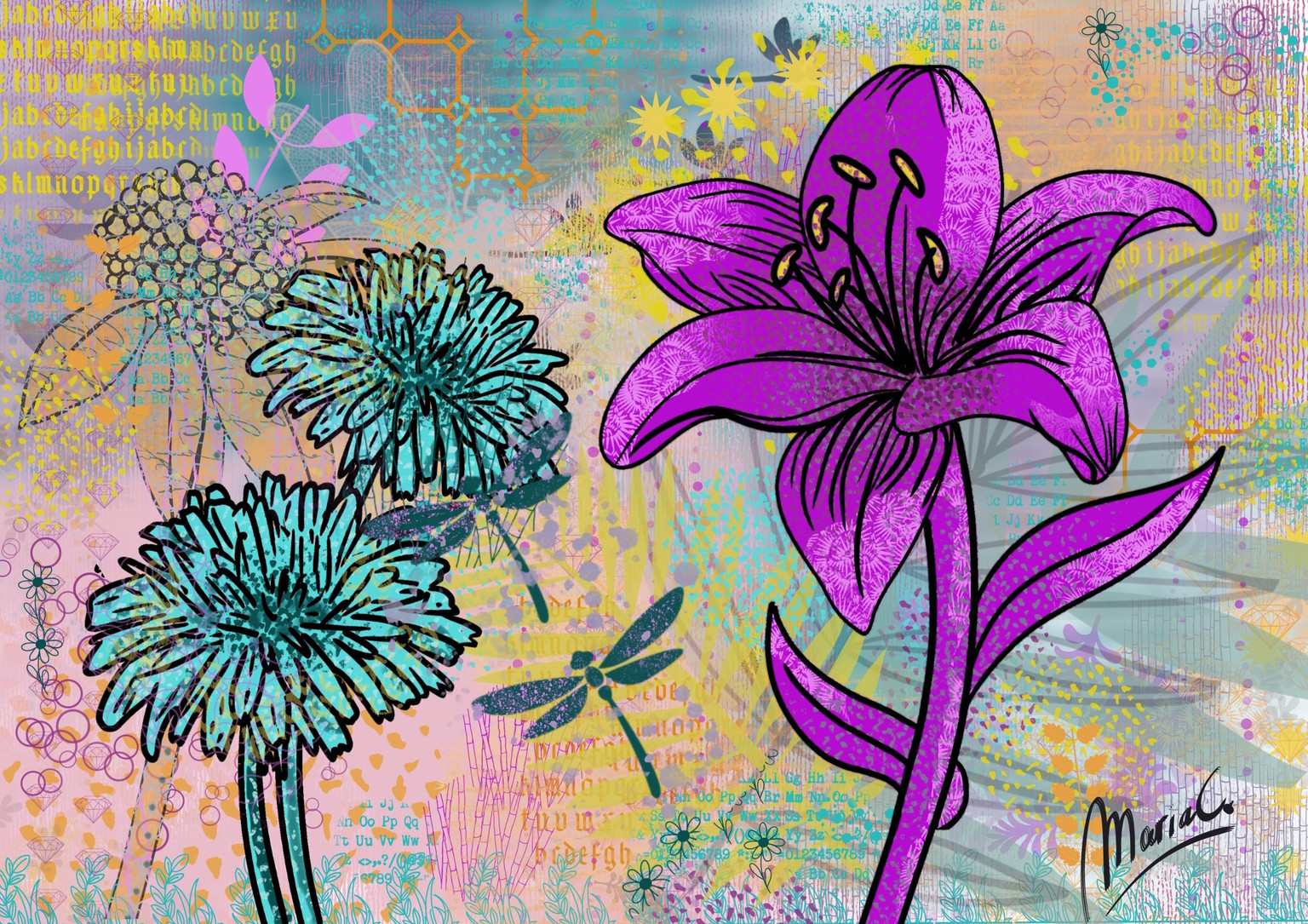
#1
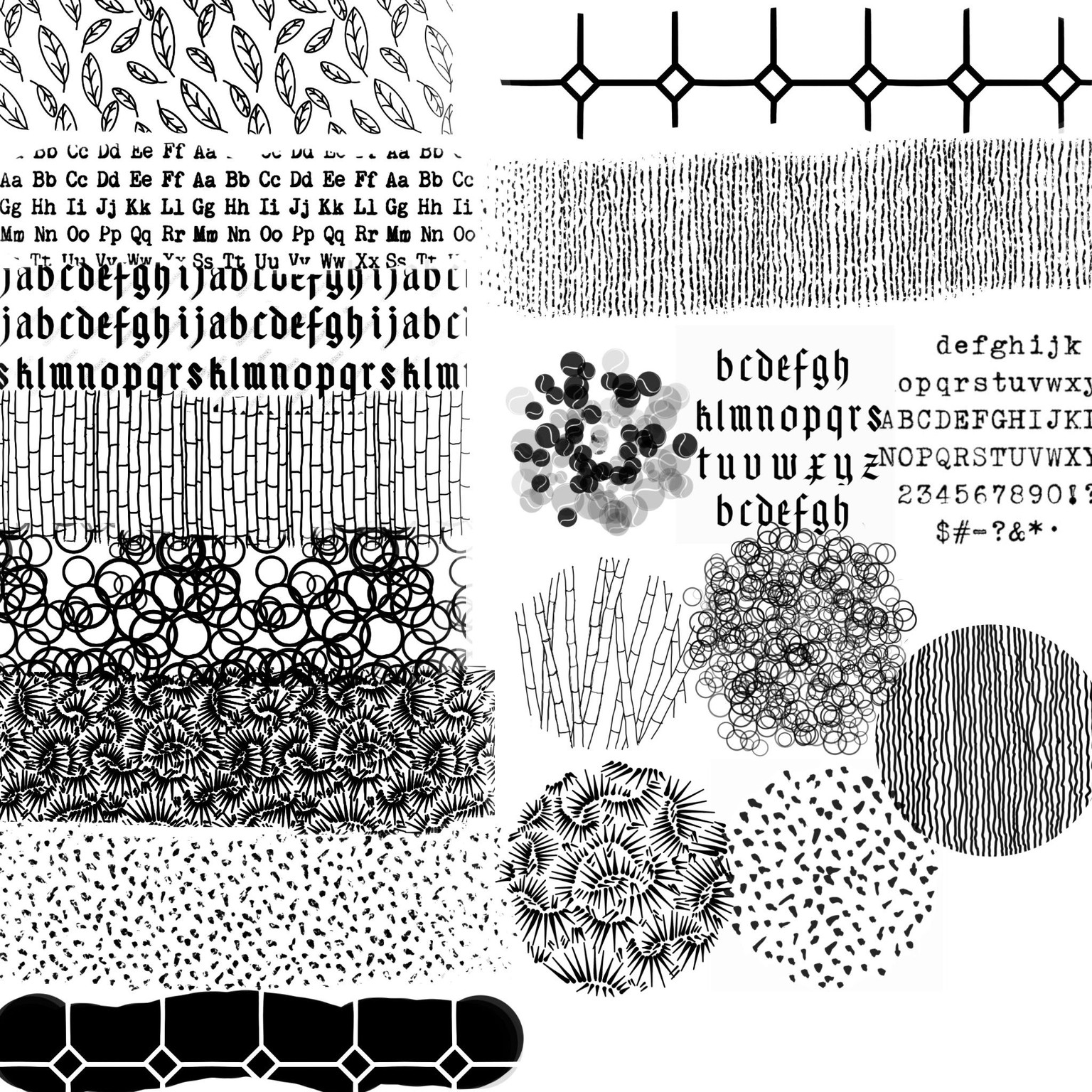
 My texture brushes
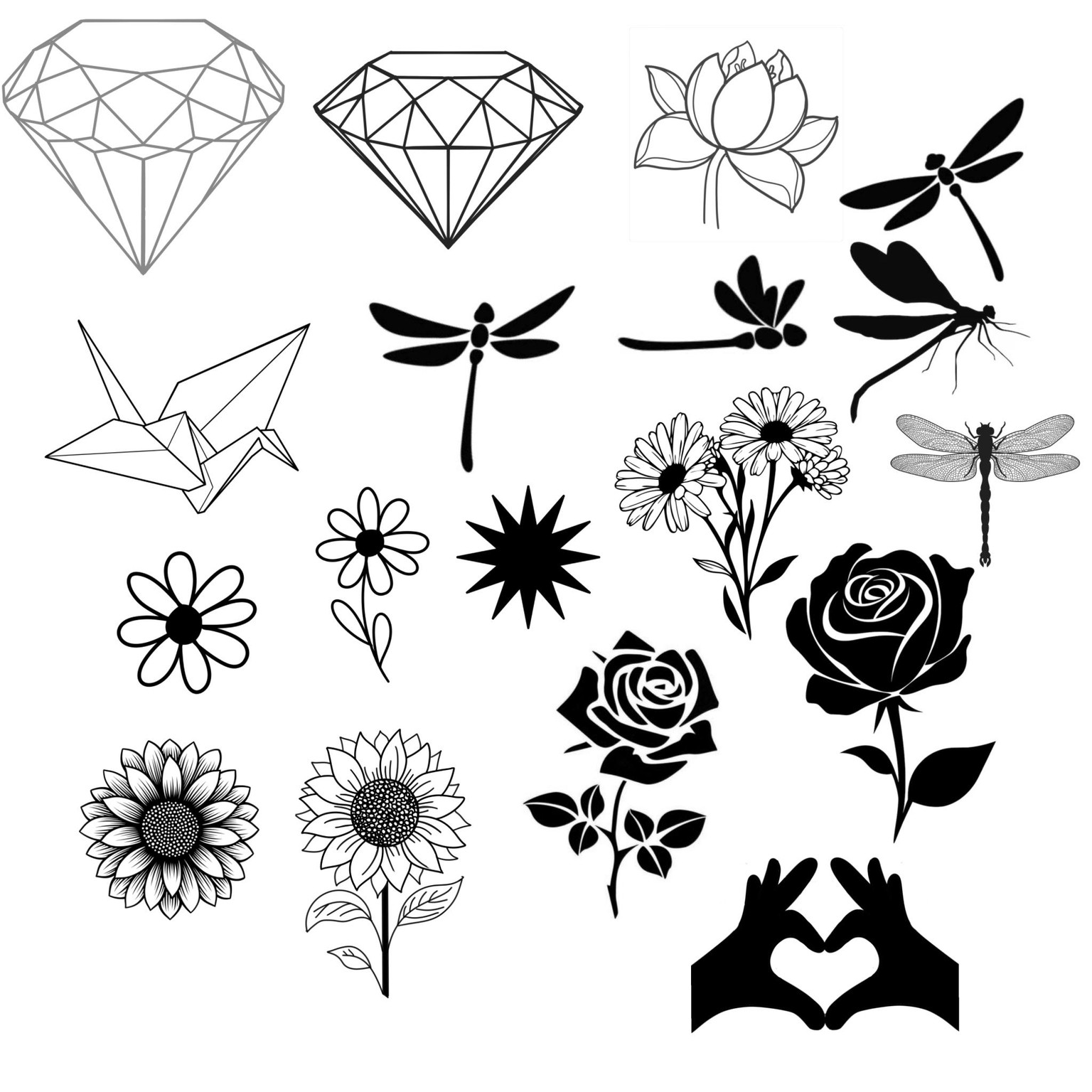
The stamps!
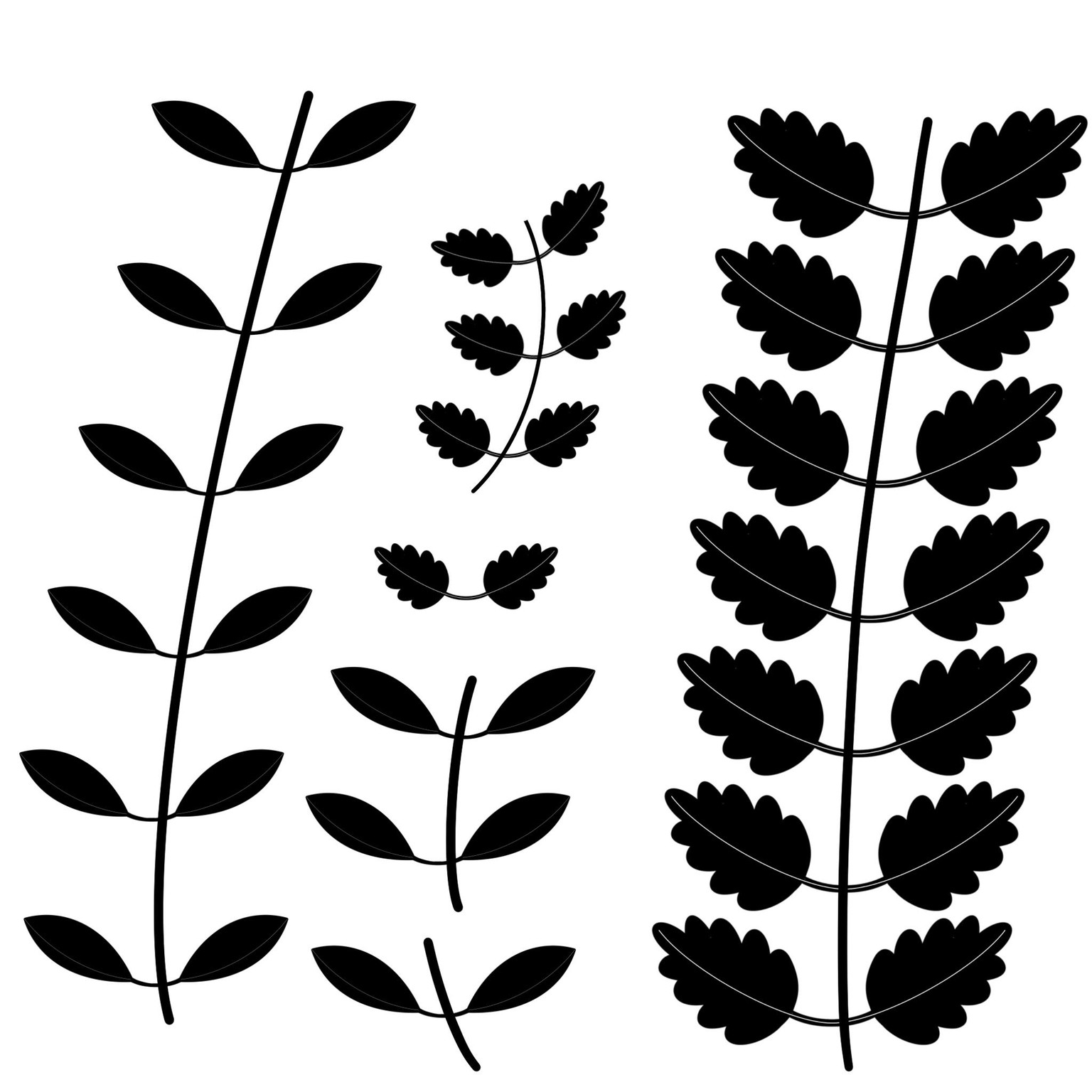
Border en scatter brushes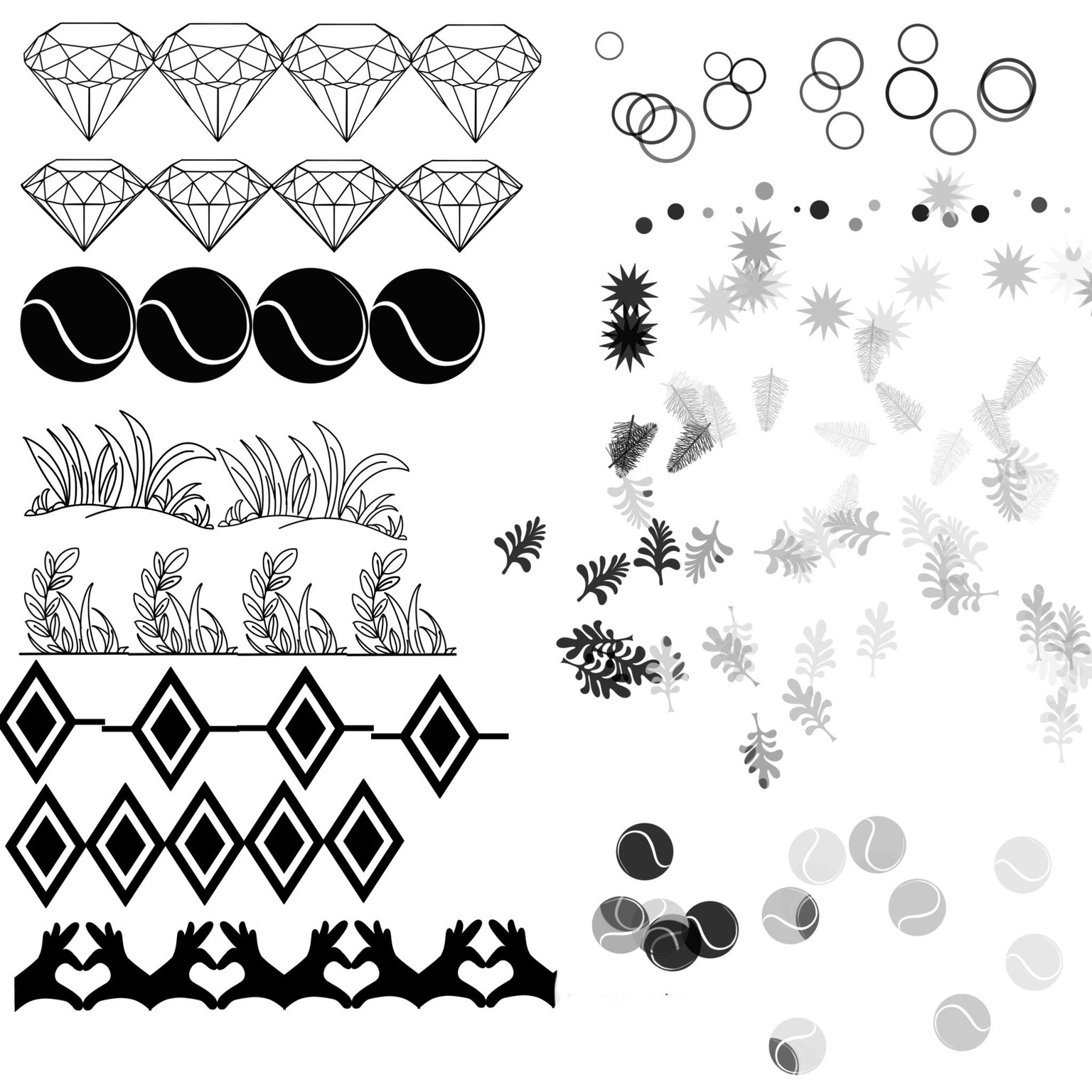 And the fun leave brushes! Made two, but easy to adjust to the leave form that I need when I pimp my ‘art’!
 Scatter, stamps and border brushes: : I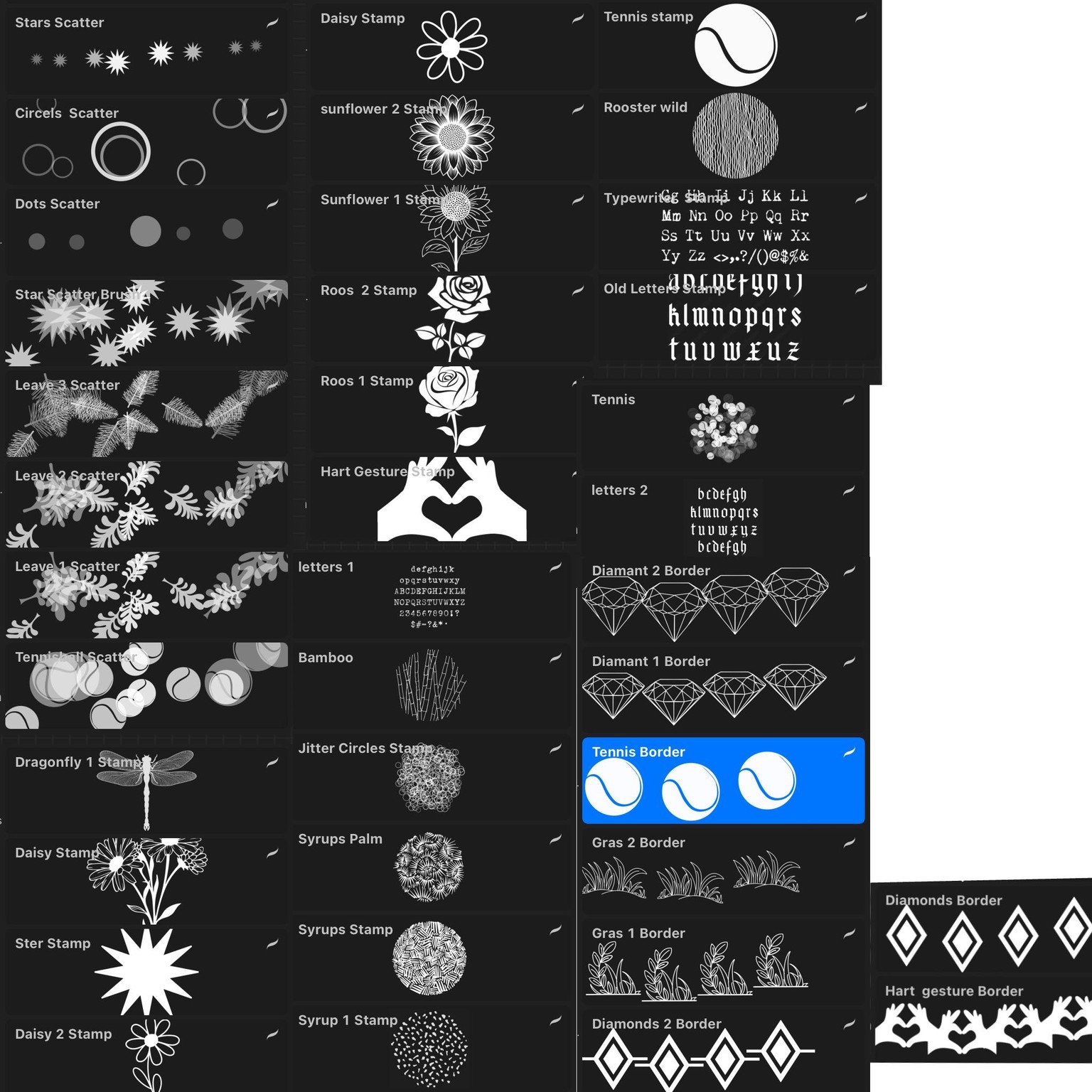
Texture brushes
I