Multiple Projects Using Google Studio
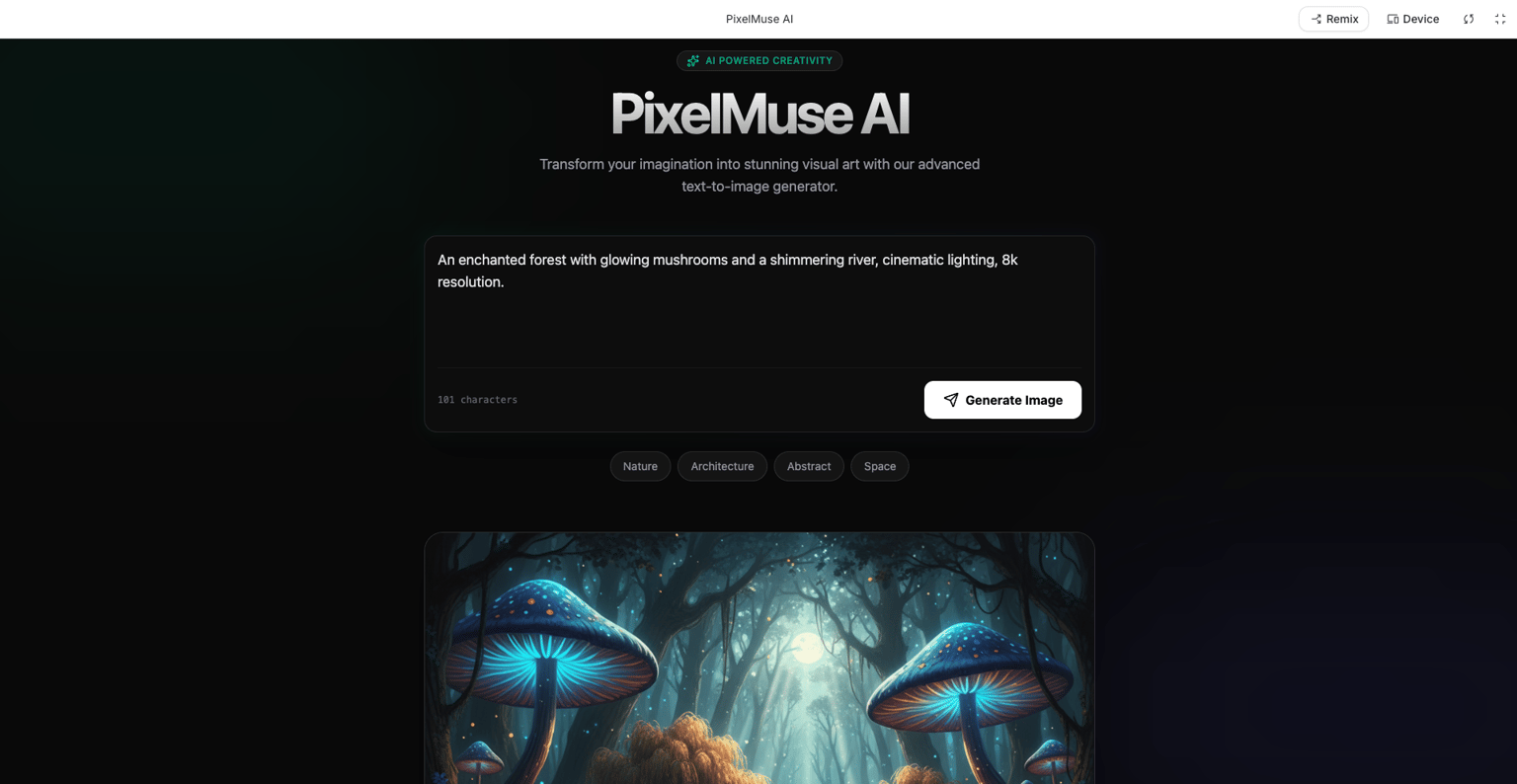
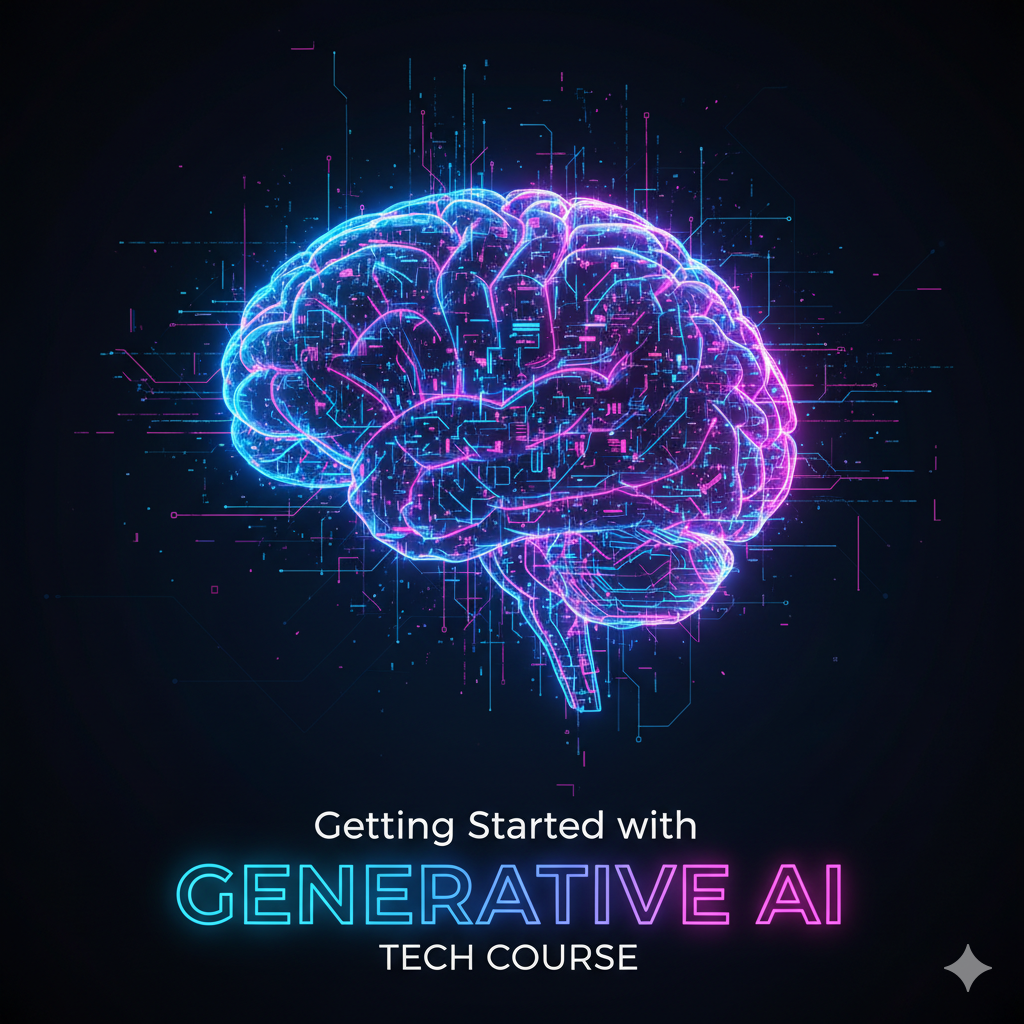
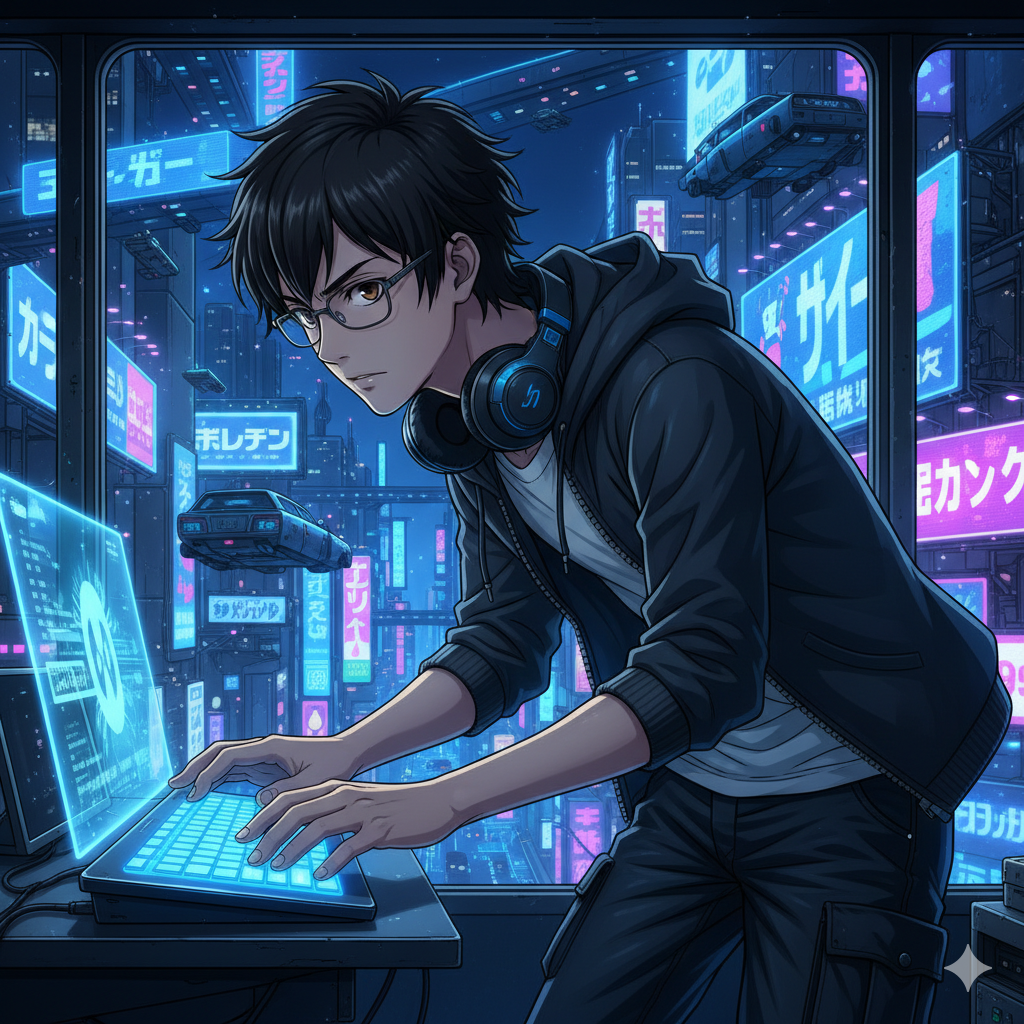
Based on the learning from this course I have worked on 3 projects which includes working on creating an image generator app using vibe coding concept, next youtube thumbnail using Google Nano Banana model and stylish anime poster using the Image generation model Nano Banana.
Prompt 1 - For Image Generator App
The Improved Prompt for Generating an AI Image AppPersona: You are an expert full-stack web developer specializing in creating modern, user-friendly applications that integrate with third-party APIs. Your code is clean, well-commented, and follows best practices for performance and user experience.
Objective: Generate the complete code for a web-based application called "PixelMuse AI". This application will serve as a simple and powerful text-to-image generator, leveraging the capabilities of Google's Gemini Pro model via its API, accessible through Google AI Studio.
Core Requirements & Features:
-
User Input Interface:
-
Create a large, central text input area (a <textarea>) with a clear placeholder text, such as "Describe the image you want to create... e.g., 'A photorealistic cat wearing a tiny astronaut helmet on the moon'."
-
Include a prominent, visually appealing "Generate Image" button below the text area. The button should be disabled or show a loading state while an image is being generated.
-
-
Image Generation & Display:
-
When the user clicks "Generate Image," the app must make an asynchronous API call to the Google AI (Gemini) text-to-image endpoint.
-
While the API call is in progress, display a loading indicator (e.g., a spinner or a pulsing message like "Creating your masterpiece...") to provide user feedback.
-
Once the image is successfully generated, display it prominently on the page within a dedicated, responsive image container.
-
If the API call fails, display a user-friendly error message (e.g., "Sorry, we couldn't create the image. Please try a different prompt.").
-
-
User Experience (UX) Enhancements:
-
Prompt Ideas: Below the main input area, include a small section with 3-4 clickable example prompts to inspire users. Examples should cover different themes:
-
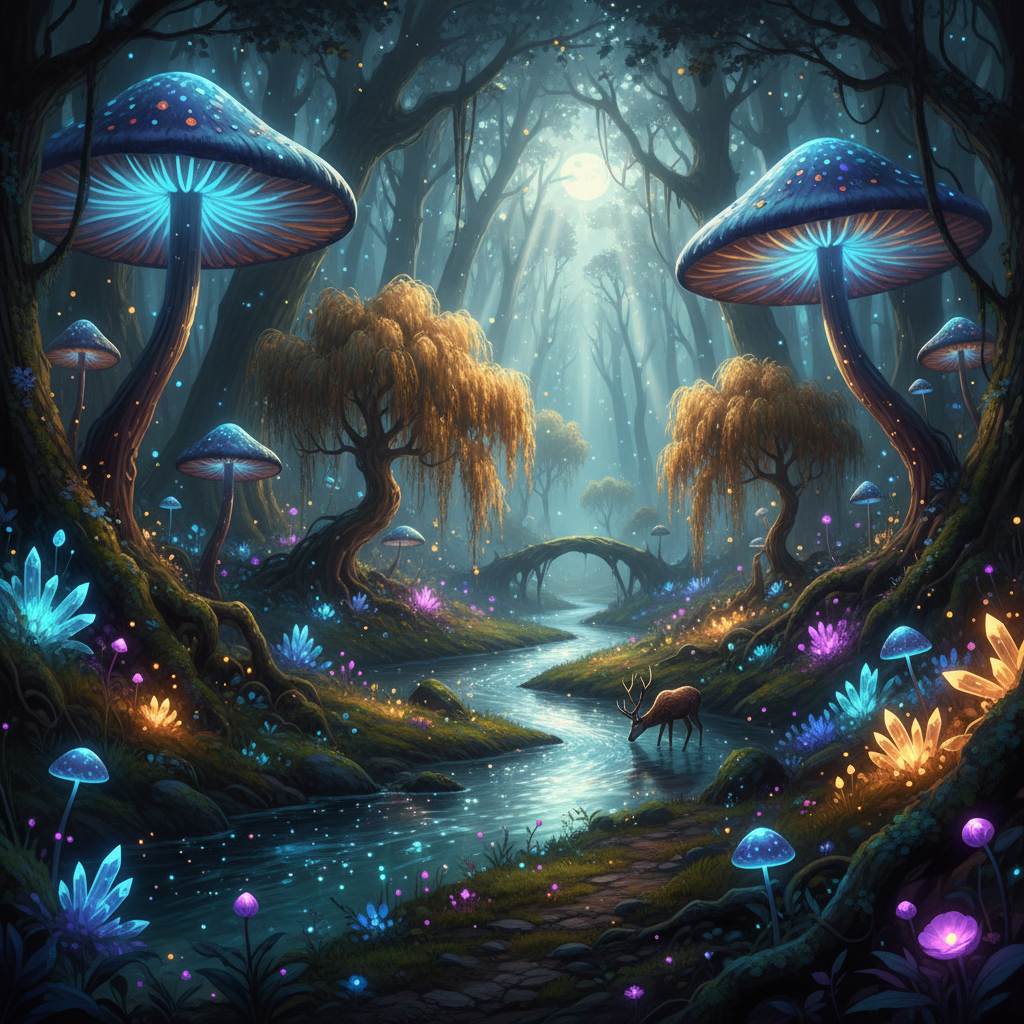
Nature: "An enchanted forest with glowing mushrooms and a shimmering river."
-
Architecture: "A futuristic city skyline at sunset, with flying cars and neo-gothic buildings."
-
Abstract: "A vibrant explosion of colors representing the sound of jazz music."
-
-
Download Functionality: Add a "Download Image" button that appears below the generated image, allowing the user to save the artwork as a JPG or PNG file.
-
Responsive Design: The entire application interface must be fully responsive, looking great on both desktop and mobile devices. The layout should adapt cleanly to different screen sizes.
-
Technical Specifications:
-
Frontend Stack: Use standard, dependency-free HTML5, CSS3, and JavaScript (ES6+).
-
Structure: Provide the code in three separate, well-organized files:
-
index.html: The semantic structure of the application.
-
style.css: The styling for a clean, modern, and intuitive user interface. Use a dark theme with high-contrast elements.
-
script.js: The application logic, including the event listeners, the API call function, loading state management, and error handling.
-
-
API Integration:
-
In script.js, create a clear placeholder for the user's Google AI Studio API Key. Add a comment explaining where the user can find their key and that it should be kept secret.
-
The JavaScript code must correctly construct the fetch request to the Google AI API endpoint for image generation.
-
Final Deliverable:
Provide the complete, self-contained code for index.html, style.css, and script.js. The code should be ready to run in a browser once the user has inserted their personal API key.
Prompt 2 - Youtube Thumbnail
Create a YouTube thumbnail for a tech course titled "Getting Started with Generative AI". The image should be in a futuristic digital art style. The main visual should be a stylized, glowing human brain made of circuits and data streams. The background should be dark blue or black to make the brain pop. Use vibrant neon colors like electric blue and magenta. The text "Generative AI" should be in a bold, modern, sans-serif font, placed prominently at the bottom. The overall image must be high-resolution and have a 16:9 aspect ratio.
Prompt 3 - Anime Poster
A high-resolution anime poster in the vibrant and detailed "Nano Banana" style.
Character: A young adult male character with short, messy black hair and focused brown eyes, wearing thin-rimmed glasses.
Pose and Expression: He is leaning forward slightly, typing on a holographic keyboard with a determined expression.
Outfit: He's wearing a dark gray hoodie over a simple t-shirt and cargo pants. A pair of high-tech headphones rests around his neck.
Background: The scene is set in a high-tech apartment at night, with a window showing a futuristic cityscape with flying vehicles and massive neon billboards.
Lighting and Color: The lighting is dramatic, cast from the glowing blue holographic screen. The color palette is dominated by deep blues, cyans, and black, with pops of neon purple.
Composition: A dynamic mid-shot from a low angle. The image is highly detailed with clean line art, masterpiece quality. 16:9 aspect ratio.