How To Create a MetaMask Wallet
Step 1: Download MetaMask wallet
Go to https://metamask.io/ and click on “Download”. Choose your preferred browser or mobile application and install the MetaMask extension.
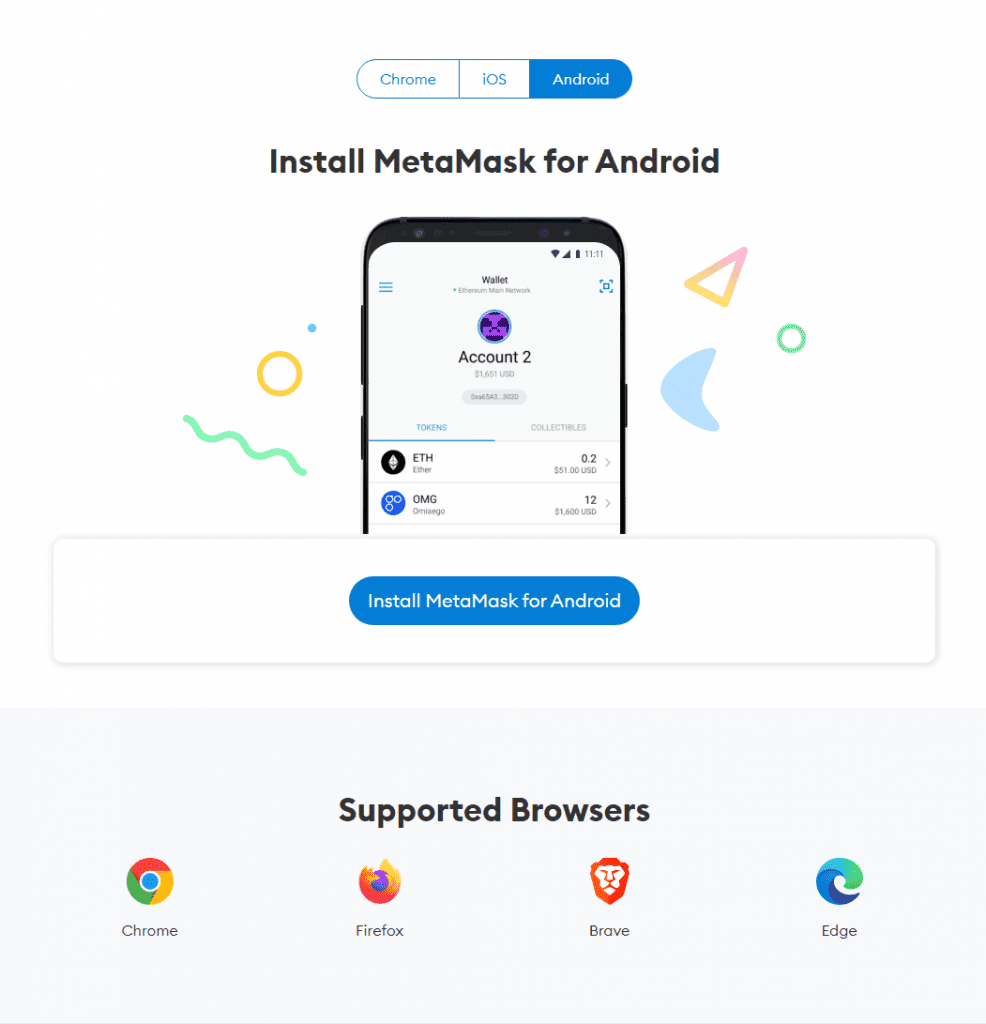
MetaMask supports iOS, Android native apps along with Chrome, Firefox, Brave and Edge browser extensions.
Step 2: MetaMask wallet installation
Click on the MetaMask extension and click on “Get Started”.
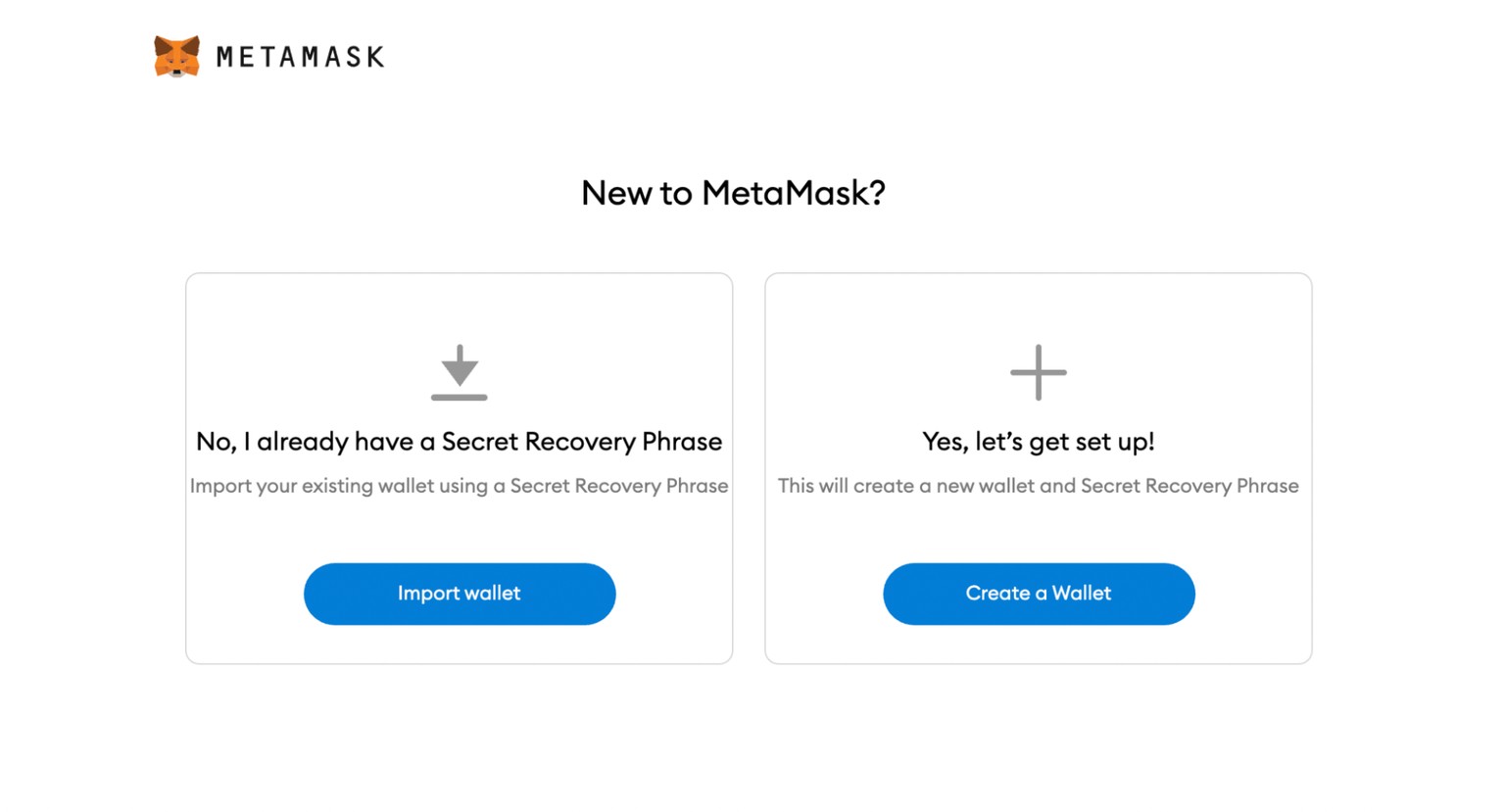
As a new user click on create a new wallet
Step 3: How to create a new MetaMask wallet
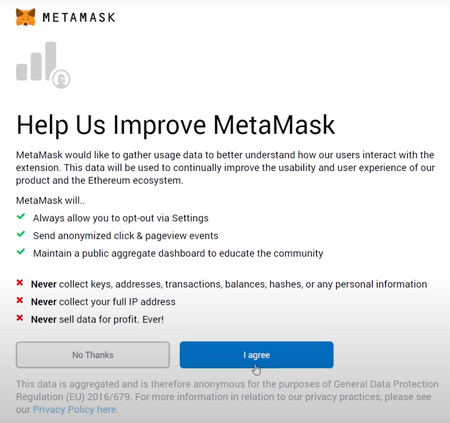
Click on “Create a Wallet” and on the next window click on “I agree” if you would like to help improve MetaMask or click on “No Thanks” to proceed.
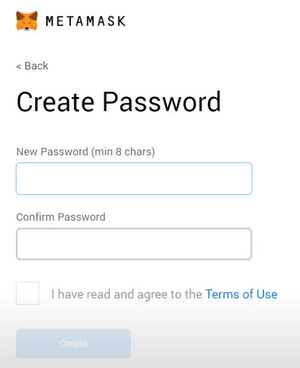
Step 4: Create a strong password for your wallet.
Step 5: Securely store the seed phrase for your wallet
Click on “Click here to reveal secret words” to show the seed phrase.
- MetaMask requires that you store your seed phrase in a safe place. It is the only way to recover your funds should your device crash or your browser reset. We recommend you write it down. The most common method is to write your 12-word phrase on a piece of paper and store it safely in a place where only you have access. Note: if you lose your seed phrase, MetaMask can’t help you recover your wallet and your funds will be lost forever.
- Never share your seed phrase or your private key to anyone or any site, unless you want them to have full control over your funds.
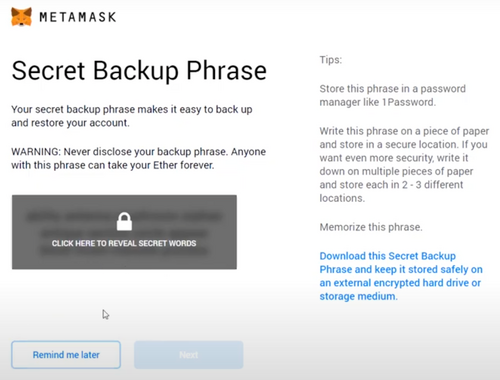
Click on “Next”.
Step 6: Seed phrase confirmation
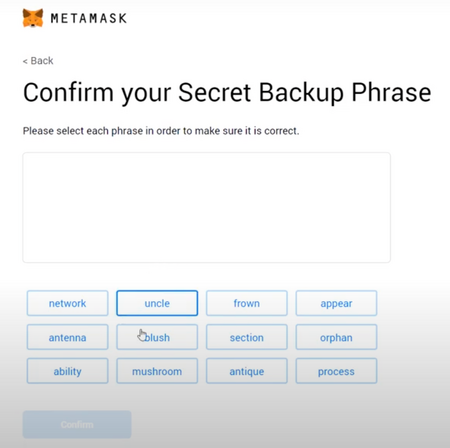
Confirm your secret backup phrase by clicking on each word in the order in which the words were presented on the previous screen. Click on “Confirm” to proceed.