Figma Advanced - Class Projects
Class Project 01 - Responsive Lower Navigation
First class project of the course, it covers basic principles of responsiveness in Figma using only auto-layout to make components and constrains for responsive behavior.
Class Project 02 - Event Card Constraints
Simple exercise for adding constraints in the frame of the component to have inside elements behave properly.
Class Project 03 - Event Branding
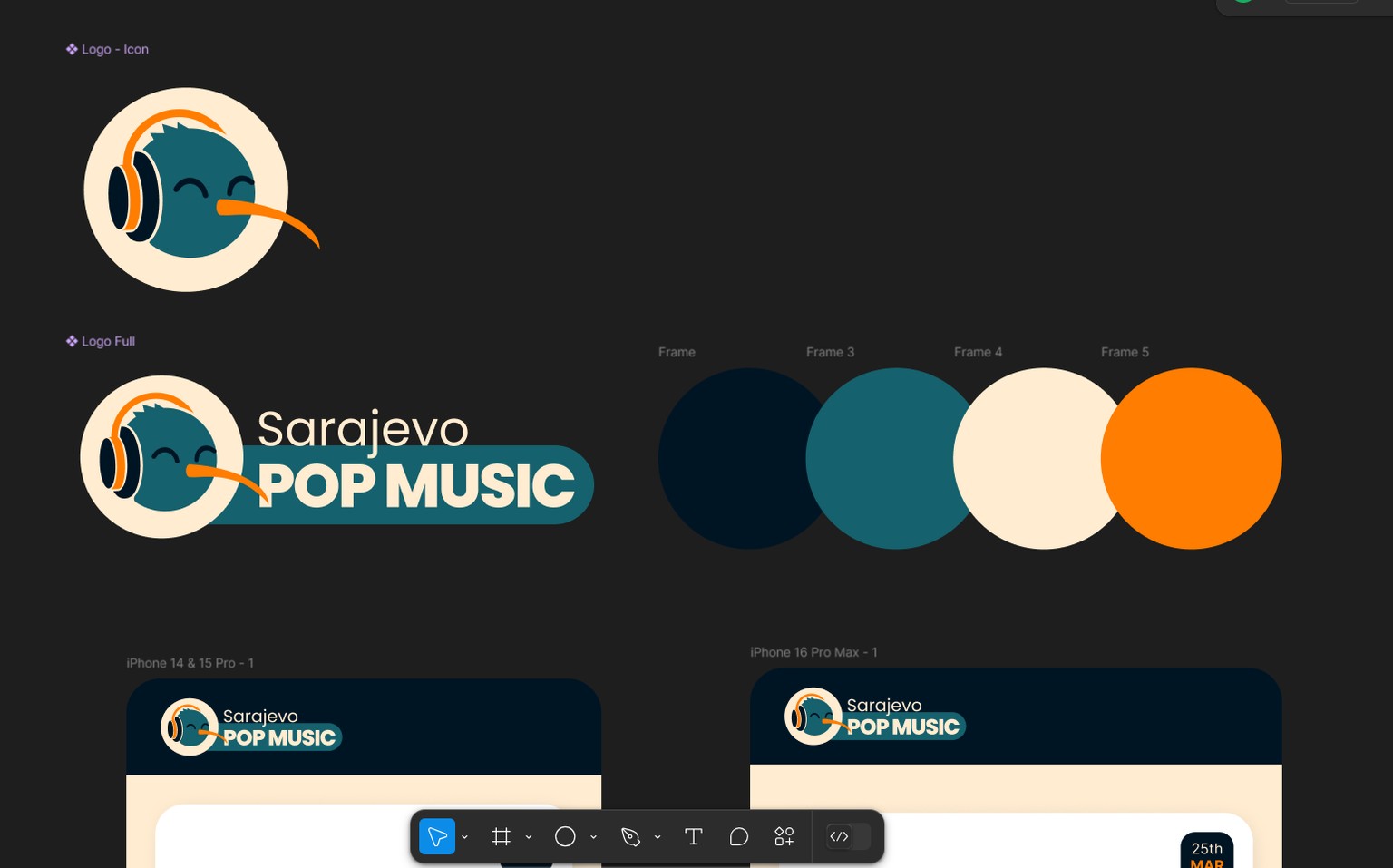
Color choices and logo design for Sarajevo Pop Music, represented by Kiwi.
Logo designed by myself using only Figma.
Class Project 04 - Background animation (and welcome screen)
In this class project, we played around with background animation using Component Variants. Goal was to make BG animation for the welcome screen and two buttons, but some thing was missing for me so I added logo and some copywritting (GPT ofc). Idea behind my animation was to make blurry skyline in the back for the dark theme.
Here is the result:
Class Project 05 - Houdini Text Animation
In this class project, our goal was to animate text with masking techniques. Same way as text, I have animated logo and the buttons. Don't know if it is Figma issue or if I made a mistake somewhere, but background animation gets buggy only while logo is animating.
Class Project 06 - Multiple Sticky Headings
Focus of this project was on scrolling prototyping using overflow with fixed and sticky behavior.
Class Project 07 - Sliding Button Nav Challenge
In this challenge we had to make sub navigation menu with sliding line and background on tabs. Instead of smart animation, I used Push with 'Animate Matching Layers' for the effect of only tabs changing.
Line Video
Button background video
Class Project 08 - Operating System UI
For this project, I have implemented share button that opens iOS's native share overlay.
Class Project 09 - One Button to Rule Them ALL
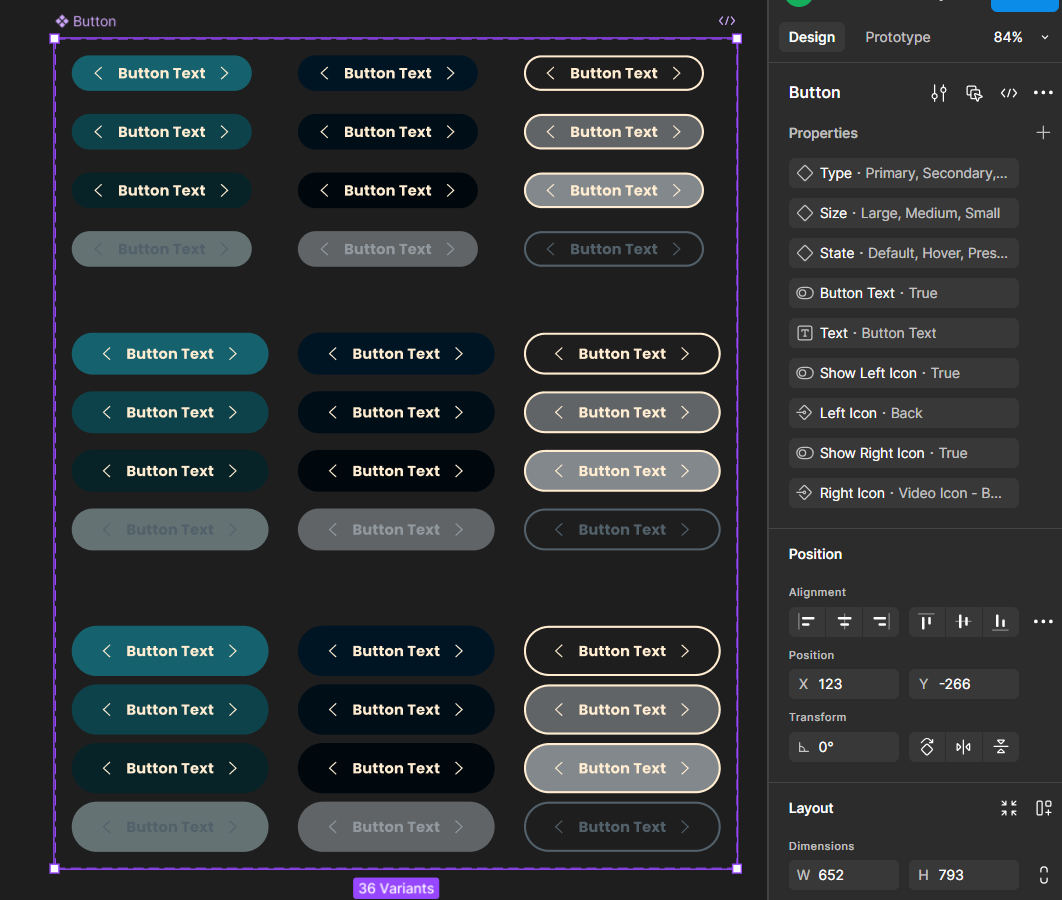
Video Link for this project.
Class project 10 - Text Mask
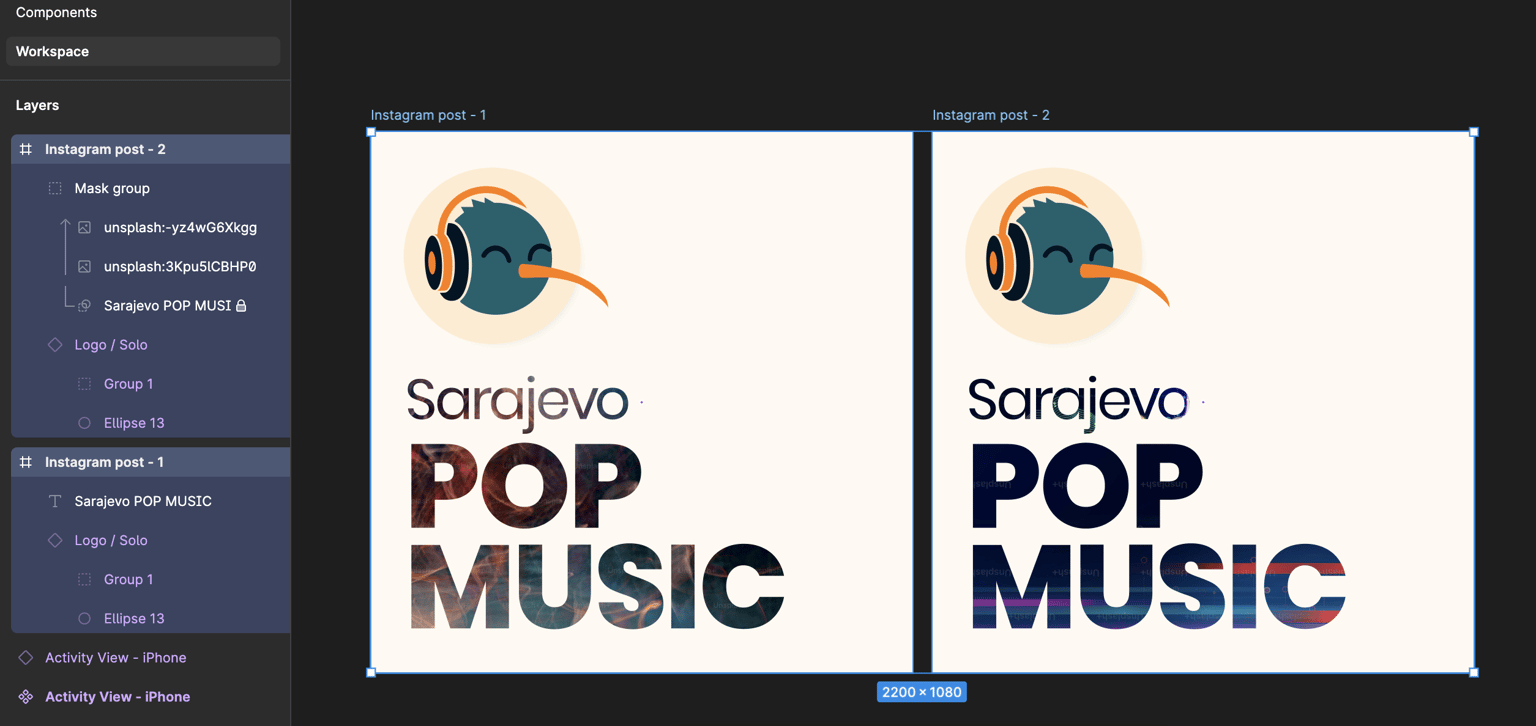
Goal of the project was to use different methods of adding images to text, by filling text and by using text as clipping mask.
Class Project 11 - Alpha Mask
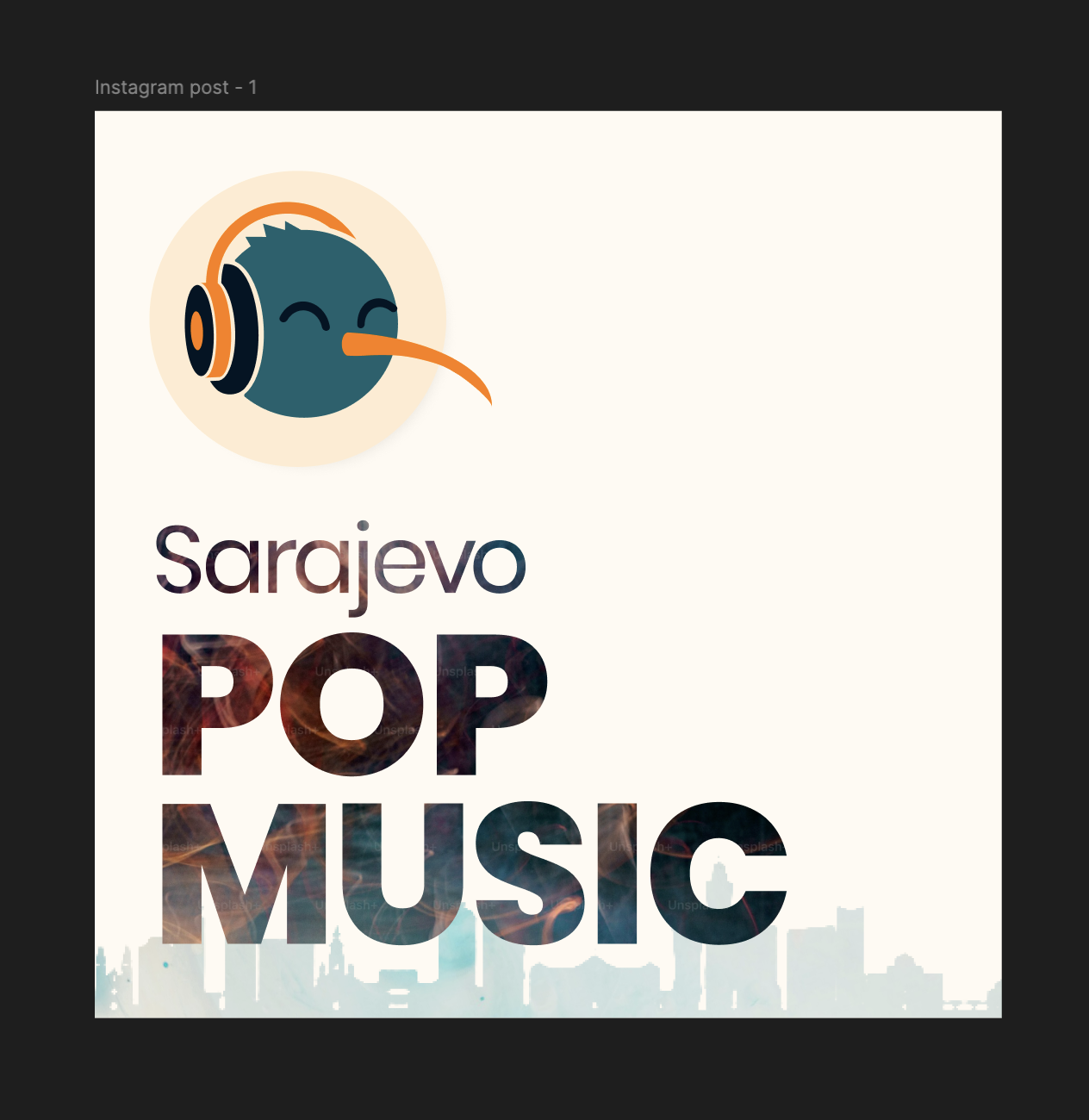
In this project, we used a png image for masking content.
I used skyline of Sarajevo.
Class Project 11 - Luma Mask
Using luminance, task was to make a an image into background. I chose to go with a subtle point of interest just give it a hint of the city.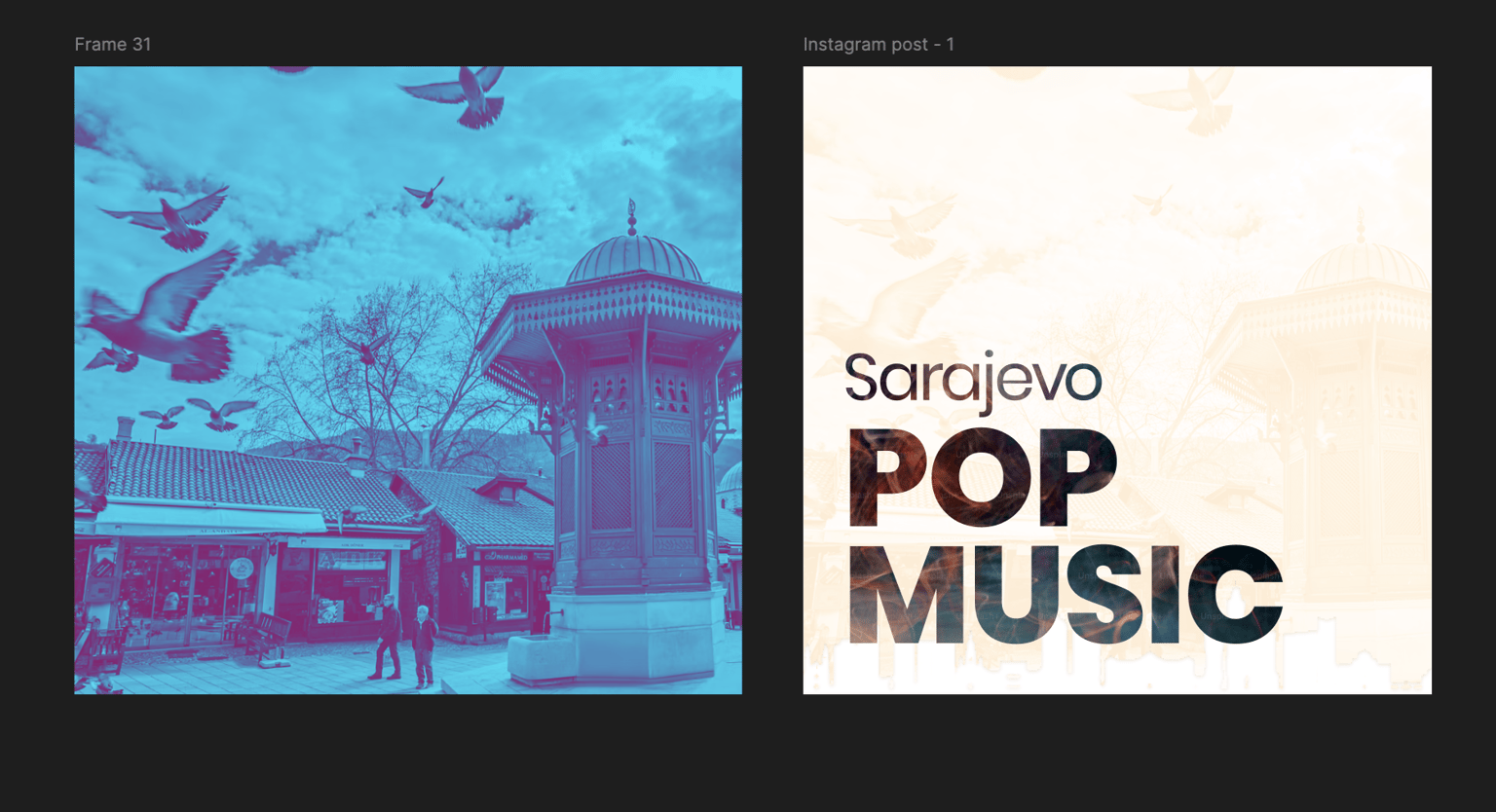
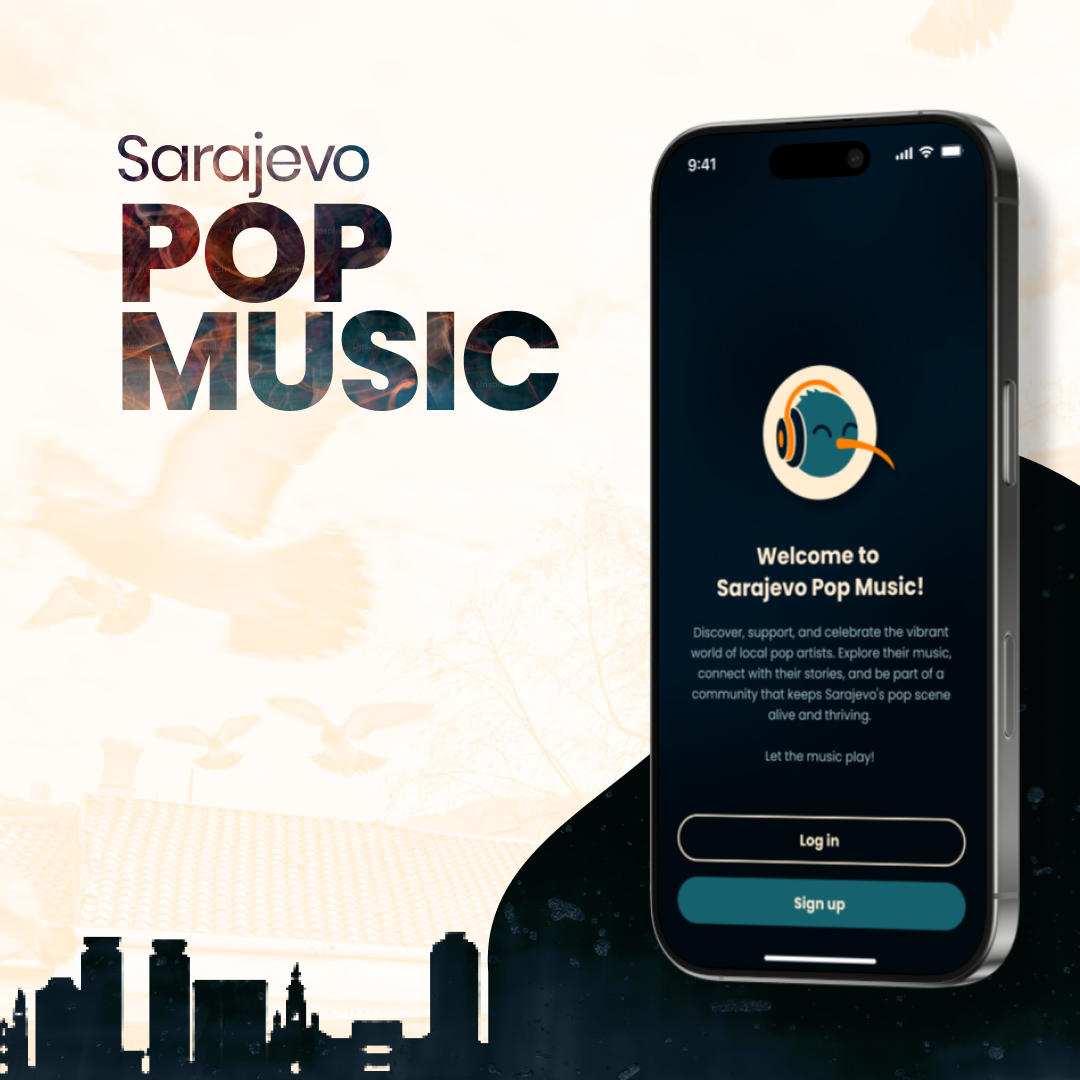
Class Project 13 - IG Post
Class Project 14 - Hover Play
I am on education plan in Figma so I can work with videos (Not sure if it is available for free users now)
For this one, I found component for video to be inconvenient and after playing around, I decided to go with 'Mouse Enter' and 'Mouse Leave' options. Looks like it works perfectly!
Class Project 15 - Video Card
Class Project 16 - Alt Nav Animation
Class Project 17 - Nested Dropdown Menu
Class Project 18 - Hover Grow Effect
Class Project 19 - Expanding Search Bar