Edit Faster! Konica Lens Social Media Short
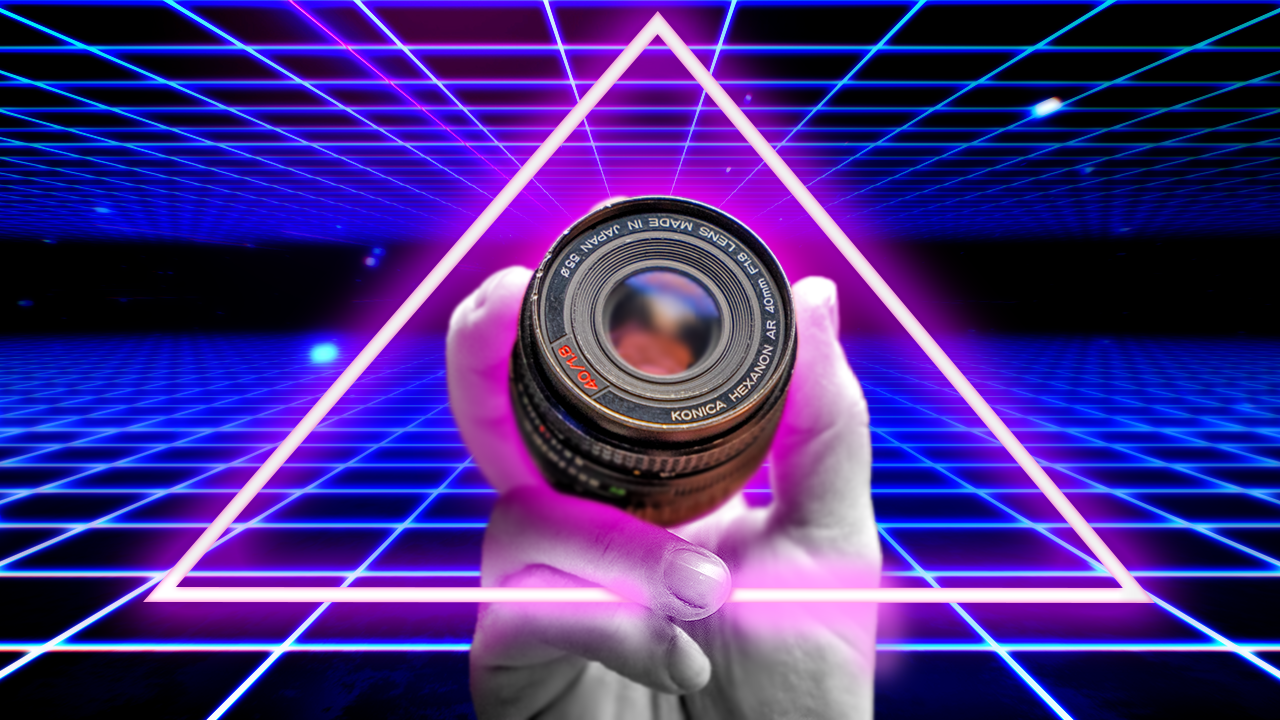
I worked on this project in tandem with creating this class which I find to be a challenge and I think my project edit suffered a wee bit because of that! I was mostly happy with how the edit turned out but I'm also my own biggest critic. Here's what I would spend more time on the next go around:
1) The purpose of the project edit
In the end, the purpose is muddled. Looking back I would probably start with the results of the lens in some way and end with a call to action to watch the full video, to capture the intrigue of viewers.
2) Aspect ratio
I also would probably have made an alternate 9:16 version for full-screen viewing on phone. I approached this as more of an exercise in fast editing rather than being able to practically use it but I suppose I could have done both here.
3) Soundscape
I normally would encourage using unique sound effects or adjusting frequencies of copy-pasting sound effects but in this case, I simply did not do that due to wanting to get the project finished.
4) Getting creative with graphics
The beauty of these short edits is there are so many different ways to approach the edit. In hindsight I saw a few opportunities for graphics that could be uniquely incorporated into this project (perhaps similar to my project thumbnail?), again, that could be time-consuming but also very fun.
One of my favorite quotes (which I don't know verbatim) is: “Finished, not perfect but good enough”. This quote encourages me to look at shipping edits rather than nitpicking them into perfection, "perfection is the enemy of progress" - Winston Churchill. Get the edit done, revise, not to perfection, learn, and move on, (and look back at it later on then learn some more!)
"Have fun with your edits, it's easier to learn when having fun!" - Sean Dykink (aren't I full of quotes today)