Design-A-Thon
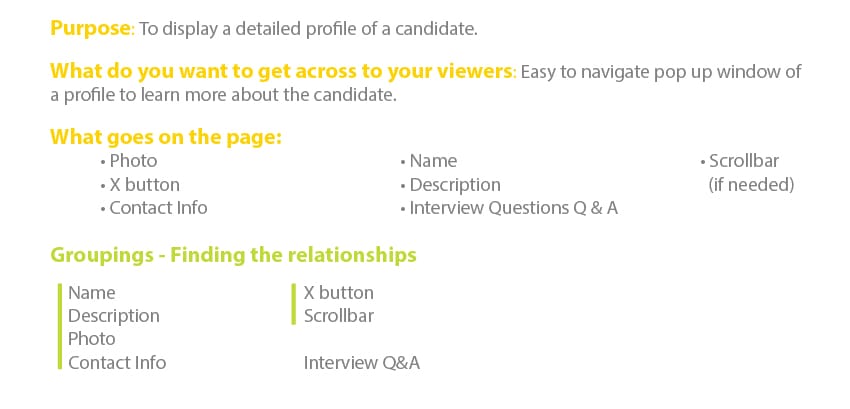
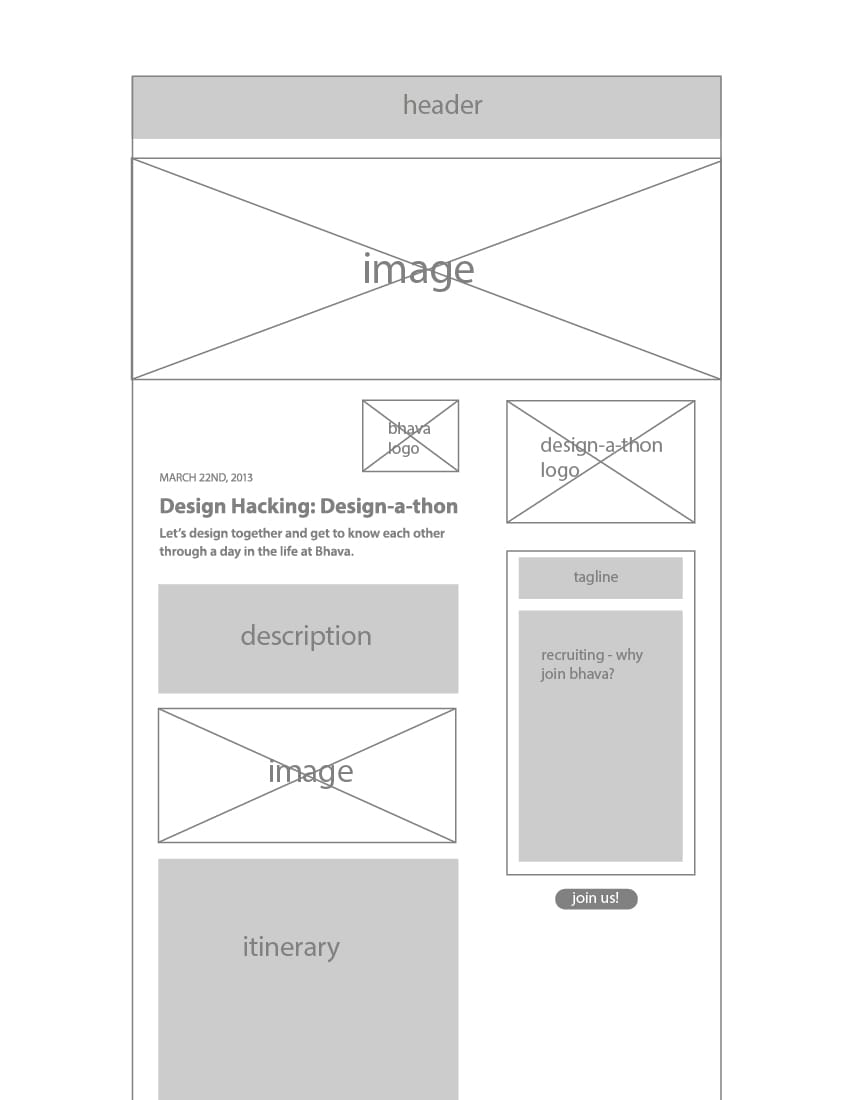
From Jessica's lecture, this is my process:
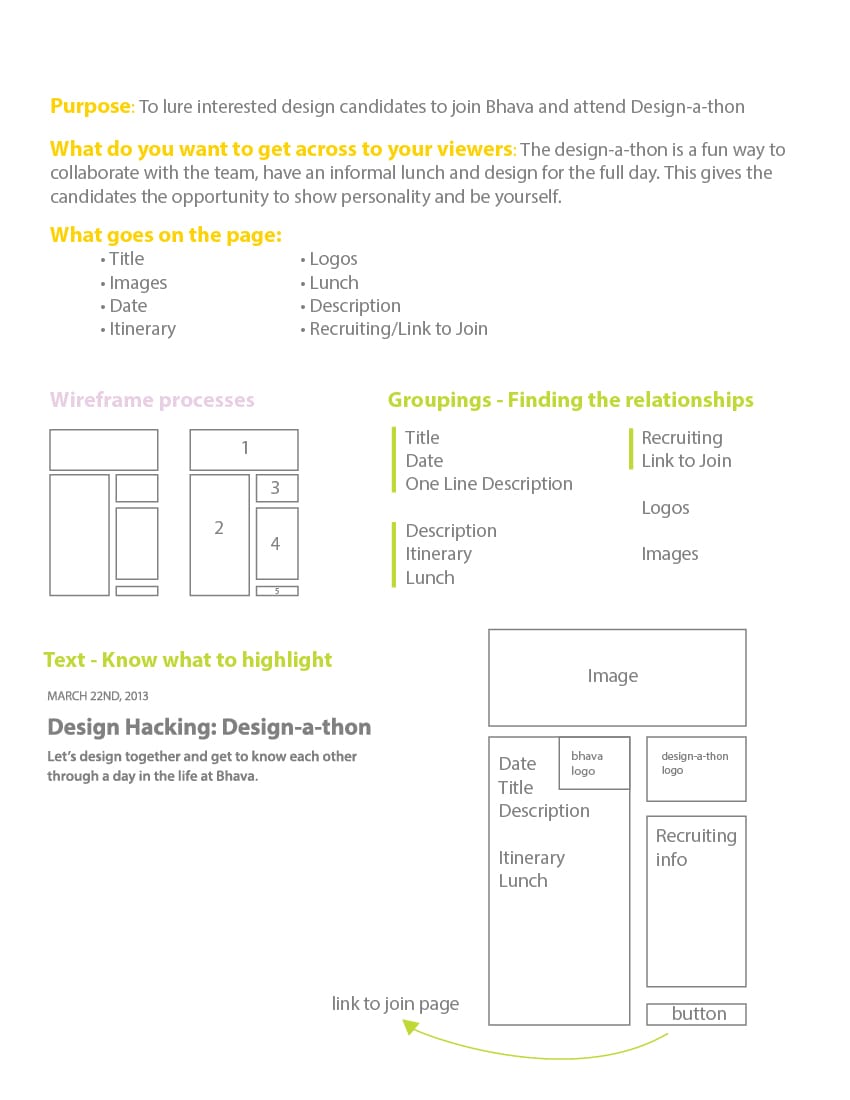
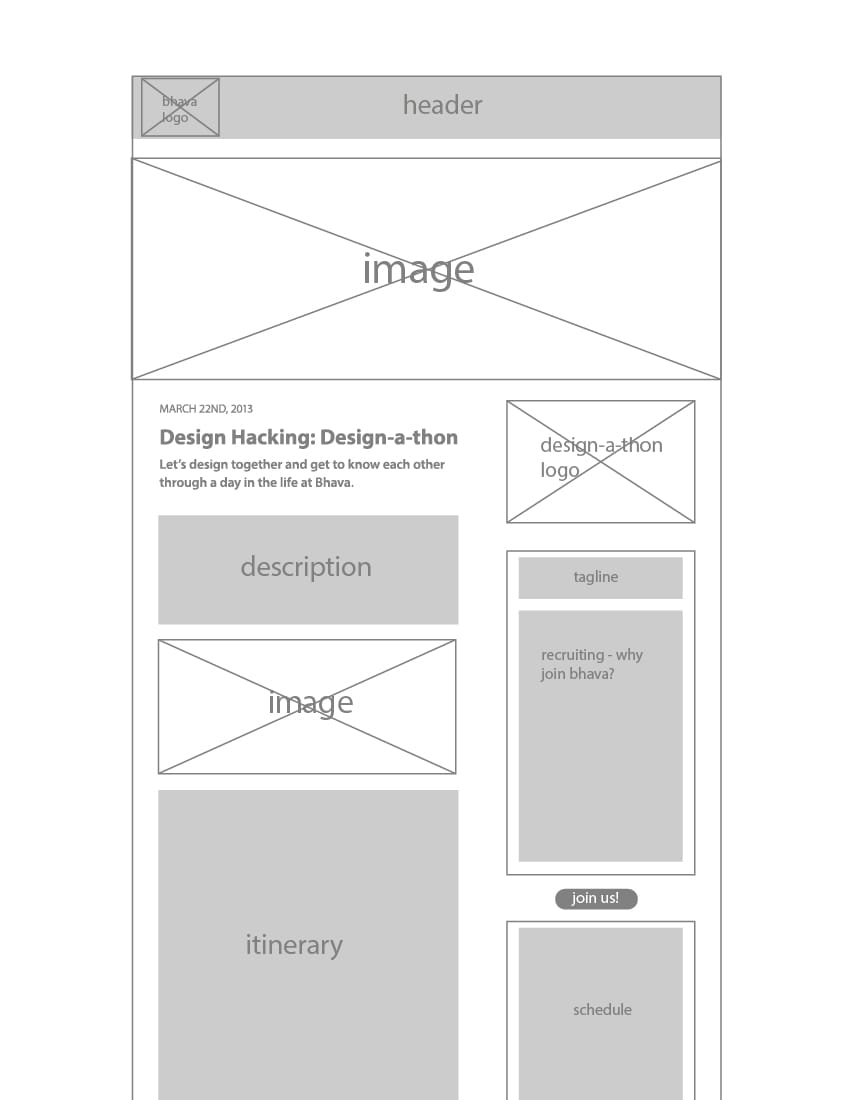
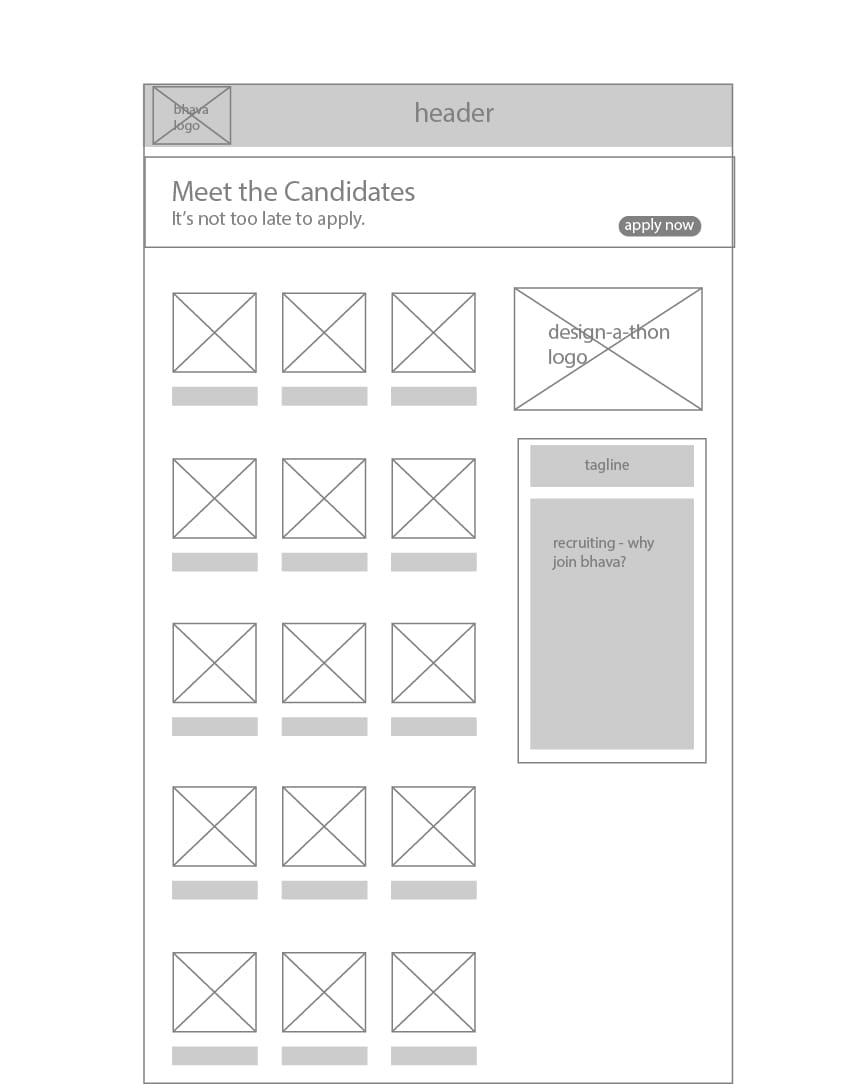
Revised wireframe:
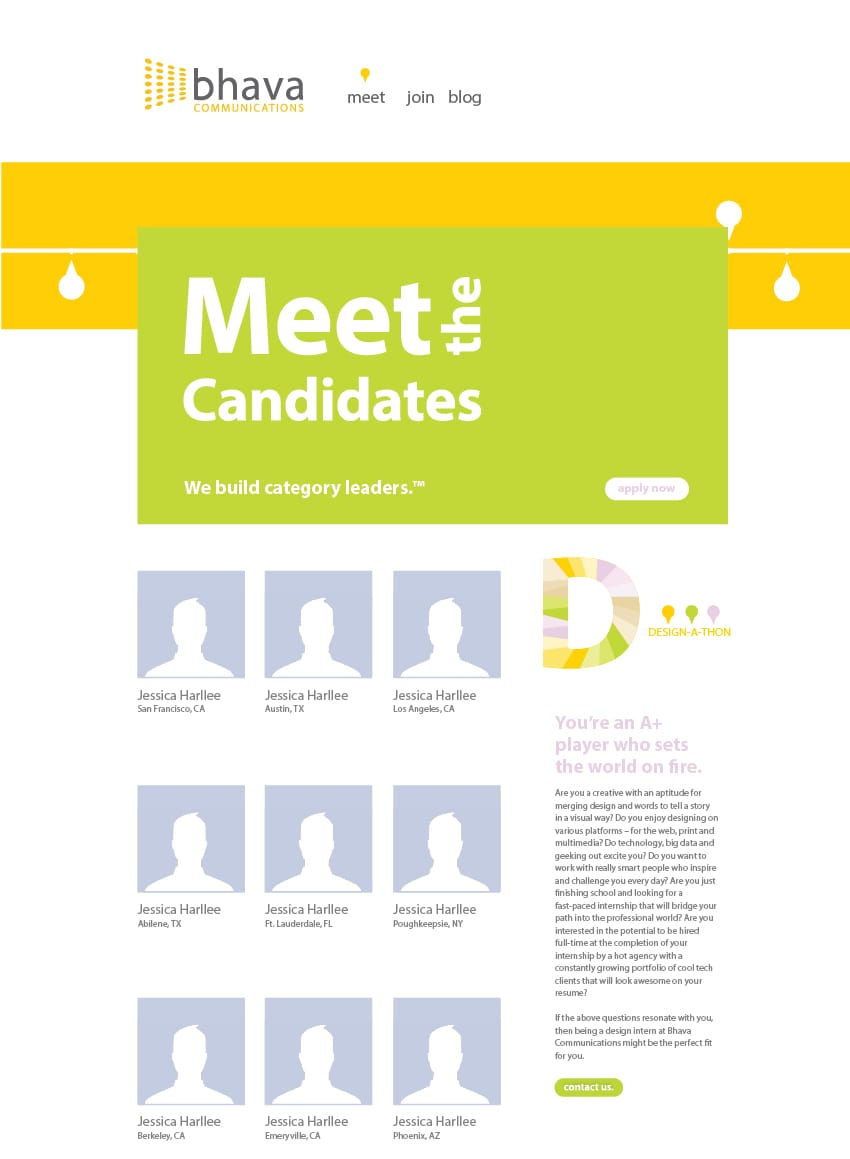
And this is how the ideal website would look:
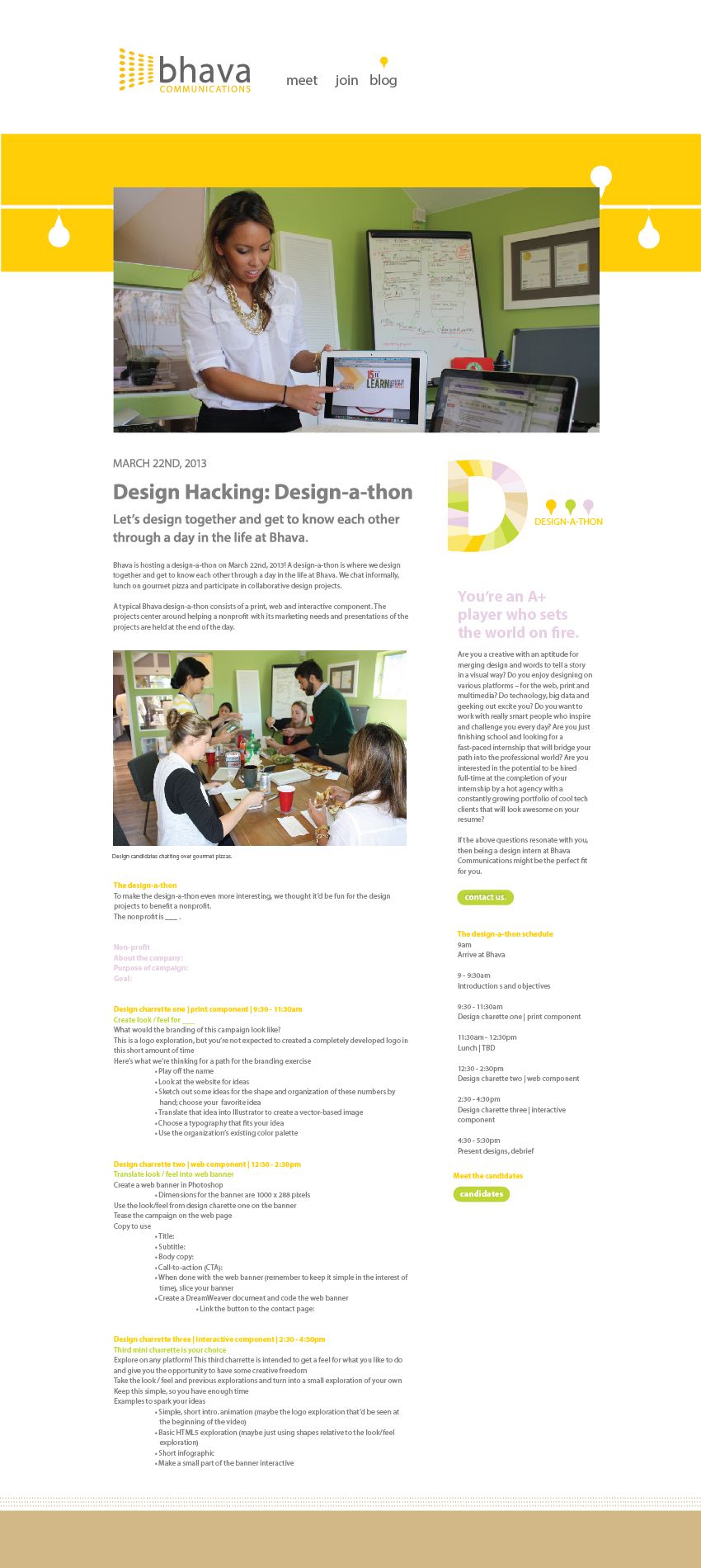
I decided to add a "Meet the Candidates" page. I added a button above ^
The contact us button will link to an email where the candidate can express interest. From there, we will follow up with a phone interview where the q&a will be recorded and posted on the Meet The Candidates page.
Meet the Candidates
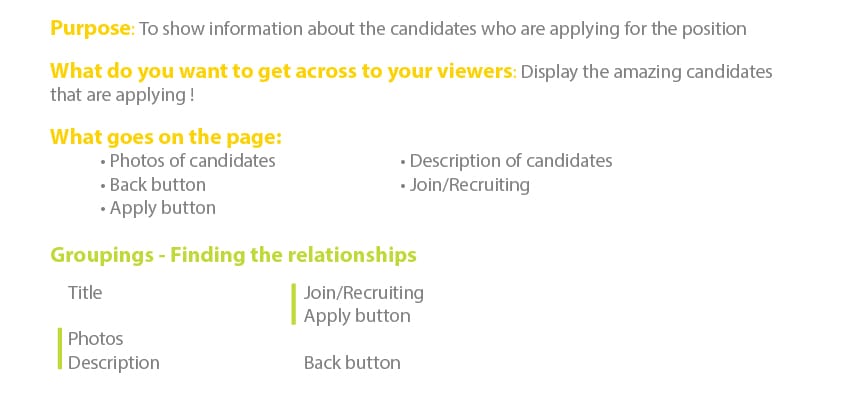
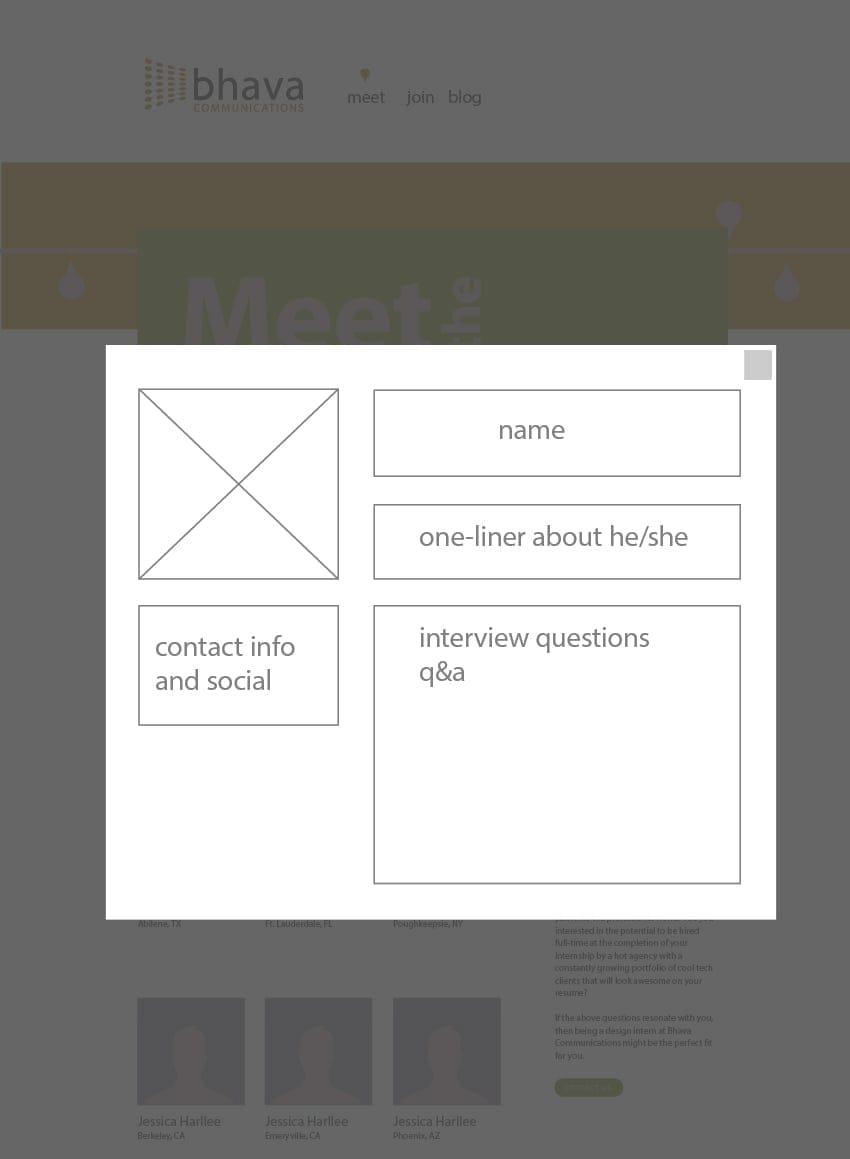
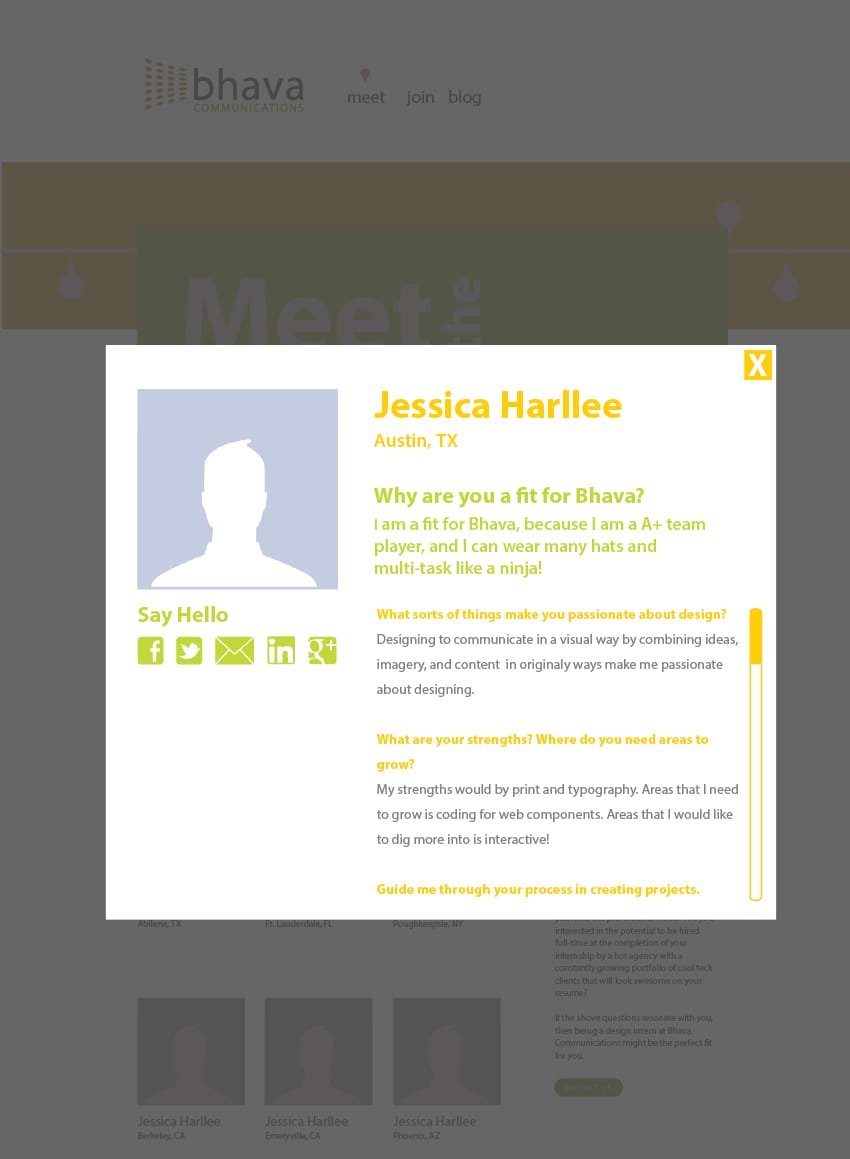
Now if the user wants to detailed information on the candidate, he/she can click the photo or name/location.
Detailed Profile (pop up window):