Menu

All Projects

All Projects - student project

Class Project 05: https://youtu.be/4OraJjHP8Ds

Class Project 06: https://youtu.be/wU7b4cpVlbw

Project 08 - Your Place: https://youtu.be/WFtSL7qRYTU

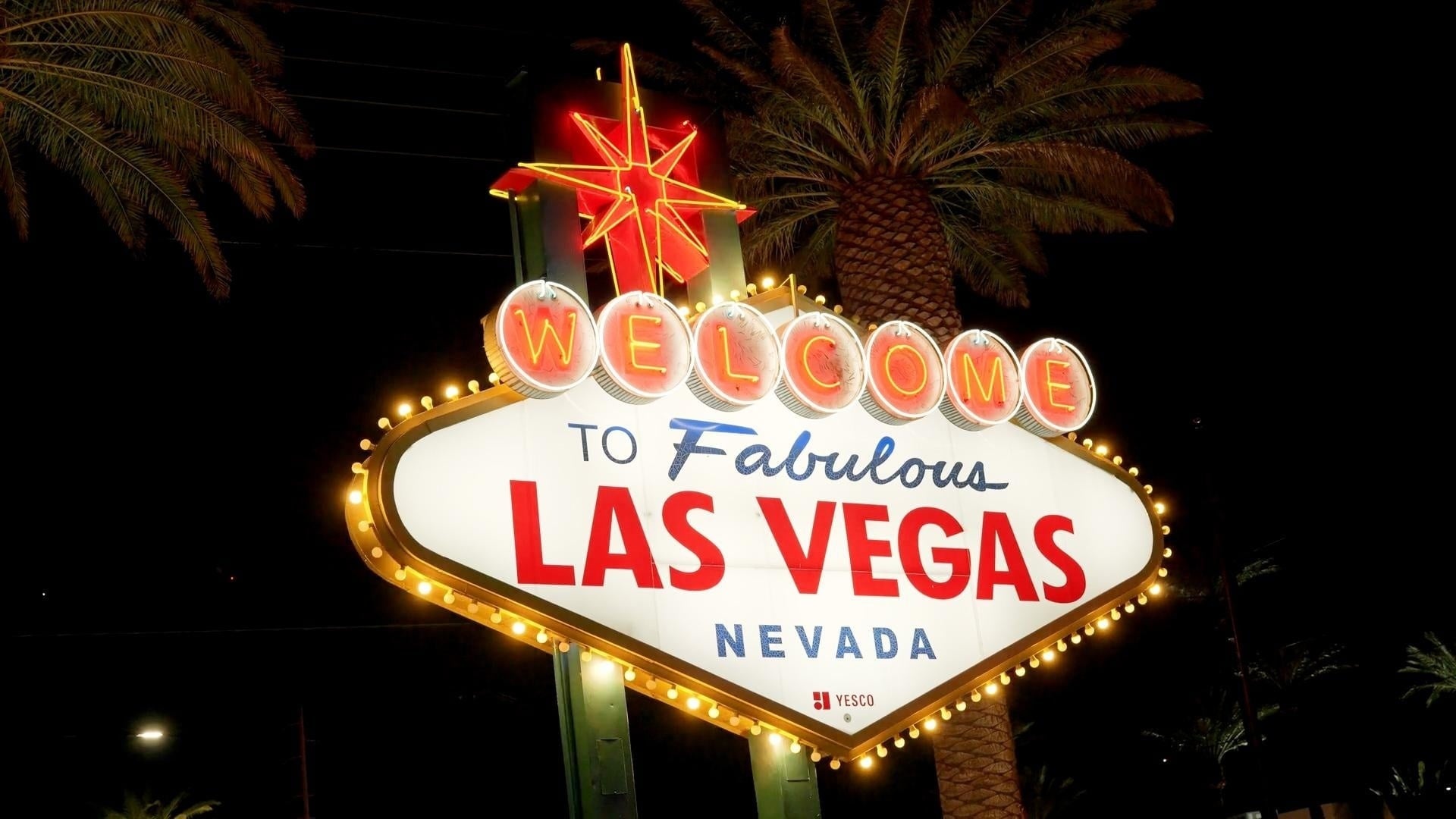
This video showcases the Las Vegas Strip and was created as part of the Adobe Premiere Pro CC – Essentials Training Course by Daniel Walter Scott. The course is designed to guide students from a beginner level to an intermediate understanding of Adobe Premiere Pro through hands-on projects and real-world editing techniques. This particular project came from the lesson titled “Class Project 08 - Your Place,” where the objective was to create an edit centered around one’s hometown. Since I grew up in Las Vegas, I chose to focus on the energy, atmosphere, and visual identity of the city using free stock footage and creative editing techniques.

The project requirements included researching the recommended export settings for the intended social media platform, using stock video footage, incorporating background music, applying both color correction and color grading, utilizing animated text featuring a slogan or phrase connected to the city, and explaining the creative process behind the final edit.

To create the video, I followed an editing workflow known as “working in passes.” This method focuses on completing the largest and most important editing decisions first before gradually refining smaller details throughout multiple stages of the project. During the first pass, I roughly selected and arranged clips to establish the structure of the video. In later passes, I refined clip placement, removed unnecessary sections, improved pacing, enhanced audio, adjusted color, and polished the overall presentation. This workflow allows editors to work more efficiently by separating large creative decisions from smaller technical refinements.

I began the project by searching Pixabay and Pexels for free stock footage and media related to Las Vegas. After downloading all of the assets, I carefully organized them into a dedicated folder before importing them into a new Premiere Pro project. From there, I assembled the rough cut and continued refining the edit through multiple passes involving fine cutting, audio editing, color correction, color grading, and motion graphics.

One creative detail I focused on was typography. To capture the classic Las Vegas aesthetic, I explored Adobe Fonts and selected a font called “Rosewood,” which helped reinforce the vintage casino-inspired visual style of the project. All media and creative assets used throughout the video were sourced from Adobe Fonts, Pixabay, and Pexels.