Class Projects - Figma Essentials
Class project 01 - Create your own brief:
Class project 02 - Wireframe:
Class project 03 - Icons: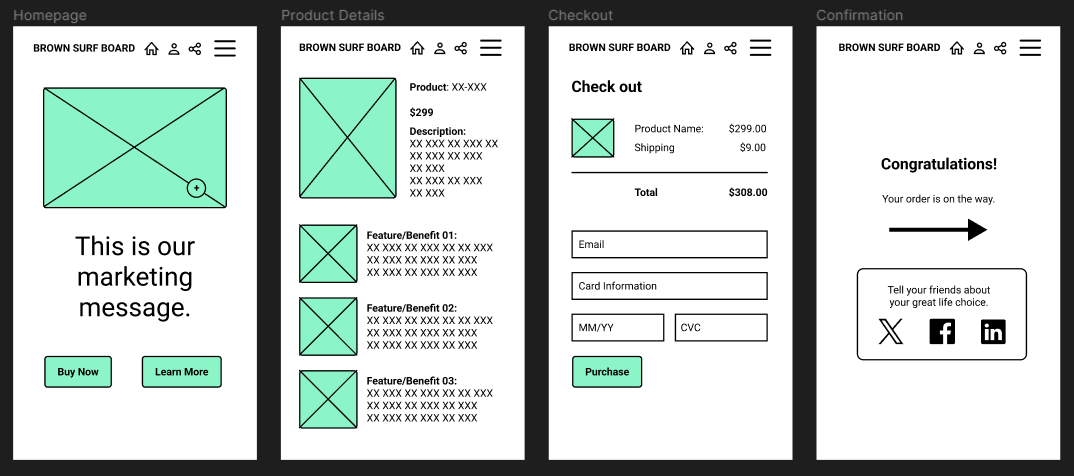
Class project 04 - Testing on your phone: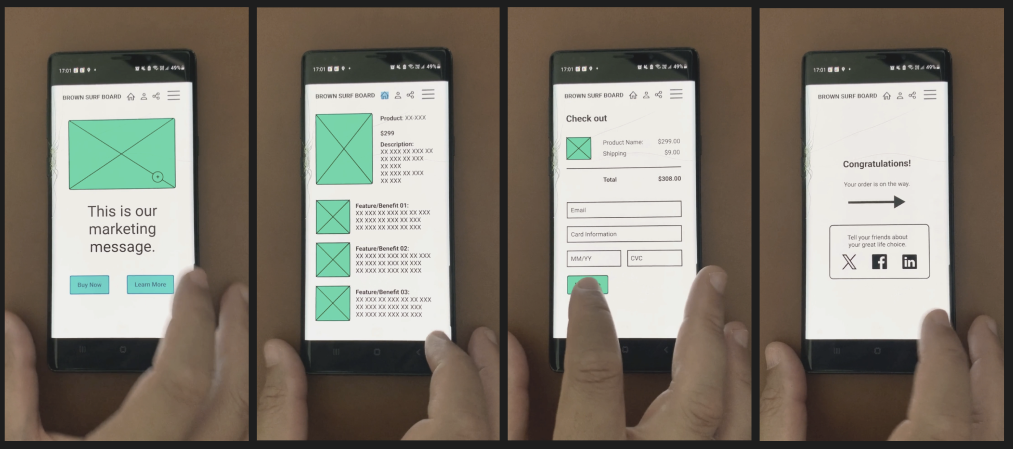
See link for video: https://vimeo.com/900335205?
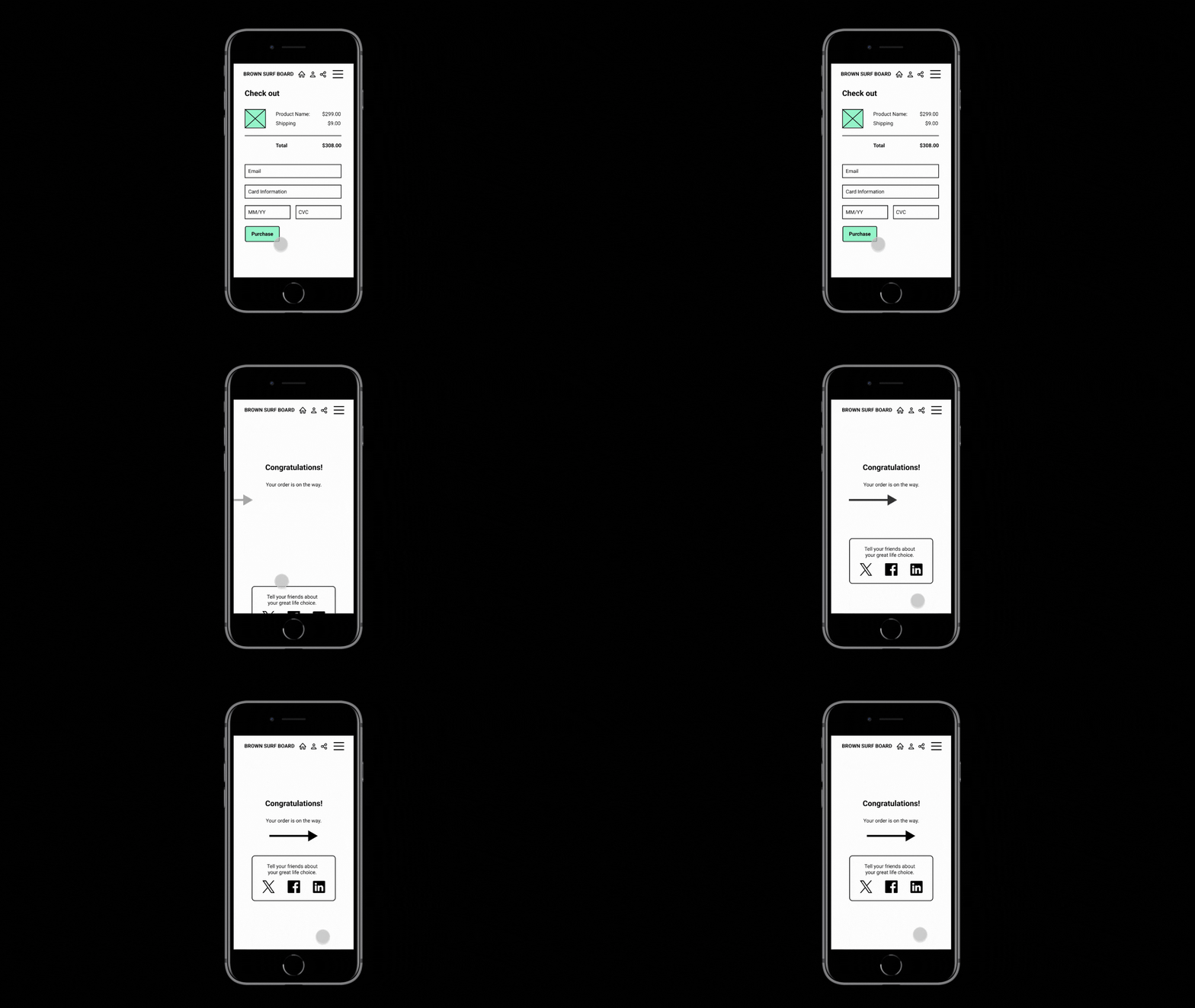
Class project 05 - My first animation:
Class Project 06 - Moodboard: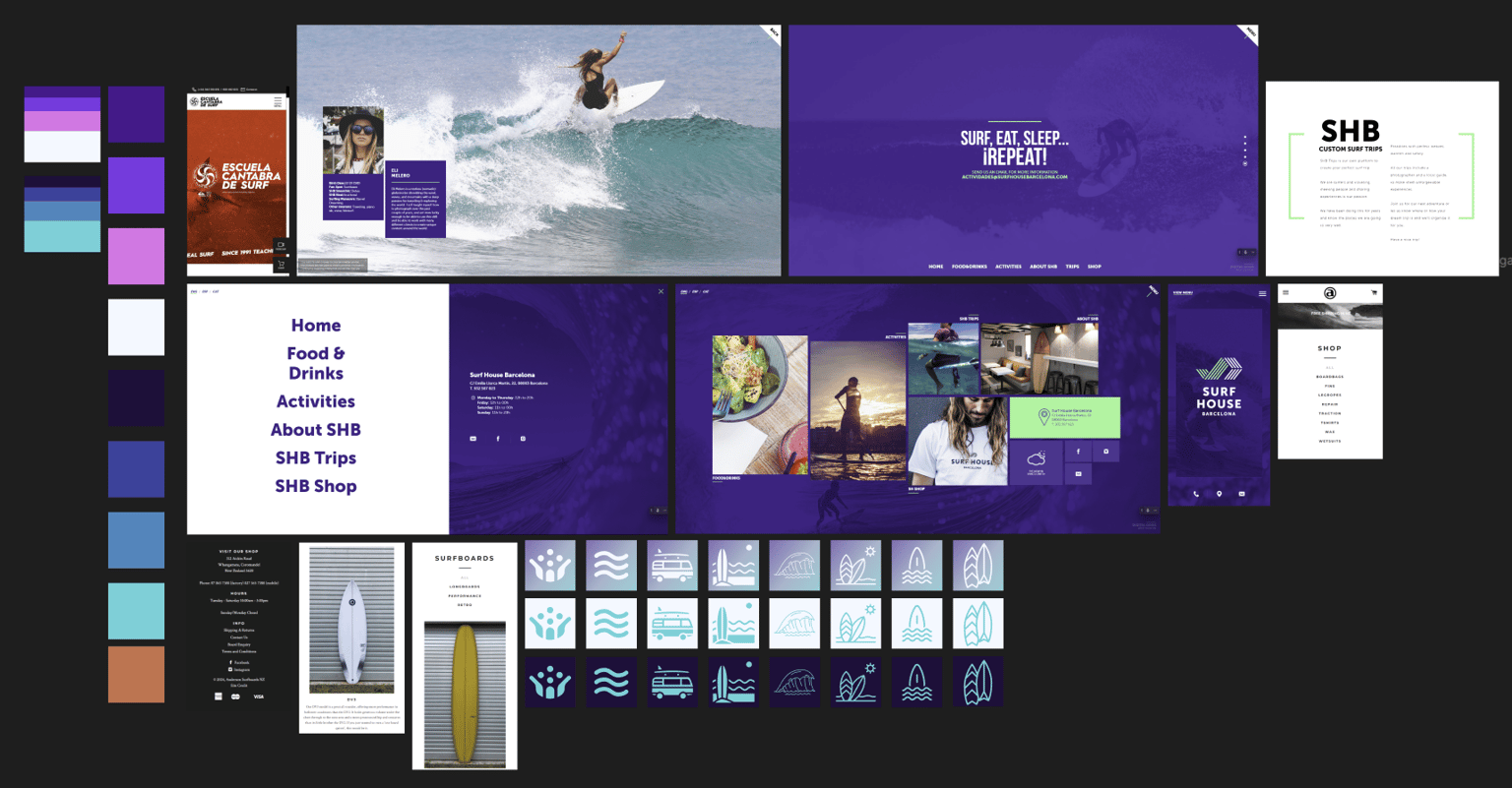
Class Project 07 - Colors & Columns: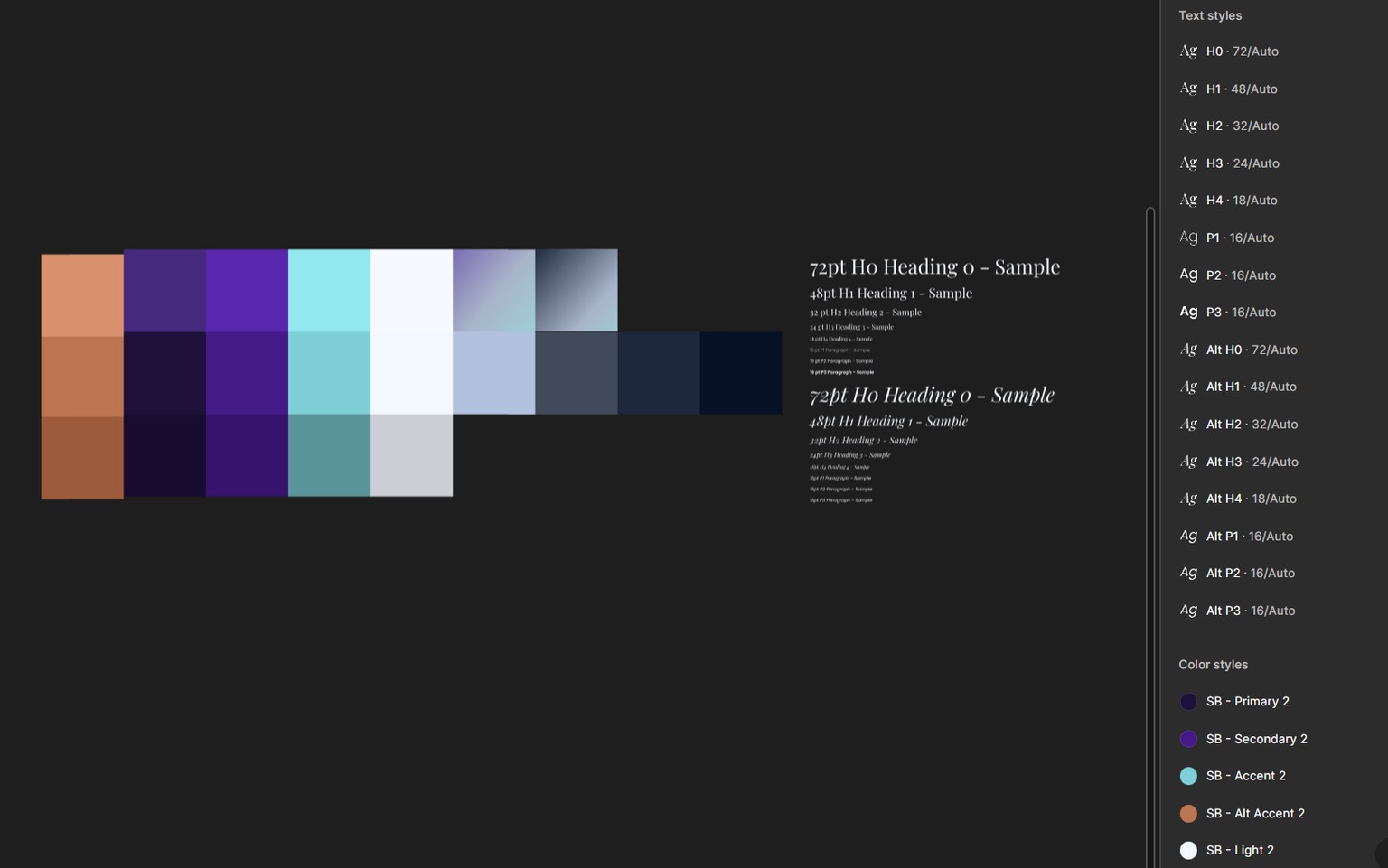
Class Project 08 - Text:
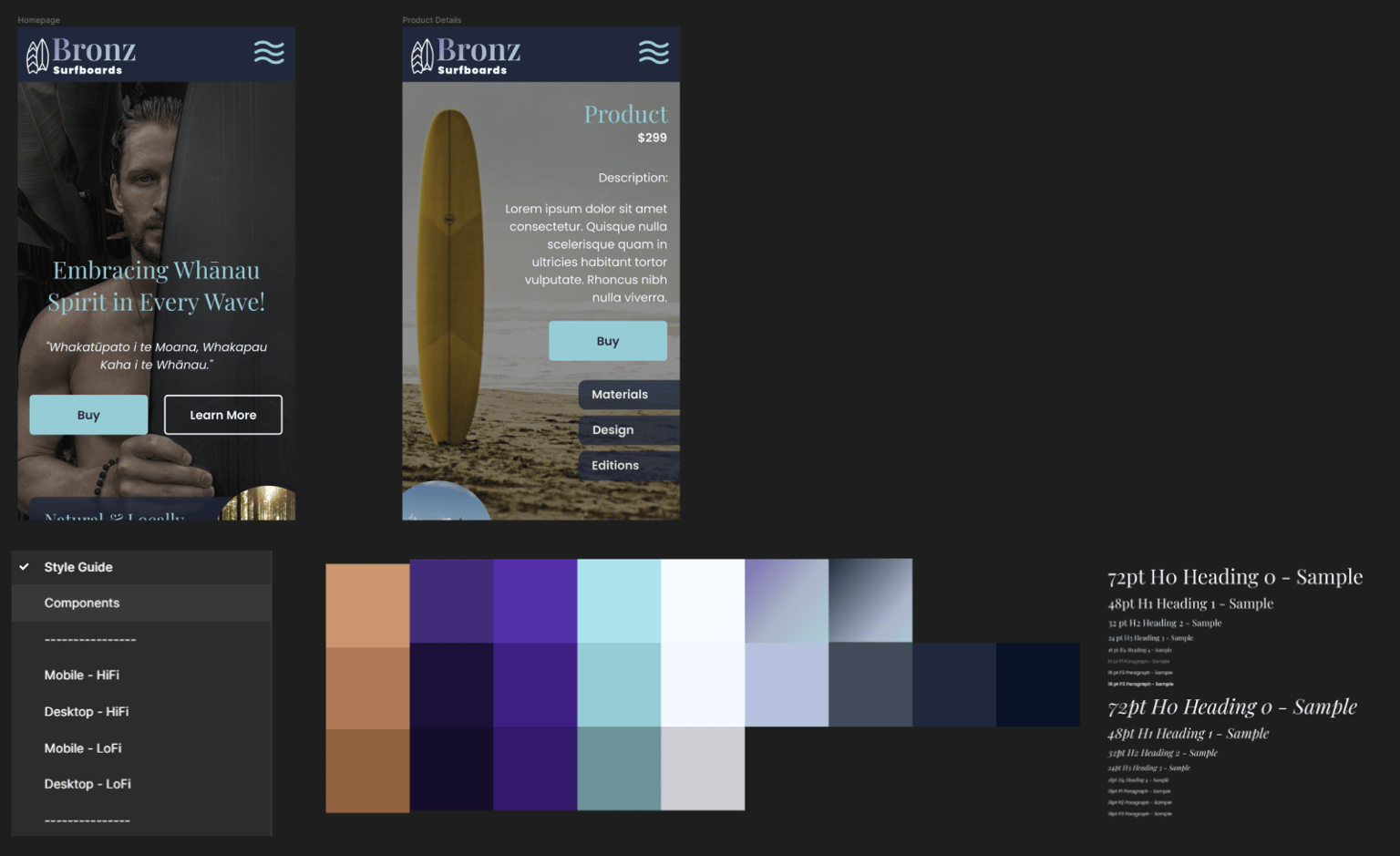
Class Project 09 - Making stuff:
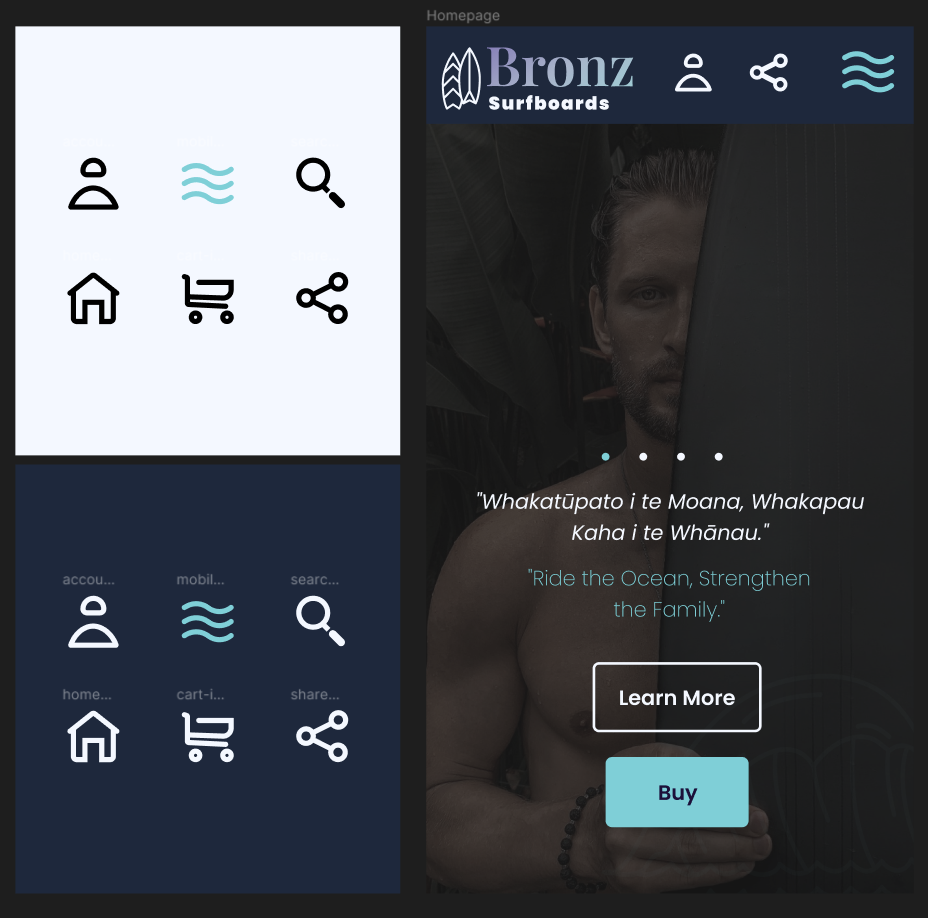
I used Adobe Illustrator to create these icons. I found it very helpful to keep the designs within 48 x 48 square as recommended and keeping a consistent stroke.
Class Project 10 - Images:
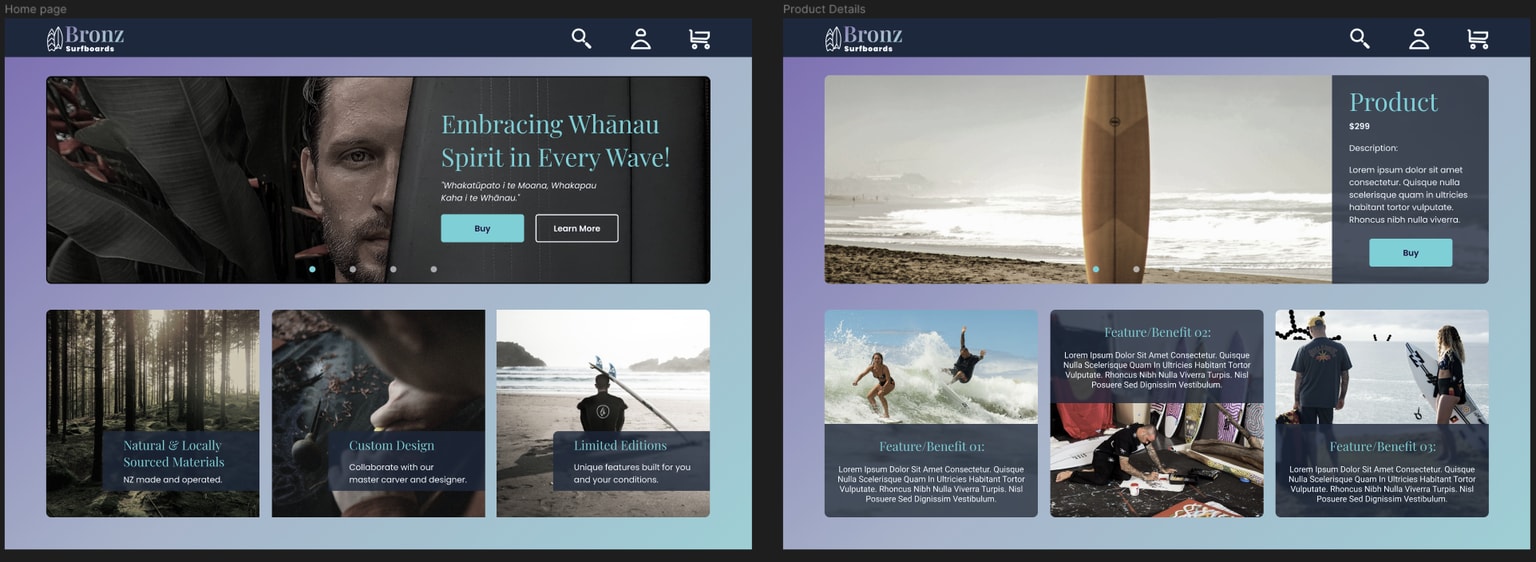
I used the the Unsplash plug-in to source these images. I also researched indigenous designers that specialize in surfboard and surf life style design, see OTIS CAREY X BILLABONG GALLERY for more information.
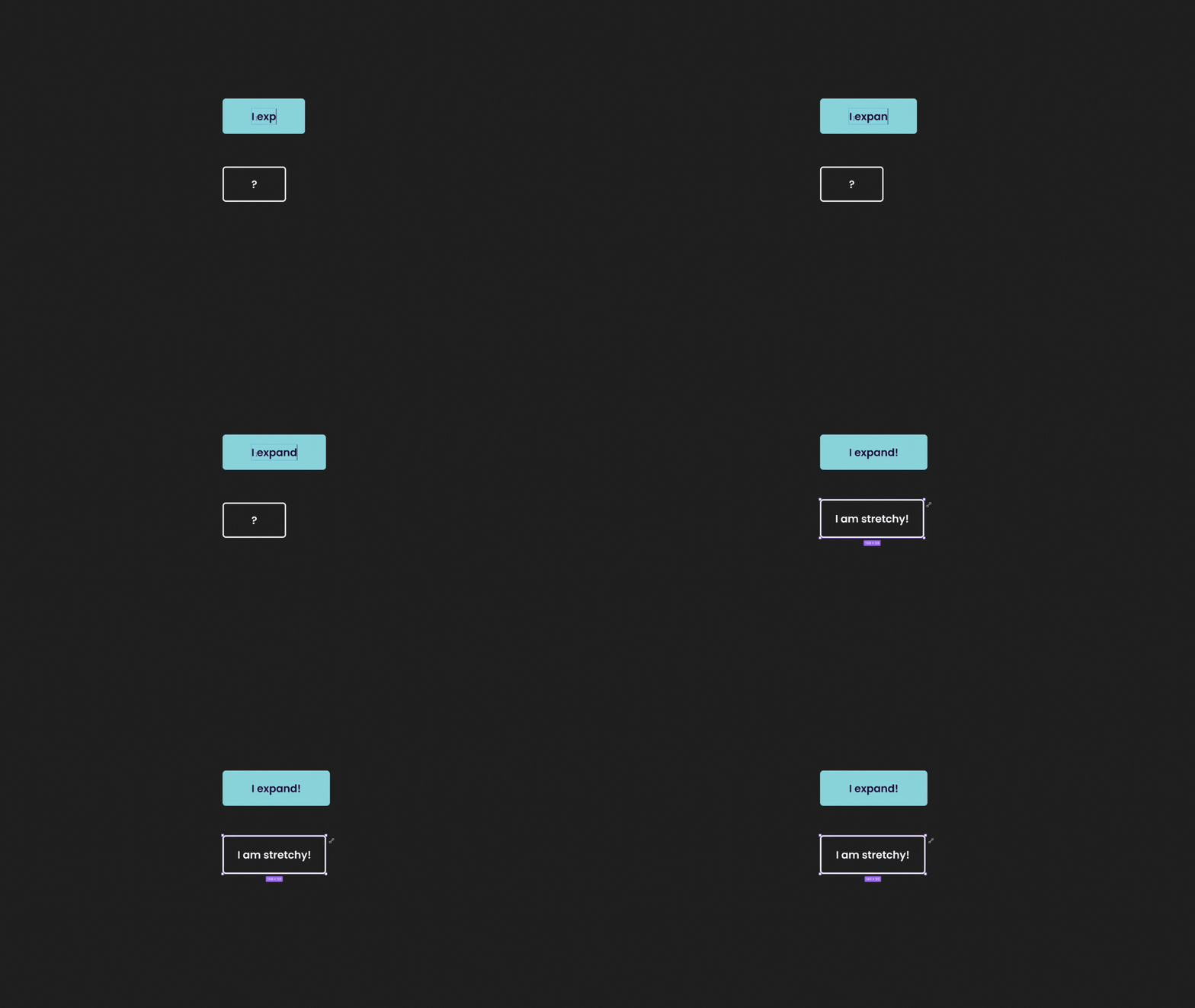
Class Project 11 - Buttons:
Class Project 12 - Responsive Design:
This section of the course really helped me understand rapid prototyping and how you can apply it with responsive design methods.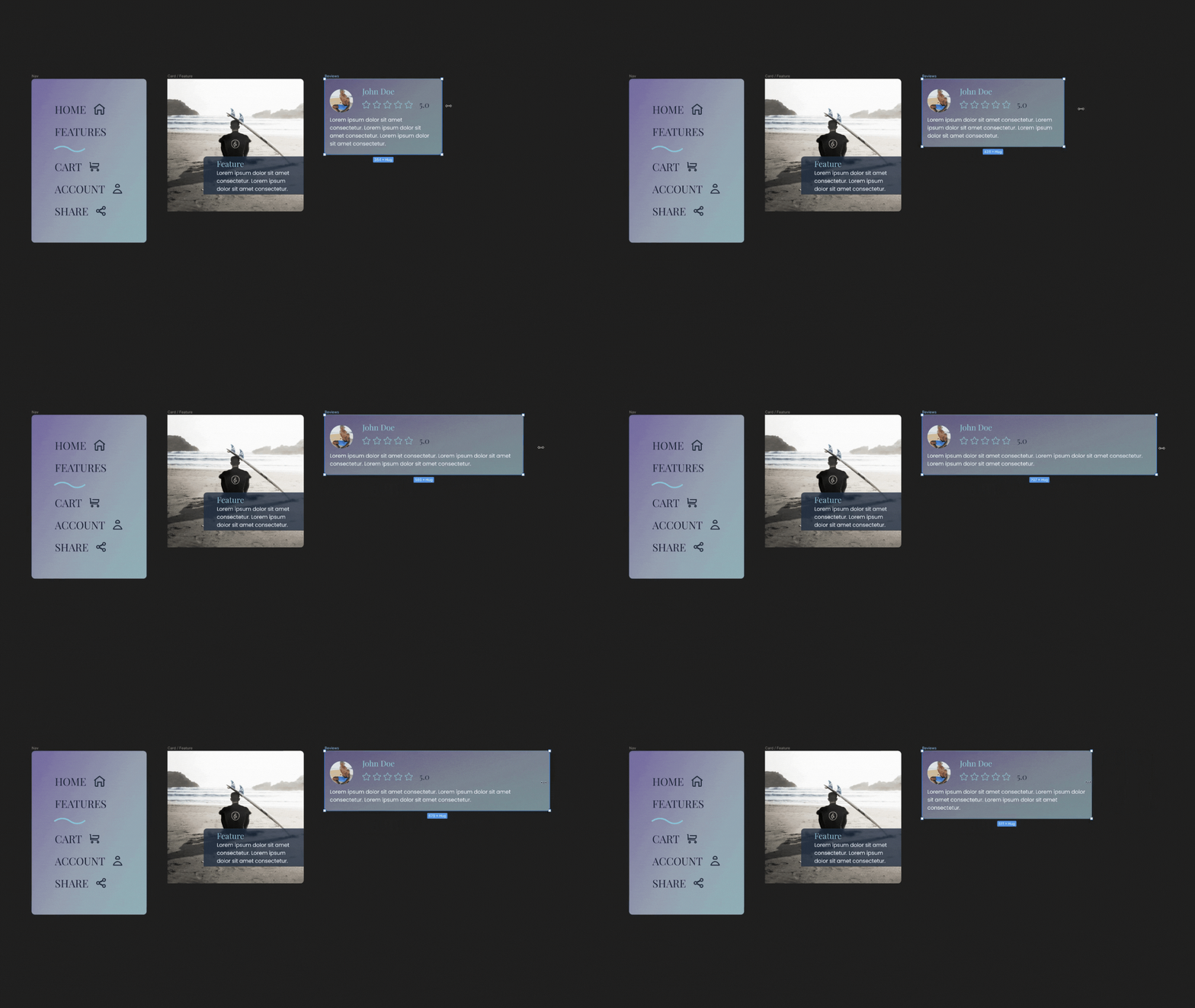
Class Project 13 - Effects:
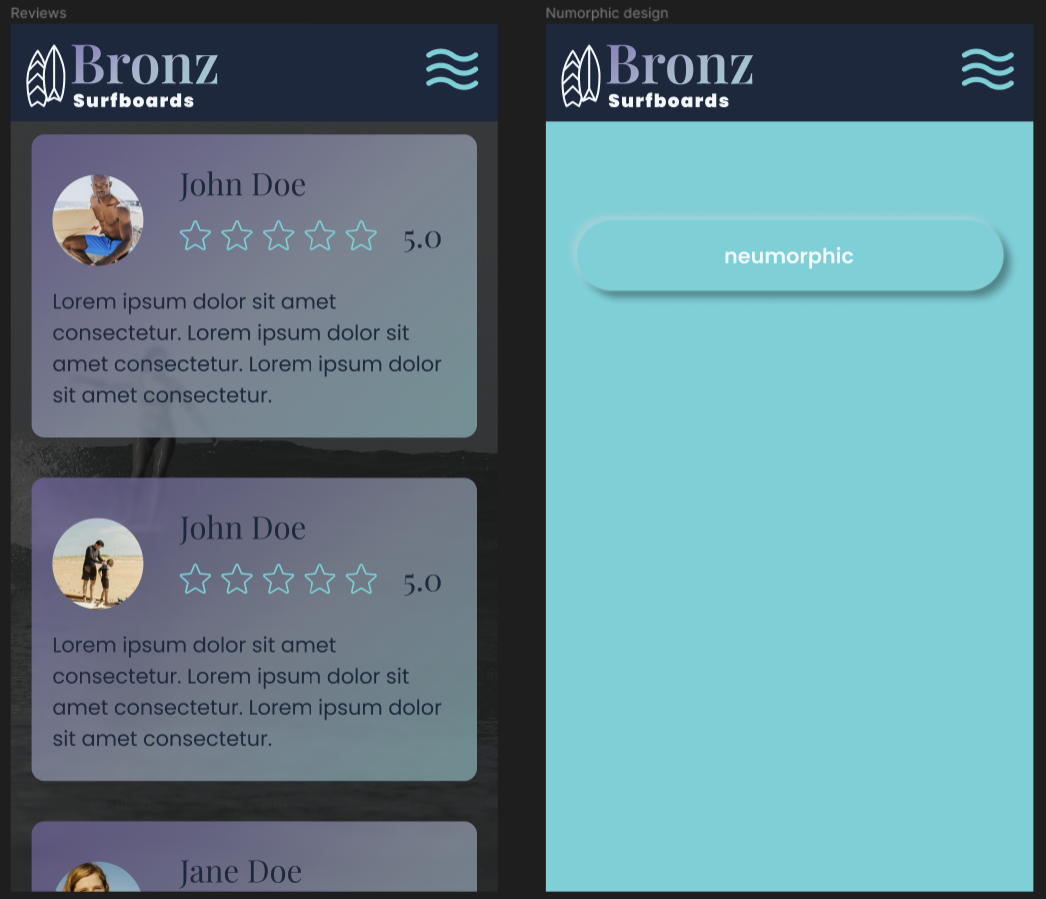
I made use of background blur in my card design. My neumorphic button I feel could use more work and intend to spend more time getting a better understanding the process for designing neumorphic assets.
Class Project 14 - Components:
Class Project 15 - Variants:
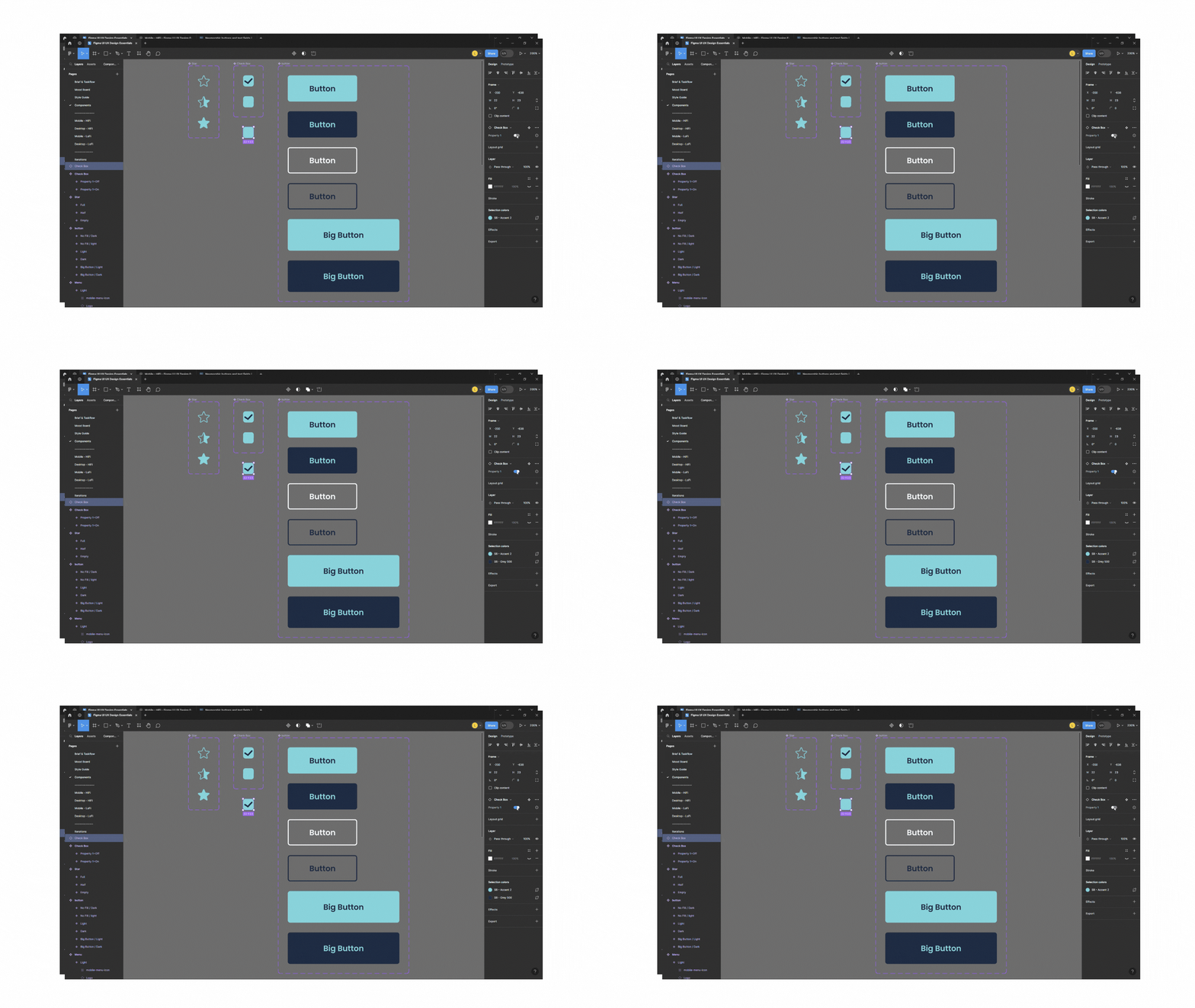
Class Project 16 - Form:
Building forms in Figma helped me visualize the user experience. I would like to improve the my existing form design by doing a bit more research and delving into the Figma community.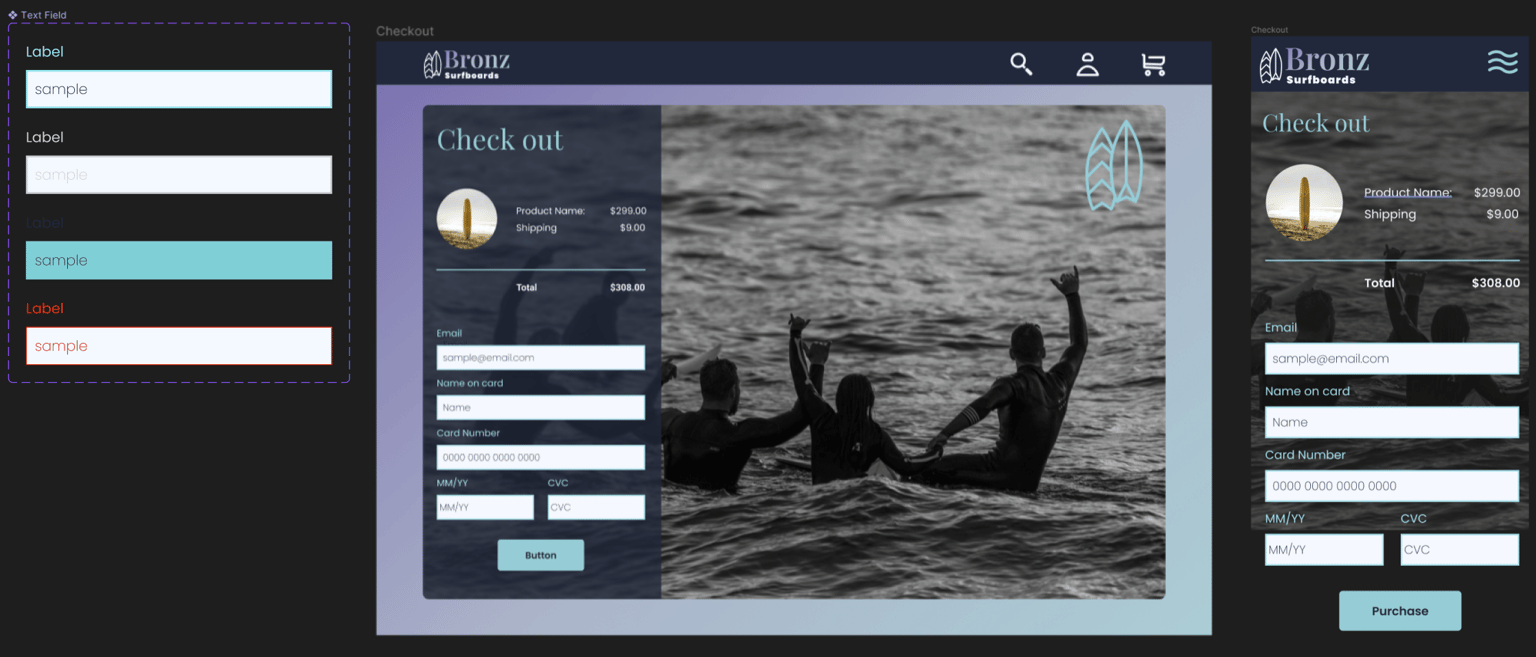
Class Project 17 - Prototyping:
Prototyping in Figma helped me to further visualize the user flow and interactions within my design. It's an effective way to map out the journey users will take through an application or website. I personally really enjoyed this section.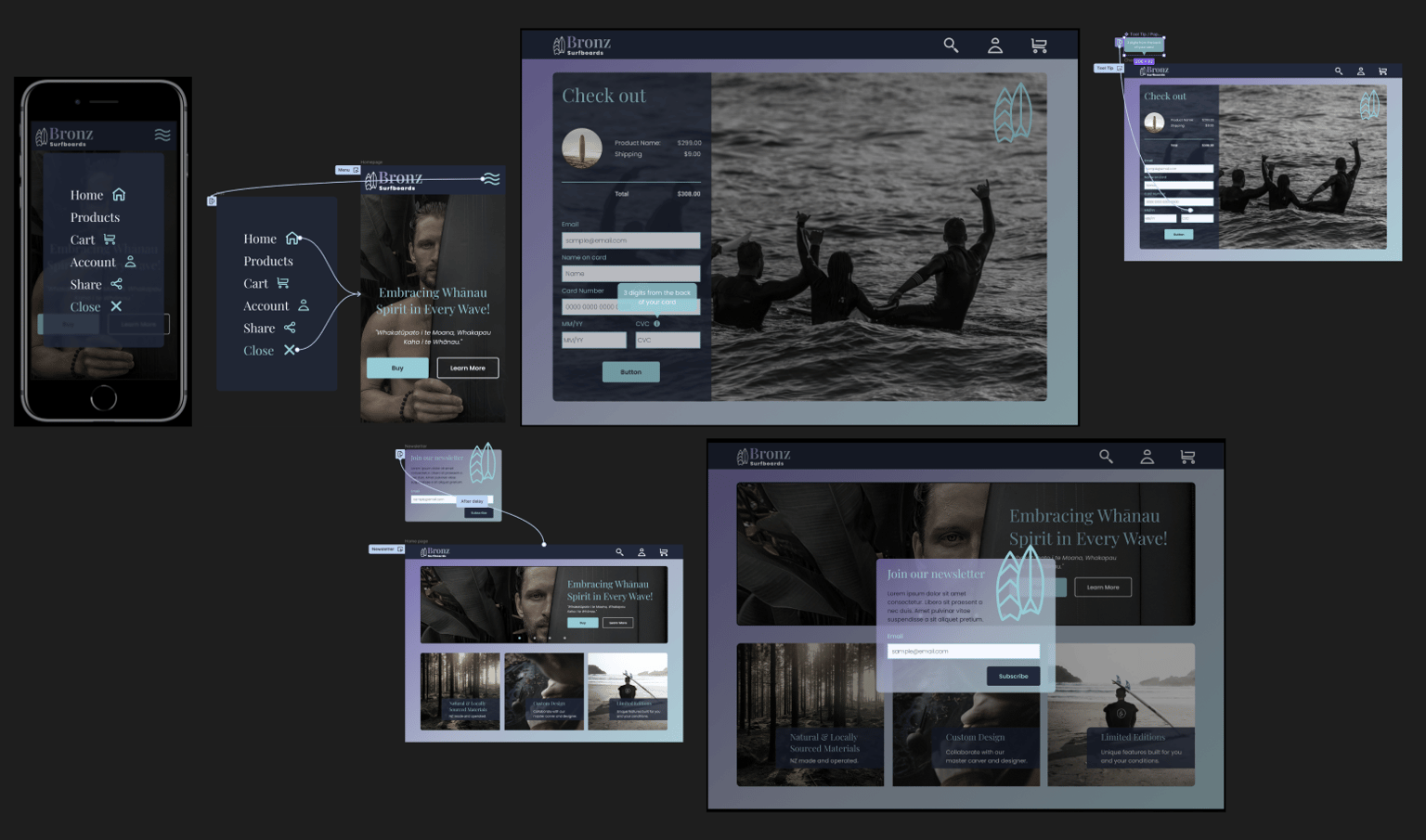
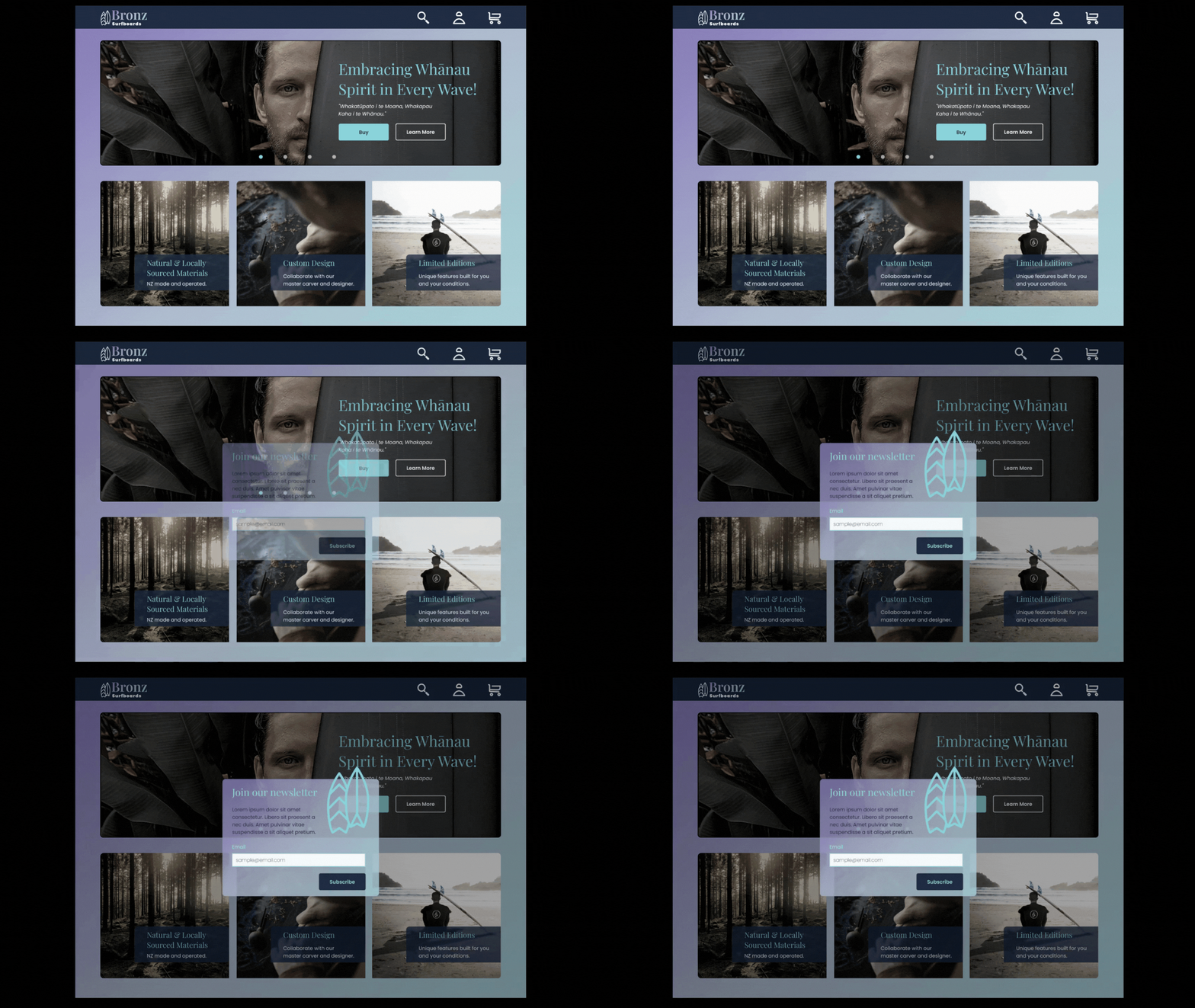
Class Project 18 - My Second Animation:
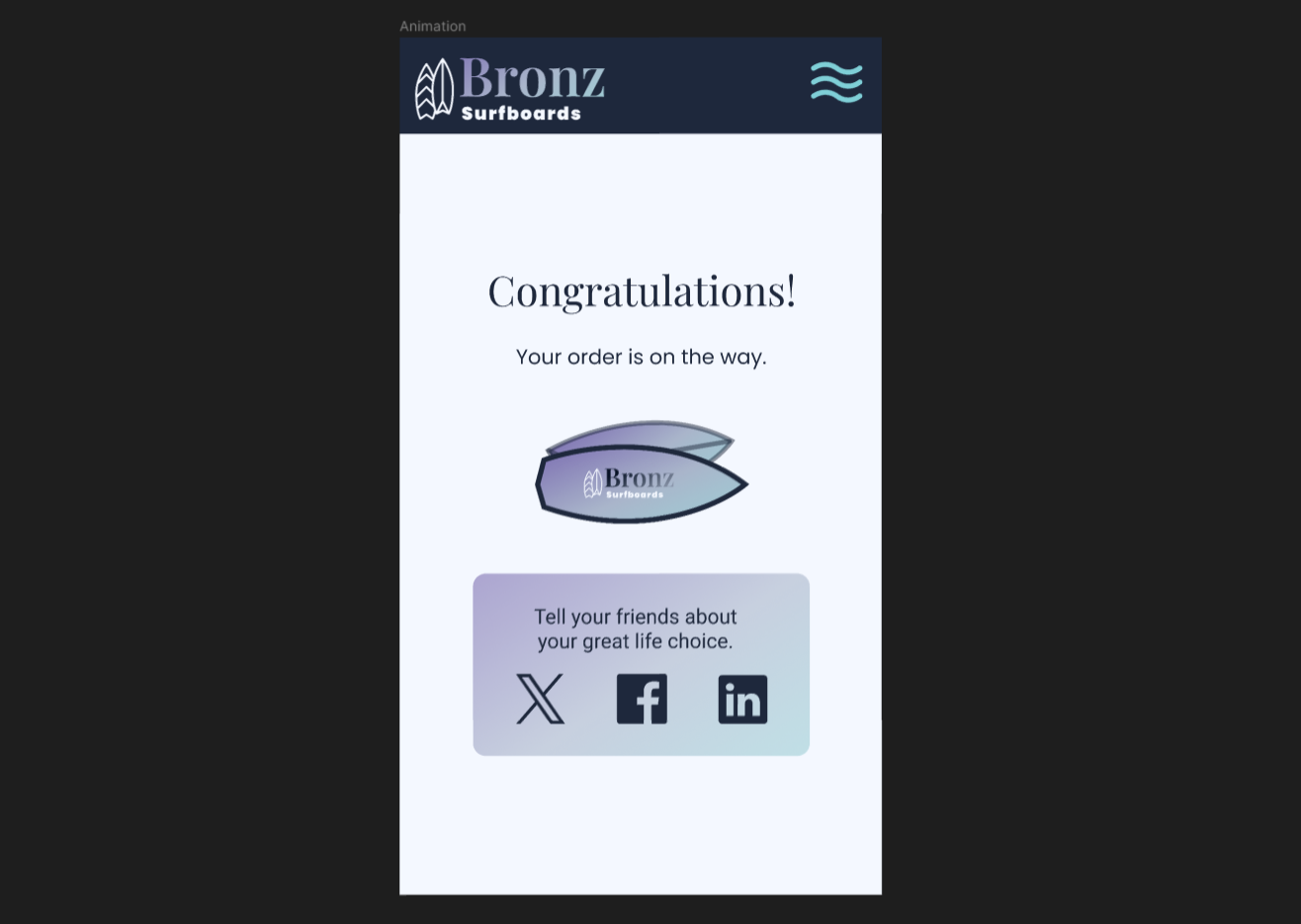
See the link for the video: https://vimeo.com/901764637?
Class Project 19 - Page transition:
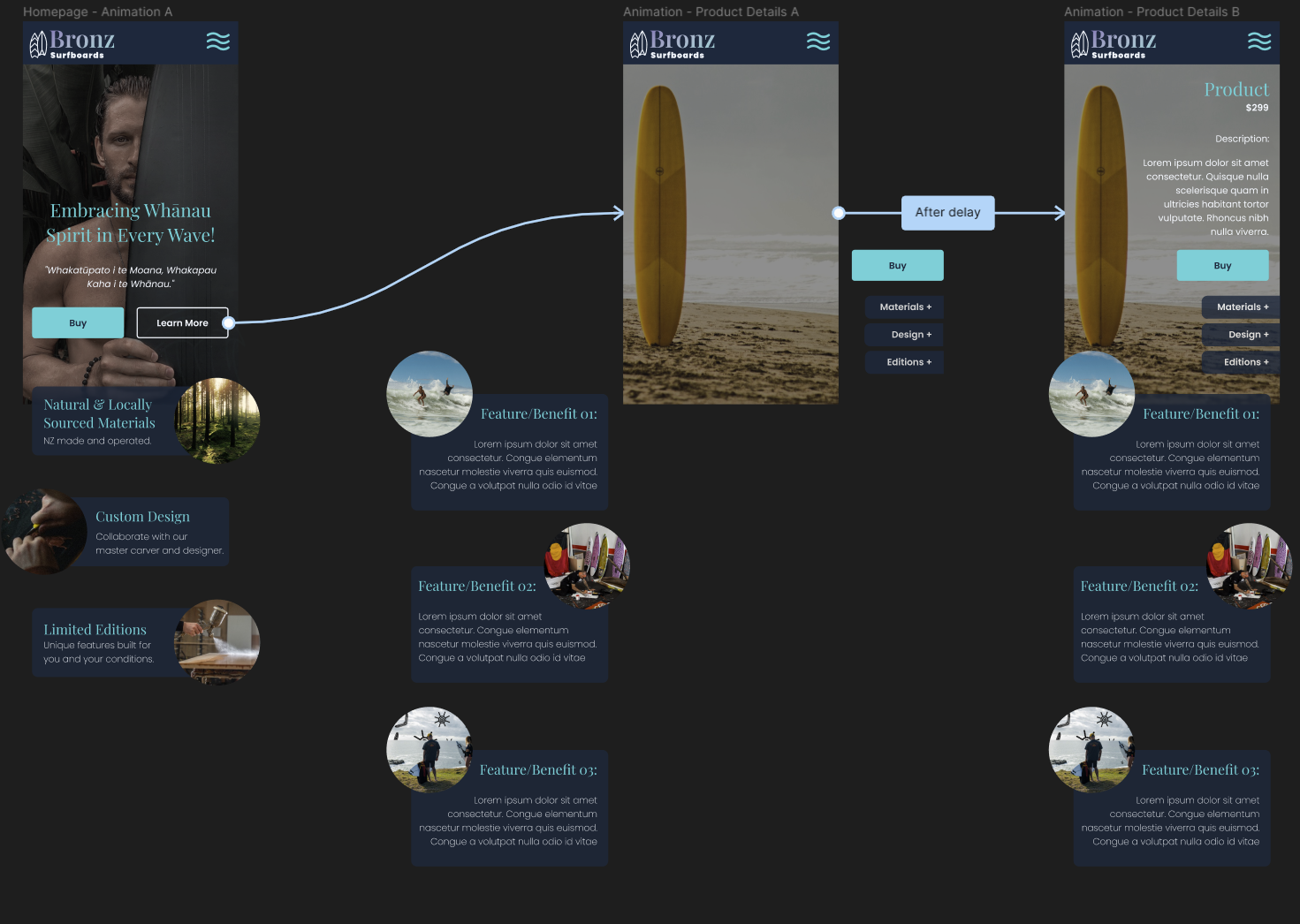
Seamless page transitions contribute to a more engaging and enjoyable user experience. Users appreciate a fluid and intuitive flow between different sections of an application or website. I can not wait to apply transitions to my fully realized project.
Class Project 20 - Micro interaction:
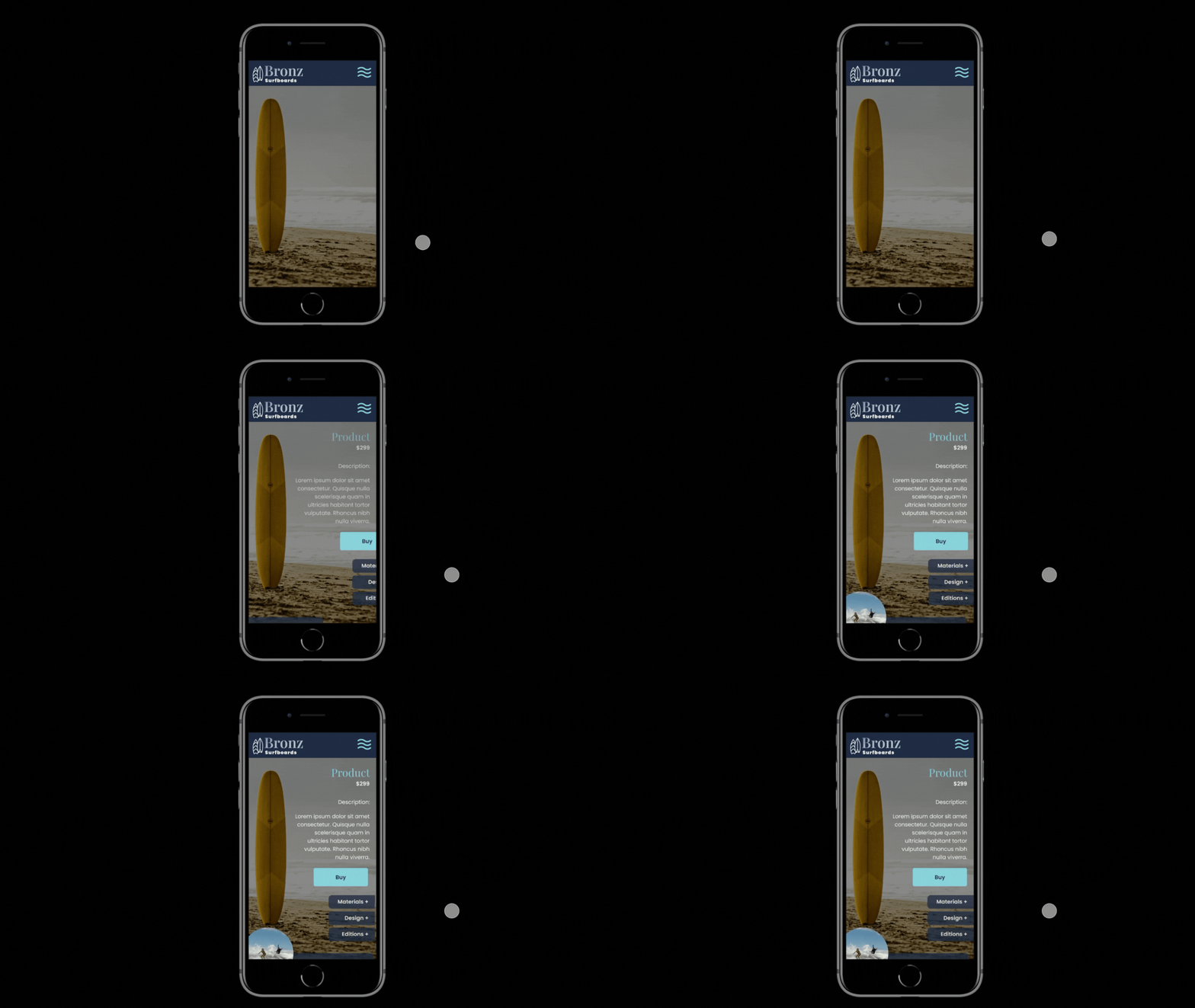
Micro interactions make a more engaging and delightful user experience. I am still working through my wave interaction but can see how it could really make my a project unique and memorable.