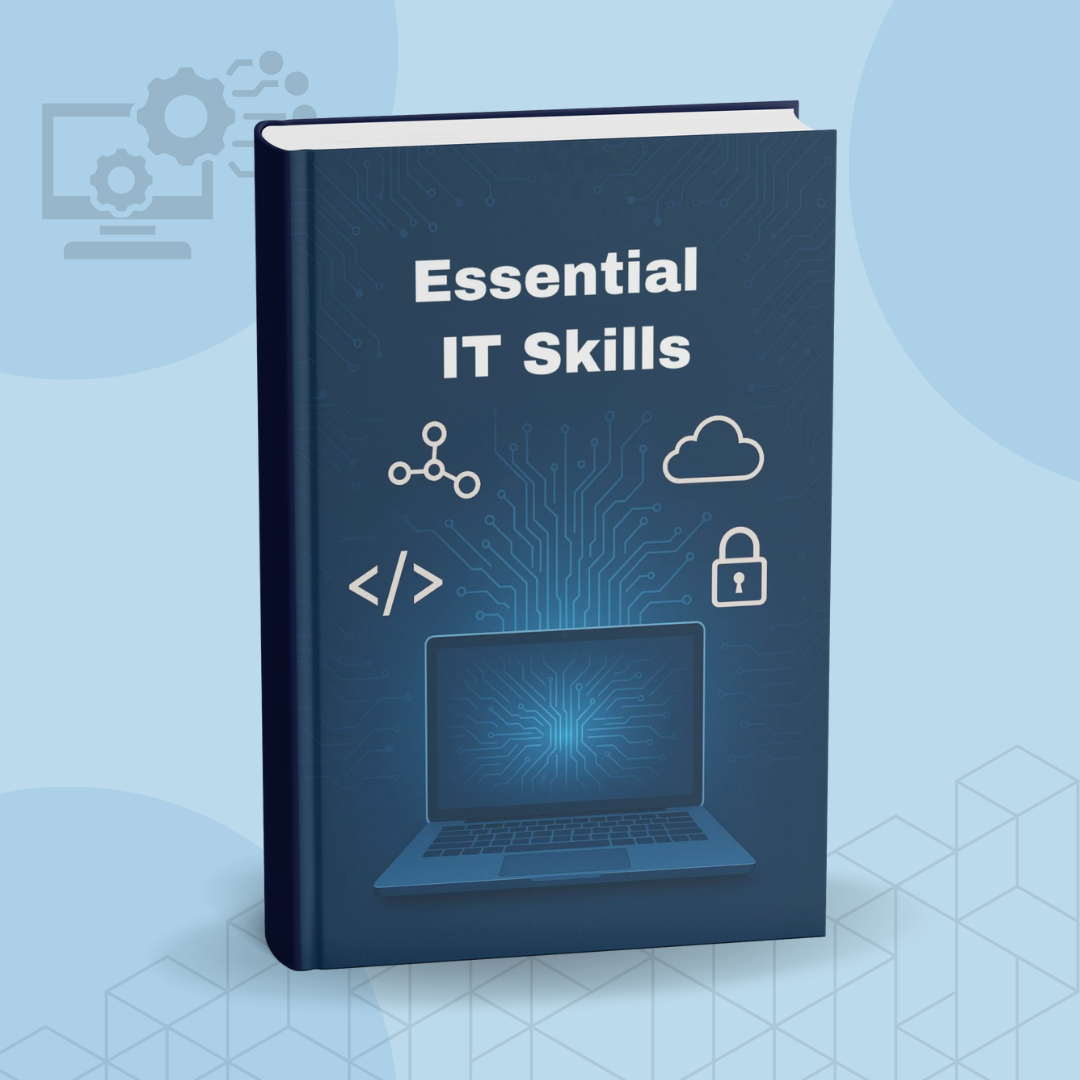
Essential It Skills
1 mes de Skillshare
Disponible para compraGratis
Todas las membresías se facturarán automáticamente de forma recurrente hasta que se cancelen. Si cumples los requisitos para obtener una prueba gratis, cancélala antes de que finalice para evitar que se realice el cobro. Oferta válida solo para nuevos suscriptores pagos. Consulta los Términos de servicio completos aquí
Acerca de este producto

John Academy
Training Provider
Description:
Build a strong foundation in essential IT skills and gain the confidence to navigate today’s digital world with ease. This learning resource is designed for beginners, job seekers, freelancers, and anyone wanting to strengthen practical tech abilities for personal or professional use.
Through clear explanations and hands-on guidance, you’ll explore the key areas of modern technology—from operating systems and file management to networking basics, online safety, and productivity tools. Everything is broken down into simple, digestible steps that help you learn quickly and apply what you’ve learned right away.
Whether you’re improving your digital literacy, preparing for tech-related tasks at work, or simply wanting to become more confident with computers, this resource provides a structured and user-friendly path to developing real-world IT competence.
What You’ll Learn:
- Computer Basics: Understanding hardware, software, and operating systems.
- File & Folder Management: Organising, storing, and securing digital files.
- Internet & Browsing Skills: Safe browsing, efficient searching, and smart online navigation.
- Email & Communication Tools: Managing email, attachments, filters, and settings.
- Productivity Software: Word processing, spreadsheets, presentations, and cloud tools.
- Cyber Safety: Recognising online risks, protecting personal data, and staying secure.
- Networking Fundamentals: Intro to Wi-Fi, routers, IP addresses, and connectivity basics.
- Troubleshooting: Solving common computer problems with simple methods.
- Digital Workflows: Managing tasks, organising projects, and using modern tech tools.
Project to Try:
Create a digital folder system for a personal or work project, organise files neatly, and share a screenshot or explanation of your workflow setup. This helps you apply your new skills immediately.
Who It’s For:
- Beginners wanting to improve everyday computer skills.
- Job seekers who need practical IT competency.
- Office workers, freelancers, and students.
- Anyone who wants to be more confident with digital tools.
- Individuals returning to the workforce and upgrading modern tech skills.
What You’ll Gain:
By the end, you’ll have a solid understanding of essential IT skills that make daily tasks easier, improve your digital confidence, and support your personal or professional goals.
Preguntas frecuentes
¿Qué son los productos digitales?
Los productos digitales de Skillshare son herramientas, recursos y plantillas elaboradas por expertos y desarrolladas por los mejores creativos, que están disponibles para la compra. Con una amplia gama de recursos que se adaptan a todas las necesidades creativas, son prácticos y hacen que tu experiencia de aprendizaje sea real e inolvidable.
¿Cómo puedo comprar un producto digital?
Cualquier persona puede comprar un producto digital en Skillshare — haz clic en Comprar ahora para ingresar tu información de pago y completar tu compra. Una vez completado el pago, todos los archivos estarán disponibles para la descarga al instante desde esta página. También recibirás un correo electrónico con un enlace para descargar tu producto digital después de la compra.
¿Hay un límite en el número de veces que puedo descargar un producto digital?
No, no hay límite en la cantidad de veces que puedes descargar un producto digital. Incluso si el creador elimina un producto, aún puedes acceder a la página de descarga en la mayoría de los casos iniciando sesión en tu cuenta de Skillshare.
¿Puedo obtener un reembolso o cancelar la compra de mi producto digital?
Los productos digitales no son reembolsables y no se pueden devolver ni cancelar. Para obtener más información, consulta nuestra Política de reembolso en el Centro de ayuda de Skillshare.
¿Puedo hacer y vender mis propios productos digitales?
¡Absolutamente! Visita ¿Cómo puedo vender un producto digital en Skillshare? para aprender cómo puedes crear, listar y vender tus propios productos digitales en Skillshare.