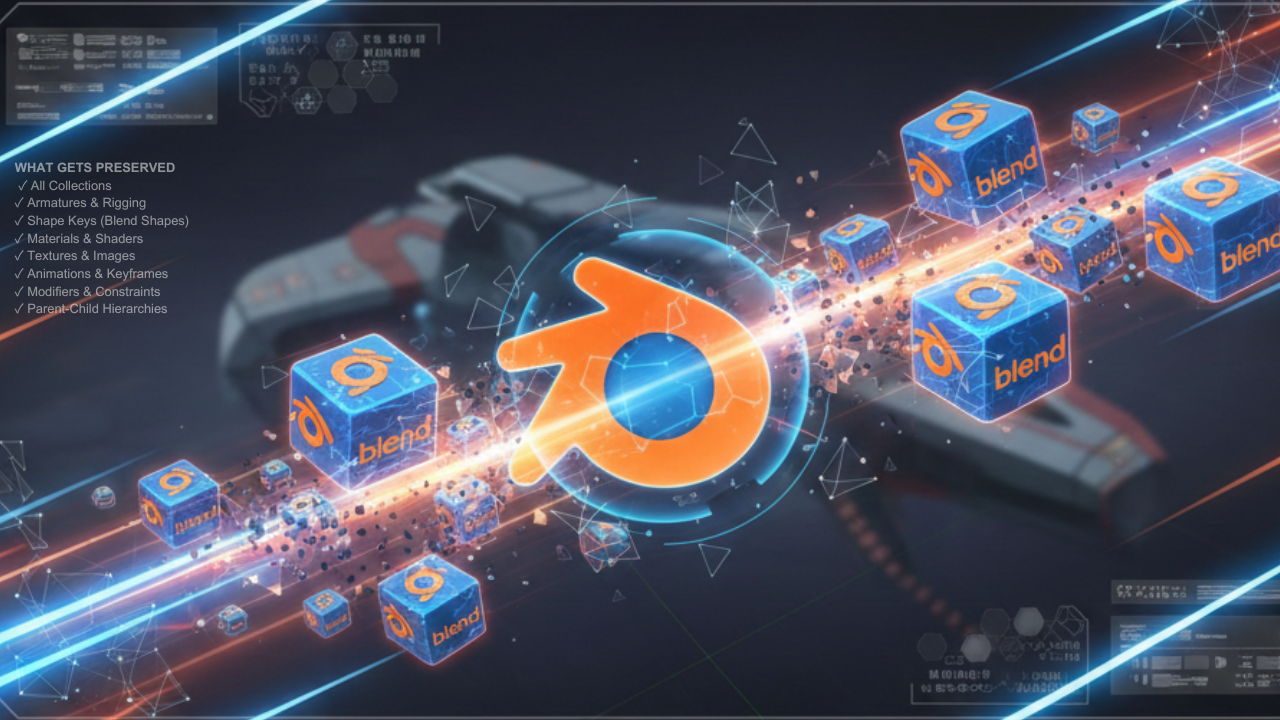
Multi Blend File Merger - Batch Import in Blender
1 mes de Skillshare
Disponible para compraGratis
Todas las membresías se facturarán automáticamente de forma recurrente hasta que se cancelen. Si cumples los requisitos para obtener una prueba gratis, cancélala antes de que finalice para evitar que se realice el cobro. Oferta válida solo para nuevos suscriptores pagos. Consulta los Términos de servicio completos aquí
Acerca de este producto

Salman Naseem
2d 3D Animator
Merge Multiple .blend Files in Seconds!
Multi Blend File Merger is a powerful time-saving addon for Blender artists working with large asset libraries, team projects, or modular workflows. Import dozens—even hundreds of .blend files with a single click and watch a live progress bar as everything merges seamlessly into your scene.
✨ Key Features
✅ Batch Import
Import 10, 50, or 100+ .blend files at once
✅ Real-Time Progress Bar
See live import progress directly in Blender
✅ Automatic Organization
Each file is imported into its own named collection
✅ Full Data Preservation
Rigs, animations, materials, textures—everything stays intact
✅ Live Scene Statistics
Instant count of collections and objects
✅ Simple & Clean UI
One-click button inside the 3D View sidebar
🎯 Perfect For
• Character artists managing multiple character files
• Environment artists importing prop libraries
• Game developers consolidating asset packs
• Animation studios merging team projects
• Anyone building modular or large-scale scenes
💡 How It Works
Press N in the 3D Viewport
Open the Multi Import tab
Click Merge Multiple Blend Files
Select multiple .blend files (Ctrl + Click)
Watch the progress bar as files merge automatically
Each imported file creates its own collection named after the file keeping your Outliner clean and organized.


🔒 What Gets Preserved
✔ Collections
✔ Armatures & Rigging
✔ Shape Keys (Blend Shapes)
✔ Materials & Shaders
✔ Textures & Images
✔ Animations & Keyframes
✔ Modifiers & Constraints
✔ Parent-Child Hierarchies
⚡ PRO TIPS
💡 Name files properly – file names become collection names
💡 Pack textures – File → External Data → Pack Resources
💡 Test first – import 2–3 files before batch importing 100
💡 Save often – before and after imports
💡 Use console – see exactly which file is importing
💡 Companion addon – “Export Each” for exporting
📌 Important Note
This addon is IMPORT ONLY.
It merges multiple .blend files into your current project.
Need exporting?
Check out my companion addon “Export Each”, which exports every object into separate .blend, Fbx and Obj files.
Preguntas frecuentes
¿Qué son los productos digitales?
Los productos digitales de Skillshare son herramientas, recursos y plantillas elaboradas por expertos y desarrolladas por los mejores creativos, que están disponibles para la compra. Con una amplia gama de recursos que se adaptan a todas las necesidades creativas, son prácticos y hacen que tu experiencia de aprendizaje sea real e inolvidable.
¿Cómo puedo comprar un producto digital?
Cualquier persona puede comprar un producto digital en Skillshare — haz clic en Comprar ahora para ingresar tu información de pago y completar tu compra. Una vez completado el pago, todos los archivos estarán disponibles para la descarga al instante desde esta página. También recibirás un correo electrónico con un enlace para descargar tu producto digital después de la compra.
¿Hay un límite en el número de veces que puedo descargar un producto digital?
No, no hay límite en la cantidad de veces que puedes descargar un producto digital. Incluso si el creador elimina un producto, aún puedes acceder a la página de descarga en la mayoría de los casos iniciando sesión en tu cuenta de Skillshare.
¿Puedo obtener un reembolso o cancelar la compra de mi producto digital?
Los productos digitales no son reembolsables y no se pueden devolver ni cancelar. Para obtener más información, consulta nuestra Política de reembolso en el Centro de ayuda de Skillshare.
¿Puedo hacer y vender mis propios productos digitales?
¡Absolutamente! Visita ¿Cómo puedo vender un producto digital en Skillshare? para aprender cómo puedes crear, listar y vender tus propios productos digitales en Skillshare.