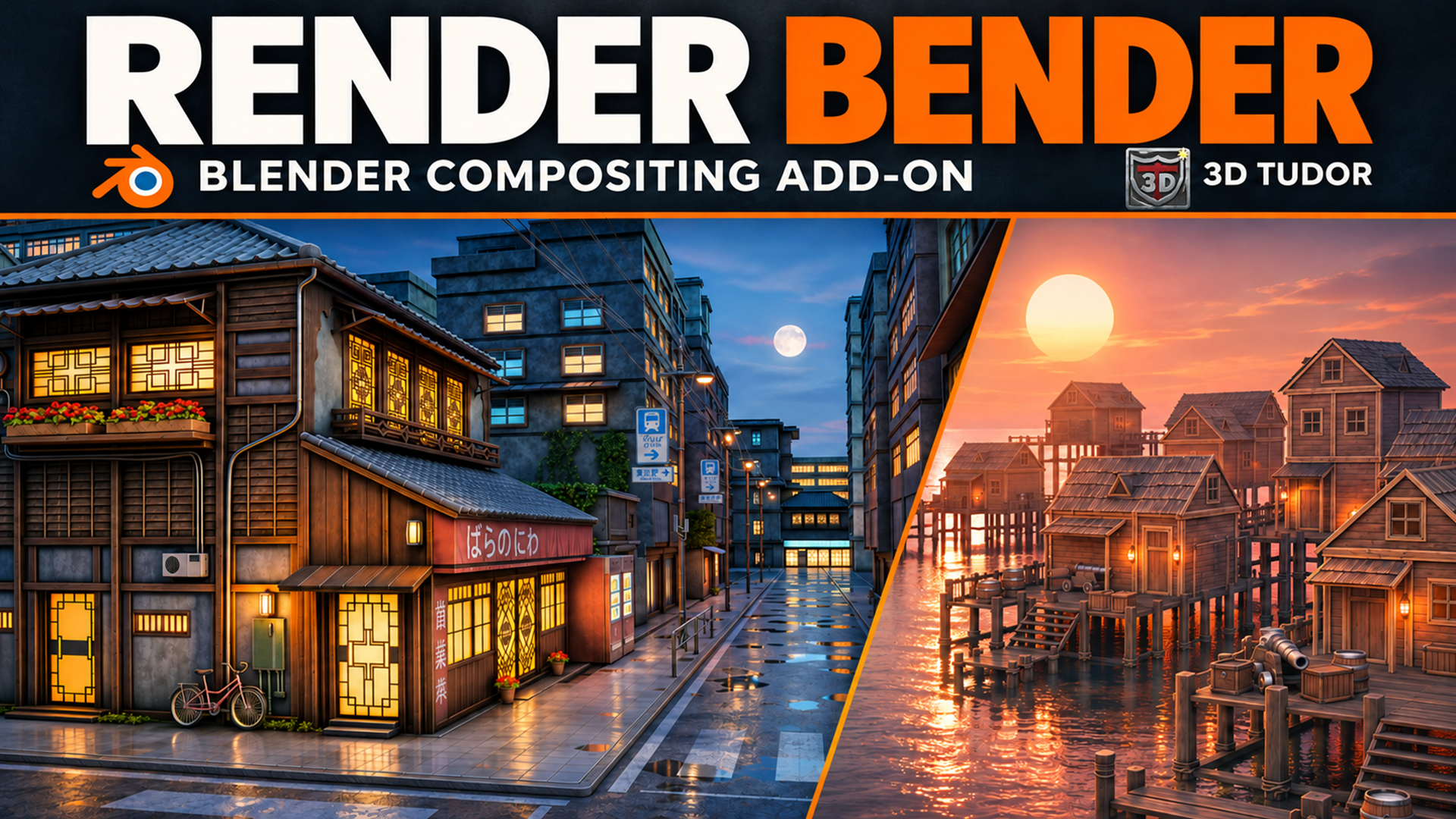
Render Bender: Blender Compositor
1 mes de Skillshare
Disponible para compraGratis
Todas las membresías se facturarán automáticamente de forma recurrente hasta que se cancelen. Si cumples los requisitos para obtener una prueba gratis, cancélala antes de que finalice para evitar que se realice el cobro. Oferta válida solo para nuevos suscriptores pagos. Consulta los Términos de servicio completos aquí
Acerca de este producto

3D Tudor
Bestselling Blender Author & 3D Educator
Finish your own Blender renders
Shape the colour, atmosphere and camera character of a scene with Render Bender. The add-on organises finishing controls into Blender panels, helping you work through a look without rebuilding the compositor for each variation.
What you can adjust
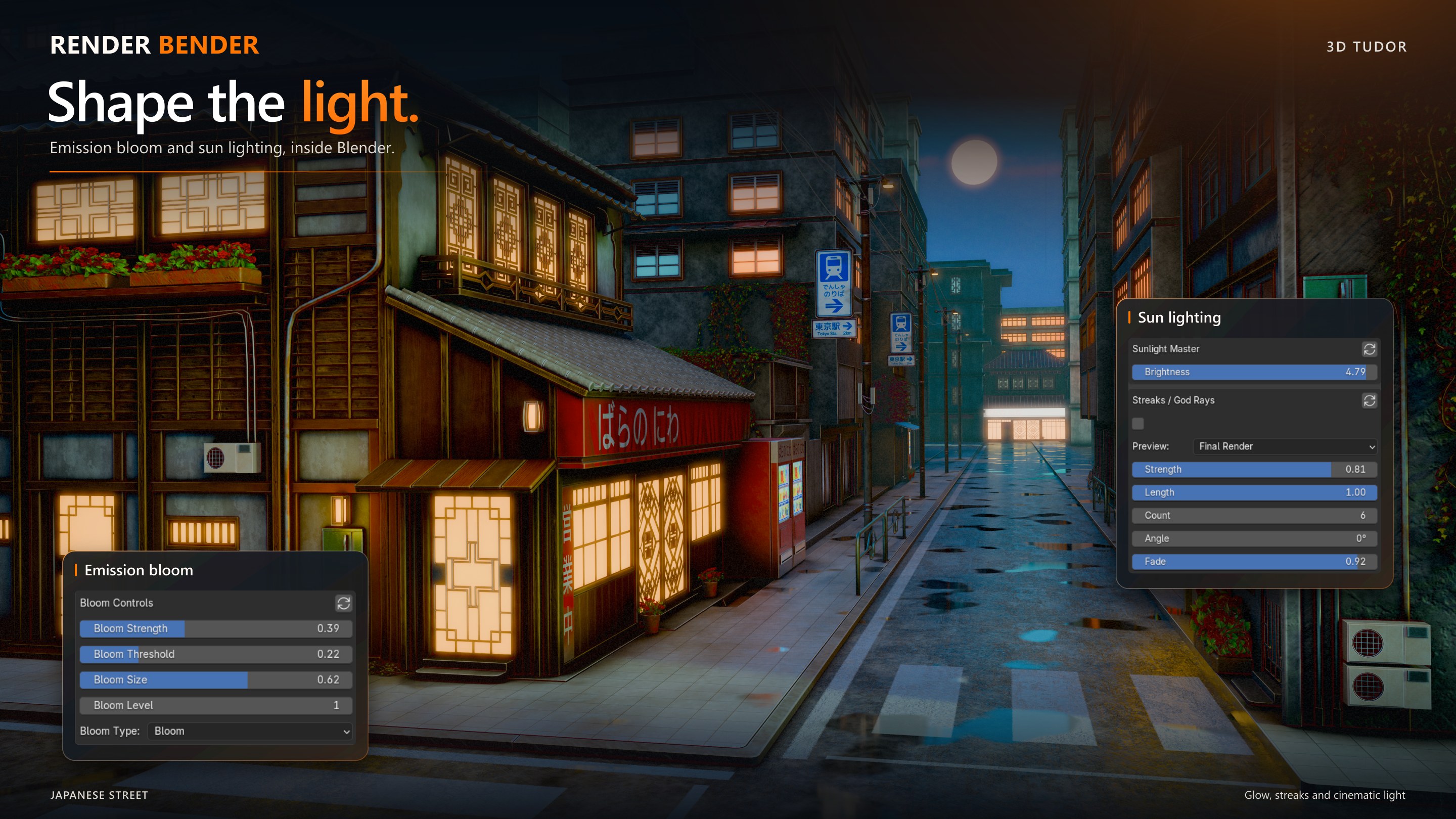
Overall colour and contrast, plus separate emission, glossy, environment and ambient-occlusion contributions.
Depth mist, existing rendered volume lighting and transmissive water.
Captured Edgewear and Cavities masks for surface accents.
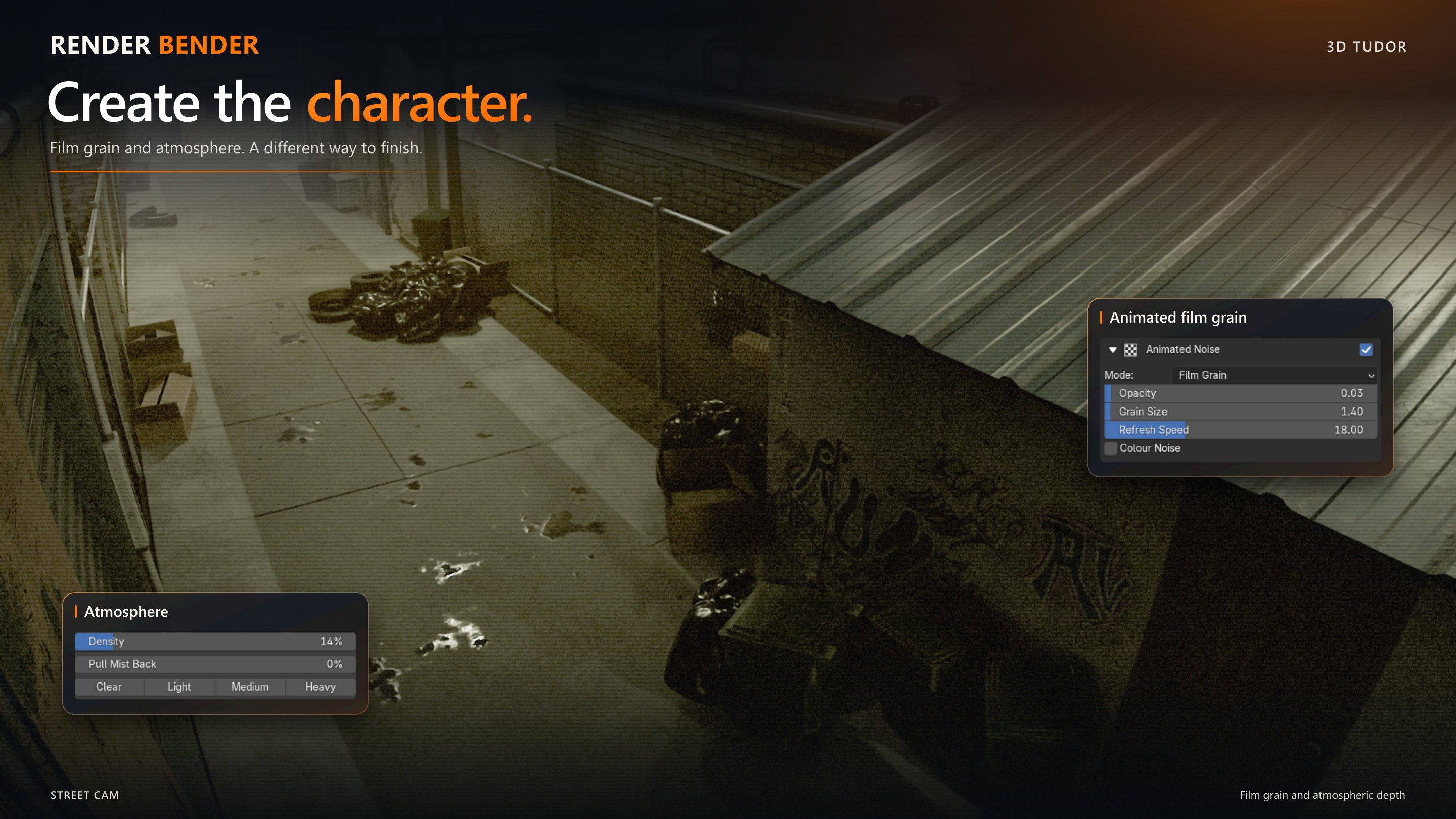
Film grain, CRT/VHS treatments, glitches, light leaks and heat distortion through Animated VFX.
Start from 74 factory entries: nine global and 65 section entries, including neutral resets. Save your own variations and export/import presets when transferring to another computer.

Included downloads
Render Bender add-on installer ZIP with helper modules and factory presets.
Getting-started text guide covering installation, first render, presets, saving images and troubleshooting.
Bundled README, preset guide and version notes.
Before you begin
Requires Blender 5.2, with Cycles for the full render-pass workflow. Tested on Windows; macOS and Linux compatibility has not been verified. Install the ZIP directly through Blender Preferences, enable the add-on, save a working copy of your scene and run setup before rendering.
Scene-dependent controls need the correct inputs: emissive pixels, transmissive water materials or captured masks. The Volume section adjusts existing rendered volume light; it does not create fog geometry. Refresh captured still masks when the camera, geometry or frame changes. Animation support follows the documented Colour and Animated VFX workflows.
Example scenes, models and textures pictured in the artwork are not included. This is a standalone paid add-on, separate from Skillshare classes. Consult the included version notes for current workflow limitations.
The gallery includes a 15-second workflow excerpt played at 6× speed. The control breakdown images illustrate available controls, rather than exact settings for the pictured renders.
The Python add-on code is supplied under GNU GPL 3.0, with the licence included in the installer.
Happy modelling everyone!
Neil - 3D Tudor

Preguntas frecuentes
¿Qué son los productos digitales?
Los productos digitales de Skillshare son herramientas, recursos y plantillas elaboradas por expertos y desarrolladas por los mejores creativos, que están disponibles para la compra. Con una amplia gama de recursos que se adaptan a todas las necesidades creativas, son prácticos y hacen que tu experiencia de aprendizaje sea real e inolvidable.
¿Cómo puedo comprar un producto digital?
Cualquier persona puede comprar un producto digital en Skillshare — haz clic en Comprar ahora para ingresar tu información de pago y completar tu compra. Una vez completado el pago, todos los archivos estarán disponibles para la descarga al instante desde esta página. También recibirás un correo electrónico con un enlace para descargar tu producto digital después de la compra.
¿Hay un límite en el número de veces que puedo descargar un producto digital?
No, no hay límite en la cantidad de veces que puedes descargar un producto digital. Incluso si el creador elimina un producto, aún puedes acceder a la página de descarga en la mayoría de los casos iniciando sesión en tu cuenta de Skillshare.
¿Puedo obtener un reembolso o cancelar la compra de mi producto digital?
Los productos digitales no son reembolsables y no se pueden devolver ni cancelar. Para obtener más información, consulta nuestra Política de reembolso en el Centro de ayuda de Skillshare.
¿Puedo hacer y vender mis propios productos digitales?
¡Absolutamente! Visita ¿Cómo puedo vender un producto digital en Skillshare? para aprender cómo puedes crear, listar y vender tus propios productos digitales en Skillshare.