Smart Morph - Body and Face Shape Sliders
1 mes de Skillshare
Disponible para compraGratis
Todas las membresías se facturarán automáticamente de forma recurrente hasta que se cancelen. Si cumples los requisitos para obtener una prueba gratis, cancélala antes de que finalice para evitar que se realice el cobro. Oferta válida solo para nuevos suscriptores pagos. Consulta los Términos de servicio completos aquí
Acerca de este producto

Junaid Alam
3D Artist
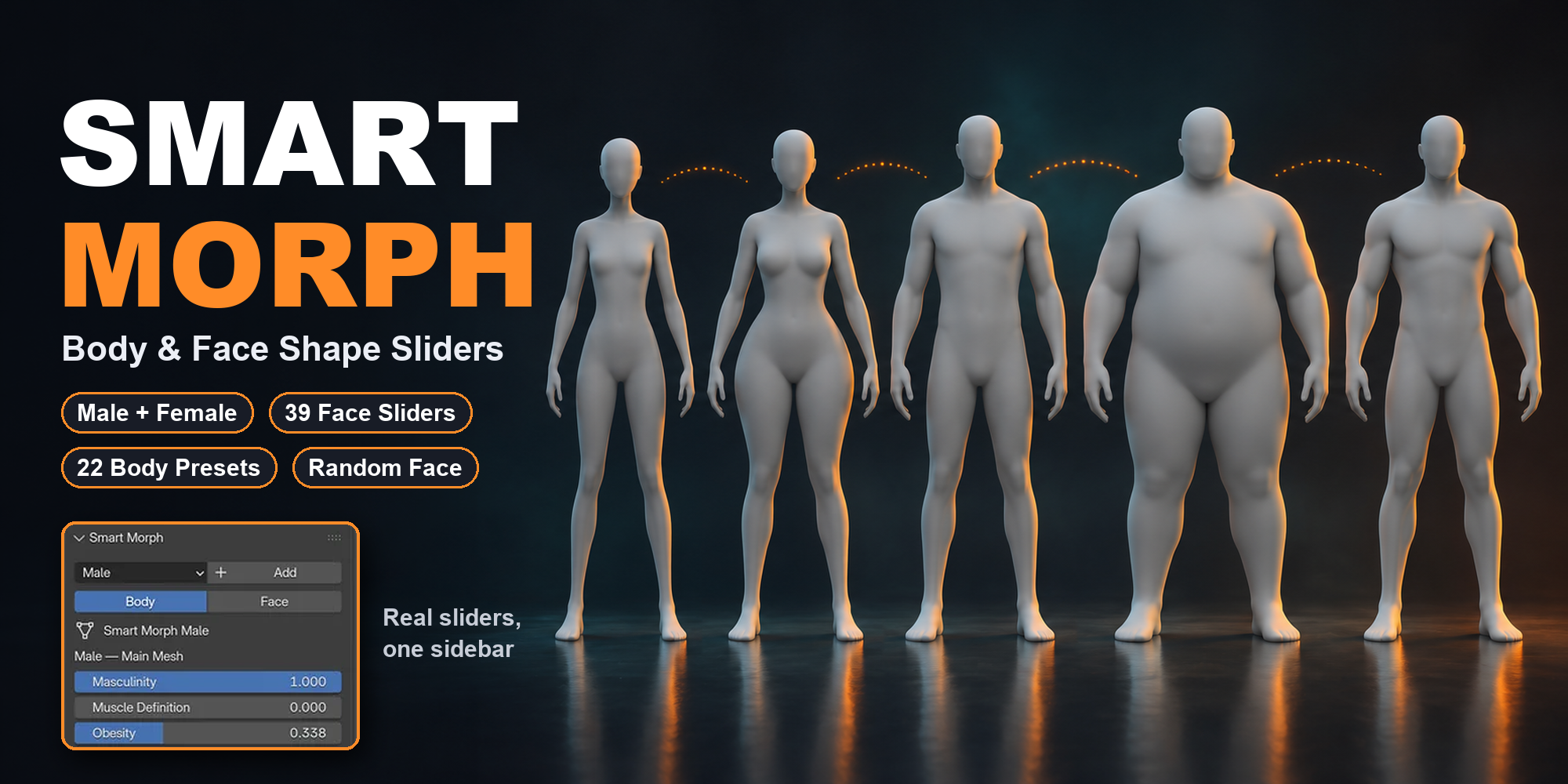
Shape male and female base meshes in Blender with sliders instead of sculpting. Body and face proportions, 22 body type presets, Random Face and saved custom presets.
The problem
Every new character needs a different body. In plain Blender that means sculpting, proportional editing or building shape keys one by one. It is slow and hard to repeat.
The solution
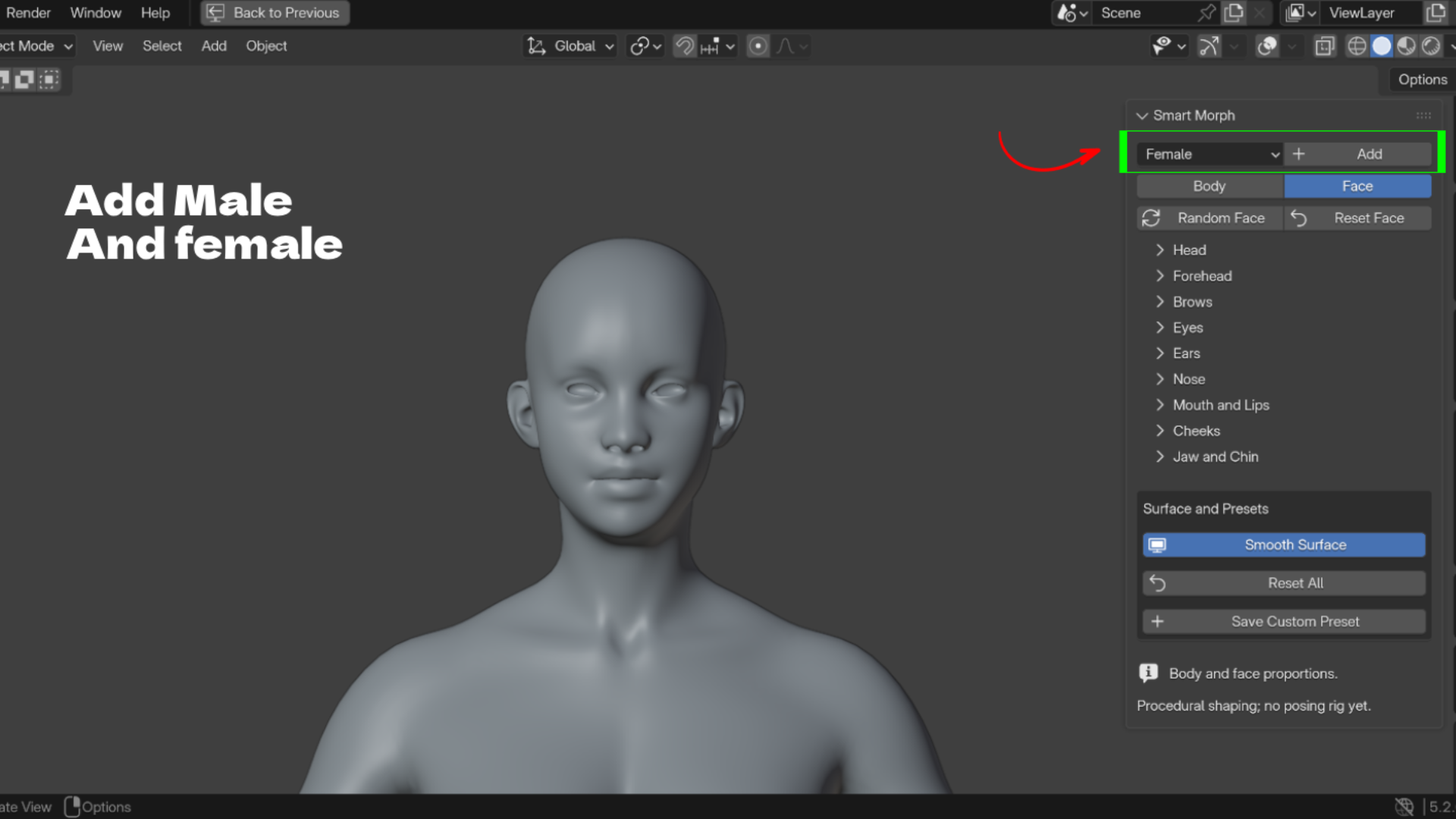
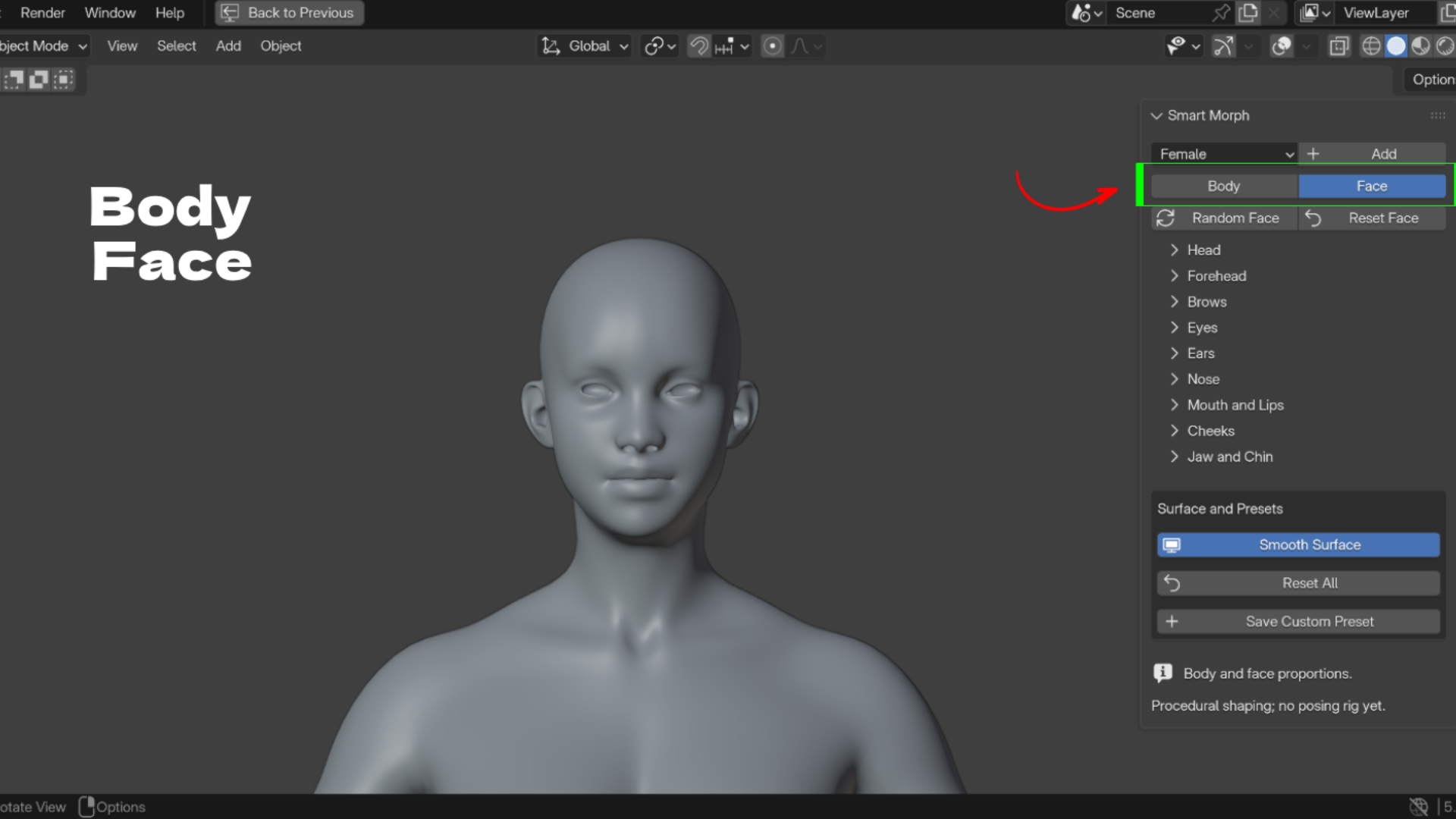
Smart Morph gives you a female and a male base mesh with proportion sliders already built in. Add a character, pick Body or Face, and drag sliders. Left and right sides stay linked.
Key Features
- Female and Male base meshes: add either one at the 3D cursor with one click.
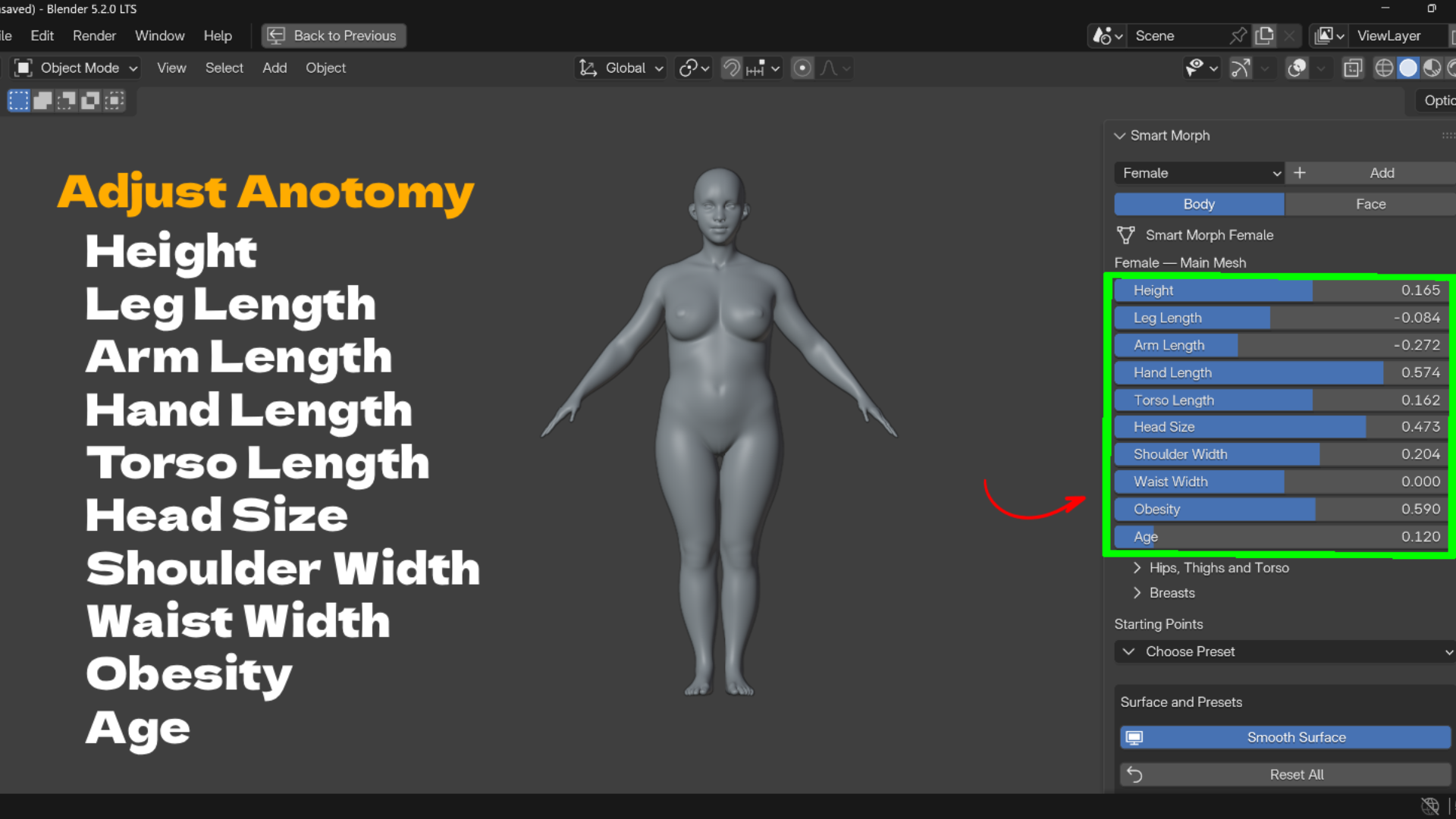
- Body proportion sliders: height, limb lengths, torso, head size, shoulders, waist, hips and more.
- Smart length controls: feet stay grounded, hands follow arm length, head and arms follow the torso.
- Body build controls: obesity, age, belly size and belly drop on both bodies; masculinity and muscle definition on the male.
- Female specific controls: breast volume, spacing, projection, upper and lower fullness, and hang.
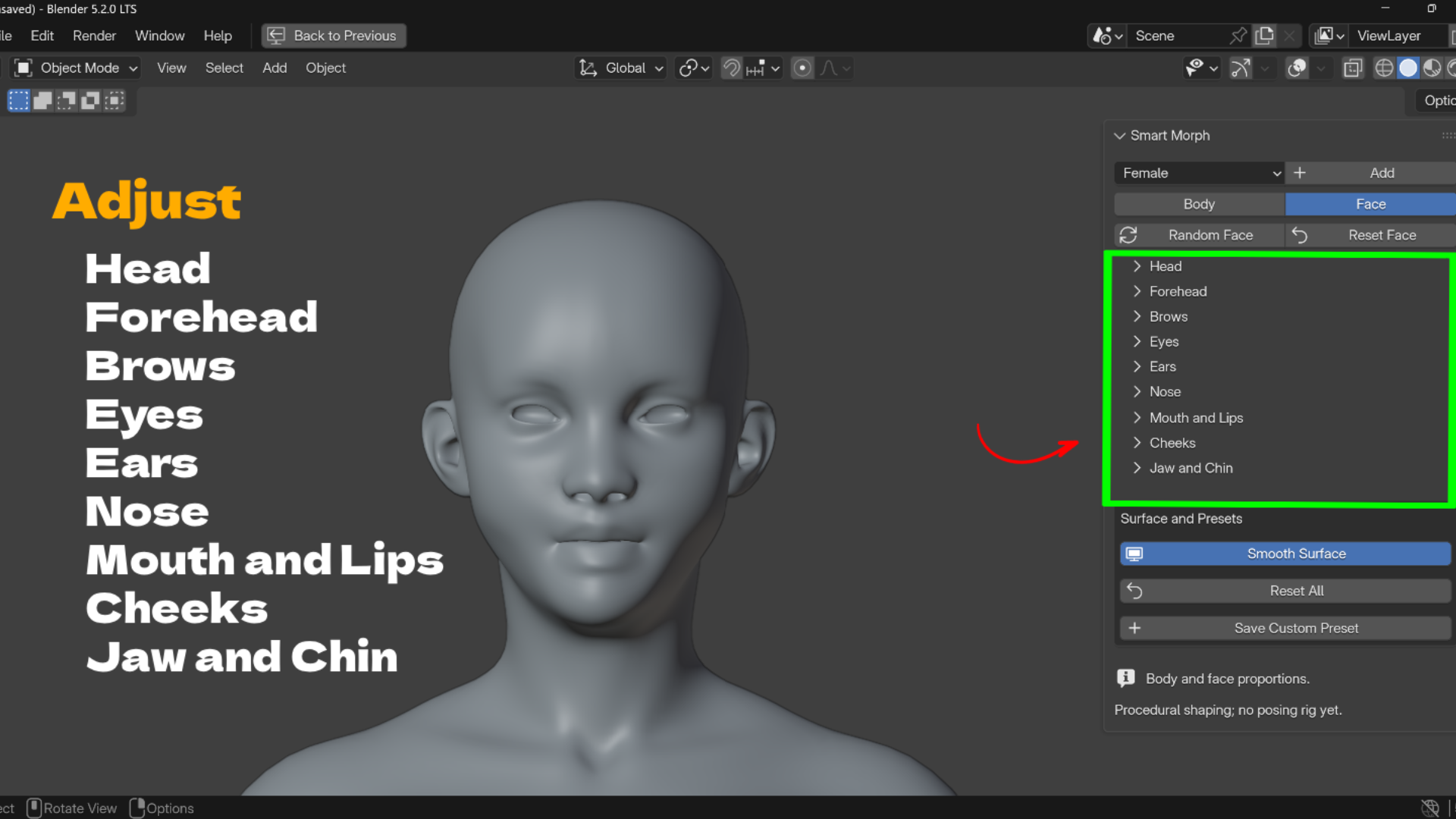
- 39 face shape sliders: head, forehead, brows, eyes, ears, nose, mouth and lips, cheeks, jaw and chin.
- Left and right offsets: for eyes, ears and cheeks.
- Random Face: creates a new face and leaves body proportions, transforms and presets alone.
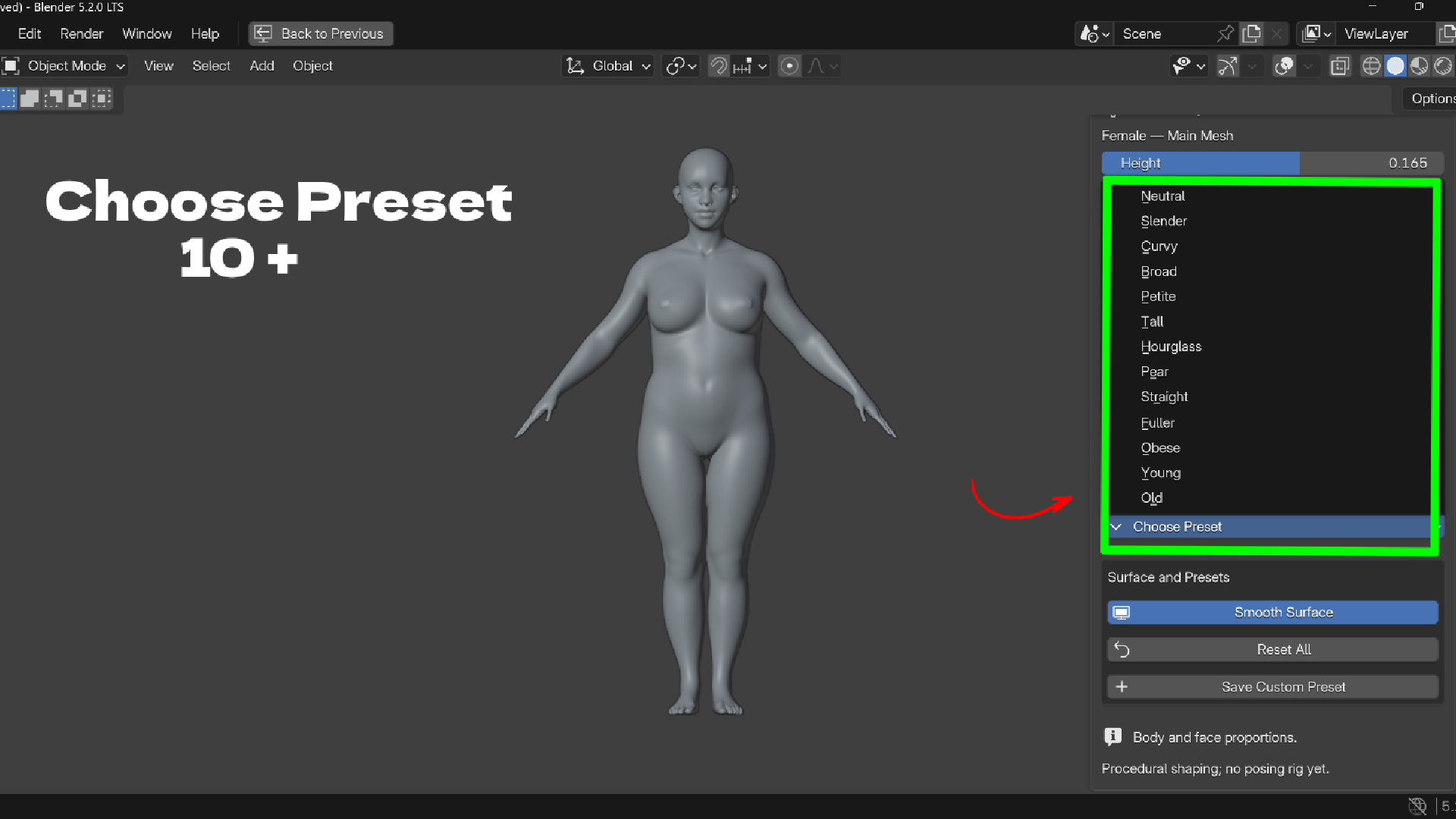
- 22 body type presets: 13 female and 9 male Starting Points.
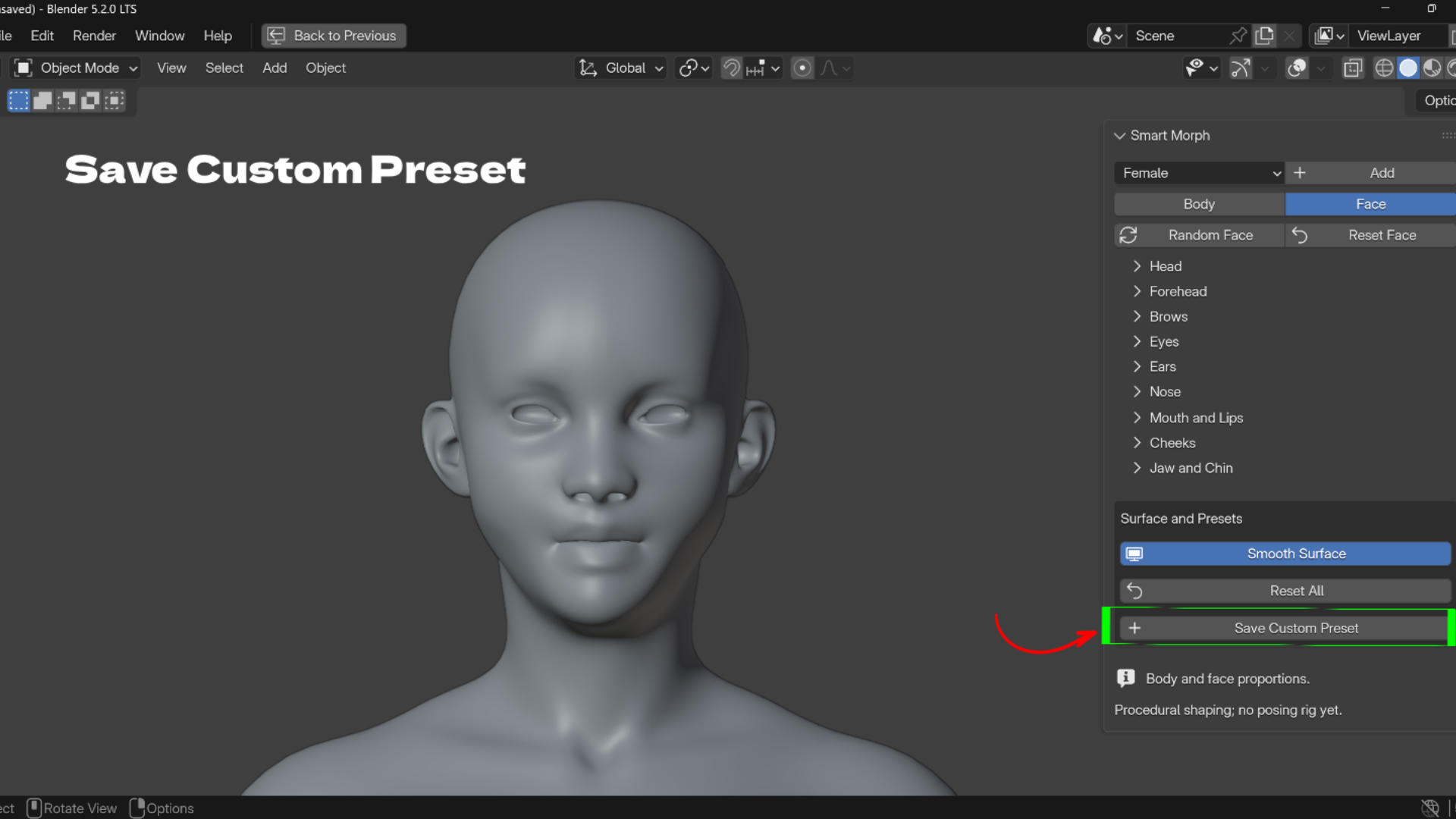
- Custom presets saved on the character: save body and face values by name, load them with one click, delete with X.
- Auto framing: clicking Body frames the full character from the front; clicking Face frames a close up.


Who It Is For
Character artists, game developers, illustrators, previs artists, clothing designers and students.
What's Included
- Smart Morph ZIP (version 1.1.0) with female, male and legacy base body assets
- User guide, README and support file
- GPL-3.0-or-later license for the code
- Blender 5.2 or newer (tested on 5.2.1 LTS, Windows)
Install
- Download Smart-Morph-1.1.0-BlenderUstad.zip. Do not extract it.
- In Blender open Edit > Preferences > Add-ons.
- Open the menu at the top right, choose Install from Disk, and select the ZIP.
- Enable Smart Morph, then press N in the 3D View and open the Smart Morph tab.
FAQ
How do I change body proportions in Blender without sculpting?
Add a Smart Morph character and drag the Body sliders. Height, limbs, torso, shoulders, waist, hips and more are already set up.
Does it include male and female base meshes?
Yes. Pick Female or Male and click Add. Each click creates a new independent character.
Can I make random faces?
Yes. Random Face creates a new face and keeps the body, transforms and presets as they are.
Is it destructive?
No. Every change is a slider value. Use Reset Face, Reset All or Blender Undo to go back.
Does it include a rig, UVs or textures?
No. Smart Morph is a proportion tool. It does not include a posing rig, facial animation, UVs, skin textures or separate eyeballs.
Demo video: https://youtu.be/u6IVoE3jygw
Support: admin@blenderustad.com
Preguntas frecuentes
¿Qué son los productos digitales?
Los productos digitales de Skillshare son herramientas, recursos y plantillas elaboradas por expertos y desarrolladas por los mejores creativos, que están disponibles para la compra. Con una amplia gama de recursos que se adaptan a todas las necesidades creativas, son prácticos y hacen que tu experiencia de aprendizaje sea real e inolvidable.
¿Cómo puedo comprar un producto digital?
Cualquier persona puede comprar un producto digital en Skillshare — haz clic en Comprar ahora para ingresar tu información de pago y completar tu compra. Una vez completado el pago, todos los archivos estarán disponibles para la descarga al instante desde esta página. También recibirás un correo electrónico con un enlace para descargar tu producto digital después de la compra.
¿Hay un límite en el número de veces que puedo descargar un producto digital?
No, no hay límite en la cantidad de veces que puedes descargar un producto digital. Incluso si el creador elimina un producto, aún puedes acceder a la página de descarga en la mayoría de los casos iniciando sesión en tu cuenta de Skillshare.
¿Puedo obtener un reembolso o cancelar la compra de mi producto digital?
Los productos digitales no son reembolsables y no se pueden devolver ni cancelar. Para obtener más información, consulta nuestra Política de reembolso en el Centro de ayuda de Skillshare.
¿Puedo hacer y vender mis propios productos digitales?
¡Absolutamente! Visita ¿Cómo puedo vender un producto digital en Skillshare? para aprender cómo puedes crear, listar y vender tus propios productos digitales en Skillshare.