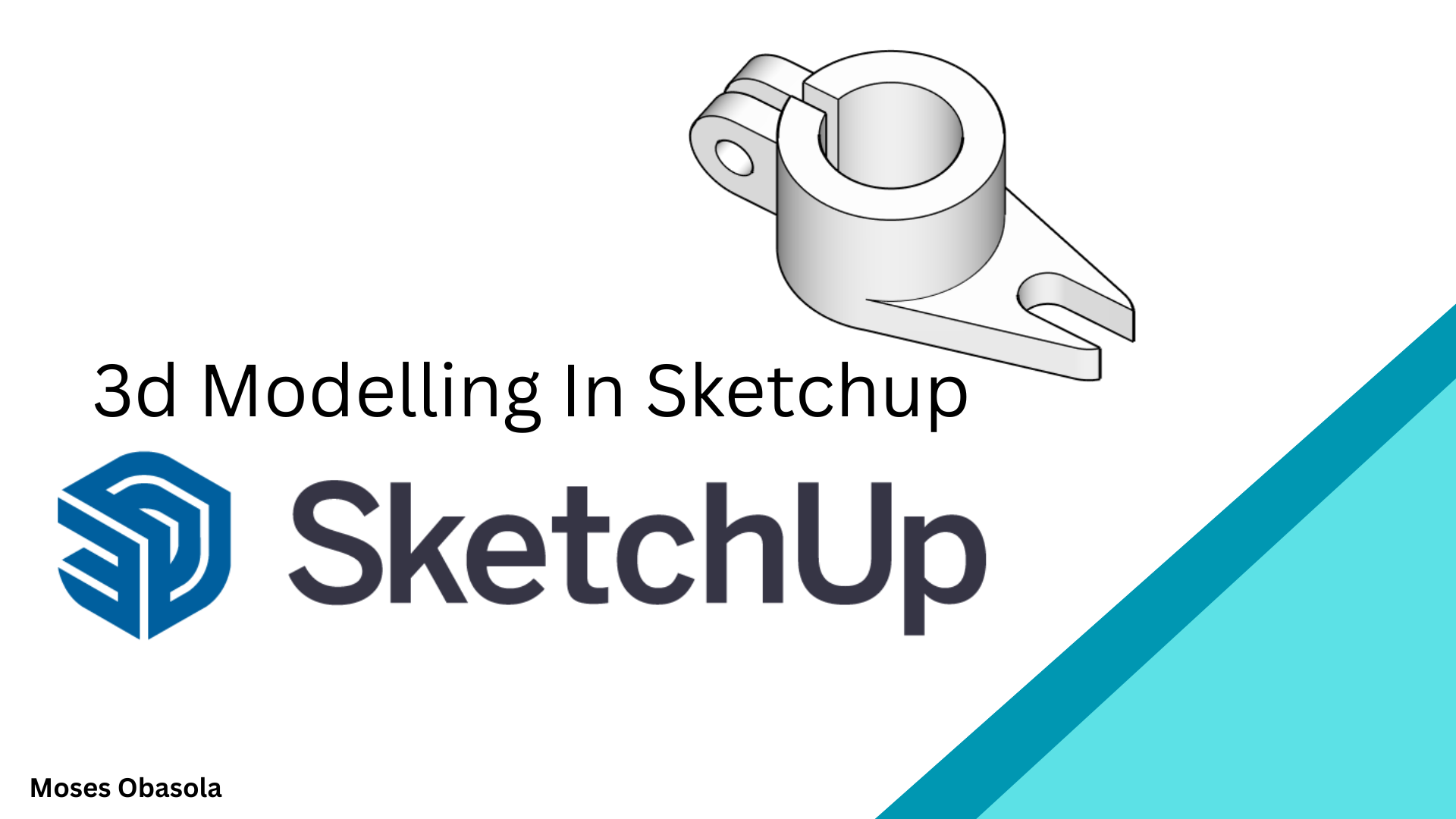
3D Modeling in SketchUp: Essentials for Beginners
1 mes de Skillshare
Disponible para compraGratis
Todas las membresías se facturarán automáticamente de forma recurrente hasta que se cancelen. Si cumples los requisitos para obtener una prueba gratis, cancélala antes de que finalice para evitar que se realice el cobro. Oferta válida solo para nuevos suscriptores pagos. Consulta los Términos de servicio completos aquí
Acerca de este producto

3D Modelling in SketchUp: From Beginner to Confident 3D Designer
Learn how to create impressive 3D models from scratch using SketchUp, one of the most intuitive and powerful 3D modelling tools for architecture, interior design, engineering, woodworking, product design, and creative visualisation.
Whether you are completely new to SketchUp or want to improve your existing modelling skills, this practical video tutorial takes you through the essential tools and techniques you need to start creating your own 3D models with confidence.
What You'll Learn
In this hands-on SketchUp class, you'll learn how to:
Navigate the SketchUp interface and workspace
-Create and edit basic 2D shapes
-Turn 2D drawings into 3D models
-Use essential SketchUp drawing and modification tools
-Apply Push/Pull, Move, Rotate, Scale, Offset, Follow Me, and other important tools
-Create accurate dimensions and proportions
-Organise models using Groups and Components
-Create 3D Machining products
Who Is This Class For?
This class is ideal for:
Beginners learning SketchUp for the first time
Architecture and interior design students
Engineering students and professionals
Designers interested in 3D modelling
Creators who want to turn 2D ideas into 3D models
No advanced 3D modelling experience is required. The lessons are designed to be practical and easy to follow, allowing you to learn by actually building models.
Why Learn SketchUp?
SketchUp makes 3D modelling accessible without requiring years of experience. Once you understand its core tools and modelling workflow, you can quickly transform your ideas into accurate and visually appealing 3D models.
By the end of this class, you'll have a stronger understanding of the SketchUp workflow and the confidence to begin creating your own 3D architectural models, interior designs, furniture, products, and other creative projects.
Start learning SketchUp today and turn your ideas into 3D models!
Find attached examples and assignments for practice.
Preguntas frecuentes
¿Qué son los productos digitales?
Los productos digitales de Skillshare son herramientas, recursos y plantillas elaboradas por expertos y desarrolladas por los mejores creativos, que están disponibles para la compra. Con una amplia gama de recursos que se adaptan a todas las necesidades creativas, son prácticos y hacen que tu experiencia de aprendizaje sea real e inolvidable.
¿Cómo puedo comprar un producto digital?
Cualquier persona puede comprar un producto digital en Skillshare — haz clic en Comprar ahora para ingresar tu información de pago y completar tu compra. Una vez completado el pago, todos los archivos estarán disponibles para la descarga al instante desde esta página. También recibirás un correo electrónico con un enlace para descargar tu producto digital después de la compra.
¿Hay un límite en el número de veces que puedo descargar un producto digital?
No, no hay límite en la cantidad de veces que puedes descargar un producto digital. Incluso si el creador elimina un producto, aún puedes acceder a la página de descarga en la mayoría de los casos iniciando sesión en tu cuenta de Skillshare.
¿Puedo obtener un reembolso o cancelar la compra de mi producto digital?
Los productos digitales no son reembolsables y no se pueden devolver ni cancelar. Para obtener más información, consulta nuestra Política de reembolso en el Centro de ayuda de Skillshare.
¿Puedo hacer y vender mis propios productos digitales?
¡Absolutamente! Visita ¿Cómo puedo vender un producto digital en Skillshare? para aprender cómo puedes crear, listar y vender tus propios productos digitales en Skillshare.