Torn paper brushes
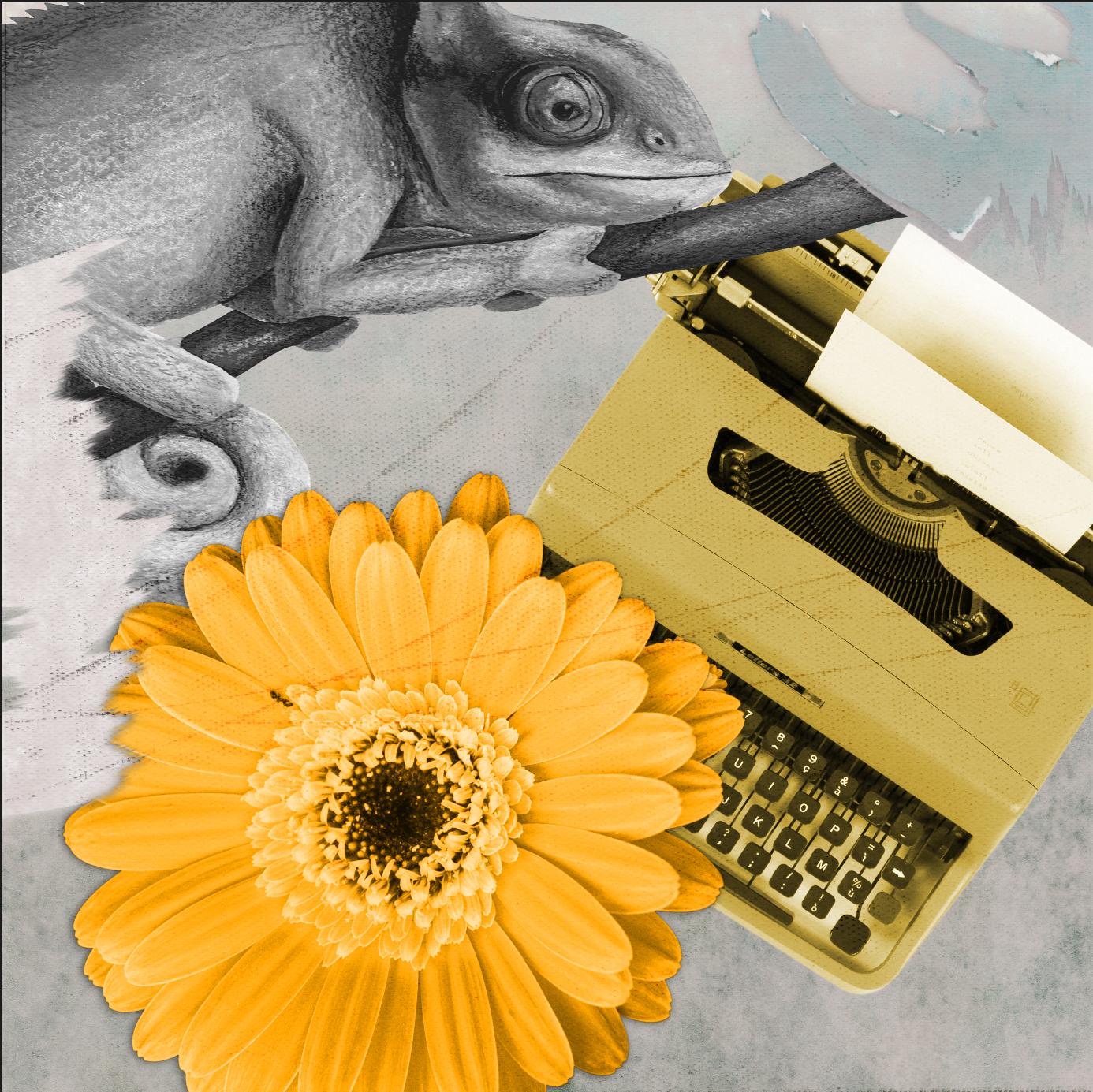 Before Tracey’s class I didn’t know anything about textured image brushes. So once again I learned about a new aspect of Affinity. However, the most interesting part of the video was the selection and masking technique in the Pixel Persona - thank you, Tracey! And of course your high quality resources are fantastic!
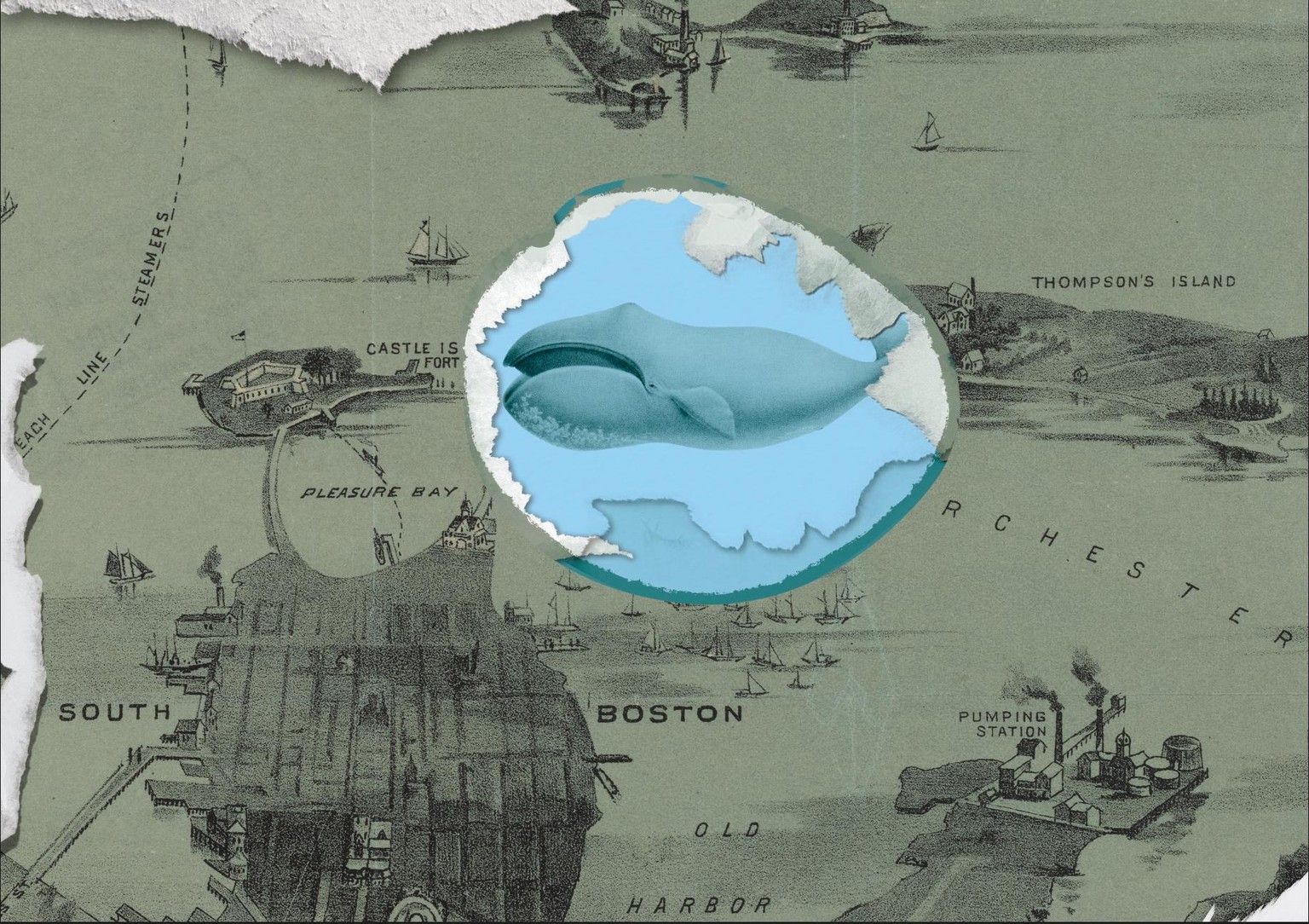
Regarding my brushes I must say these brushes - as is the case with other vector brushes as well - can behave pretty weirdly. Often they take on unwanted shapes. On the other hand they can be created very easily - if suitable PNGs are available. I personally found the scanning and isolating process very tiresome. I probably won’t try it again. Also, I’m not happy with the results I achieved. I had to delete at least half a dozen projects. I just can’t see the torn paper effect despite my best efforts.
At long last I started to have some fun with vector brushes. But completely without torn paper. I found you can get relatively good results when using PNGs of pictures. So thanks again, Tracey, for introducing me to these brushes!!