The stove is on fire!
Someone left one of the stove knobs on, and now there's a small fire on the stove top! Oops!
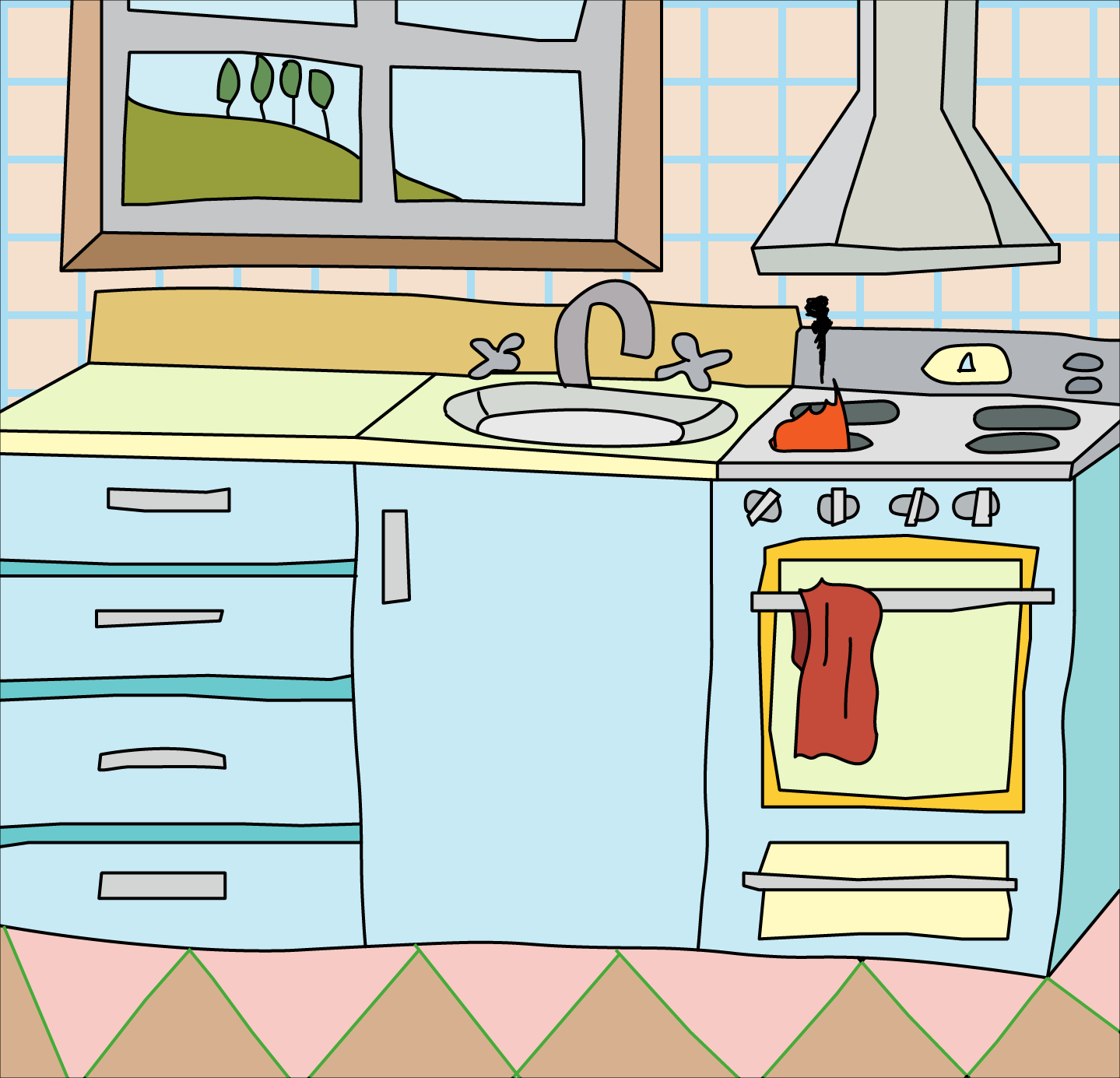
I decided to take this course because I was in the middle of Helen's 20 Recolor Artwork Tool class and realized she was using this particular Kitchen illustration as her example for some of the color techniques. In an effort to make it easier on myself, I jumped in to do this class and get this image so I can continue the other course. I knew the Live Paint option existed, but I didn't actually know what it was *for* (mostly because I always confused it with Live Trace). Yes its a sort of "beginner" tool, but in reading up on the Live Paint itself on Adobe's website, its a pretty complex tool.
The biggest take away I learned through reading is that once you create the Live Paint group, each path is editable. That means you can literally adjust the path shape and the colors just get reapplied to the new shape. You don't have to redraw anything. Its very flexible!
The biggest take away from the course is that now I know how to quickly throw color on a drawing and its there. The real color manipulation can come later with the recolor Artwork tool. Everything works together, and its not a "beginner" vs "intermediate" level tool, its a pipeline of various tools used to create a finished piece of art.
Now I can finish the 20 recolor Artwork tips without driving myself crazy because I can follow along better with my kitchen, assuming it doesn't fully burn down!
Oh, and I added my favorite grid as wallpaper.