Summer Sale Poster
Hi, thanks for inspiration.
I decided to do something softer and delicate. Something more cool and positive vibe. Here is final outcome: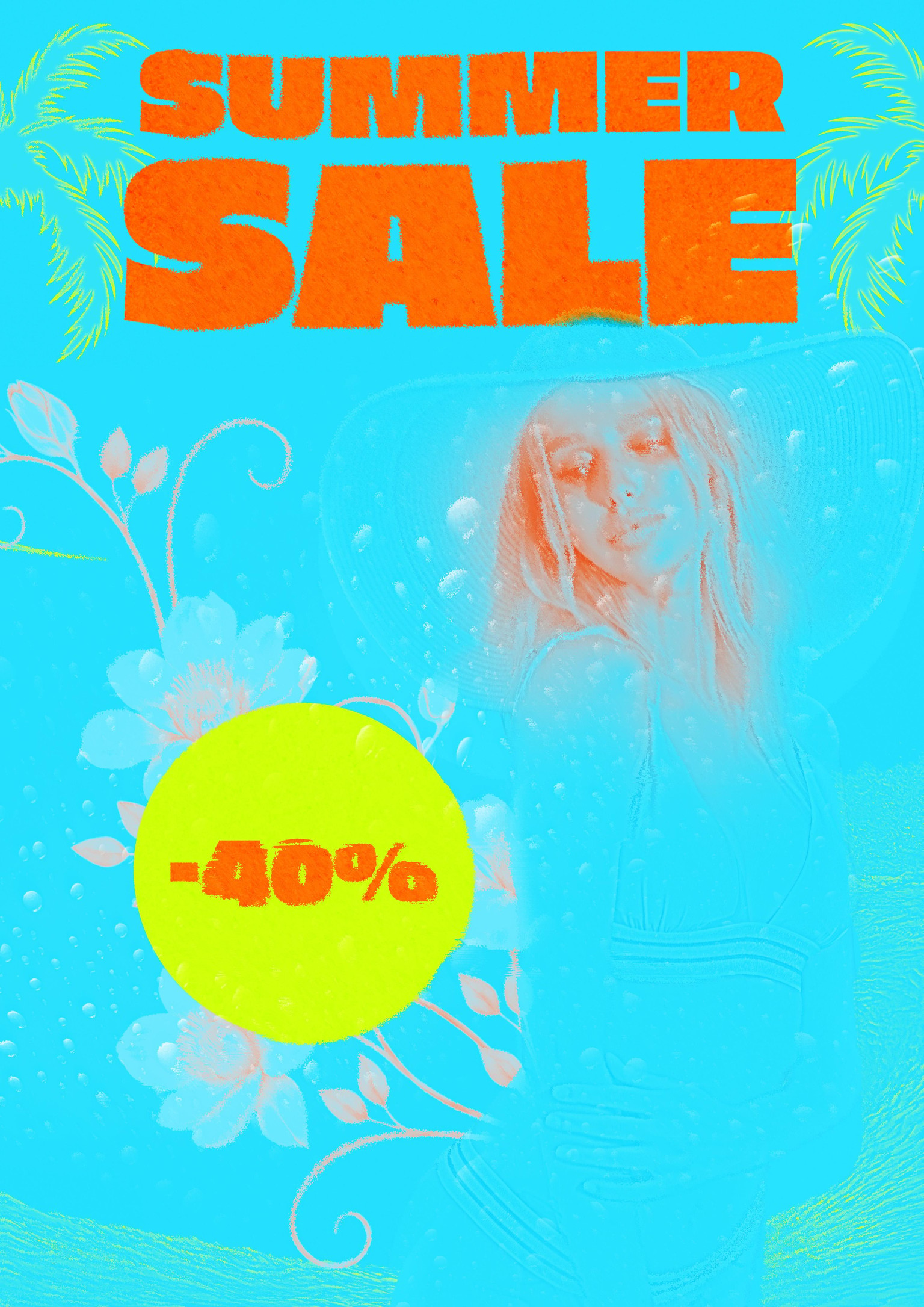
Technique I used:
Woman: I applied the Curves adjustment to make the entire model black. Then, I painted white on the face and hair. Next, I used the Black and White adjustment followed by a Gradient Map (orange and blue). Afterward, I merged the entire woman layer, duplicated it, and applied a High Pass Filter to create a subtle outline.
Additional Elements: I found photos of a flower, a palm, and an ocean wave. I applied High Pass, Gradient Map, and Curves adjustments to each of them.
Final Touches: At the end, I duplicated all layers and merged them into a Smart Object. Then, I added a Camera Raw Filter. I also found a displacement texture and saved it as a displacement map. I used this map to displace the whole poster, giving it a wavy, glitchy effect at random points. The effect is subtle but noticeable.
At the end poster mockup: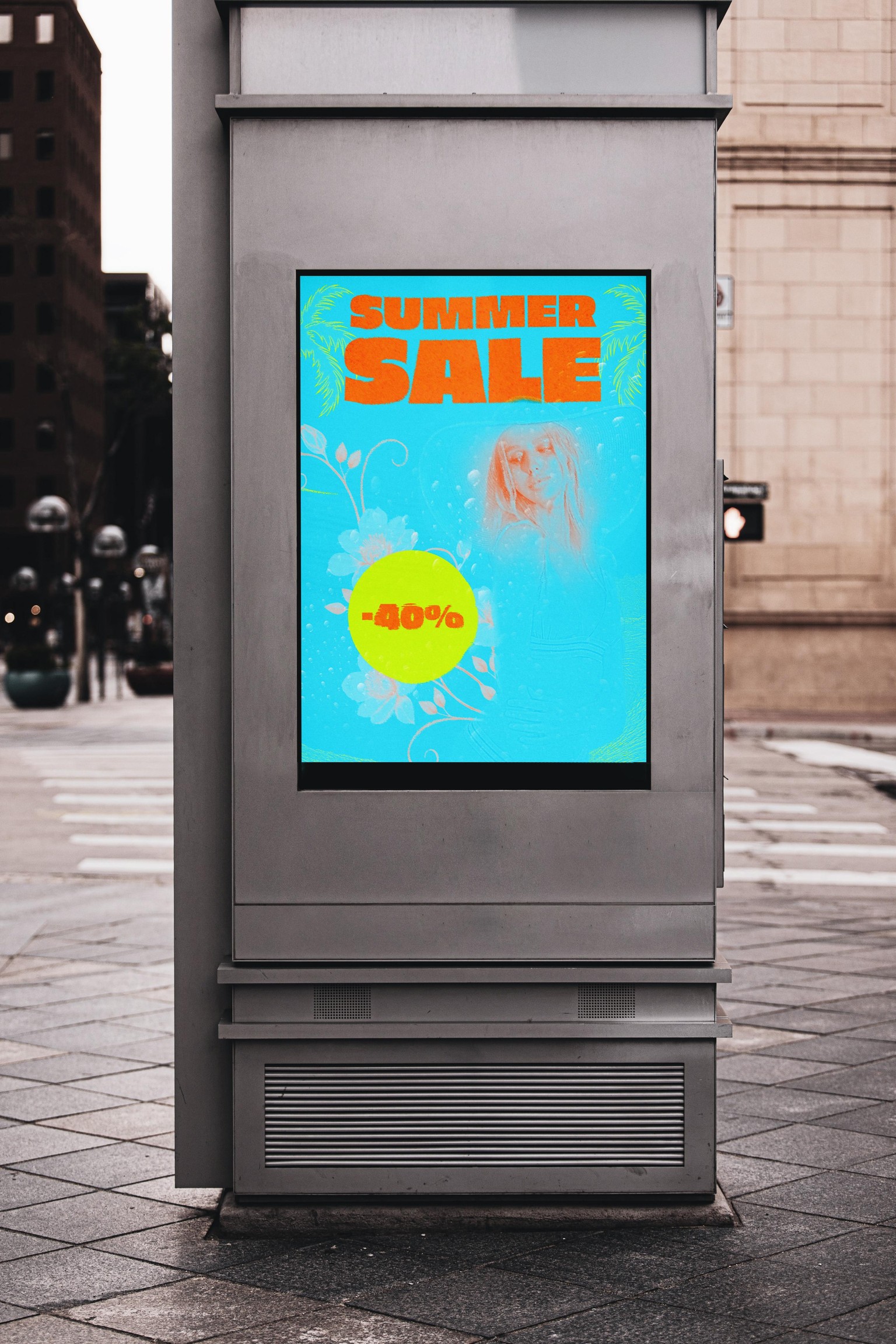
If you like this project, you can find more on my:
Behance - https://www.behance.net/michawolski4
Instagram - https://www.instagram.com/mihu_wolski_1996/