Shape Builder Tool: Swan
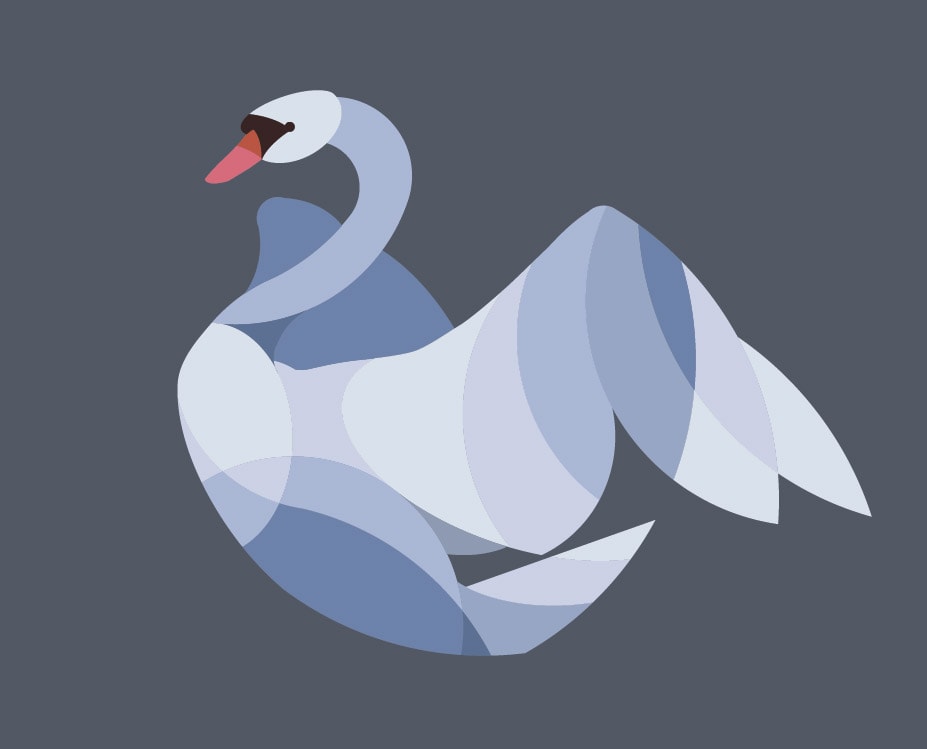
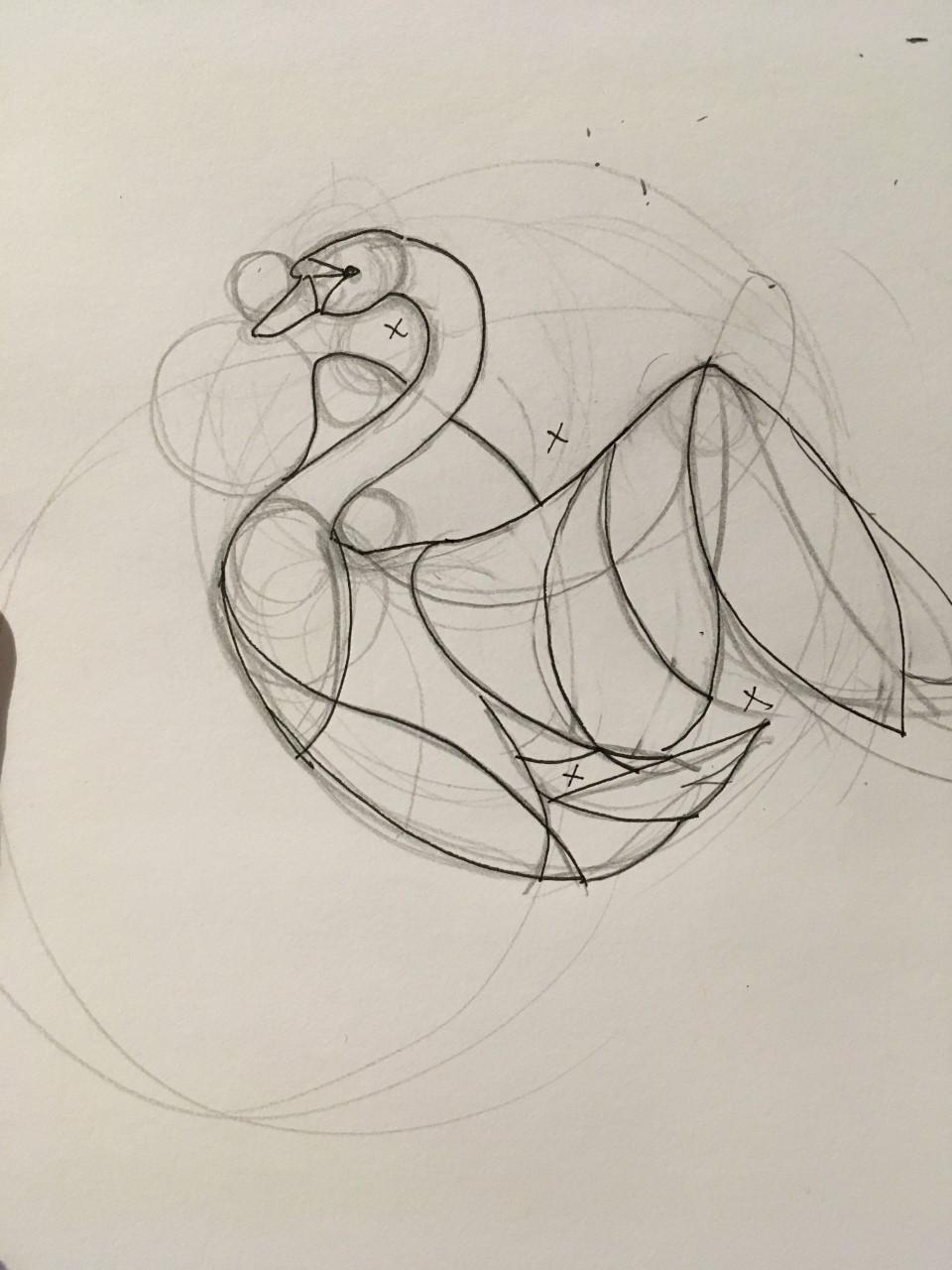
I took inspiration from these animals. Above is the final and sketch. It took awhile, and I'm still on the fence with the colors, but I think I'm overall happy with what I've accomplished. I tried to use the ellipse tool to create most of the shapes except for the beak and black (which I used the pen tool). I've learned a lot, and would do a lot of things differently!
I wanted to use gradients too... but I think I'll save it for next time. It seemed it was going to be a bit frustrating to figure out how to organize all the colors with gradients.
Width too
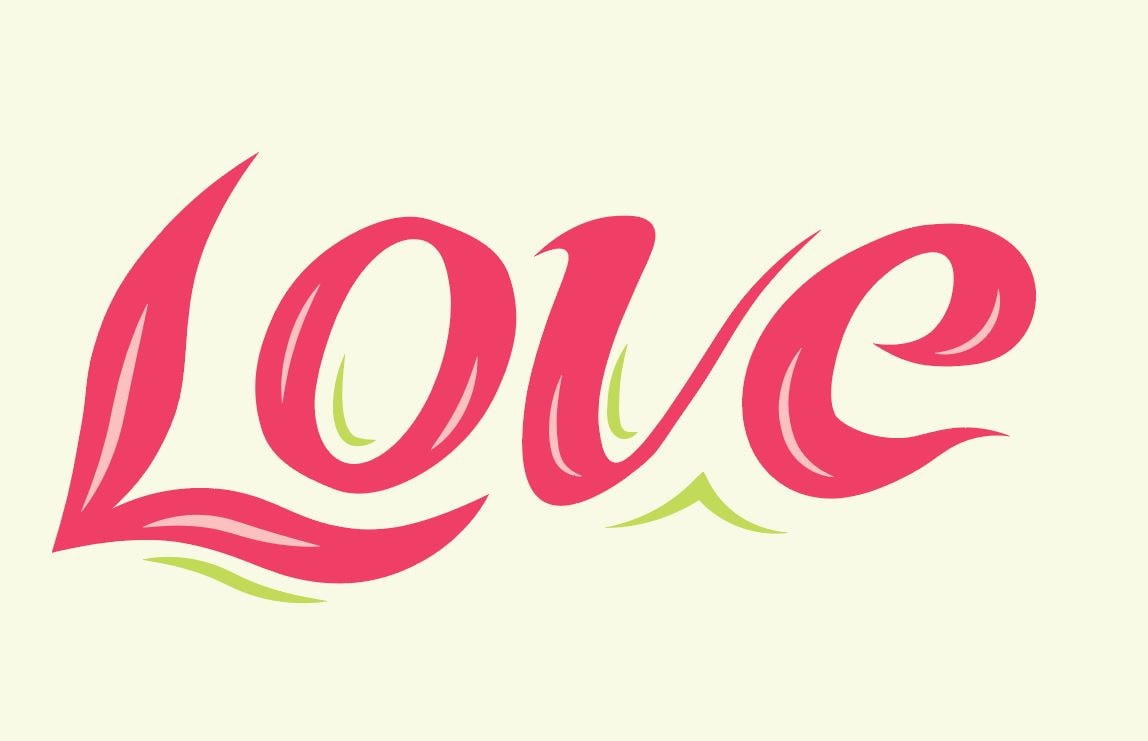
I'm not sure how to do the more curvy or looped letters (like the e) and gave up on the v entirely and created it with the pen tool. After a certain thickness its starts to get awkward with curves and loops in on itself creating strange gaps (perhaps there's a setting I missed that could prevent this?). Maybe I adhered to the sketch of the letters too closely and comprising more would have helped. I wanted to see how precise the tool could be.
Type on a path exercise

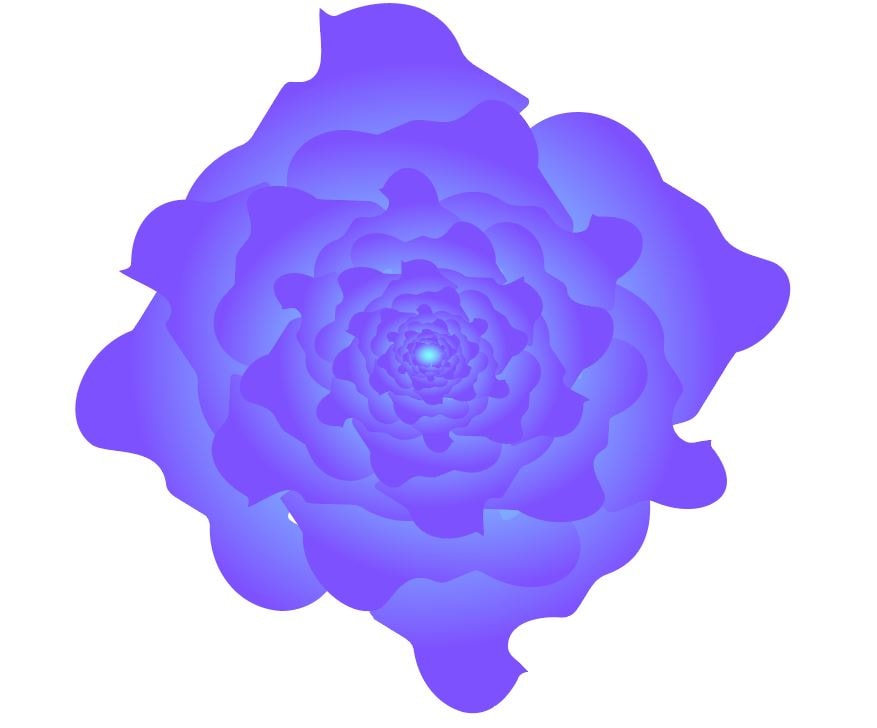
My transform each, which looks like a purple cabbage