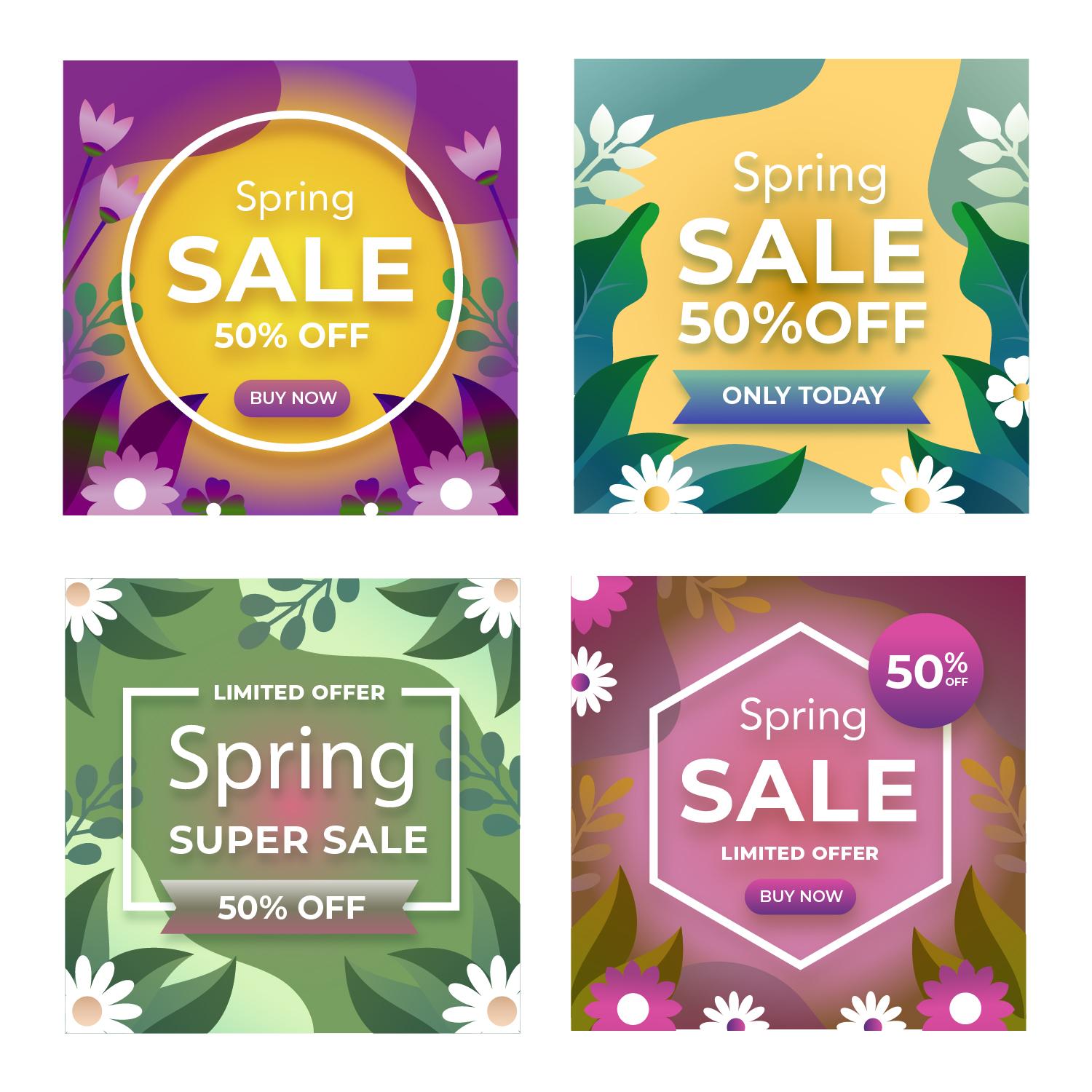
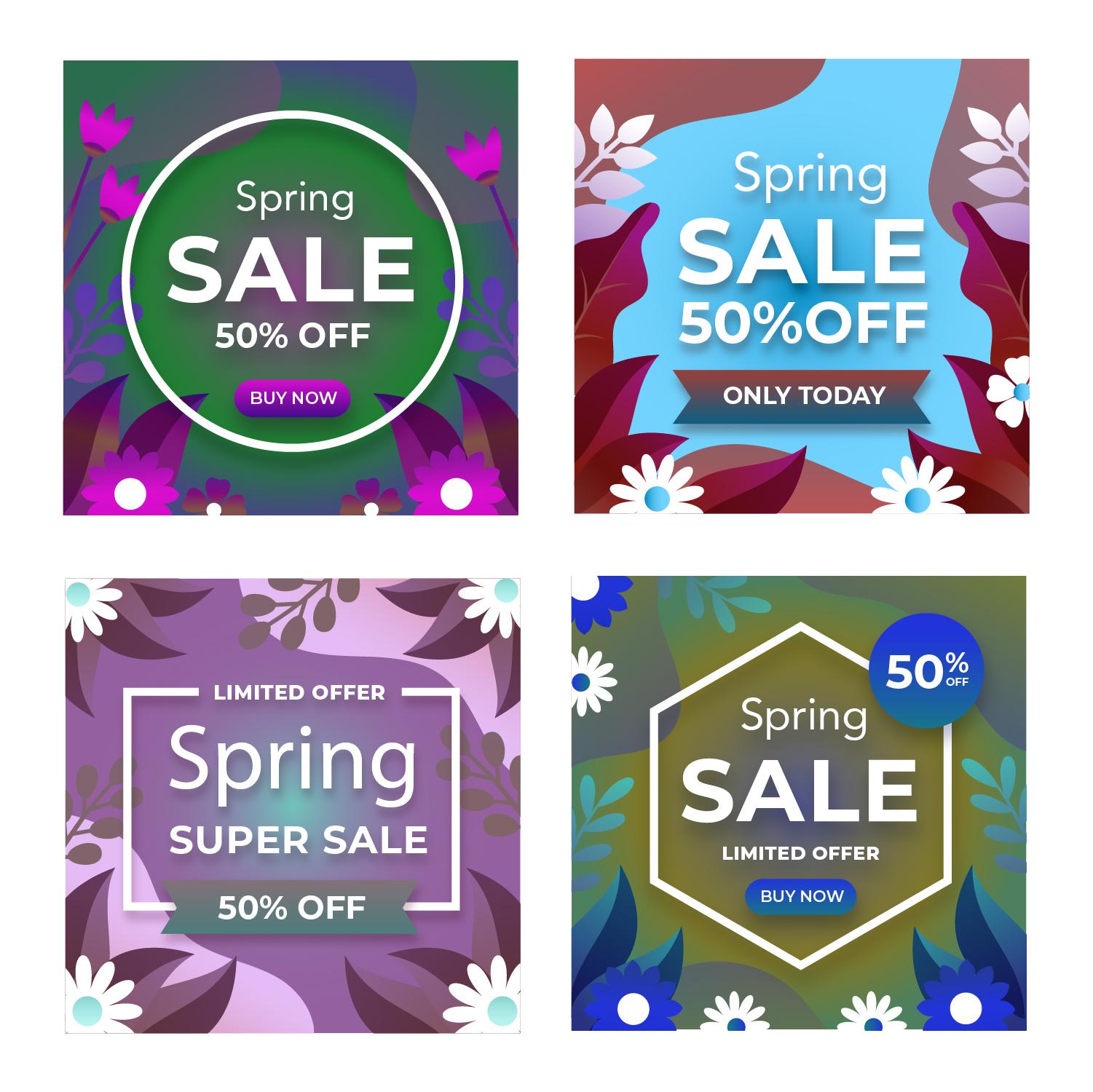
Recolor of Illustrator and Photoshop examples
For the first recolor exercise, I decided to go with a split complementary color scheme (blue, yellow and orange).


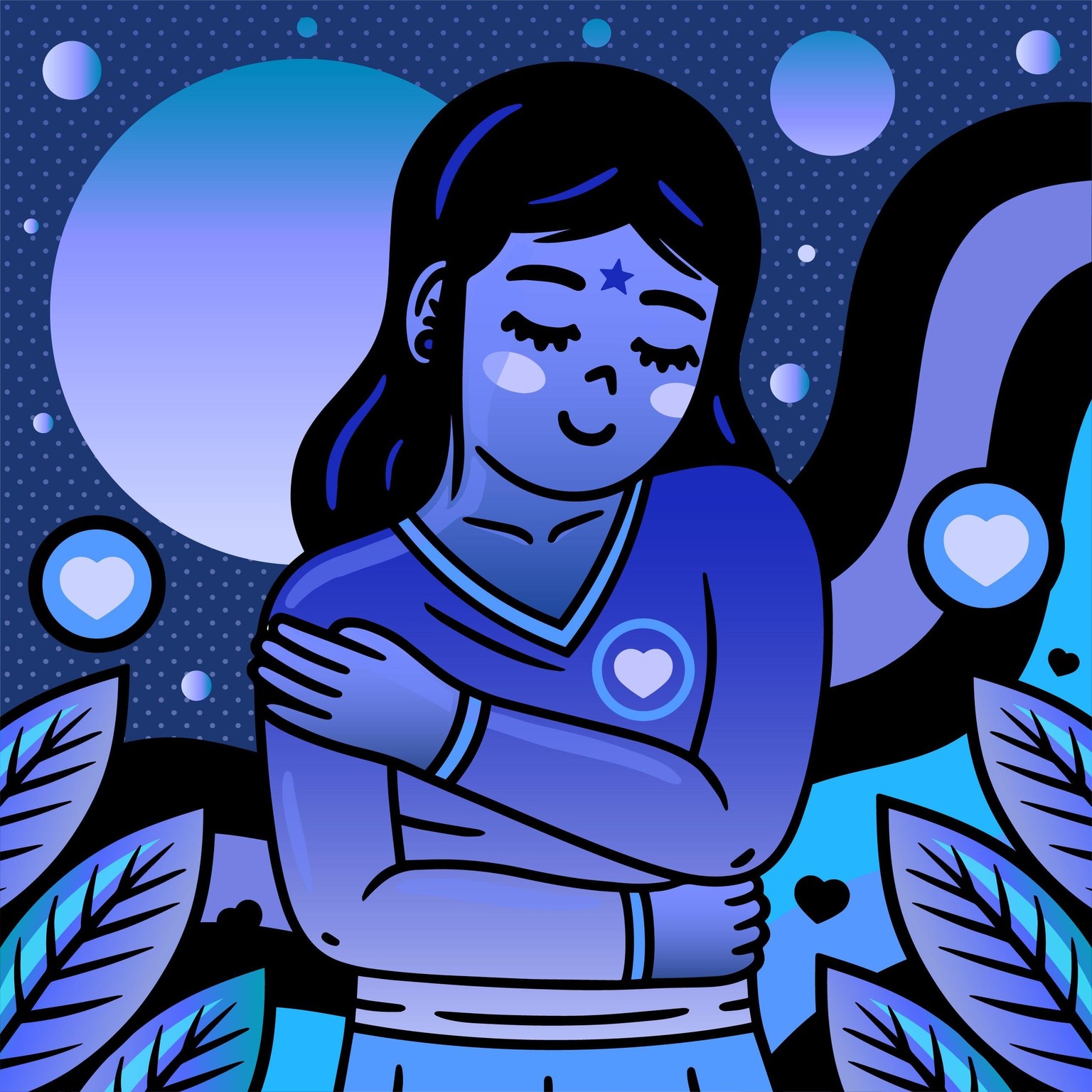
In the illustration of the girl, I went with a monochromatic color theme. With the color blue, it gives the piece a calming effect like she's one with the world around her.
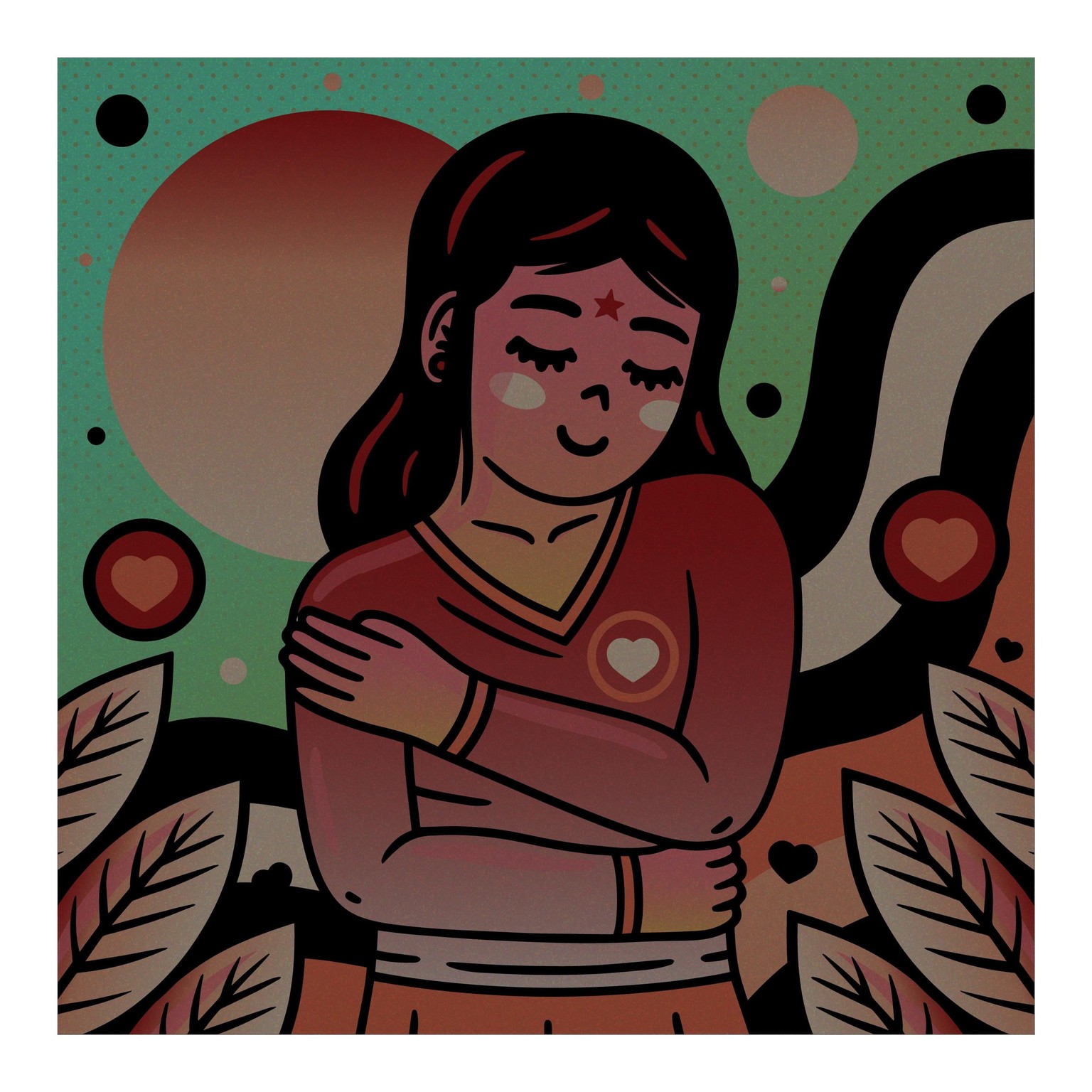
With the recolor of the photoshop file, I went with triad color scheme (green, orange and purple). The primary color is orange, which I used for the background and the color of the flower, with green being the second most used color and purple being the color of the plants in the composition. I drew inspiration from the image itself, since the flower she is holding is violet with green. While her shirt isn't outright orange, it's a warmer hue.
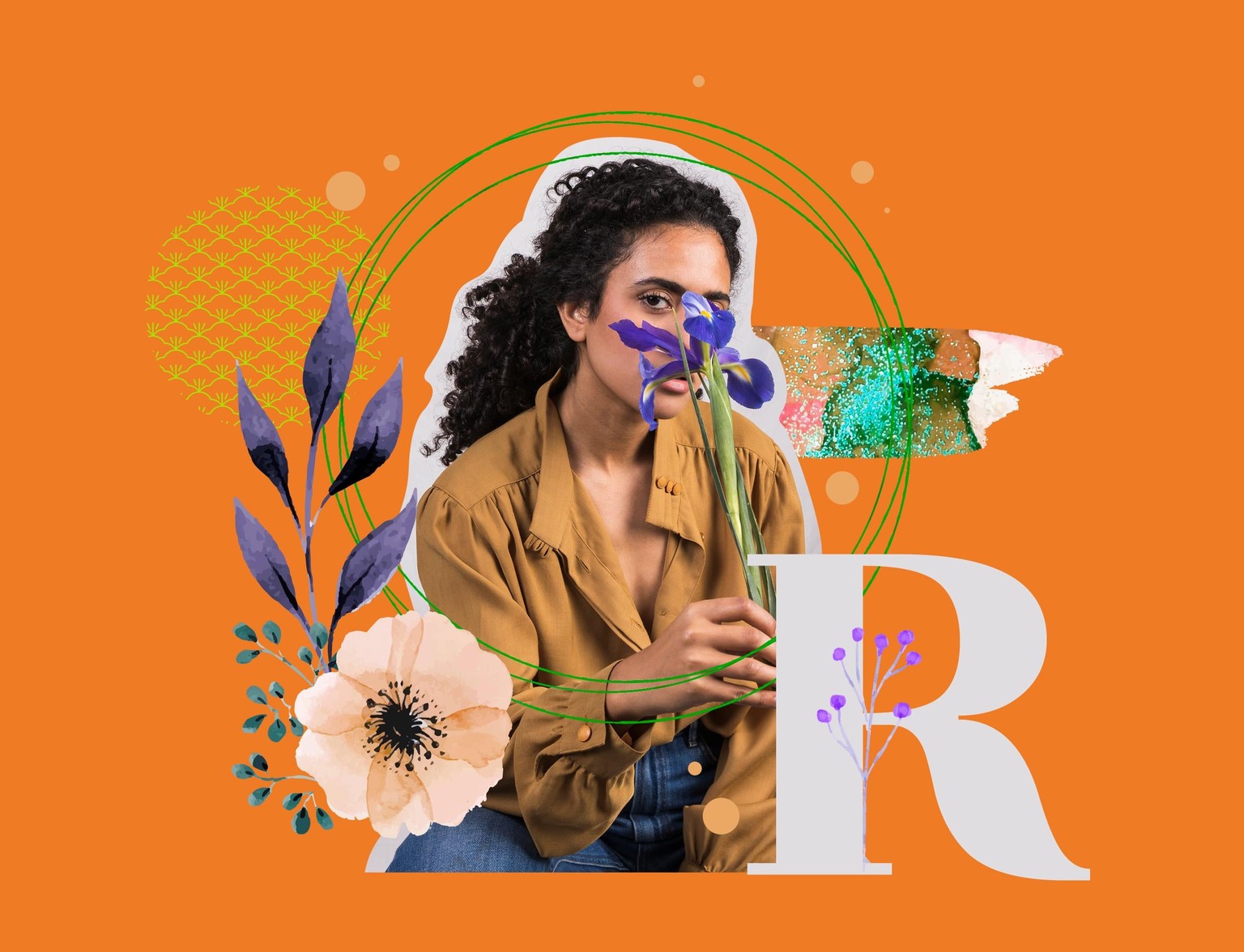
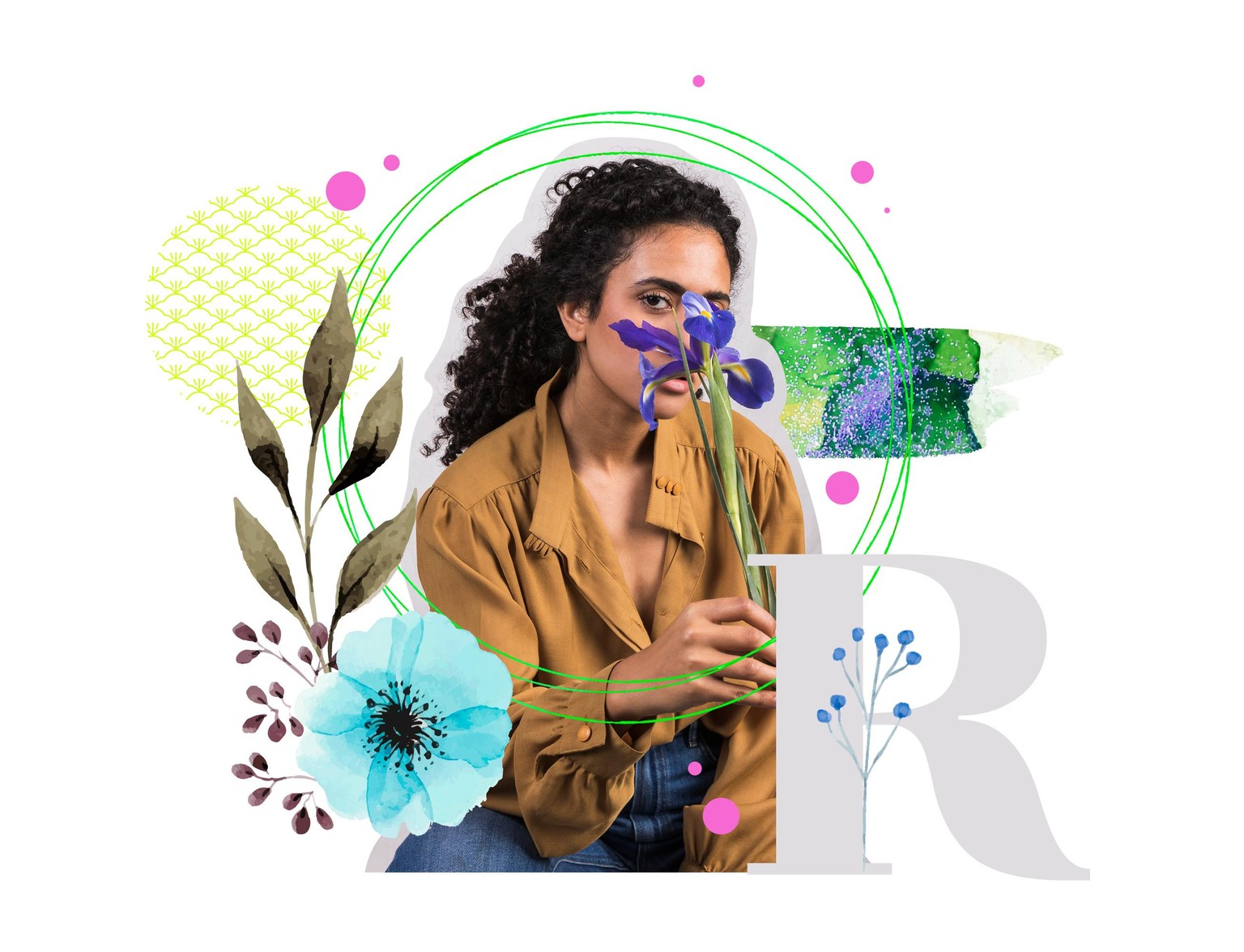
For the last recolor piece, did a mix of warmer hues with a little bit of cooler hues. And with two other compositions I did the opposite where the cooler hues are the main focus with a touch of warmer hues. It was fun to mix the opposite sides of the color wheel like that.