Practice Painting with Photoshop
I sketched out the illustration using the brush tool, and adjusting the brush settings to pen pressure so I may have thin to thick strokes.
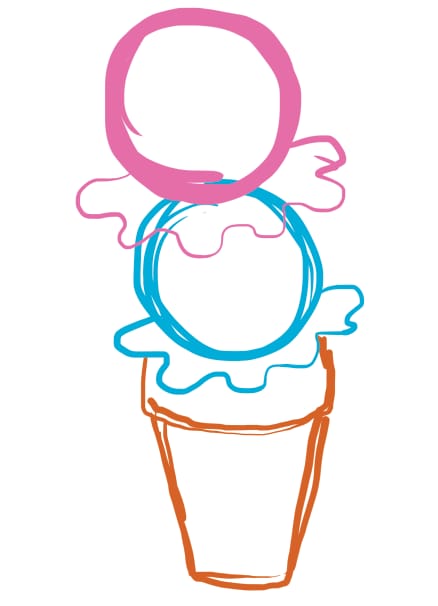
Then I created a few more layers for the outlines and shading using the blending modes and custom brushes.
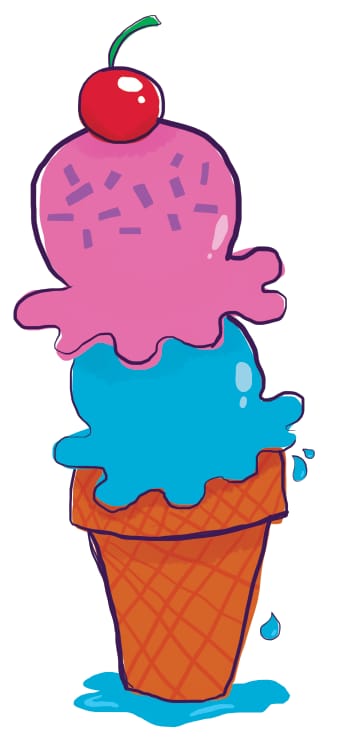
The final product.